


Watching local channels on your smart TV is possible through various methods, including using an antenna, streaming services, or cable subscriptions. This guide will walk you through the best options to access your favorite local broadcasts easily. With the right setup, you can enjoy live news, sports events, and other programming without the constraints of traditional cable packages.
To begin with, many viewers are transitioning away from traditional cable television in favor of smart TV capabilities. Smart TVs offer a plethora of options to watch local channels, ranging from free over-the-air signals to subscription-based streaming services. Understanding these options can enhance your viewing experience and ensure you stay connected to local news and entertainment.
Using an Over-the-Air Antenna
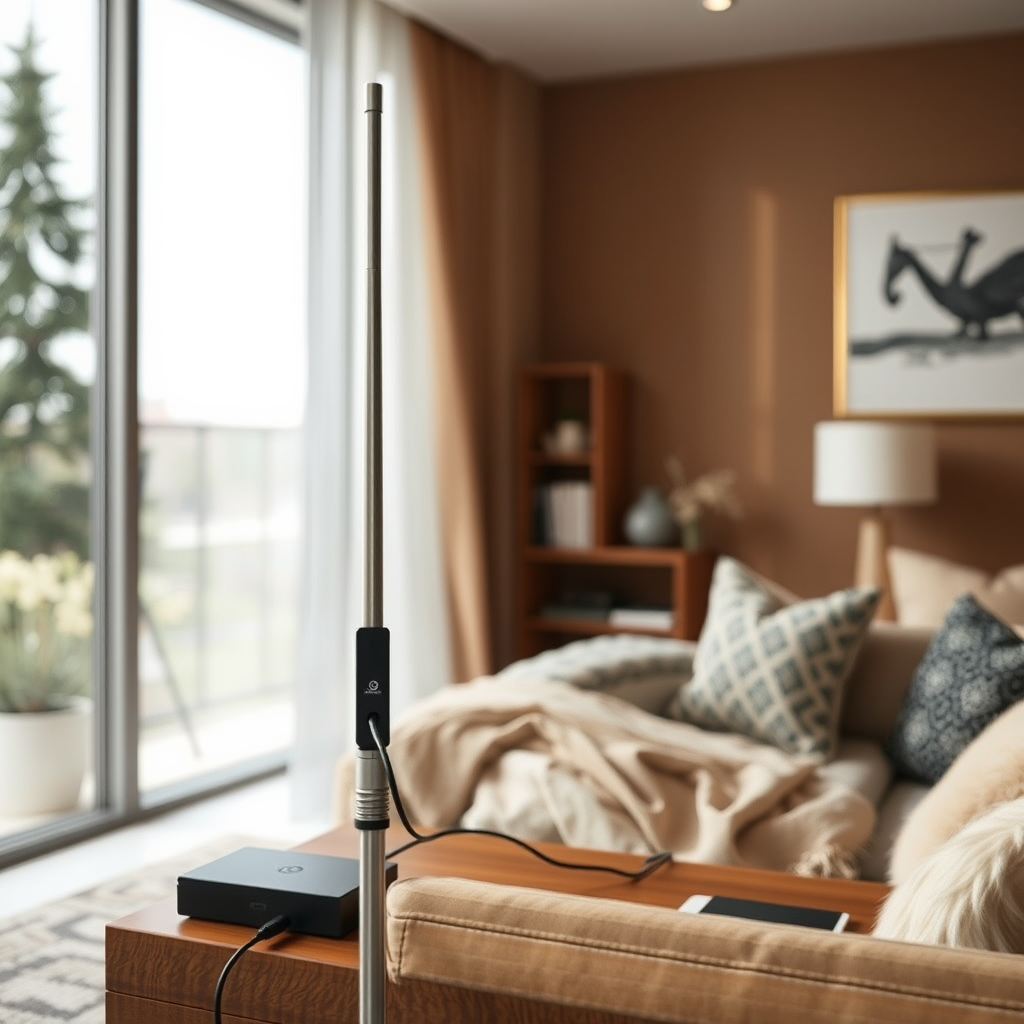
One of the simplest and most cost-effective ways to watch local channels on your smart TV is through an over-the-air (OTA) antenna. By connecting a digital antenna to your smart TV, you can access many local channels without any subscription fees. Here’s how to set it up effectively:
1. Select the Right Antenna: Depending on your location, you may need an indoor or outdoor antenna. Indoor antennas work well if you live close to broadcast towers, while outdoor antennas might be necessary for rural areas.
2. Connect the Antenna: Plug the antenna into the TV’s coaxial input. Most modern smart TVs have this input located on the back or side.
3. Positioning: To maximize reception, place the antenna near a window or high up on a wall. Avoid obstructions like buildings or trees that could block signals.
4. Channel Scan: Access your TV’s settings to perform a channel scan. This will allow your TV to detect available local channels.
5. Regularly Rescan: Occasionally, channels may change or new channels may become available, so it’s advisable to rescan periodically.
Using an OTA antenna can provide access to major networks like ABC, CBS, NBC, and FOX, often in high-definition quality, making it a popular choice for many viewers.
Streaming Services for Local Channels
In addition to antennas, various streaming services have emerged that provide access to local channels as part of their packages. Here are some of the most popular options:
– Hulu + Live TV: This service not only offers a comprehensive library of on-demand content but also includes local channels in many regions. It’s an excellent choice for viewers who want both live and recorded TV.
– YouTube TV: Known for its user-friendly interface, YouTube TV provides access to a wide range of local channels. This service allows you to record live TV with unlimited storage.
– Sling TV: Sling TV offers a flexible approach with its two main packages, Blue and Orange, which can be combined to access local channels based on your needs. It’s a cost-effective option if you’re looking for specific channels.
– FuboTV: Particularly favored by sports enthusiasts, FuboTV offers local channels along with an extensive array of sports networks.
Before subscribing to any streaming service, it’s essential to check the availability of local channels in your area, as content varies by location.
Cable or Satellite Subscriptions
If you currently have a cable or satellite subscription, you may already have access to local channels directly on your smart TV. Many cable companies now offer apps that allow you to watch live television on your smart TV. Here’s how you can utilize this option:
1. Download the App: Install your cable provider’s app from your smart TV’s app store. Popular cable providers like Comcast Xfinity, DirecTV, and Spectrum have their dedicated applications.
2. Log In: Use your cable subscription credentials to log in. This usually requires your account number and a password.
3. Access Local Channels: Once logged in, you can browse and watch local channels just as you would on your traditional cable setup.
4. On-Demand Content: In addition to live TV, most cable apps also provide access to on-demand content from local channels, allowing you to catch up on missed shows.
This method is particularly convenient for those who prefer the content variety and reliability that traditional cable offers.
Network Apps and Websites
Another effective way to access local channels is through network-specific apps and websites. Many major networks have developed their apps that allow viewers to stream live broadcasts and catch up on episodes. Here’s how to take advantage of these resources:
1. Download Network Apps: Apps for networks like ABC, NBC, CBS, and FOX are available on most smart TVs. These apps often allow you to watch live broadcasts as well as access a library of past episodes.
2. Access Online: You can also visit the networks’ websites directly through your smart TV’s web browser. Many networks offer free streaming of live broadcasts, although some may require a cable login for full access.
3. Sign Up for Free Trials: Some networks offer free trials for new users, providing temporary access to their content without commitment.
These network apps and websites can enhance your viewing experience, especially if you enjoy specific shows or local news broadcasts.
Utilizing Smart TV Features
Smart TVs come equipped with a variety of features designed to enhance usability and improve your viewing experience. Here are some tips on how to make the most of your smart TV:
1. Use the TV Guide: Most smart TVs come with an integrated TV guide that allows you to browse local channels easily. This feature helps keep track of what’s on and when.
2. Customize Your Channel Lineup: Many smart TVs allow you to customize your favorite channels, making it easier to navigate and access local programming quickly.
3. Voice Control Features: If your smart TV supports voice control, use this feature to search for specific shows or channels without navigating through menus.
4. Picture Settings: Adjust your picture settings for optimal viewing. Depending on your environment, tweaking the brightness and contrast can significantly enhance the viewing experience.
By familiarizing yourself with your smart TV’s features, you can streamline your access to local channels and improve your overall enjoyment of the content.
Comparison of Streaming Services Offering Local Channels (2024)
| # | Service | Monthly Cost | Local Channels | DVR Storage |
|---|---|---|---|---|
| 1 | Hulu + Live TV | $69.99 | ABC, NBC, FOX, CBS | 50 hours |
| 2 | YouTube TV | $72.99 | ABC, CBS, NBC, FOX | Unlimited |
| 3 | Sling TV | $35.00 | CBS, FOX (limited) | None |
| 4 | FuboTV | $74.99 | ABC, NBC, CBS, FOX | 1,000 hours |
| 5 | Philo | $25.00 | None | None |
| 6 | AT&T TV Now | $65.00 | ABC, NBC, FOX (limited) | 20 hours |
| 7 | Vidgo | $55.00 | ABC, FOX | None |
Troubleshooting Common Issues
Despite the advantages of watching local channels on your smart TV, you may encounter some common issues. Here are troubleshooting tips to ensure a smooth viewing experience:
1. Internet Connection: If you are streaming local channels and experience buffering or interruptions, check your internet connection. A stable and high-speed internet connection is essential for streaming services.
2. Software Updates: Regularly check for software updates on your smart TV. Manufacturers often release updates that improve performance and app compatibility.
3. Antenna Orientation: If you experience poor reception with an OTA antenna, try adjusting its position. Even slight changes can significantly enhance signal strength.
4. App Issues: If a streaming app isn’t working, try uninstalling and reinstalling it. Additionally, clear the app cache if your smart TV allows it.
By addressing these common issues, you can enhance your viewing experience and ensure you stay connected to your favorite local broadcasts.
With these methods, you can easily enjoy local channels on your smart TV. Whether you choose an antenna, a streaming service, or an app, there are plenty of options to suit your viewing preferences. Don’t hesitate to explore the best solution for your needs and start watching your favorite local broadcasts today!
Frequently Asked Questions
How can I watch local channels on my smart TV without cable?
You can watch local channels on your smart TV without cable by using a digital antenna, which can pick up over-the-air signals from broadcast towers. Additionally, streaming services like Hulu + Live TV, YouTube TV, and Sling TV offer live access to local channels, allowing you to enjoy your favorite shows without a traditional cable subscription.
What are the best streaming services for accessing local channels?
The best streaming services for accessing local channels include Hulu + Live TV, YouTube TV, and FuboTV, as they offer a wide range of local networks along with national channels. Each service has different pricing and channel lineups, so it’s important to compare options to find the best fit for your viewing preferences.
Why is my smart TV not picking up local channels?
Your smart TV may not be picking up local channels due to several reasons, including poor antenna placement, interference from buildings or trees, or an outdated TV tuner. Ensure your antenna is positioned correctly and consider rescanning for channels in your TV settings to improve reception.
Which digital antennas work best for receiving local channels on smart TVs?
The best digital antennas for receiving local channels on smart TVs include the Mohu Leaf, ClearStream Eclipse, and RCA ANT1650. These antennas are known for their strong reception capabilities and are suitable for various distances from broadcast towers, making them ideal for urban and rural settings alike.
How do I set up a digital antenna on my smart TV for local channels?
To set up a digital antenna on your smart TV, first connect the antenna to the TV’s coaxial input. Then, power on your TV and navigate to the settings menu to scan for channels. This process will allow the TV to detect and store all available local channels, giving you access to free over-the-air programming.
References
- https://www.nytimes.com/2020/06/23/technology/local-tv-channels.html
https://www.nytimes.com/2020/06/23/technology/local-tv-channels.html - https://www.lifewire.com/ways-to-watch-local-tv-channels-5076771
https://www.lifewire.com/ways-to-watch-local-tv-channels-5076771 - https://www.bbc.com/news/technology-51536944
https://www.bbc.com/news/technology-51536944 - Google Scholar Google Scholar
https://scholar.google.com/scholar?q=how+to+watch+local+channels+on+smart+tv - https://scholar.google.com/scholar?q=local+channels+streaming+options Google Scholar
https://scholar.google.com/scholar?q=local+channels+streaming+options - Google Scholar Google Scholar
https://scholar.google.com/scholar?q=smart+tv+local+channel+access - Google Scholar Google Scholar
https://scholar.google.com/scholar?q=how+can+i+watch+local+channels+on+my+smart+tv - how can i watch local channels on my smart tv – Search results
https://en.wikipedia.org/wiki/Special:Search?search=how+can+i+watch+local+channels+on+my+smart+tv - https://www.ncbi.nlm.nih.gov/search/research-articles/?term=how+can+i+watch+local+channels+on+my+smart+tv
https://www.ncbi.nlm.nih.gov/search/research-articles/?term=how+can+i+watch+local+channels+on+my+smart+tv
