How Do I Get My Projector to Play Netflix?
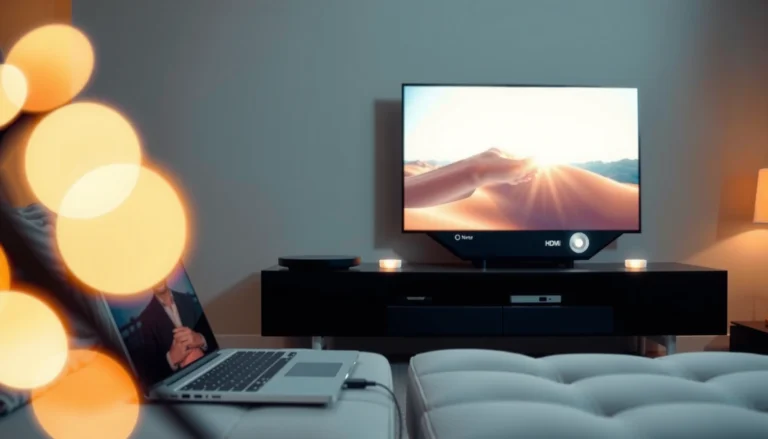
A person connecting a projector to a device to play Netflix content.

To get your projector to play Netflix, the fastest reliable path is using an external streaming device—most commonly a Roku, Fire TV Stick, Chromecast, or Apple TV—into your projector’s HDMI input. This works even if your projector doesn’t have a…
How Do I Flip the Screen on My Epson Projector?

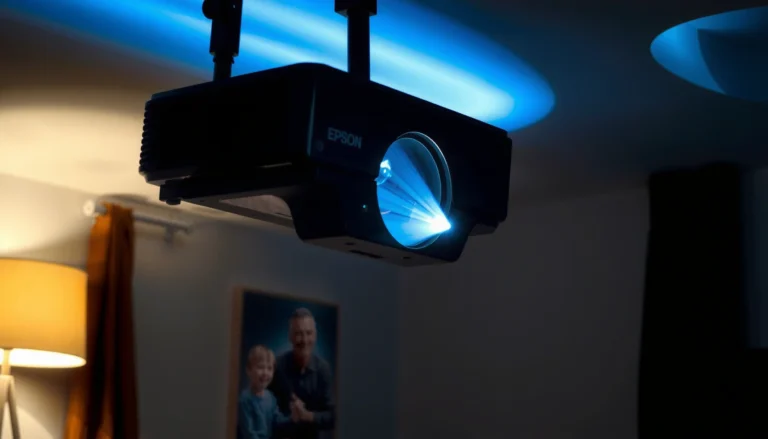
Epson projector screen flip settings and instructions for screen orientation adjustment.

To flip the screen on your Epson projector, use the projector’s built-in menu to turn on the correct image orientation (typically “Rotate” or “Projection”/“Screen” settings). If your setup is ceiling-mounted or back-projected, this is the fastest route to get the…

How Do I Flip the Image on My Epson Projector?

Guide on how to flip the image on an Epson projector for optimal viewing.

To flip the image on your Epson projector, use the projector’s built-in Image Flip/Rotation control (typically under the Settings or Signal menu) to mirror or rotate the display instantly. This is the fastest method when your projection looks backward or…

How Do I Decide What Size TV to Buy?

A person measuring a space to decide what size TV to buy for their living room.

Choosing the right TV size is simple once you measure your viewing distance and match it to your room. If you sit about 6–8 feet from the screen, the clear sweet spot is typically a 55-inch TV for most living…