How Do I Connect My Projector to My iPhone?

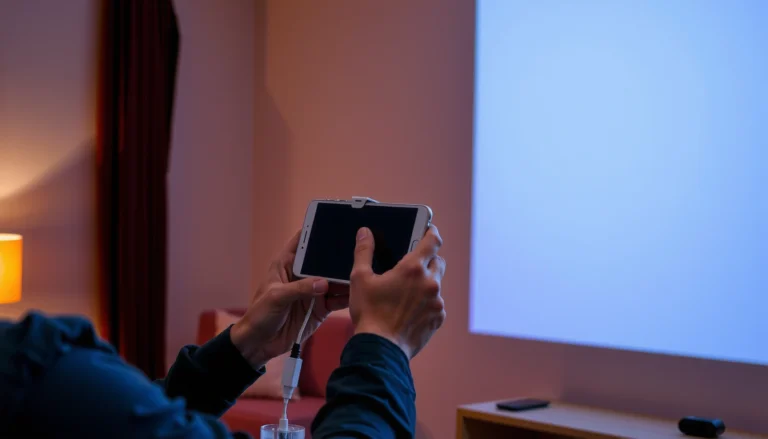
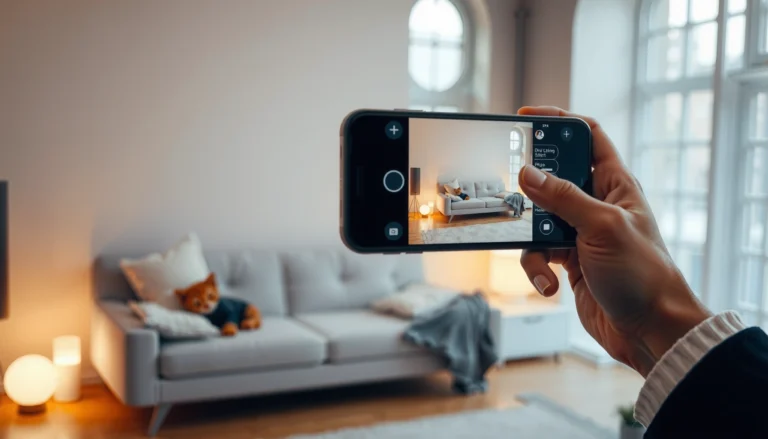
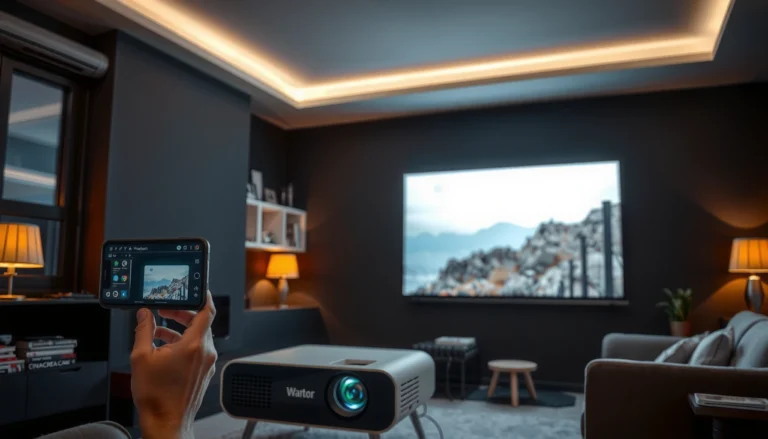
Step-by-step guide on how to connect a projector to an iPhone for presentations and media sharing.

Want to connect your projector to your iPhone and start mirroring or playing video fast? The quickest, most reliable method is using Apple’s Lightning-to-HDMI adapter (or a USB‑C to HDMI adapter for newer iPhones) to send video to the projector…

How Do I Connect My Projector to My Computer?

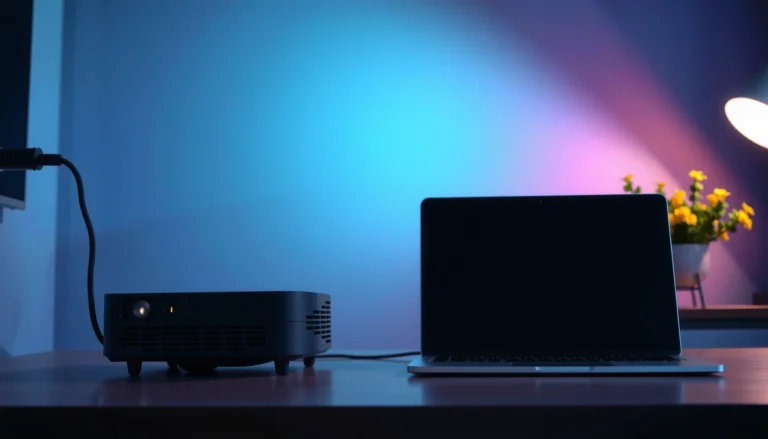
A computer connected to a projector, illustrating how to connect a projector to a computer.

To connect your projector to your computer, use the simplest winning setup: match the video cable type your projector and computer both support—HDMI for the most reliable plug-and-play results. If you’re using a laptop or desktop with the wrong port,…

How Do I Connect My Phone to the Projector?

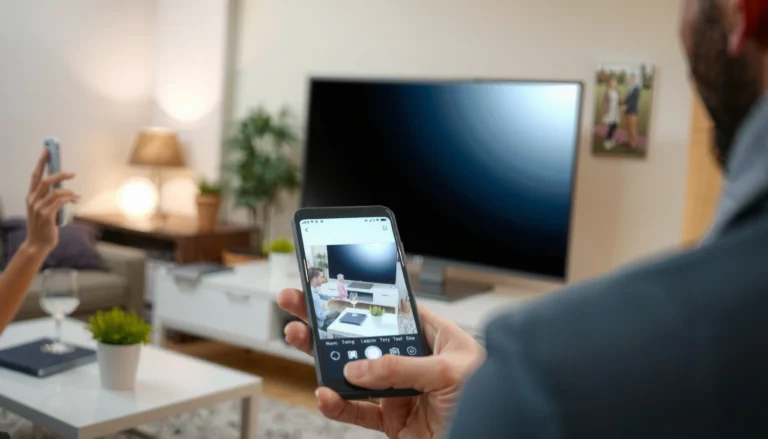
Step-by-step guide on connecting a phone to a projector for presentations and media sharing.

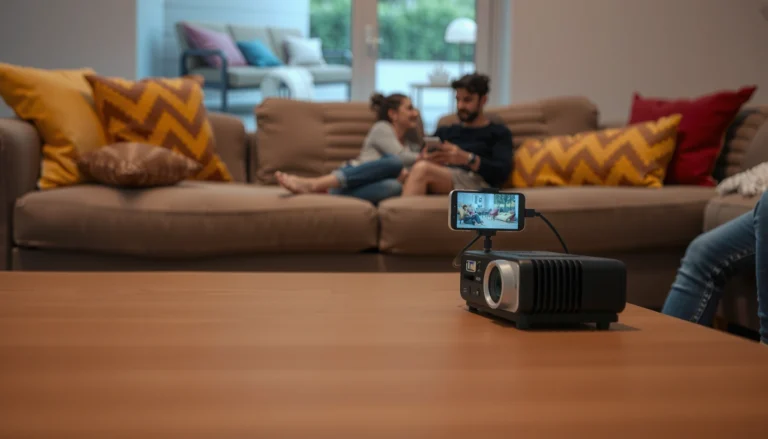
To connect your phone to the projector, use the simplest option that matches your device: HDMI via a wired adapter for reliable, no-lag playback, especially with iPhones and most modern Androids. If you want a cable-free setup, use Wi‑Fi screen…