Can You Watch Disney Plus on a Projector?

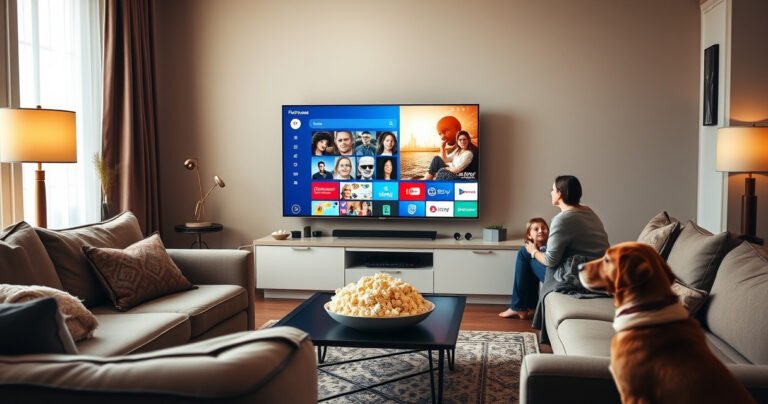
Person setting up a projector to watch Disney Plus content at home.

Yes—you can watch Disney Plus on a projector, but only if you connect your streaming device (like a Fire TV Stick, Apple TV, Chromecast, or laptop) to the projector correctly. This guide tells you the fastest setup that delivers streaming…

How Do I Find Router IP Address?

Illustration showing steps to find the router IP address on a computer or device.

Find your router IP address in minutes using the method that matches your device: check the default gateway on Windows (Command Prompt/ipconfig), macOS (System Settings/Network), or your phone’s Wi‑Fi details. If you have access to the router itself, the quickest…

How to Pair Beats Wired Earbuds: Step-by-Step Setup

A close-up of sleek, vibrant Beats wired earbuds elegantly resting on a textured wooden surface, with a smartphone displaying a colorful pairing screen in the background. Soft, diffused light highlights the earbuds' design and vibrant colors, while scattered music notes and a pair of hands gently connecting the earbuds create a dynamic, engaging atmosphere.

Pairing Beats wired earbuds is straightforward: plug them in correctly and connect the audio so they start playing immediately. This step-by-step setup walks you through the exact button/plug checks, device settings, and common fixes when sound won’t route to your…

How to Connect Earbuds to Apple Watch

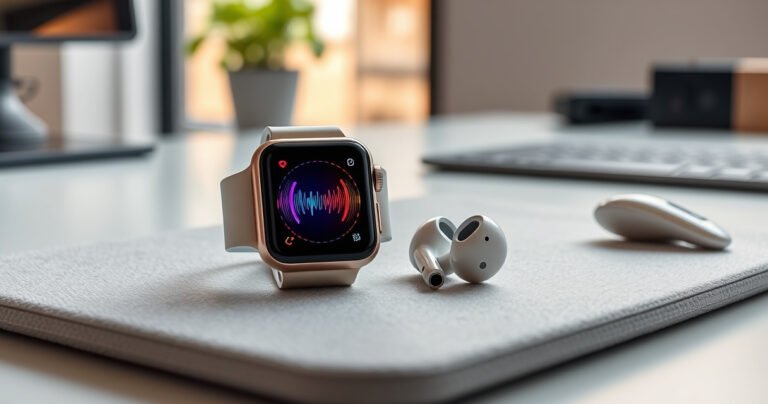
An elegant Apple Watch displaying a vibrant interface with colorful sound waves emanating from it, alongside sleek, stylish earbuds resting on a soft, textured surface. The background features a modern, minimalist desk with soft natural light filtering through a window, creating a serene and tech-savvy ambiance that invites exploration and connectivity.

Connecting earbuds to an Apple Watch is straightforward when you use the watch’s built-in Bluetooth pairing steps, and that’s exactly what this guide walks you through. You’ll get a reliable, quick path to pair your earbuds and confirm the audio…