How Do You Turn On Beats Earbuds?

A close-up of sleek, modern Beats earbuds resting on a vibrant, neon-colored background. Light reflects off their polished surface, creating an energetic vibe. Surrounding them are subtle hints of sound waves and music notes in the air, symbolizing connectivity and rhythm, inviting the viewer to discover the joy of turning them on.

Learn how to turn on Beats earbuds in seconds, with the exact steps for pairing and power on for both standard Beats and Beats earbuds with the case. If your earbuds are off, you’ll get the fastest method: open the…

How to Update Samsung Smart TV: Step-by-Step

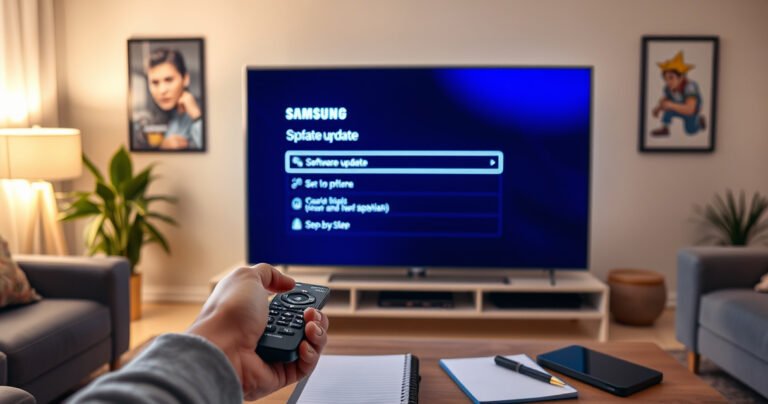
A sleek Samsung Smart TV glowing in a modern living room, with a vibrant interface displaying software update options. A user’s hand reaches towards the remote, ready to select, while the room is softly illuminated by ambient light, showcasing cozy decor. A notepad and pen nearby suggest a step-by-step process being prepared.

Need to update your Samsung Smart TV and want the fastest, most reliable method? This step-by-step guide shows you exactly how to check for updates and install the latest firmware using your TV’s settings or an external USB drive. Follow…

What Is Transparency Mode in Earbuds?

A sleek pair of modern earbuds resting on a wooden table, their translucent design revealing intricate internal components, surrounded by soft, ambient light. In the background, a blurred city scene with people walking, emphasizing the balance of music and real-world sounds, while a delicate overlay of sound waves visually connects the earbuds to the vibrant urban life.

Transparency mode in earbuds lets you hear the outside world through the earbuds’ microphones while keeping your music low, so you don’t feel cut off in everyday situations. It’s the best choice when you need situational awareness—walking near traffic, waiting…