How to Set Up a Smart TV to WiFi: Step-by-Step

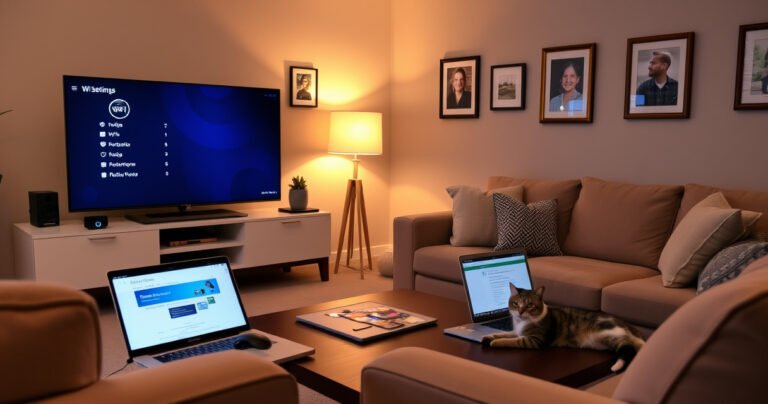
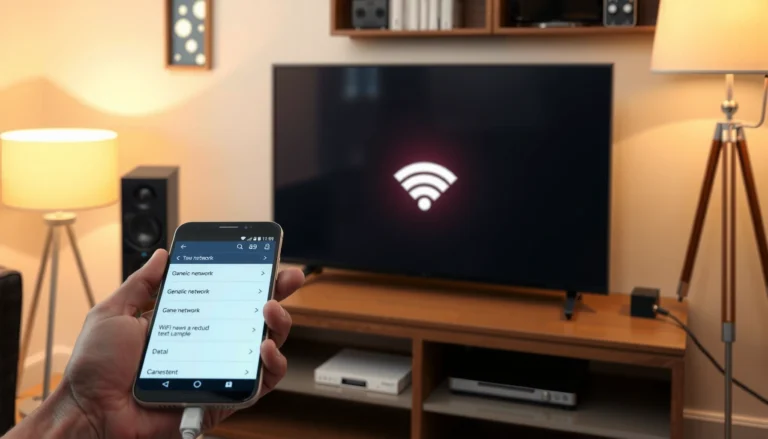
A cozy living room with a sleek smart TV displaying WiFi settings, surrounded by plush furniture, a warm glow from a nearby lamp, and a stylish coffee table with a laptop open to a tutorial. Framed family photos adorn the walls, and a cat lounges nearby, creating a welcoming tech-friendly atmosphere.

Setting up your smart TV to WiFi is faster than most people think—follow these step-by-step instructions and you’ll be connected on the first try. This guide walks you through finding your TV’s Wi‑Fi settings, entering your network password, and confirming…

How to Stop Earbuds Falling Out: Fix Fit Fast

A close-up of colorful, ergonomic earbuds nestled in a hand, surrounded by soft foam tips and innovative grips. A vibrant, blurred background of a gym setting with a person actively exercising, showcasing dynamic movement. The scene conveys a sense of comfort and security, emphasizing the perfect fit and stylish design for active lifestyles.

Stop earbuds falling out fast with a fit-first checklist that fixes the most common causes—wrong tip size, poor seal, and earbuds positioned backward. You’ll learn the quickest adjustments to get a stable seal (without making them uncomfortable), plus the best…

How Do I Find Out My Gateway Address?

Illustration showing steps to find your gateway address on a computer or router.

To find out your gateway address, check the default gateway shown in your network settings—this is the fastest, most reliable method. On Windows, run `ipconfig` and read the “Default Gateway”; on macOS and Linux, use `netstat -rn | grep default`…