Can I Watch Crunchyroll on TV?

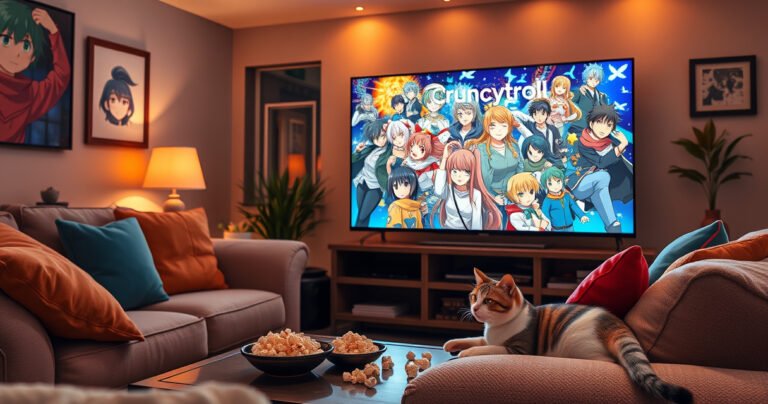
A cozy living room scene featuring a large flat-screen TV displaying vibrant anime characters from Crunchyroll. Plush sofas adorned with colorful throw pillows, warm ambient lighting, and snacks like popcorn and mochi scattered on a coffee table. A playful cat lounges nearby, gazing at the screen, capturing the essence of a perfect anime-watching experience.

Yes—you can watch Crunchyroll on TV, but only if you use a supported streaming method such as a Smart TV app, a streaming device (Roku/Fire TV/Apple TV/Chromecast), or game consoles. This guide tells you the fastest way to get Crunchyroll…


How to Watch 2 Channels at Once on Smart TV

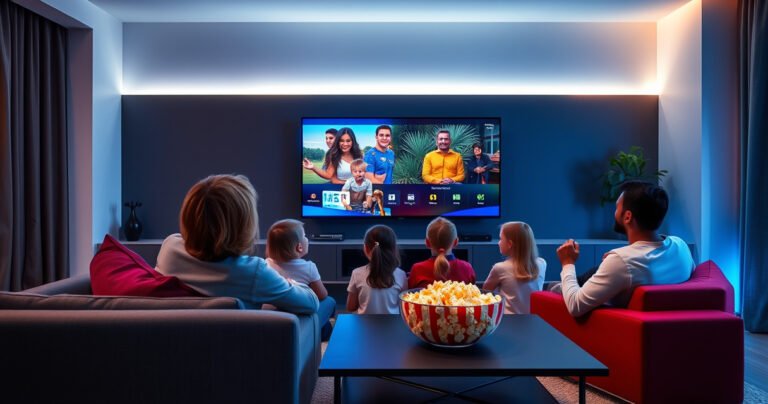
A sleek modern living room with a large smart TV displaying two vibrant channels side by side, a cozy couch with colorful pillows, a bowl of popcorn on a stylish coffee table, soft ambient lighting creating a warm atmosphere, and a family of four excitedly watching together, enjoying their favorite shows simultaneously.

Want to watch 2 channels at once on your Smart TV? This guide tells you exactly which method—Picture-in-Picture (PiP) or Split Screen—works fastest on your model and what to do if your TV doesn’t support dual tuning. You’ll get step-by-step…

Can You Restart a Live Show on YouTube TV?

Can You Restart a Live Show on YouTube TV?

Yes—you can effectively “restart” many YouTube TV live shows, but only when the stream supports DVR and rewind. The key question is whether your specific channel has DVR on, because without it you can’t jump back to the beginning of…

How to Take Earbuds Off AirPod Pros

A close-up of a hand gently removing sleek, white AirPod Pros from a vibrant, colorful background of swirling musical notes and sound waves, emphasizing the elegant design of the earbuds. Soft natural light highlights the smooth surface, while a subtle bokeh effect adds depth to the scene, creating an inviting atmosphere for tech enthusiasts.

If you’re trying to take earbuds off AirPods Pro, the fastest, least risky method is to grip the earbud by its stem and twist slightly as you pull—don’t yank by the silicone tip. This approach frees the eartip cleanly while…

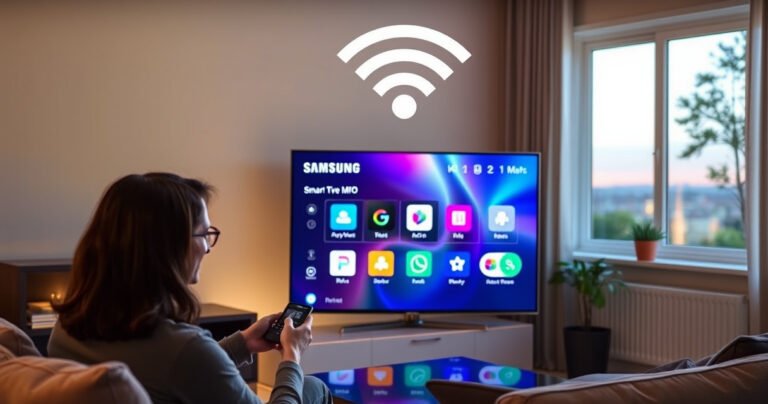
How to Connect to Internet Samsung Smart TV

A sleek Samsung Smart TV displaying a vibrant digital interface, surrounded by a cozy living room setting. Soft ambient lighting highlights modern furniture, while a person interacts with a remote, their captivated expression reflecting the screen's colorful icons. A Wi-Fi symbol hovers above, symbolizing connectivity, and a window reveals a serene outdoor view.

Need to connect your Samsung Smart TV to the internet? This guide walks you through the fastest, most reliable method—getting online via Wi‑Fi or Ethernet in just a few steps. You’ll learn exactly where to find the TV’s Network settings,…