How to Put Earbuds in Pairing Mode: Step-by-Step

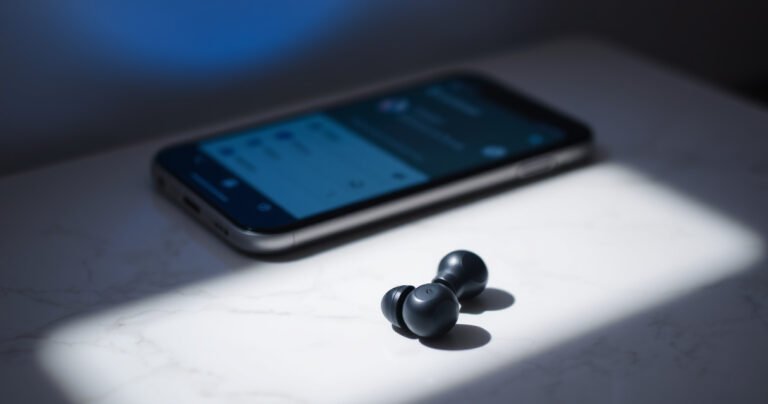
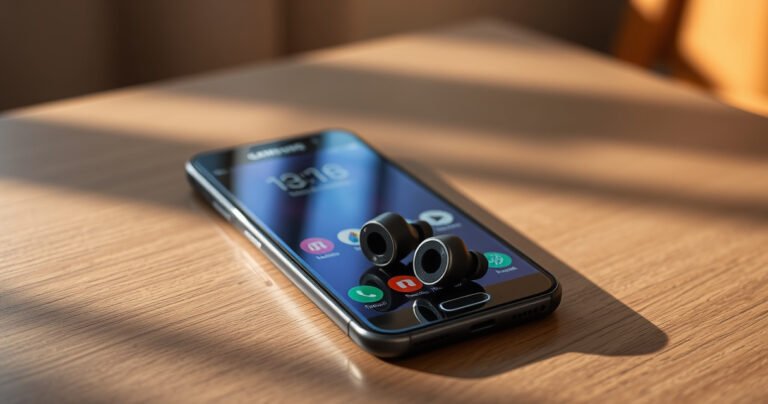
A close-up of sleek wireless earbuds resting on a white marble surface, surrounded by glowing blue lights symbolizing connectivity, with an open smartphone displaying a Bluetooth menu in the background, soft shadows adding depth, and a minimalist aesthetic that conveys modern technology and simplicity.

Want to put earbuds in pairing mode fast? This step-by-step guide shows the exact button presses and cues to get your earbuds discoverable on the first try. Follow along for the most common brands and troubleshooting when pairing mode won’t…

How Can I Turn My TV Into a Smart TV?

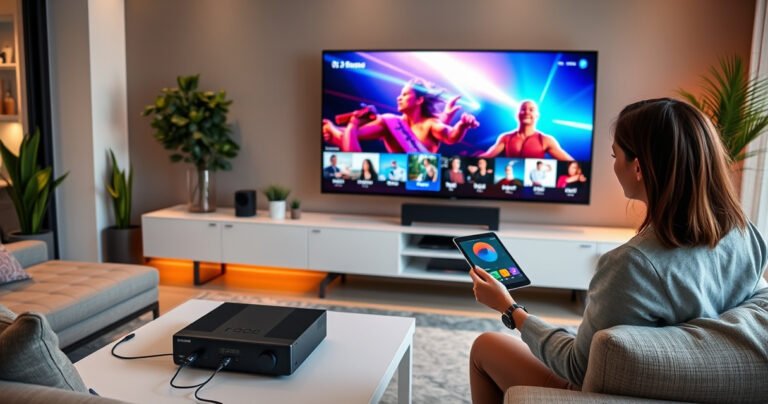
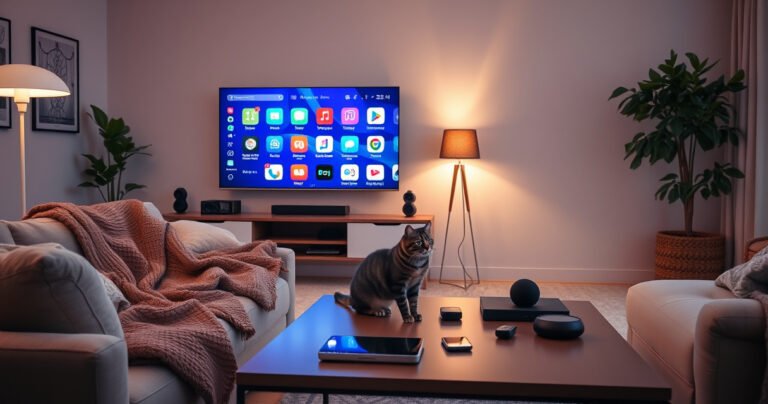
A cozy living room with a sleek, modern TV displaying vibrant smart apps, cozy blankets draped over a plush sofa, warm ambient lighting casting a soft glow, tech gadgets scattered on a stylish coffee table, and a curious cat peering at the screen, creating an inviting atmosphere for tech enthusiasts and home decorators alike.

You can turn your TV into a smart TV fastest by adding a streaming device, not by replacing the set—because most TVs only need HDMI and a Wi‑Fi connection to unlock apps, streaming, and voice control. This guide will tell…

How Do I Project My iPhone to My Laptop?

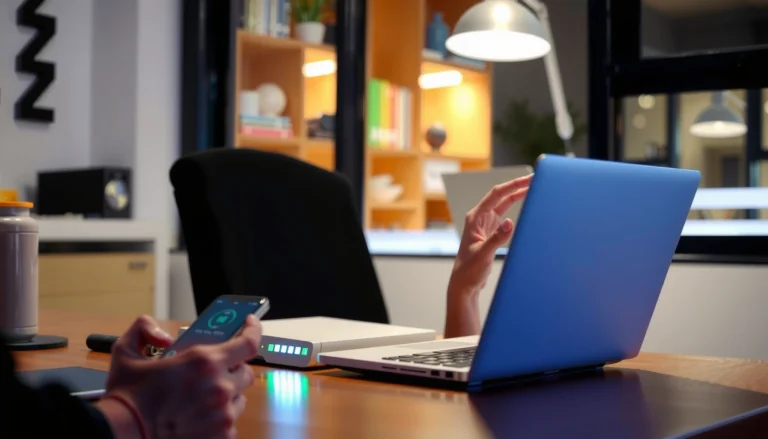
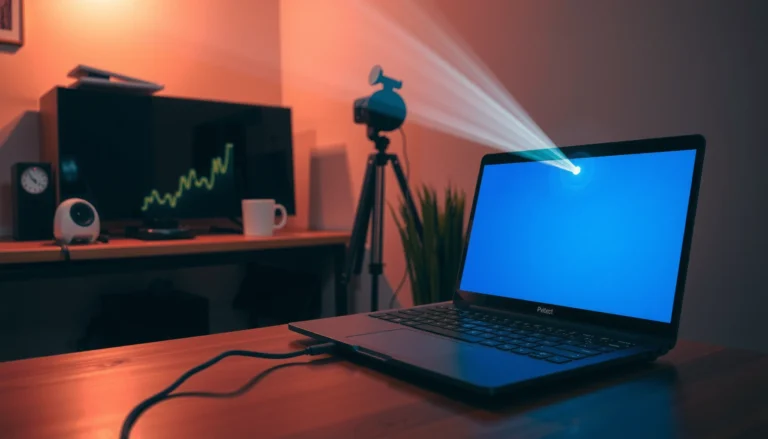
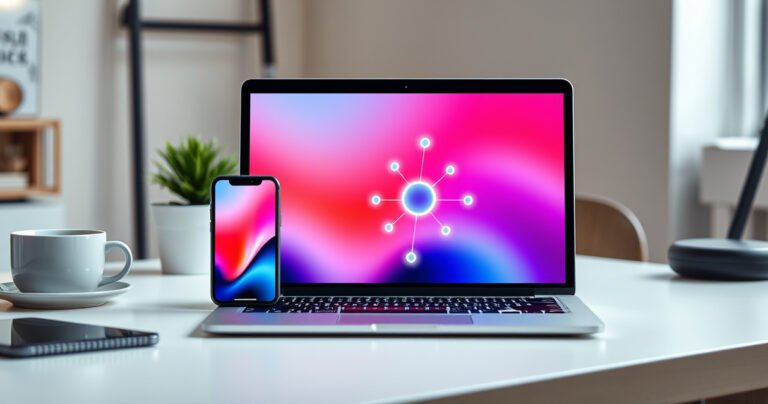
A sleek modern laptop displaying a vibrant iPhone screen mirroring its interface, set against a stylish workspace. The background features soft, ambient lighting, a minimalist desk with a potted plant and a coffee cup, while a digital connection symbol glows subtly between the devices, illustrating seamless technology integration and productivity.

Projecting your iPhone to your laptop is fastest and most reliable when you use a direct wired connection (USB-C to your laptop’s port plus the right iPhone capture support) or Apple’s official options where available. If you want clear, low-lag…