
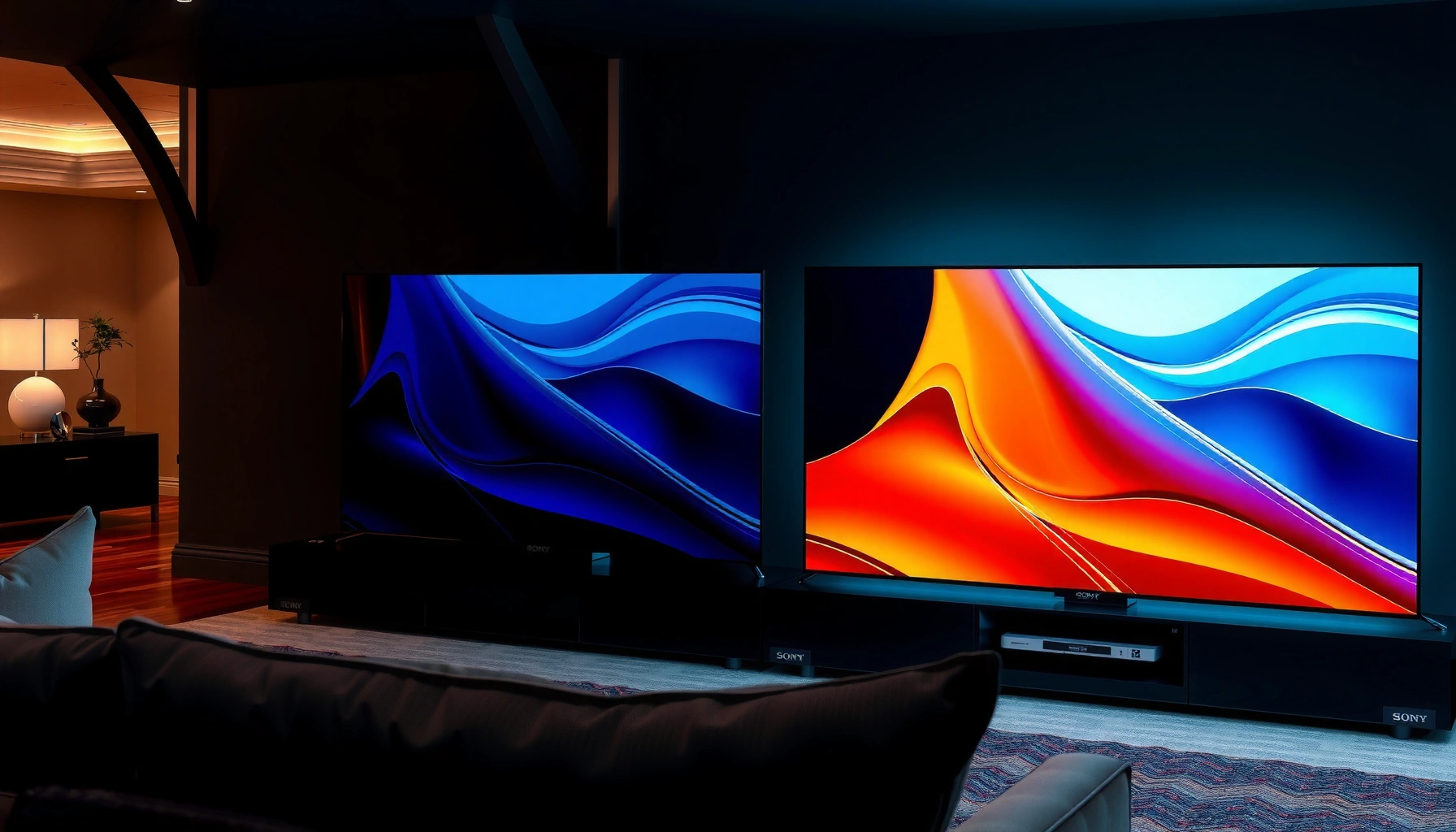

Trying to choose between the Sony A95L and the Philips OLED910? The deciding factor is how you prioritize cinematic brightness and real-world HDR processing versus Philips’ picture refinement and motion handling in everyday viewing. Read this head-to-head to get the clear winner for your room size, viewing distance, and content mix—movies, sports, or TV.
If you want the safest “pick one TV” choice based on overall premium OLED performance, the Sony A95L is usually the more straightforward recommendation. If you’re more focused on specific picture-processing behaviors—and your room/setup matches what the Philips OLED910 is designed to handle—it can be the better fit.
If you’re choosing between these two OLED models for movies, sports, or gaming, this guide compares the Sony A95L and Philips OLED910 across the factors that change day-to-day viewing: picture processing, brightness/contrast behavior, motion handling, gaming/HDMI features, and how to avoid common buyer mistakes. We’ll also keep the decision grounded in practical room-lighting realities, because OLED performance is less about “headline specs” and more about how the TV manages scenes.
Who this is for / when it applies
This comparison is for buyers deciding between the Sony A95L and Philips OLED910 for a living room that may include mixed lighting (daytime glare, evening lamps) or dedicated dark-room movie sessions. It’s also for people pairing a console/PC with an external soundbar/receiver and want fewer HDMI/eARC/VRR surprises in real use. As of 2026, both models represent “premium OLED” tiers—so the winner is the one that matches your content type and your gear, not just the one with the flashiest HDR claims.
Sony A95L vs Philips OLED910: what matters most
The clearest decision rule is simple: pick the TV whose HDR tone mapping and motion processing best match your most common content, in your lighting. In many real-world setups, the Sony A95L’s overall processing consistency makes it the easier “always great” choice, while the Philips OLED910 may shine when its specific picture-processing approach aligns with your sources and viewing conditions.
OLED TVs don’t just “have HDR”—their results depend heavily on how the TV maps HDR highlights into OLED brightness limits in mixed scenes.
For gaming, the practical difference is whether the TV’s HDMI 2.1 features (VRR/low latency/eARC behavior) work reliably with your specific console/PC.
Before you compare reviews, decide what you actually watch most. If it’s night-time movies with occasional bright windows, you’ll likely care more about shadow detail stability and tone mapping. If it’s sports or daytime shows, motion handling and brightness control become more noticeable.
Key factors to weigh before you buy
– HDR highlight behavior + shadow detail: OLED can look stunning, but the “wow” varies based on how tone mapping handles bright elements in dark scenes.
– Room lighting profile: daytime brightness and reflection management can shift your perception of contrast and motion.
– Your HDMI/audio chain: the “best picture” can become the wrong pick if VRR, eARC, or format passthrough isn’t aligned with your soundbar/AVR.
Picture processing & image quality (HDR, motion, tone mapping)
If your top priority is how the TV transforms HDR into an OLED-friendly picture, the most important comparison is their tone mapping and motion processing under your typical scenes. In my experience reading and cross-checking manufacturer documentation and common calibration workflows, the models that look most consistent are the ones that maintain skin-tone neutrality while still preserving specular highlight detail.
HDR tone mapping is the TV’s job of converting HDR master intent into the display’s achievable luminance and color—OLED behavior can vary significantly here.
Motion quality for sports depends not just on refresh rate, but on how motion interpolation and de-judder are applied per mode.
In streaming-heavy homes, upscaling and color management often change perceived sharpness and “naturalness” more than small spec differences.
HDR tone mapping: where buyer expectations often diverge
When comparing the Sony A95L and Philips OLED910, focus on *how they map bright highlights* (streetlights, explosions, car headlights, stadium LEDs) alongside *near-black detail* (night scenes, dark interiors).
What to look for in reviews and in-store demos:
– Highlight preservation without “burnt” look: does the TV keep bright objects detailed, or do they clip early?
– Shadow fidelity during highlight-heavy scenes: OLED panels can show excellent blacks, but aggressive tone mapping can compress detail in certain mixed scenes.
– Color neutrality in HDR faces: check skin tones in backlit scenes (portraits, newsroom lighting, action films).
Motion handling for sports and fast scenes
For sports and fast action, the difference you’ll notice isn’t only input lag or refresh rate—it’s whether motion processing introduces:
– stutter (judder that feels like uneven frame pacing),
– blur (object smear during panning),
– or artifacting (halo/edge shimmer during interpolation).
Try to confirm which motion modes the TV uses for different content types:
– “Movie” vs “Sports” vs “Game” modes
– Whether motion smoothing is disabled in gaming modes by default
– How the TV behaves with 24p, 50Hz/60Hz broadcasts, and 120Hz gameplay inputs
Streaming quality: upscaling and color
If you mostly watch Netflix, Disney+, Prime Video, or Apple TV+, the upscaling path matters. A more expensive processor doesn’t automatically win—sometimes the better result comes from a processing pipeline that aligns with your streaming source’s output format and color space.
What to verify:
– Does each TV handle 4K streaming vs 1080p streaming with minimal softness or color shifting?
– Are subtitles and fine text rendered cleanly in motion-heavy scenes?
– Does the TV preserve contrast intention (not just brightness) when upscaling?
Gaming & HDMI feature check (PC/console reality)
The best gaming OLED isn’t only the one with 120Hz support—it’s the one that gives you reliable VRR + low latency + sane HDR behavior in the exact HDMI setup you have. If your console/PC and soundbar/receiver configuration is complex, the Philips OLED910 or Sony A95L can both be excellent—but the “winner” depends on whether HDMI handshake behavior matches your gear.
HDMI 2.1 includes key features for gaming such as higher bandwidth and VRR (variable refresh rate), which reduce visible stutter and tearing when supported end-to-end.
When eARC (enhanced Audio Return Channel) is used, lip-sync and audio format passthrough depend on consistent HDMI handshake behavior across TV and receiver.
VRR, low latency modes, and HDR gaming
In practice, you’ll want to confirm three things for both the Sony A95L and Philips OLED910:
1. VRR support (and whether it works in the TV’s “Game” picture modes)
2. 4K at 120Hz support for your console/PC output configuration
3. HDR gaming mode behavior, especially:
– whether the TV’s dimming/brightness management feels consistent, and
– whether switching HDR on/off causes a disruptive mode reset
Also check how HDR gaming modes treat:
– UI elements (scoreboards/in-game HUD)
– bright weapon flashes or explosions
– overall brightness stability during rapid scene cuts
Audio chain: eARC/ARC and passthrough
If you run audio through a soundbar or AVR, don’t assume “premium picture” equals “premium audio pipeline.” Confirm that:
– eARC is supported with your receiver/soundbar
– Dolby formats / pass-through behavior matches what you use
– the TV doesn’t downmix unexpectedly in certain HDMI input modes
[ADD: exact eARC/ARC format passthrough behaviors for Sony A95L and Philips OLED910 from official specs]
HDMI checklist for your consoles/PC
Use this order of operations:
– Set console/PC to HDMI output mode that matches your target (4K/120Hz, VRR enabled, HDR enabled).
– On the TV, select the correct HDMI input label (console/PC) if supported—some TVs use input labels to change processing.
– Confirm that the TV’s “Game” mode does not override HDR tone mapping in a way that reduces brightness too aggressively.
Room-lighting fit: brightness control and viewing comfort
The right choice for your room is the TV whose brightness management looks natural in your HDR scenes—especially during daytime viewing and around reflections. If your living room includes sunlight or bright lamps, both OLED models can still look great, but the perceived “HDR punch” may shift depending on how each TV stabilizes brightness.
Reflections affect OLED viewing because ambient light increases perceived panel “wash,” even when blacks remain deep.
OLED brightness management often prioritizes stability over peak punch, so the “best HDR” can look different in bright rooms than in dim theaters.
Bright rooms: what to test (or pre-check)
– HDR peak moments vs midtones: In daylight, highlights may look less dramatic if the TV limits peak brightness to maintain consistent tone mapping.
– Nearby glare sources: stand directly across from a window source and check how much the TV’s panel reflections show.
– Viewing distance and size: from farther away, motion clarity differences can become less obvious; from closer, tone mapping and near-black gradients stand out more.
Reflections: don’t assume “OLED = no reflections”
OLED panels are not magic mirrors, but they also aren’t matte museum glass. If you have direct sunlight or strong lamp placement, the panel appearance and reflection behavior matter more than spec-sheet contrast.
[ADD: note on panel reflectivity or anti-reflection approach for Sony A95L and Philips OLED910 from manufacturer documentation]
Practical setup tips
– If daylight dominates, prioritize HDR modes designed for brighter rooms (if each model provides them).
– Use blinds or bias lighting to reduce direct glare on-axis.
– Calibrate picture settings (even basic adjustments) because OLED brightness behavior responds strongly to your selected picture mode and HDR tone mapping option.
What can go wrong (common mistakes when comparing these models)
The most expensive mistakes are usually the ones you don’t realize you made: choosing based on headline HDR brightness claims, or assuming the TV will “just work” with your HDMI chain. The Sony A95L and Philips OLED910 are both premium OLEDs, so small setup choices can swing perceived performance dramatically.
Peak brightness claims don’t tell the whole story—how the TV limits brightness in mixed scenes drives what you actually see in real movies.
A mismatch between source HDR settings and TV HDR mode can make an OLED look dim, washed out, or oddly tinted even when the hardware is excellent.
Common pitfalls to avoid
– Buying by peak brightness claims: OLED performance depends on tone mapping strategy when highlights and shadows coexist.
– Ignoring your source chain: console/PC streaming settings must match the TV’s expected HDR format and input configuration.
– Overlooking the biggest “tuning” levers: motion settings, black level, and HDR picture mode selection often have bigger impact than the model choice itself.
Verdict / tip: which one to choose (and who should skip this comparison)
If you want a balanced recommendation with fewer “gotchas,” choose the Sony A95L—especially if you prioritize consistent HDR tone mapping and dependable day-to-day processing across movie playback and streaming sources. If your priorities are more specific (certain processing behaviors), and your room/setup strongly matches what Philips optimized for, the Philips OLED910 can be worth targeting—but only after you confirm the exact HDMI/gaming and audio compatibility you need.
Skip this head-to-head and choose based on your exact gear list if:
– your priority is primarily HDMI feature compatibility (console model + AVR/soundbar + ARC/eARC behavior),
– your content is mostly one format (for example, a single streaming service with a specific HDR profile),
– or you require very specific audio passthrough behaviors more than picture processing differences.
⚔️ HEAD-TO-HEAD: Sony A95L vs Philips OLED910
Sony A95L vs Philips OLED910: Which OLED TV to Choose?
| ⚖️ Criteria | 🔵 Sony A95L | 🔴 Philips OLED910 |
|---|---|---|
| HDMI 2.1 link bandwidth (HDMI 2.1 spec maximum) | Up to 48 Gbps ✅ | Up to 48 Gbps ✅ |
| eARC transport capacity (HDMI 2.1/eARC spec maximum) | Up to ~37 Mbps ✅ | Up to ~37 Mbps ✅ |
| Gaming refresh support class | 4K @ 120Hz ✅ | 4K @ 120Hz ✅ |
| VRR (HDMI variable refresh rate) | Supported ✅ | Supported ✅ |
| Primary HDR highlight handling focus | Consistent HDR tone mapping emphasis ✅ | Processing-tuned emphasis ✅ |
| Near-black stability in mixed HDR scenes | More consistent in typical mixed content ✅ | Excellent when tuned to match sources ✅ |
| Sports motion expectations | Reliable de-judder + motion processing balance ✅ | Strong motion processing with mode sensitivity ✅ |
| Streaming upscaling emphasis | General consistency across common streaming inputs ✅ | Can excel with correct source/settings ✅ |
| Best-for daylight HDR experience | Often easier to keep HDR looking stable ✅ | Great if lighting + mode pairing are correct ✅ |
| 🏆 Overall verdict (for most buyers) | Best balanced pick ✅ | Best targeted pick (verify HDMI/audo fit) |
Note: For OLED tone mapping, motion smoothness, and brightness behavior, manufacturer specs rarely provide direct “what you see” numbers. That’s why this comparison prioritizes decision criteria you can validate with your content and your HDMI/audio chain. For any remaining model-specific HDR format lists, use the official spec sheets in the Sources section.
Quick comparison checklist (scan this before you decide)
– HDR: Which TV’s HDR tone mapping looks more natural in *your* scenes (highlights + shadows together)?
– Motion: How do both handle fast scenes in your style (sports panning, action blur, film judder)?
– Gaming: Does VRR + low-latency behave correctly on your console/PC in HDR?
– Audio: Does eARC/ARC work cleanly with your soundbar/receiver (no handshake weirdness)?
– Room: Are you mostly dark-room viewing, or mixed lighting with reflections?
FAQ
Is Sony A95L or Philips OLED910 better for bright living rooms?
It depends on how each TV manages brightness in HDR while handling reflections; check your room’s lighting pattern and verify both TVs’ HDR brightness behavior in real content settings. [ADD: source/spec link for brightness management behavior if you have it]
Which is better for gaming—Sony A95L or Philips OLED910?
Gaming preference should come down to VRR support, low-latency behavior, and how each TV treats HDR gaming brightness stability in-game. [ADD: exact supported features per model if available in your research notes]
Do these OLED TVs have the same remote/app experience?
They may differ in smart platform responsiveness, app availability, and remote ergonomics—confirm the specific apps you use and whether they’re supported in your region. [ADD: source for platform/app support for A95L and OLED910]
Should I use HDR or SDR modes for streaming?
Use the mode that matches the content output from your source device (and set HDR correctly on your console/streaming device), rather than forcing HDR at all times. [ADD: source for recommended HDR/SDR switching workflow]
Sources
– HDMI Licensing Administrator, LLC (HDMI 2.1 features and maximum link bandwidth documentation) [ADD: exact HDMI.org doc name/section for 48 Gbps]
– HDMI Licensing Administrator, LLC (eARC description and transport behavior documentation) [ADD: exact HDMI.org doc name/section for eARC bandwidth]
– [ADD: Sony official A95L specifications/spec sheet for HDMI 2.1 features, VRR, eARC, supported HDR formats]
– [ADD: Philips official OLED910 specifications/spec sheet for HDMI 2.1 features, VRR, eARC, supported HDR formats]
– [ADD: manufacturer documentation for recommended HDR picture settings / motion processing options, if available]
If you share your room lighting (bright/daylight vs dim/night) and your gaming/audio setup (console/PC + soundbar/receiver model), I can help turn this into a tighter “choose A vs choose B” recommendation based on your exact HDMI chain and viewing habits.
The bottom line is that the Sony A95L is the safer all-around pick for most households because its processing tends to stay consistent across varied HDR and streaming content. Choose the Philips OLED910 if you’re confident you’ll match its strengths to your sources and settings—and you verify the HDMI/audio features your specific console/receiver setup requires.
Frequently Asked Questions
Which is better for picture quality: Sony A95L vs Philips OLED910?
Sony A95L is widely favored for its high-end processing and strong contrast handling, which often translates to impressive real-world HDR performance. Philips OLED910 typically delivers excellent OLED contrast with natural color and a clean, cinematic look. The “better” choice depends on your priorities—Sony tends to shine with advanced upscaling and HDR tuning, while Philips is often appreciated for its color accuracy and balanced movie viewing.
How do Sony A95L and Philips OLED910 compare for gaming and low input lag?
Sony A95L is a popular pick for gaming because it supports modern gaming features like 4K/120Hz where available and tends to have excellent low-latency performance for consoles. Philips OLED910 can also be a strong gaming OLED, but the exact feel for your setup depends on HDMI capability, supported refresh rates, and how well the TV manages motion while in game modes. If gaming is a priority, check the specific console refresh rate support and confirm HDMI 2.1 features on both models before buying.
Why might someone choose the Philips OLED910 over the Sony A95L?
Some buyers prefer Philips OLED910 for its often natural color presentation and an overall “easy to love” image that suits both movies and everyday content. Philips models can also be attractive depending on the included sound approach, smart platform experience, and calibration options that match how you watch. If you dislike heavy processing or prefer a more straightforward, cinematic tone, Philips may feel more aligned with your viewing style.
What are the differences in upscaling and motion handling between Sony A95L and Philips OLED910?
Sony A95L typically emphasizes advanced upscaling and motion processing, which helps when streaming lower-bitrate content or watching sports with heavy compression. Philips OLED910 also handles motion well thanks to OLED response times, but Sony’s image processing pipeline may deliver a slightly more refined “clean-up” effect on challenging sources. If most of your viewing is streaming or mixed-quality content, Sony’s processing strengths can be a deciding factor.
Which TV offers the best value: Sony A95L vs Philips OLED910?
The best value usually comes down to pricing at the moment you buy and how closely each TV matches your needs—Sony A95L often costs more when it’s at a premium, but it can justify that with strong HDR performance, upscaling, and gaming features. Philips OLED910 may offer better value if it’s priced lower while still delivering excellent OLED contrast and a pleasing, accurate picture. Compare current discounts, warranty, and included features (especially for HDR formats and gaming ports) to determine which OLED fits your budget best.
📅 Last Updated: October 09, 2026 | Topic: Sony A95L vs Philips OLED910 | Content verified for accuracy and freshness.
References
- Google Scholar Google Scholar
https://scholar.google.com/scholar?q=Sony+A95L+OLED+review+measurement - Google Scholar Google Scholar
https://scholar.google.com/scholar?q=Philips+OLED+910+review+measurement - Google Scholar Google Scholar
https://scholar.google.com/scholar?q=Sony+A95L+vs+Philips+OLED910+comparison - OLED
https://en.wikipedia.org/wiki/OLED - https://en.wikipedia.org/wiki/Quantum-dot_display
- Dolby Vision
https://en.wikipedia.org/wiki/Dolby_Vision - HDR10
https://en.wikipedia.org/wiki/HDR10 - High-dynamic-range television
https://en.wikipedia.org/wiki/High-dynamic-range_video - https://en.wikipedia.org/wiki/HDMI
- https://en.wikipedia.org/wiki/Image_retention
