How Do I Connect Two Monitors
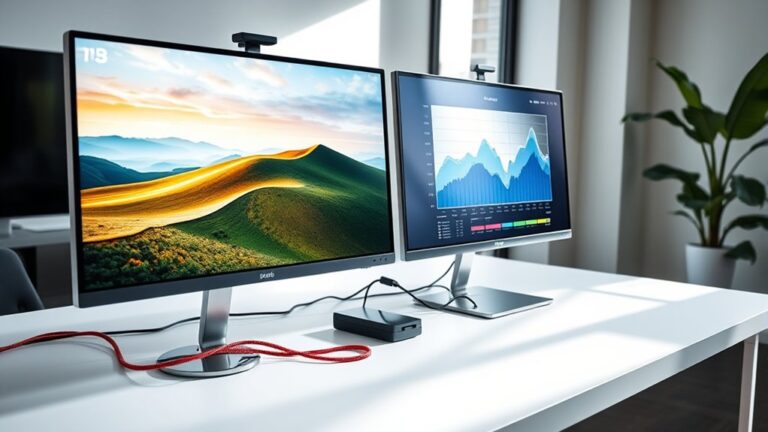
Unlock the secrets to seamlessly connecting two monitors and discover the essential tips that can elevate your dual display experience to the next level.

Unlock the secrets to seamlessly connecting two monitors and discover the essential tips that can elevate your dual display experience to the next level.
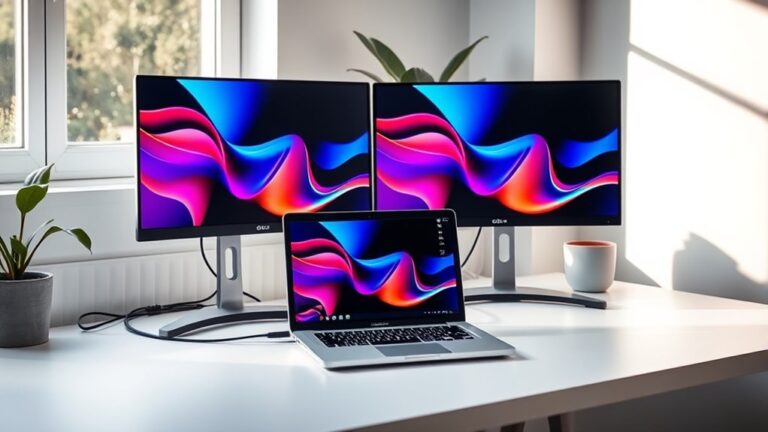
Keen to enhance your productivity by connecting two monitors to your laptop? Discover the essential steps and tips to set up your dual-monitor system seamlessly.
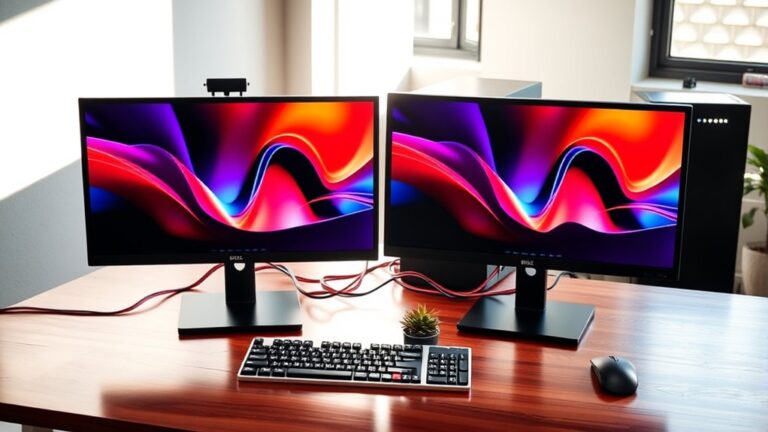
Sure! Discover the simple steps to connect two monitors to one computer and unlock your productivity potential—find out how to get started!
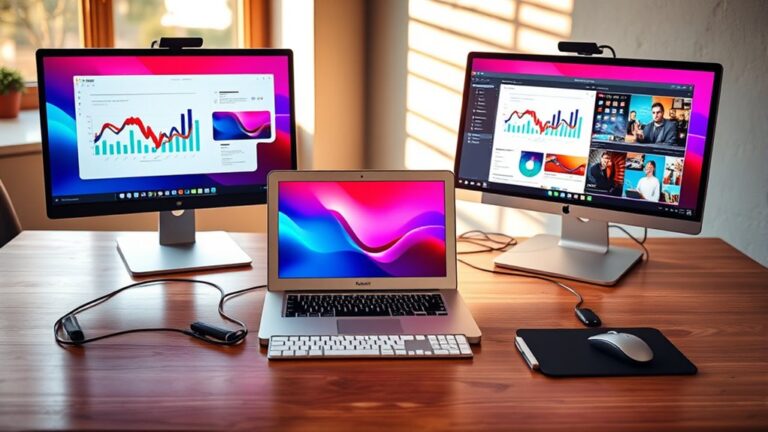
MacBook Air can support two monitors, but what resolutions can it handle effectively? Discover the details to enhance your multitasking experience.
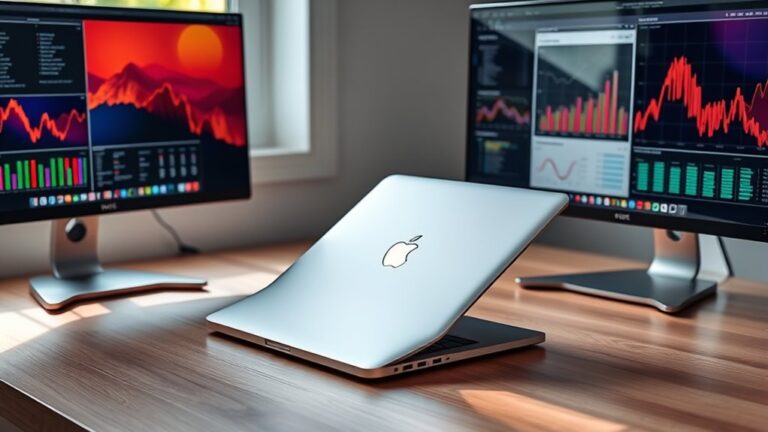
How can the MacBook Air M4 enhance your workspace with dual monitors? Discover the capabilities and tips to optimize your setup.
Just imagine doubling your productivity with two monitors; discover how to set up this game-changing workspace!
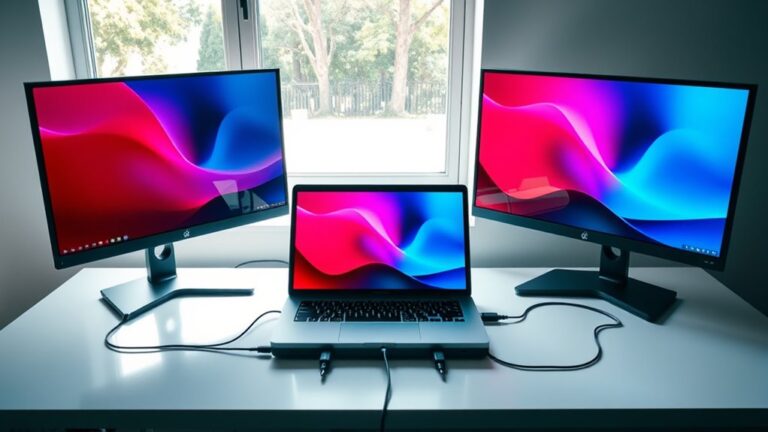
Connect two monitors to your computer for enhanced productivity, but first, discover crucial compatibility tips to ensure a seamless setup.
Learn how to easily connect two monitors to your PC for an enhanced workspace, but first, make sure your graphics card can handle it.
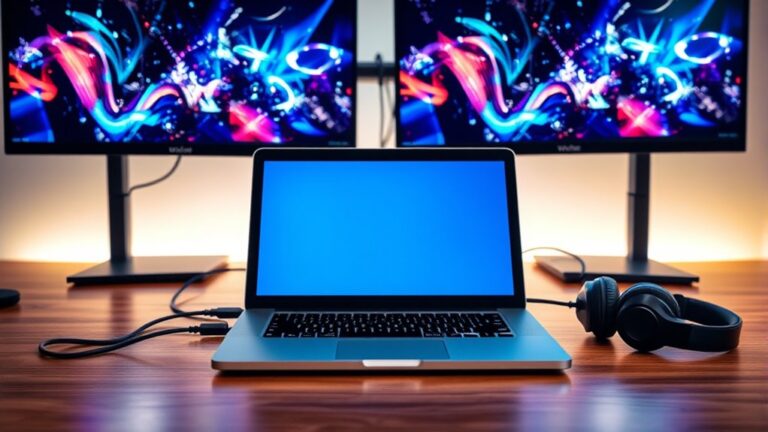
Connect two monitors to your laptop effortlessly and enhance your productivity—discover the essential steps and tips to optimize your dual display setup!
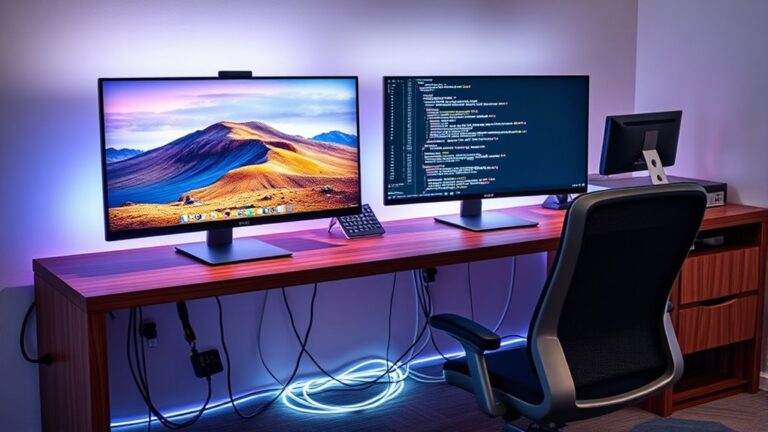
How to connect two computer monitors for an enhanced workspace? Discover the essential steps and tips you need to optimize your dual-display setup!