Tag install Peacock

How to Download Peacock on Samsung Smart TV

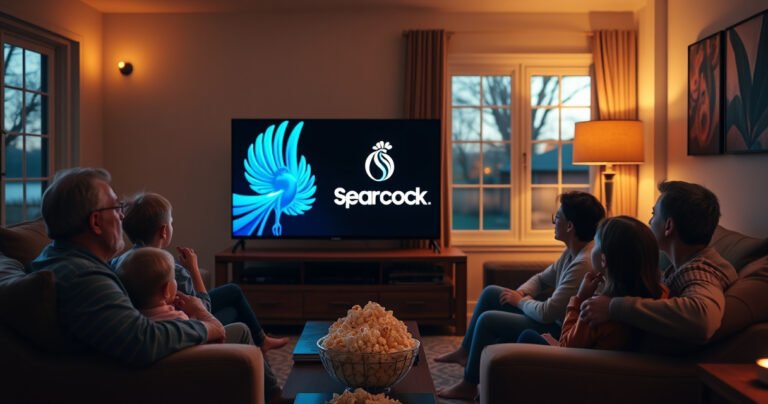
A cozy living room featuring a sleek Samsung Smart TV displaying the Peacock logo, surrounded by plush couches and a popcorn bowl. Warm lighting creates an inviting atmosphere, with a family eagerly gathering around the TV, their faces illuminated by the screen's glow. A window reveals a peaceful evening outside, enhancing the sense of home entertainment.

Need to download Peacock on your Samsung Smart TV? The fastest, most reliable method is to install it from the Samsung Smart TV app store and sign in with your Peacock account—no guesswork, no unnecessary workarounds. Follow these steps to…

How to Install Peacock on My LG Smart TV

To install Peacock on your LG Smart TV, simply navigate to the LG Content Store, search for the Peacock app, and click “Install.” This quick guide will walk you through the steps to ensure you can enjoy your favorite shows…