Tag internet browser

How to Surf Internet on Samsung Smart TV

A sleek Samsung Smart TV displaying a vibrant ocean wave surf scene, with a person surfing on a digital wave made of colorful app icons, surrounded by playful dolphins. The living room is cozy, filled with soft lighting, snacks, and a family eagerly watching, creating a lively and engaging atmosphere of modern technology and fun.

Want to know how to surf the internet on your Samsung Smart TV—without hassle or lag? This guide shows the fastest working method to get online, connect your TV’s browser to Wi‑Fi, and use search and streaming-friendly controls. By the…

How to Browse Web on Samsung Smart TV

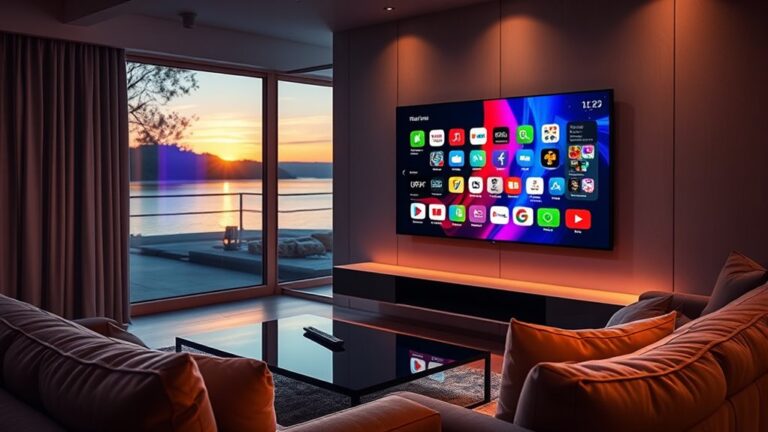
A cozy living room scene featuring a sleek Samsung Smart TV displaying a vibrant web browser interface. Soft, warm lighting illuminates a comfortable sofa scattered with colorful cushions. A steaming cup of coffee rests on a stylish side table, while a family member interacts with the TV using a remote, showcasing modern technology in everyday life.

Browsing the web on a Samsung Smart TV is easiest when you use the built-in Samsung Internet browser (or install it via the Apps panel). This guide walks you through opening the browser, connecting a keyboard or using the remote,…