Tag sideload apps

How to Add an App to a Hisense Smart TV
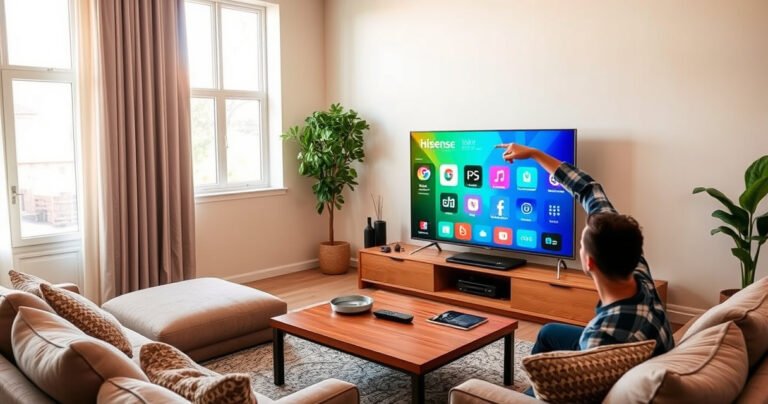
A modern living room with a sleek Hisense Smart TV displaying colorful app icons on the screen. A cozy sofa with plush cushions, a wooden coffee table adorned with a remote control, and a bright window letting in soft sunlight. A person engaged, excitedly pointing at the screen, surrounded by a warm, inviting atmosphere.

Want to add an app to a Hisense Smart TV? The quickest way is to use the TV’s built-in App Store (or Google Play on supported models) to download and install directly—no extra hardware needed. If the store doesn’t show…