Tag wireless screen mirroring

How Can I Connect My Phone to My TV Wireless?
A modern living room with a sleek smart TV displaying a vibrant phone screen mirroring feature. A cozy couch with colorful cushions, a small coffee table with snacks, and a person joyfully swiping their phone. Soft ambient lighting creates a warm atmosphere, while a window shows a sunset, enhancing the inviting tech-savvy scene.

Want to connect your phone to your TV wirelessly? The fastest, most reliable choice is screen mirroring via Chromecast (Android) or AirPlay (iPhone), because it connects in minutes and streams with minimal setup. If your TV doesn’t support either, a…
How Can I Connect My Laptop to My TV Wirelessly?

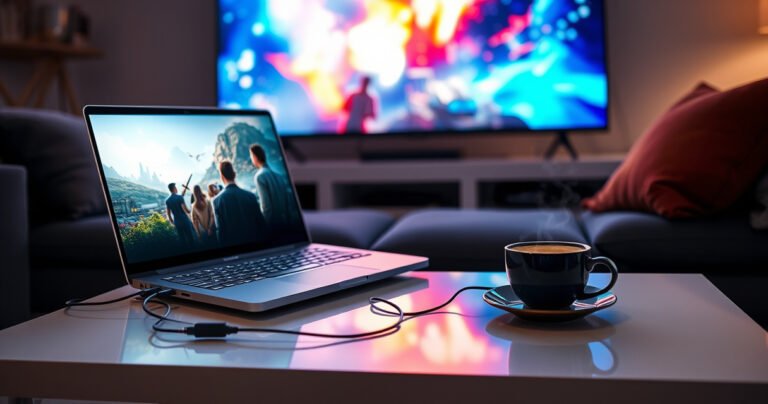
A modern living room with a sleek laptop on a stylish coffee table, beams of light connecting wirelessly to a large flat-screen TV on the wall. The cozy space is adorned with soft cushions, a colorful rug, and plants, while a family enjoys streaming content together, illuminated by the warm glow of the screen.

Want to connect your laptop to your TV wirelessly? For most people, the fastest, easiest option is to use Wi‑Fi screen mirroring—either via Chrome/Google Cast or your TV’s built-in mirroring feature—because it requires no extra hardware and works in minutes.…

How Do You Connect a Laptop to a Smart TV?

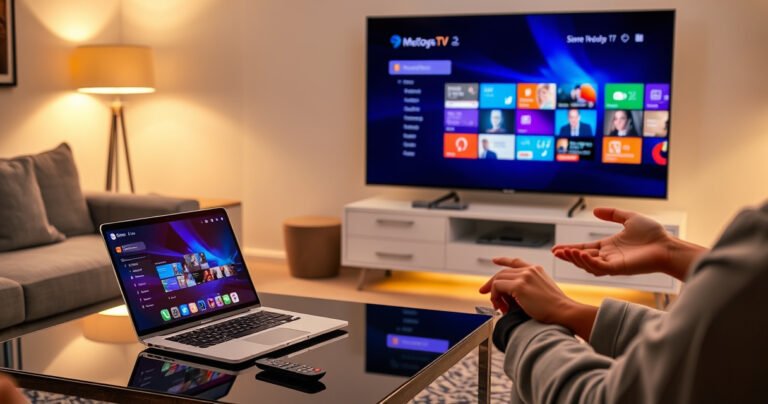
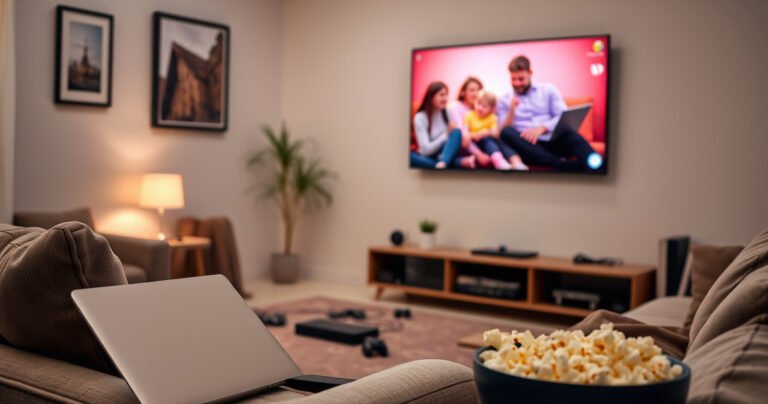
A cozy living room with a sleek laptop and a modern smart TV, both displaying a vibrant screen mirroring interface. Soft ambient lighting highlights a comfortable couch, scattered tech gadgets, and a bowl of popcorn. Wall art depicts a family enjoying movie night, creating an inviting atmosphere for tech-savvy readers.

Connecting a laptop to a smart TV is easiest when you use HDMI, since it provides a stable, high-quality display with minimal setup. This guide walks you through the exact steps for HDMI, plus reliable wireless options like Miracast/AirPlay when…