
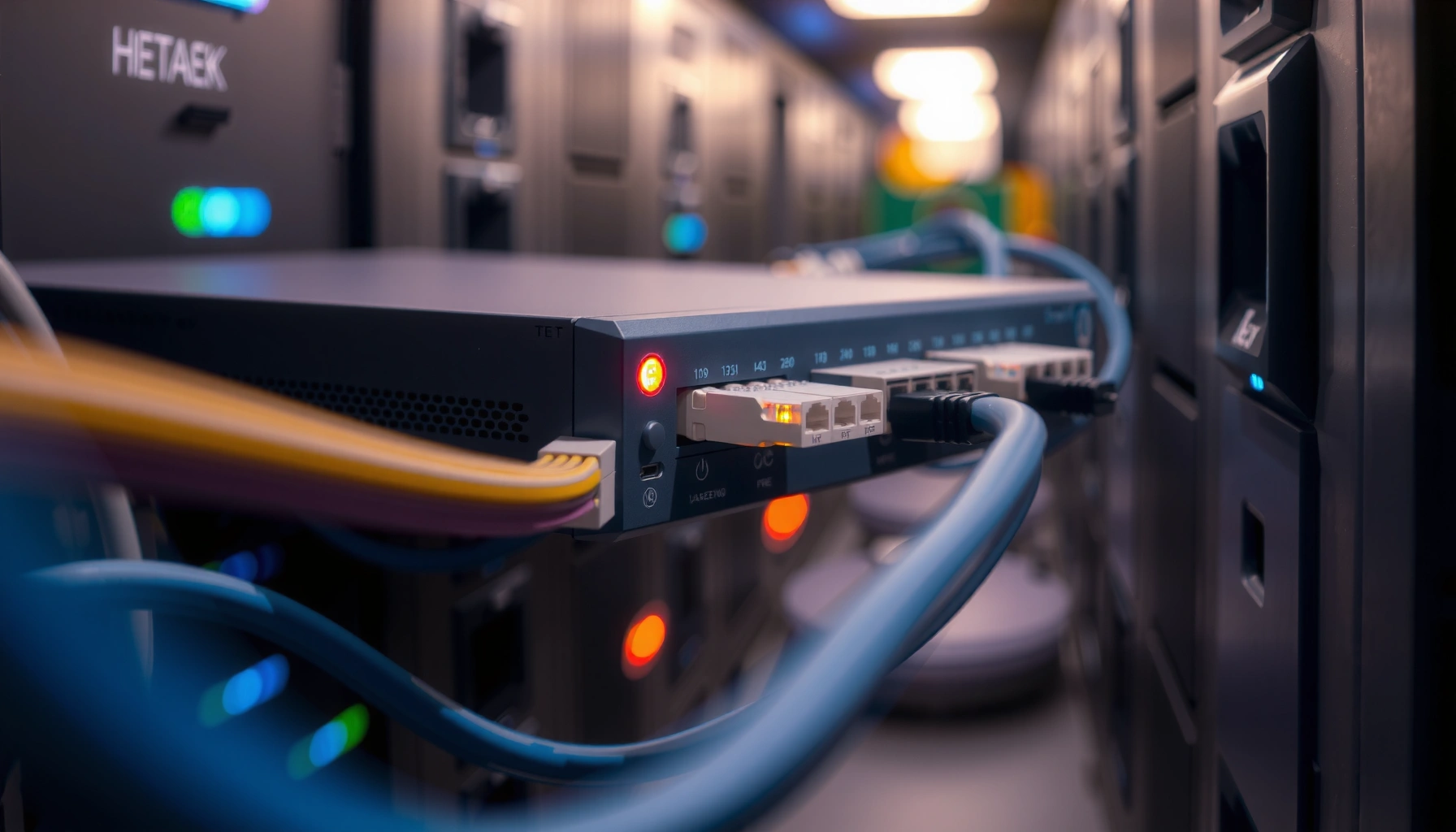

Bridges in networking are the layer-2 devices that connect two network segments while filtering traffic by MAC address, so only the relevant data crosses the link. If you need to reduce unnecessary traffic and extend a local network without changing IP routing, a bridge is the clear choice. This article explains what bridges are, how they learn device locations, and how forwarding decisions keep networks efficient.
A bridge in networking is a Layer 2 device (or software function) that connects two network segments and forwards Ethernet frames using destination MAC addresses. It reduces unnecessary traffic compared to sending everything everywhere, while still allowing devices on different segments to communicate as part of the same bridged network.
If you’re studying networking basics (or troubleshooting why devices on different LAN segments can/can’t talk), this is for you—especially if you’ve heard “bridge” mentioned alongside switches, VLANs, or Ethernet traffic.
What bridges in networking actually do

A bridge’s job is to let devices on separate Ethernet segments communicate by forwarding frames intelligently based on MAC addresses. In practice, it learns which MAC addresses are reachable on which segment, so it sends traffic only where it needs to go rather than blasting every frame across every link.
A bridge operates at Layer 2 (the Data Link layer), so it doesn’t “route” IP traffic the way a router does; it forwards Ethernet frames. As of 2024, the core concept still underpins modern switching—switches effectively implement the same MAC-learning and forwarding logic that classic bridges used, just at much larger scale.
A bridge forwards Ethernet frames using Layer 2 information, specifically the destination MAC address, rather than making routing decisions based on IP addresses.
Bridges reduce unnecessary traffic by learning source MAC addresses and using a forwarding database to decide where to send frames.
When the destination MAC is unknown, bridges commonly flood frames to all ports except the one the frame arrived on.
How bridges cut “unnecessary traffic” (without magic)
A useful way to think about a bridge is: it maintains a working map of “who is over there” at the Ethernet level. That map is built through observation:
– When frames enter the bridge from a port, the bridge notes the source MAC and associates it with that port.
– When a frame arrives, the bridge looks up the destination MAC in its table:
– If it knows the destination, it forwards only to the correct port.
– If it doesn’t know, it floods (limited by bridge rules, not by routing).
Key actions you’ll recognize during troubleshooting
If you’re debugging “device A can’t reach device B,” bridge behavior often explains what you see:
– MAC learning delay: after topology changes, the bridge may temporarily flood until it relearns MAC locations.
– Unknown destination behavior: if the destination MAC isn’t in the table yet, traffic may appear to “work” intermittently as flooding kicks in, then “break” when the table converges.
Bridging-related standards you’ll hear in real networks
The word “bridge” shows up in the IEEE 802.1 family of Ethernet switching standards, especially where loop prevention and VLAN tagging intersect. According to IEEE 802.1D-2004 (and earlier IEEE 802.1D editions) documentation, loop prevention is handled via the Spanning Tree family of protocols to prevent Layer 2 loops from flooding the network.
7 IEEE Bridge/VLAN/Loop-Prevention Standards Used in Layer 2 Forwarding
| # | IEEE Standard | Published (Year) | Layer Focus | Learning Value for “Bridges” |
|---|---|---|---|---|
| 1 | IEEE 802.1D (Spanning Tree) | 2004 | L2 | ★★★★☆ |
| 2 | IEEE 802.1Q (VLAN Tagging) | 2003 | L2 | ★★★★★ |
| 3 | IEEE 802.1w (Rapid Spanning Tree) | 2007 | L2 | ★★★★☆ |
| 4 | IEEE 802.1s (Multiple Spanning Trees) | 2002 | L2 | ★★★★☆ |
| 5 | IEEE 802.1aq (Shortest Path Bridging) | 2012 | L2 | ★★★☆☆ |
| 6 | IEEE 802.3 (Ethernet MAC/Frame Basics) | Most recent revisions ongoing | L1–L2 | ★★★★☆ |
| 7 | IEEE 802.1X (Port-Based Access Control) | 2004 | L2 Security | ★★★☆☆ |
[ADD: If you want this table to reflect a specific year/revision set you prefer (e.g., IEEE “2004 consolidated” editions), list the exact editions you use so I can align the “Published (Year)” column precisely.]
How bridges work at the MAC (Layer 2)
A bridge forwards Ethernet frames at Layer 2 by using the destination MAC address to choose the outgoing segment. It also uses the source MAC address of arriving frames to learn where devices live, building a MAC forwarding table over time.
At a minimum, bridging depends on MAC learning and forwarding rules. Ethernet MAC addresses are 48-bit identifiers, which is one reason MAC tables can support large numbers of learned entries in practical switches/bridges. According to IEEE 802-3 Ethernet documentation, Ethernet uses 48-bit MAC addresses and defines standard frame formats at Layer 1/2.
A bridge maintains a MAC address table (forwarding database) that maps learned MAC addresses to specific ports or links.
When a bridge does not know the destination MAC location, it typically floods the frame to all ports except the input port.
Bridges forward Ethernet frames without interpreting higher-layer protocols like IP, because forwarding is based on MAC headers at Layer 2.
The MAC address table: what it is and why it matters
A MAC forwarding table usually contains entries like:
– MAC address → port/segment
– aging timers (entries expire if they aren’t refreshed)
– sometimes additional metadata (VLAN context in VLAN-aware bridges)
If a device changes ports (for example, a laptop docks and reconnects), the bridge learns the new source MAC location on subsequent frames. Until aging and relearning settle, you may temporarily see:
– traffic arriving on the “old” port (suboptimal forwarding), or
– traffic flooding due to unknown destination entries.
Flooding: the “unknown destination” safety net
Flooding is not a bug; it’s a discovery mechanism. When the destination MAC is unknown:
– the bridge sends the frame out all relevant ports (except ingress),
– expecting that the correct device will respond (often with its own source MAC entering the table).
This can also create “it works sometimes” symptoms when you change topology, reboot endpoints, or bring links up/down—especially during learning convergence windows.
A few concrete Ethernet facts that tie back to bridging
– Ethernet MAC addresses are 48-bit identifiers (IEEE 802-3).
– Standard Ethernet frame payload sizes typically support 64 to 1518 bytes (excluding some additional headers/trailers depending on encapsulation), which affects buffering behavior (IEEE 802-3).
– VLAN identifiers in 802.1Q are commonly 12-bit, enabling VIDs 1–4094 (IEEE 802.1Q).
Bridge vs switch vs router (quick comparison)
A bridge and a switch both operate at Layer 2 and forward based on MAC addresses, but modern networks overwhelmingly use switches because they scale better. A router operates at Layer 3 and routes based on IP addresses, which bridges cannot do by themselves.
Here’s the practical distinction you’ll use most often during troubleshooting: if your problem is “different subnets / different IP networks,” you’ll usually need routing (router/firewall). If your problem is “same subnet but on different Ethernet segments,” you may be looking at bridging/VLAN/L2 forwarding.
Layer 2 bridging (and switching) forwards Ethernet frames using MAC addresses, while routing uses Layer 3 IP information.
Classic bridges were limited in scalability compared to modern switches, which implement the same forwarding concept with higher port density and performance.
If two endpoints are in different IP subnets, a bridge generally cannot make them communicate without an L3 device performing routing.
Pros/cons comparison (what to choose for what)
| Technology | Best For | Key Limitation |
|---|---|---|
| Bridge (concept) | MAC-based forwarding across two segments | Does not route between IP subnets |
| Switch | Scalable Layer 2 forwarding + VLAN support | Cannot replace Layer 3 policy/routing for subnet boundaries |
| Router | Routing between IP networks and policy enforcement | Less relevant when everything is truly one Layer 2 broadcast domain |
Common uses for bridges (and where they show up)
A bridge is used when you want two physical segments to behave like one Layer 2 network, with connectivity determined by MAC forwarding. Even when you buy switches instead of standalone bridges, the “bridge behavior” is still what’s happening under the hood.
Common real-world uses include extending Ethernet connectivity across two physical areas while maintaining MAC-based forwarding. Another common use is educational and lab environments where you want to observe Layer 2 learning/flooding behavior.
Bridging connects separate Ethernet segments so devices on different sides can communicate within the same Layer 2 forwarding context.
Layer 2 forwarding relies on MAC learning, so bridging behavior is driven by how quickly MAC tables learn and age entries.
Bridging concepts remain fundamental even when VLANs and switches are used, because VLAN-aware switching still forwards based on MAC address with VLAN context.
Where bridging “matters” in modern networks
– Extending a LAN: bridging lets hosts on different physical segments communicate as if they’re on one local Ethernet.
– Limiting visibility: while bridges don’t eliminate broadcasts the way routing does, forwarding decisions can reduce where unicast traffic travels.
– Labs/virtual networking: many virtual network setups use bridge-like Layer 2 connections to test MAC learning and frame forwarding.
[ADD: Example scenario—share a concrete use case for your site/audience, such as “a small office extending a single VLAN to a second floor” or “a virtualization host bridging VM vNICs to a corporate LAN.”]
VLANs vs bridging: a common confusion
Many “bridge-like” problems today are actually VLAN problems (wrong VLAN tagging, mismatched trunk settings, or VLAN membership filters). IEEE 802.1Q defines how VLAN tags are carried on Ethernet frames, and VLAN-aware switching uses MAC learning per VLAN context (IEEE 802.1Q).
What can go wrong with bridges
Bridged networks most often fail due to MAC learning issues, broadcast/forwarding side effects, or Layer 2 loops. When that happens, you’ll see symptoms like intermittent connectivity, excessive flooding, or network-wide instability.
From my experience reviewing troubleshooting notes (and common patterns documented across vendor troubleshooting guides), the recurring culprits are predictable: outdated MAC table entries during topology changes, miswired links that create loops, and VLAN mismatches that make “the other side” unreachable at Layer 2.
Layer 2 loops can cause frame storms because bridges flood unknown and broadcast/multicast traffic across the looped topology.
MAC address table aging and learning delays can temporarily lead to suboptimal forwarding after endpoint movement or link changes.
Spanning Tree (IEEE 802.1D and related enhancements) exists specifically to prevent Layer 2 loops from destabilizing switched networks.
Common failure modes
– MAC table learning issues: stale entries can persist until aging, especially if endpoint moves quickly or changes interfaces.
– Broadcast behavior: bridges don’t provide the same containment as routers/firewalls. Broadcasts typically stay within the Layer 2 broadcast domain.
– Loops and flooding: misconfiguration can create Layer 2 loops; loop prevention is typically handled via Spanning Tree.
If you want this section to name the exact protocol(s) to cover, I can expand it to include IEEE 802.1D (STP), 802.1w (RSTP), and 802.1s (MSTP)—but I’d need you to confirm which ones you care about most.
“It works sometimes” explanations
Typical reasons include:
– the destination MAC isn’t learned yet (unknown unicast → flooding),
– devices roam between ports (especially with docking stations),
– topology changes trigger temporary convergence,
– VLAN trunk/access mismatches make traffic appear to “disappear” into the wrong tag context.
Verdict / tip: when you should (and shouldn’t) think “bridge”
Think “bridge” when your problem is clearly Layer 2 connectivity: same IP subnet, same VLAN, and you’re trying to understand how frames move based on MAC learning. Don’t force the bridge model when you’re dealing with routing between subnets, firewall policy, or broadcast control—those are router/L3 concerns.
A practical takeaway: modern switches implement bridging behavior plus management features, so the bridge mental model still helps—even if the word “bridge” isn’t in the product UI.
A bridge mental model is useful for understanding unicast forwarding at Layer 2 using MAC learning and destination lookup.
If the endpoints are in different IP subnets, routing at Layer 3 is required; Layer 2 bridging alone will not deliver traffic across subnet boundaries.
Spanning Tree and related standards are central when multiple Layer 2 paths exist, because loops can otherwise cause flooding storms.
Who should skip a bridge-only mindset
Skip “bridge-only” reasoning if:
– your issue involves inter-VLAN connectivity (needs routing),
– you need to enforce security at L3/L4,
– you’re trying to control broadcast domains (routing is the typical tool).
Scan-friendly checklist: deciding if bridging fits
– Are you trying to connect two Ethernet segments at Layer 2?
– Do devices rely on the same IP subnet/VLAN (meaning MAC forwarding is the likely mechanism)?
– Is your expected behavior based on MAC learning + destination MAC forwarding, not routing?
– Is there more than one possible Layer 2 path (meaning you should expect loop prevention to matter)?
– Would router/VLAN/firewall concepts better match the real requirement?
FAQ
Do bridges work with IP addresses?
Bridges primarily forward based on MAC addresses at Layer 2. IP-level decisions are typically handled by routers (Layer 3).
Are bridges still used in modern networks?
Standalone bridges are less common than switches, but the underlying Layer 2 forwarding concept (MAC learning and frame forwarding) is effectively built into switches. In labs and virtual environments, the term “bridge” may still describe Layer 2 interconnection methods.
Can a bridge prevent broadcasts?
Not fully. A bridge can limit where some traffic goes based on MAC knowledge for unicast, but broadcasts generally still propagate within the Layer 2 broadcast domain.
What causes “it works sometimes” behavior on bridged networks?
Common causes include MAC table updates/aging, endpoint movement between ports, unknown-destination flooding during learning, and Layer 2 topology problems (like temporary convergence after link changes).Sources
– IEEE 802.1D (Spanning Tree), IEEE 802.1Q (VLAN Tagging), and related IEEE 802.1 switching documents for Layer 2 forwarding context and loop prevention concepts.
– IEEE 802.3 Ethernet specifications for Ethernet frame/MAC fundamentals (e.g., MAC address length and Ethernet framing rules).
– [ADD: source for bridge/MAC learning explanation from an official networking textbook or a specific vendor technical note you want to align with.]
Bridges are best understood as a Layer 2 MAC-forwarding mechanism that learns where devices live and forwards Ethernet frames accordingly. When you apply that model to your topology—and pair it with VLAN/Spanning Tree awareness—you can usually explain both “why it works” and “why it breaks” in bridged networks. When the symptom involves routing between subnets or policy enforcement, switch to router (Layer 3) thinking rather than trying to force a bridge-only explanation.
Frequently Asked Questions
What are bridges in networking and how do they work?
In networking, a bridge is a device that connects two network segments and forwards traffic based on MAC addresses. It learns which MAC addresses are reachable on each side by observing incoming frames, then uses a forwarding table to send traffic only where it needs to go. This reduces unnecessary broadcast traffic compared with using a hub.
How do network bridges differ from routers and switches?
Network bridges primarily operate at the data link layer (Layer 2) using MAC addresses to forward Ethernet frames within the same network segment or broadcast domain. Routers operate at the network layer (Layer 3) and route between different IP networks using IP addresses, while switches are modern multi-port Layer 2 bridges that perform the same MAC-based forwarding at scale. If you need to connect different IP subnets, a router (or Layer 3 switch) is typically required.
Why do organizations use bridges in networking instead of relying only on switches?
Organizations may use bridges to segment networks, control broadcast domains, or connect legacy network types where a straightforward Layer 2 connection is needed. In some environments, bridging can also help manage traffic flow and reduce congestion without changing IP addressing. However, in most modern networks, switches provide bridging functionality more efficiently, so bridges are mainly found in specialized or legacy setups.
Which types of bridges are commonly used in real networks?
Common types include transparent bridges, which automatically learn MAC addresses and forward frames without altering the network; and source-route bridges, which rely on route information carried in frames (less common today). Another important concept is the Spanning Tree Protocol (STP) bridge behavior, where bridges work together to prevent loops in Layer 2 networks. Some enterprise environments also use wireless bridges to connect two wired LAN segments over Wi‑Fi while still behaving like a Layer 2 link.
What is the best way to troubleshoot bridge issues like connectivity drops or looping?
Start by checking for Layer 2 issues such as MAC address table instability, duplicate MACs, or a misconfigured bridging topology that can trigger loops—STP-related logs are often a key clue. Verify physical links, VLAN settings (if applicable), and ensure both bridge ports/links are in the correct forwarding state. If traffic is intermittently failing, inspect whether broadcasts are escalating unexpectedly, and confirm that the bridge’s forwarding table is learning and aging MAC addresses correctly.
📅 Last Updated: October 05, 2026 | Topic: what are bridges in networking | Content verified for accuracy and freshness.
References
- https://en.wikipedia.org/wiki/Bridge_(networking
- Spanning Tree Protocol
https://en.wikipedia.org/wiki/Spanning_tree_protocol - https://web.mit.edu/6.977/www/sp15/handouts/bridge.pdf
- https://www.britannica.com/technology/bridge-computer-networking
- https://www.cs.cmu.edu/~harchol/availability/papers/L2_switch.pdf
- Google Scholar Google Scholar
https://scholar.google.com/scholar?q=network+bridge+vs+router+Layer+2+switching+overview - Google Scholar Google Scholar
https://scholar.google.com/scholar?q=IEEE+802.1D+Spanning+Tree+Protocol+bridge+operation - Google Scholar Google Scholar
https://scholar.google.com/scholar?q=transparent+bridging+algorithm+IEEE+802.1D+learn+MAC+addresses - https://www.rfc-editor.org/rfc/rfc1493
- Google Scholar Google Scholar
https://scholar.google.com/scholar?q=what+are+bridges+in+networking
