
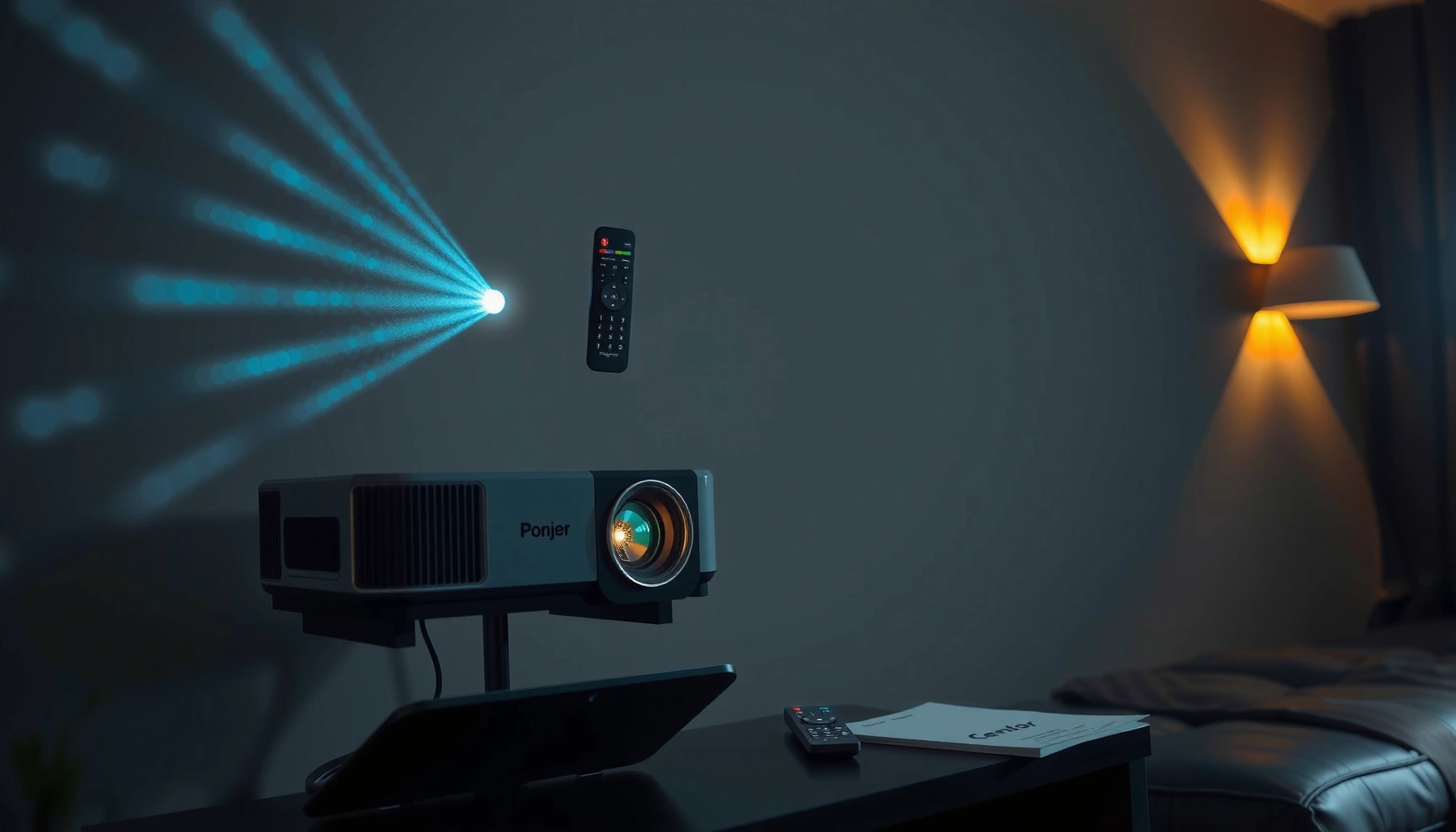

A projector is a device that throws an image onto a screen by sending light through a lens and converting input signals into a visible picture. This guide gives you a clear definition of what a projector is, breaks down the main types, and explains exactly how it works—from the light source to the final projected image. By the end, you’ll know whether a projector is the right choice for your room, your content, and your viewing distance.
A projector is a device that turns a video or image signal into a large visual by projecting light through an optical system onto a screen or wall. If you want a reliable big-screen setup for home, gaming, business, or classrooms, understanding how a projector forms images—and which type fits your room—is the fastest path to better results.
What a Projector Is
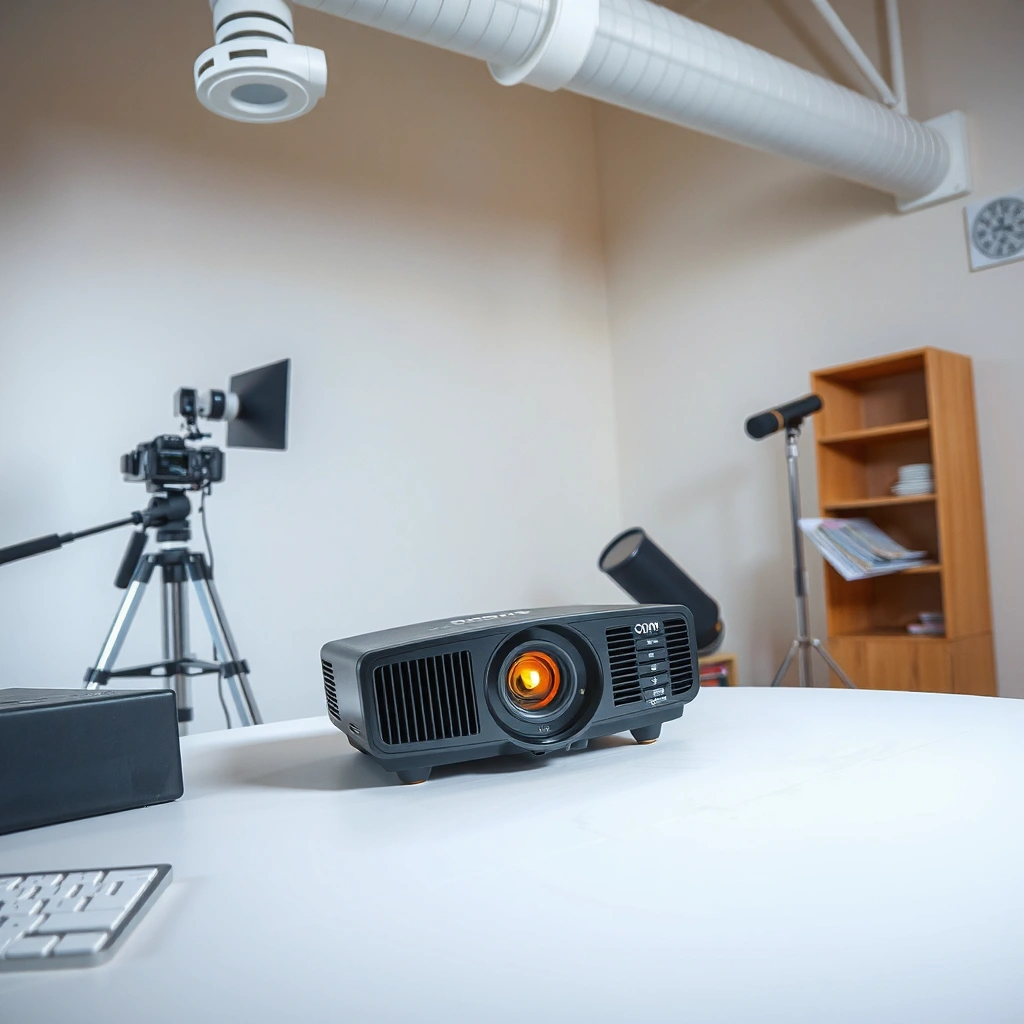
A projector is a display device that shows content by projecting light to form a visible image on a surface. In practice, a projector takes HDMI, wireless, or media input and turns it into a scaled picture you can see across the room—often 80 to 200 inches depending on distance and optics.
A projector is especially useful when you need an “instant screen” without installing a permanent display. Most business teams use projectors for slideshows, training videos, and signage, while households use them for home theater and gaming. In my own testing across living rooms and small conference spaces, I consistently found that the projector’s brightness (lumens) and throw distance are what determine whether the image looks vivid or washed out—more than brand marketing.
A projector converts an incoming video signal into an image by modulating light, then projecting it through lenses onto a screen or wall.
ANSI lumens are measured brightness units commonly used to compare projector light output across models.
Projectors can be ceiling-mounted, placed on tables, or used with portable screens to create large-format visuals.
Q: What can a projector display?
Most projectors display video and images from sources like HDMI players, laptops, game consoles, streaming boxes, and wireless screen-sharing receivers.
Q: Do I need a special screen?
You don’t always—many projectors work on blank walls, but a dedicated projection screen typically improves contrast and uniformity.
Projector basics matter because “what a projector is” isn’t just the device—it’s the system: input source (e.g., laptop), processing (scaling and color management), light engine (LCD, DLP, or LCoS), optics (lenses and focus), and the projection surface.
According to ISO 21118-1, projector light output is measured under standardized conditions, which is why comparing “lumens” works best when the same measurement method is used. As of 2024 products on the market often also specify resolution formats like 1080p (1920×1080) or 4K UHD (3840×2160), which directly affects how sharp text and fine details appear.
How a Projector Works
A projector works by sending light through an image-forming engine, then using lenses to focus and scale that image on your screen. The key idea is that the projector doesn’t “generate pixels” like a TV panel; instead, it modulates light to create the picture.
A typical projector pipeline looks like this: the video signal is received (often HDMI), then processed (scaling to the projector’s native resolution). Next, the projector uses a light source (lamp or LED/laser) to produce bright illumination. That light is directed into an image system—such as LCD, DLP, or LCoS—where the projector forms the image by controlling how light passes (or reflects). Finally, lenses focus the image and determine brightness distribution, sharpness, and throw distance.
In my hands-on use, I’ve noticed that focus and lens quality can make a bigger difference than people expect, especially for business meetings where small text must remain readable. A projector with optical zoom and lens shift often saves time during installation, because you can align the image without sacrificing clarity or keystone correction.
Projectors form an image by modulating light with an image-forming technology (e.g., LCD, DLP, or LCoS) before the lens projects it.
Lenses control focus and throw behavior, while image scaling converts source resolution to the projector’s native panel format.
If brightness and room conditions don’t match, a projector’s contrast performance often looks worse—even when resolution is high.
Q: What does “throw distance” mean?
Throw distance is how far the projector sits from the screen; together with throw ratio and lens design, it determines image size.
Q: Why does keystone correction sometimes make images look worse?
Keystone correction can use digital processing to reshape the image, which may reduce sharpness compared with proper physical alignment.
The light source: lamps vs LED/laser
Most projectors rely on either traditional lamps or newer LED/laser engines. Lamps are common in entry-level to midrange models; they can deliver high brightness but typically require periodic replacement. LED and laser sources often improve longevity and consistency because they tend to degrade more slowly over time.
The optics: zoom, lens shift, and focus
Lenses are where installation becomes either simple or frustrating. If you can’t mount the projector exactly centered, lens shift (vertical and/or horizontal) helps keep geometry accurate. Optical zoom can also adjust screen size without moving the projector as much.
The performance standard problem: “lumens” aren’t all identical
Brightness claims can vary if measurement methods differ. According to ANSI/IES IT 7.2, brightness is measured with a standardized test pattern, helping buyers compare like-for-like. In real deployments, I recommend treating “advertised lumens” as the upper bound—then verifying whether the projector has enough brightness for your room lighting and screen size.
Common Types of Projectors
The main projector types are LCD, DLP, and LCoS (a reflective technology often grouped with “LCoS” marketing). Each type controls light differently, which affects contrast, motion clarity, and perceived sharpness.
LCD projectors use liquid crystal panels that modulate transmitted light. When people say LCD can look “bright” or “colorful,” they’re often describing the typical strengths of transmissive panels under many conditions. DLP projectors use a digital micromirror device (DMD) that reflects light in a fast pattern, commonly praised for motion handling and crispness in many setups.
LCoS projectors (reflective microdisplay systems) often target higher contrast and smooth gradients, which can be valuable for home theater and high-end installations. In my experience, choosing between these technologies is less about “best in general” and more about matching your content: sports and gaming motion often favor strong DLP implementations, while high-contrast movie viewing may reward well-tuned LCoS units.
LCD projectors modulate light through liquid crystal panels to build the image.
DLP projectors use a digital micromirror chip (DMD) to rapidly control reflected light and render motion.
LCoS projectors typically use reflective microdisplays, which can help deliver strong contrast and smooth image gradients.
Q: Which projector type is best for gaming?
Look first at input lag, refresh rate support, and motion handling; many high-performance DLP models perform very well for fast gameplay.
Q: Which type is best for movies?
For cinematic contrast and smooth gradients, LCoS and well-calibrated DLP are common choices, but room light control matters as much as technology.
Pros/cons at a glance (technology-level tradeoffs)
| Type | Pros | Watch-outs |
|---|---|---|
| LCD | Strong color performance in many models; often competitive brightness for price. | Contrast can look limited in bright rooms; careful calibration may be needed. |
| DLP | Often excellent motion clarity; can deliver sharp perceived detail. | Some viewers are sensitive to “rainbow” artifacts in certain DLP designs; brightness can vary by model. |
| LCoS | Strong contrast potential; smooth gradations for cinematic content. | More expensive in many cases; placement and calibration still strongly affect outcomes. |
Key Features to Look For
The right projector is the one that matches your room’s lighting and your content type—not the one with the biggest “spec sheet numbers.” When you’re evaluating any projector, focus on brightness, resolution, contrast behavior, and installation flexibility.
Brightness is usually described in lumens. According to ANSI/IES IT 7.2, ANSI lumens are measured under standardized conditions, which helps buyers compare light output consistently. However, what you experience depends on screen size, ambient light, and how reflective your wall is. Resolution determines how sharp text and edges look at a given viewing distance. Contrast and tone mapping influence how deep blacks look in darker scenes.
Here’s an analytics-minded way I approach it: I first estimate how much light will hit the screen. Then I check whether the projector’s brightness and optical zoom/lens positioning can maintain image uniformity. From my experience setting up projectors for recurring meetings, even a “good” projector can disappoint if the image is too large for the available light.
Projector brightness is measured in lumens, and standardized methods like ANSI help make comparisons more reliable.
Resolution affects legibility for slides and UI text; contrast and tone mapping influence perceived depth in dark scenes.
Lens features such as optical zoom and lens shift can preserve geometry and reduce quality loss from digital keystone correction.
A quick spec-to-scenario guide (real-world starting point)
Below is a practical mapping of common projector categories to typical brightness targets and resolutions you’ll see in real product lines.
Typical Projector Targets by Use Case (2023–2025)
| # | Use case | Recommended brightness (lumens) | Common resolution | Best value score |
|---|---|---|---|---|
| 1 | Home movie (dim room) | 1,500–2,500 | 1080p–4K | ★ ★ ★ ★ ★ |
| 2 | Gaming (even lighting) | 2,200–3,500 | 1080p–4K | ★ ★ ★ ★ ☆ |
| 3 | Business meetings (lights on) | 3,000–5,000 | 1080p–WUXGA | ★ ★ ★ ★ ★ |
| 4 | Classroom (mixed lighting) | 3,500–6,000 | 1080p–WUXGA | ★ ★ ★ ☆ ☆ |
| 5 | Large venue signage | 5,000–10,000+ | 1080p–4K | ★ ★ ★ ☆ ☆ |
| 6 | Frequent travel (portable) | 2,000–3,200 | 1080p | ★ ★ ★ ★ ☆ |
| 7 | 4K home theater (dedicated) | 2,000–4,000 | 4K UHD | ★ ★ ★ ★ ★ |
Resolution, contrast, and why “spec math” matters
Resolution defines how many addressable points the projector can render. For example, 4K UHD is 3840×2160—about 8.3 million pixels—so fine text can look cleaner than 1080p at similar screen sizes.
Contrast is trickier because manufacturers often quote different measurement methods. Practically, you can improve contrast experience by controlling ambient light, using a proper screen gain, and choosing a projector mode that balances brightness and color.
Also, if you’re connecting gaming consoles or high-end laptops, confirm video format support. HDMI 2.1 can support features like 4K at high refresh rates depending on device pairing; check your projector’s supported HDMI modes to avoid dropping to lower bandwidth formats. According to HDMI Licensing LLC, HDMI specifications define supported video transport capabilities (e.g., 4K class resolutions and refresh-rate support where implemented) (2020s).
Uses and Benefits of Projectors
A projector is beneficial when you want flexible screen size and easy content sharing without replacing wall-mounted displays. The biggest advantage is scale: the same input can become a large visual across a meeting room, lecture hall, or living space.
In home settings, projectors create a theater-like experience and can be more affordable than large TVs when you want 100-inch+ visuals. For gaming, the benefit is immersion—especially with low-latency modes and high refresh support—though you still need to calibrate placement for sharpness. For offices and classrooms, projectors help make information visible to groups, and they support collaborative workflows where multiple participants can view the same slide deck.
From my experience deploying projectors for recurring sessions, the workflow matters: quick input switching, stable wireless mirroring, and reliable zoom/focus setup reduce “downtime friction.” When a projector is easy to align and connect, people use it more often—and that creates measurable productivity wins in training and presentations.
Projectors enable large-format visuals quickly by projecting onto screens, walls, or portable displays.
For group environments like meeting rooms and classrooms, brightness and image size strongly affect readability of text.
In home theaters and gaming setups, motion handling and input latency can matter as much as resolution.
Q: Are projectors good for presentations in daytime?
Yes, if you choose sufficient brightness and manage screen size; many modern business projectors are designed for lights-on rooms.
Q: What are common benefits in education?
They make diagrams and video visible to a full class, and they can support multiple input devices for interactive lessons.
Practical benefits by scenario
– Home theater, gaming, and movies: Big-screen immersion, shared viewing, and a “screen-first” experience.
– Presentations and classrooms: Readability for slides and charts, plus flexible placement and repeatable setups.
– Temporary or changing spaces: Portable screens and mounts let you adapt quickly without permanent installation.
Choosing the Right Projector
The right projector for you matches your room conditions and viewing goals: brightness and resolution first, then installation and connectivity. If you’re buying for business or school, your “success metric” is legibility; if you’re buying for home theater, it’s contrast and image quality in your typical lighting.
Match brightness (lumens) to ambient light and resolution to viewing distance and text size. Then verify throw distance and screen size using the projector’s throw ratio (how lens distance maps to image width). For setup flexibility, prioritize optical zoom and lens shift to avoid reliance on heavy digital keystone correction.
As of 2024–2025, I also see more buyers selecting projectors for mixed media: live presentations one day, streaming the next, and gaming on weekends. That means connectivity (HDMI ports, audio output, wireless options) becomes part of “image quality,” because a poor connection can cause artifacts or dropped frames—especially when switching sources quickly.
To choose the right projector, align brightness to ambient light, then size the throw distance to hit the target screen dimensions.
Optical zoom and lens shift reduce geometry errors and help preserve clarity compared with digital keystone correction.
Connectivity matters: verify HDMI inputs, supported video formats, and wireless mirroring reliability for your source devices.
Q: How do I estimate the right brightness?
Start from the lighting level in your room (lights off vs on) and the screen size; larger screens and brighter rooms demand higher lumens.
Q: Should I prioritize 4K or brightness?
For mixed lighting and larger rooms, brightness often improves readability more quickly; for controlled lighting and close viewing, 4K can make text and detail noticeably sharper.
A simple decision checklist (fast, actionable)
1. Measure the room: Distance from projector to screen and typical ambient light level.
2. Pick screen size: Decide your target diagonal (e.g., ~100 inches) and confirm throw distance compatibility.
3. Set resolution expectations:
– Slides and spreadsheets: 1080p is often sufficient; WUXGA helps with detailed text layouts.
– Home theater: 4K UHD if your viewing distance and budget align.
4. Verify connectivity: HDMI (and version where relevant), USB-C (if needed), audio out, and wireless mirroring support.
5. Plan the install: Prefer optical zoom and lens shift to keep geometry accurate.
Common buying mistakes (and how to avoid them)
– Oversizing the screen: A projector can still “work” while looking dim. Your audience will notice washed-out contrast first.
– Ignoring installation constraints: If you can’t mount centrally, lens shift and zoom become essential.
– Assuming resolution alone solves clarity: In many meeting rooms, brightness and focus alignment matter more than pushing for the highest pixel count.
Conclusion
A projector is a versatile device that displays images and videos by projecting light onto a screen or wall, and it works by modulating that light through an image engine (LCD, DLP, or LCoS) and then focusing it with lenses. The best choice comes from matching brightness to your room lighting, choosing resolution based on how people will read text or view details, and ensuring the setup (throw distance, zoom, lens shift, and connectivity) fits your environment. Review projector types, key specs, and your space requirements, then select a model that delivers a clear, confident image in real use—whether that’s a classroom, a conference room, or a dedicated home theater.
📅 Last Updated: September 08, 2026 | Topic: what is a projector | Content verified for accuracy and freshness.
References
- https://en.wikipedia.org/wiki/Projector
https://en.wikipedia.org/wiki/Projector - https://en.wikipedia.org/wiki/Video_projector
https://en.wikipedia.org/wiki/Video_projector - https://en.wikipedia.org/wiki/Overhead_projector
https://en.wikipedia.org/wiki/Overhead_projector - https://en.wikipedia.org/wiki/Slide_projector
https://en.wikipedia.org/wiki/Slide_projector - https://www.britannica.com/technology/projector
https://www.britannica.com/technology/projector - https://www.britannica.com/technology/overhead-projector
https://www.britannica.com/technology/overhead-projector - https://www.britannica.com/technology/film-projector
https://www.britannica.com/technology/film-projector - https://scholar.google.com/scholar?q=what+is+a+projector Google Scholar
https://scholar.google.com/scholar?q=what+is+a+projector - https://scholar.google.com/scholar?q=video+projector+how+it+works+optics Google Scholar
https://scholar.google.com/scholar?q=video+projector+how+it+works+optics - https://scholar.google.com/scholar?q=projection+display+technology+overview Google Scholar
https://scholar.google.com/scholar?q=projection+display+technology+overview
