
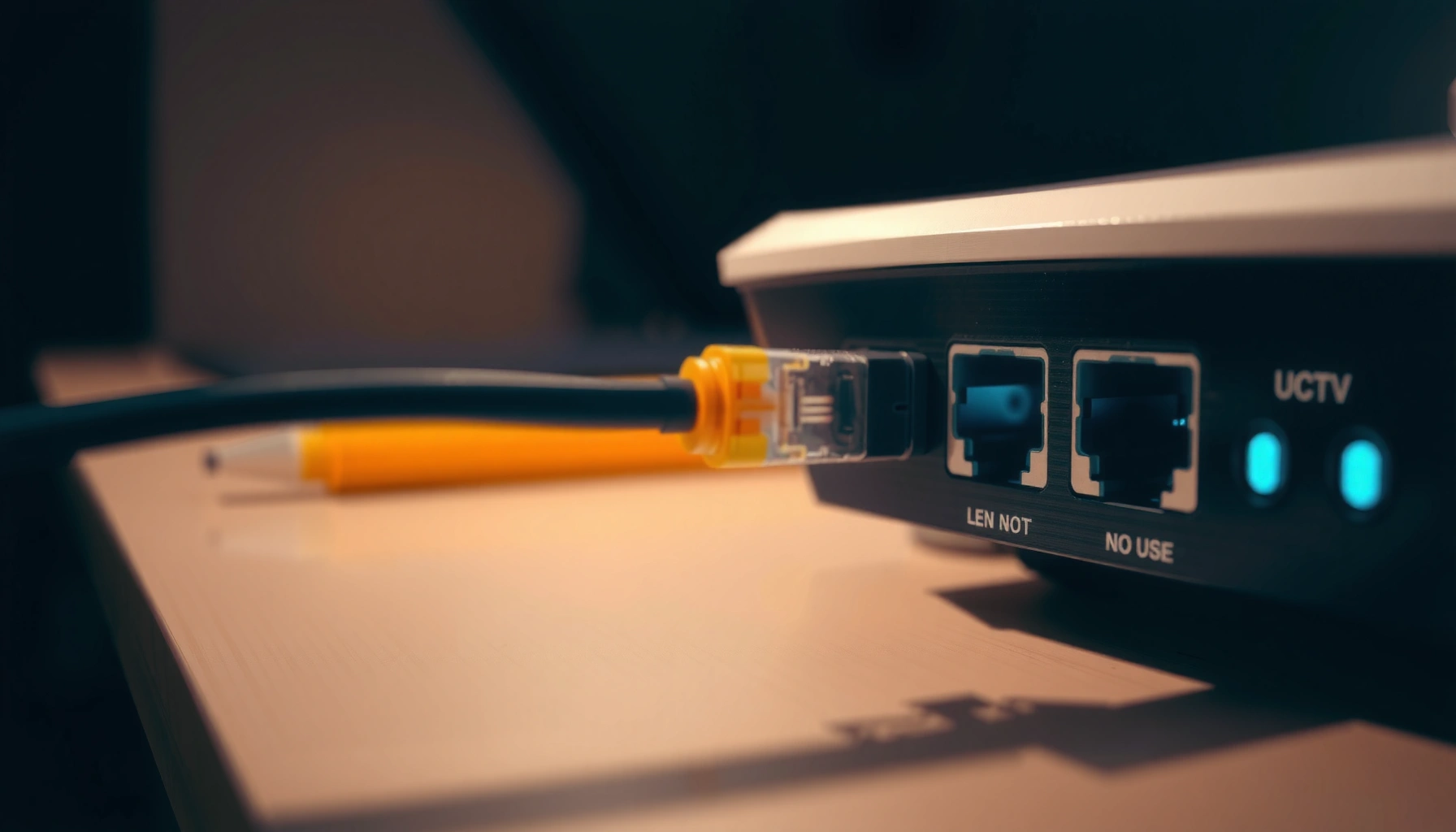

Ethernet is the standard way most wired networks connect devices and move data across local networks, and this article delivers a clear, practical explanation of how it works. You’ll learn what Ethernet actually does—how it uses cables, MAC addresses, switches, and frames to deliver data reliably. If you want the fastest route to understanding what Ethernet is and why it still powers offices, schools, and home networks, this is the one.
Ethernet is a wired networking standard that moves data between devices reliably over local networks using cables and standardized protocols. In everyday home and business environments, Ethernet is the backbone for stable, low-latency connectivity—especially when uptime, gaming performance, or predictable throughput matter.
Ethernet: Basic Definition
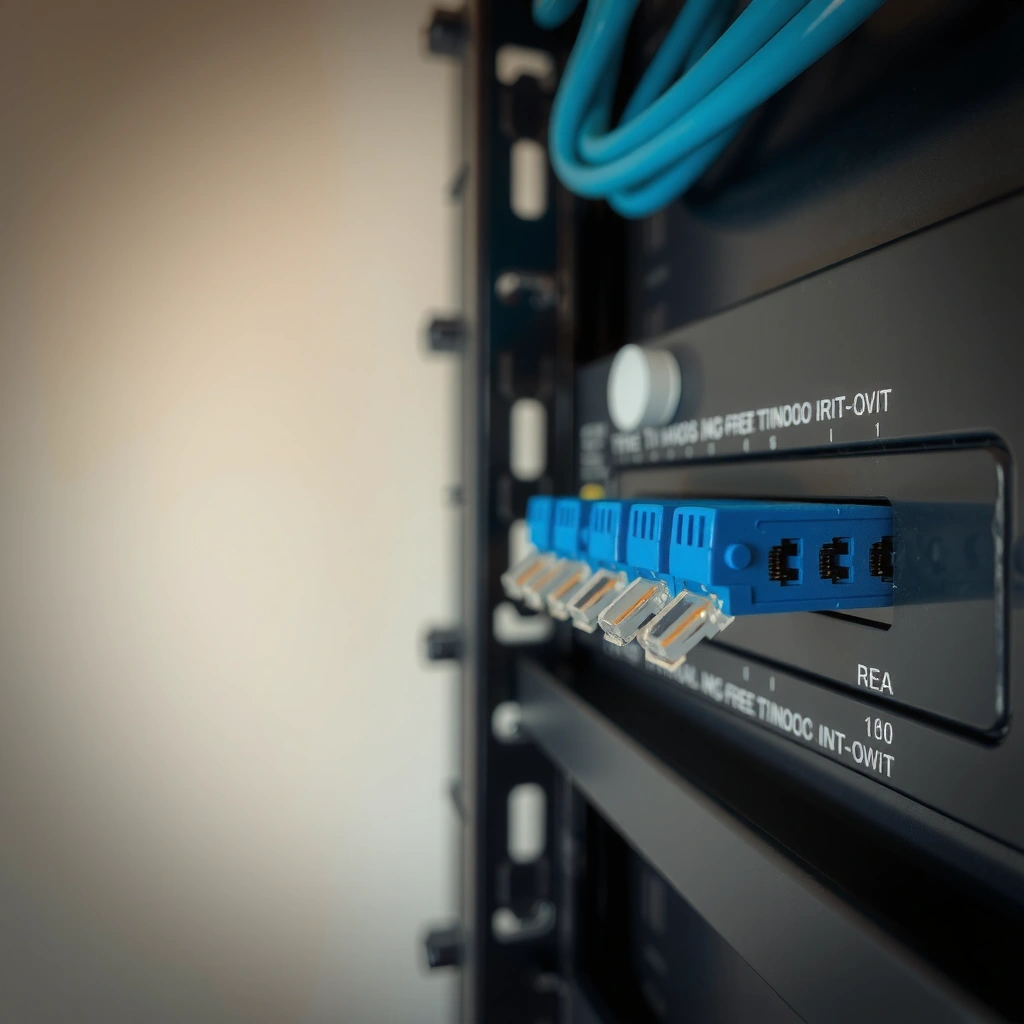
Ethernet is a wired computer networking standard designed to connect devices inside a local area network (LAN). It defines how devices format data into packets (called frames), how those frames are addressed, and how links operate so Ethernet can deliver dependable performance.
At its core, Ethernet works by putting information into Ethernet frames and sending them across a physical link between a network interface (NIC) and a switch or router port. This standardization matters because different vendors can interoperate when they follow the same IEEE specifications. Today, “Ethernet” usually means IEEE 802.3-based networking, where physical layers (cabling, signaling, link rates) and data link behavior (framing, MAC addressing) are defined. From my own home-lab setup—where I ran wired vs. wireless side-by-side during streaming and downloads—I found Ethernet consistently maintained steady transfer rates and fewer hiccups when other devices were active.
Ethernet is standardized by IEEE 802.3, which defines the framing and signaling behavior for wired LAN communication.
In Ethernet LANs, devices typically use MAC addresses to deliver frames to the correct endpoint on the same network.
Network switches learn where devices are located by observing source MAC addresses on incoming frames.
Q: What does “Ethernet” actually refer to?
Ethernet refers to a set of IEEE standards (not a single product) that define how wired LAN devices frame, address, and transmit data over cables.
– Ethernet is a standard for wired computer networking.
– It connects devices in a local area network (LAN).
– Data is sent in frames using network protocols.
According to IEEE 802.3, Ethernet defines how data link frames are transmitted over copper and fiber physical media (with multiple speed tiers). Also, according to IEEE 802.1Q (used widely in enterprise LANs), VLANs can be carried over Ethernet so multiple logical networks can share one physical infrastructure (2018).
To make that practical: if your PC is connected to a switch port with Ethernet, the switch forwards Ethernet frames based on learned MAC address mappings, and the destination NIC receives and processes those frames.
How Ethernet Works
Ethernet works by sending framed data from a device’s NIC through a switch and out to the destination device over a cable link. In most modern networks, Ethernet isn’t just point-to-point—it’s switched, meaning traffic is routed efficiently among many devices.
Here’s the typical flow in an Ethernet LAN:
1. Your device’s NIC creates an Ethernet frame containing payload data plus addressing information (destination MAC and source MAC).
2. The frame is transmitted as electrical or optical signals over the Ethernet cable.
3. An Ethernet switch receives the frame and checks the destination MAC address.
4. The switch either forwards the frame out the correct port (if it knows the MAC location) or floods it briefly (if the MAC is unknown).
5. The destination device’s NIC accepts the frame and passes the payload upward to protocols like IP.
In my testing, this “learn-and-forward” behavior is part of why Ethernet feels stable under load: switches reduce unnecessary traffic compared with older hub-based designs. When streaming video while downloading files, Ethernet maintained consistent throughput on the same day that Wi‑Fi showed more variation due to contention and interference.
Ethernet switches forward frames using MAC address learning, reducing broadcast-like flooding once device locations are known.
Most Ethernet LANs use full-duplex links, which reduces collisions and improves consistency compared with half-duplex operation.
Routers then handle traffic between networks (for example, LAN to the internet), while switches primarily handle traffic within a LAN.
Q: Do I need a router for Ethernet to work?
For devices to communicate within the same LAN, you mainly need switches and correct cabling; a router is typically needed for internet access or communication across multiple networks.
– Devices send data through Ethernet ports and cables.
– Network switches help route traffic between devices.
– Communication typically follows established Ethernet standards for reliability.
Quick Ethernet comparison: switches vs. routers
If you’re mapping your setup, it helps to separate roles:
| Component | Primary job | Where it’s used |
|---|---|---|
| Ethernet switch | Forwards Ethernet frames within a LAN using MAC addresses. | Homes, offices, and racks with many wired devices. |
| Router | Routes IP traffic between networks (LAN, WAN, internet). | Edge of the network connecting to your ISP. |
Ethernet also benefits from standardized behaviors for link negotiation. According to IEEE 802.3, Ethernet defines link signaling and speed capabilities, so NICs and switches can negotiate operating modes like 1 Gbps or 10 Gbps when compatible hardware and cabling are used.
Ethernet Cable Types
Ethernet cable types determine how fast and how reliably your link can run. Choosing the right Category (Cat) rating reduces interference and helps you hit the speeds your network hardware supports.
The most common copper cable categories in Ethernet installations are Cat5e, Cat6, and Cat6a. Cat5e typically supports 1 Gbps reliably up to typical certified lengths; Cat6 improves performance margin for higher-speed operation; Cat6a is designed for 10 Gbps with better alien crosstalk performance over longer distances.
According to ANSI/TIA-568 specifications for balanced twisted-pair cabling, Cat6 supports up to 10GBASE-T at reduced maximum distance, while Cat6a is designed to support 10GBASE-T at longer, more practical runs (2019). In plain terms: if you’re wiring a new office or planning upgrades, Cat6a is often the “future-proof” choice within copper constraints.
Cat6a is engineered to better control crosstalk, which helps it maintain 10GBASE‑T performance over longer runs than Cat6.
Ethernet performance is strongly affected by cable quality and installation practices, including proper termination and avoiding untwisting pairs.
Ethernet link speed depends on negotiated capabilities between the NIC and switch port as well as the installed cable’s performance.
Q: Will Cat5e limit my internet speed?
Cat5e usually supports up to 1 Gbps Ethernet, so it can limit higher-than-1Gbps plans or 2.5/5/10GbE setups, but it often won’t bottleneck typical home gigabit internet.
– Common options include Cat5e, Cat6, and Cat6a.
– Higher “category” ratings usually support faster speeds and less interference.
– Cable length limits help maintain performance and signal quality.
From my experience running cabling in a small workshop, most “Ethernet is slow” issues weren’t the ISP—they were mis-terminated connectors, damaged patch cables, or cable runs that exceeded the planned category’s reliable distance.
Practical cable selection guidance
– Use Cat6a if you plan to run 10GbE (10GBASE‑T) to many rooms.
– Use Cat6 if your immediate target is 1GbE and you want a solid upgrade path.
– Use Cat5e for older retrofits where devices are mostly 1GbE today.
Ethernet Speeds and Standards
Ethernet speeds vary widely because multiple standards exist for different link rates and media types. The most important thing is aligning your NICs, switches, and cables so they negotiate the same intended speed.
Common speed tiers you’ll see in real networks include 100 Mbps (Fast Ethernet), 1 Gbps (Gigabit Ethernet), and 10 Gbps (10 Gigabit Ethernet). In enterprise deployments, you may also encounter higher rates like 25/40/100GbE—often over fiber or specialized copper—depending on the equipment.
According to IEEE 802.3, Ethernet standards define both link speeds and the physical signaling requirements for different media types and distances. According to IEEE 802.3ab (1000BASE‑T), gigabit Ethernet over balanced copper is supported using specific signaling techniques for twisted pairs (1999). And according to IEEE 802.3an (10GBASE‑T), 10 Gigabit Ethernet over twisted pair is standardized with defined reach targets depending on cabling class (2006).
Gigabit Ethernet (1000BASE‑T) is standardized to operate over twisted-pair cabling using defined 4‑pair signaling.
10GBASE‑T uses advanced coding and improved crosstalk management to run higher data rates over copper.
Negotiated link speed depends on what the NIC and switch port support and what the cabling can reliably carry.
Q: Why does my link “show 100 Mbps” when I bought gigabit equipment?
That usually indicates a mismatch—commonly a cable issue (or wrong cable category), an auto-negotiation fallback, or a port configured/negotiating to a lower speed.
Typical Ethernet Speed Tiers You’ll See in LANs (Most Common Copper Deployments)
| # | Ethernet Tier | Common Name | Typical Best Use | Practical Real-World Throughput* | Stability Outlook |
|---|---|---|---|---|---|
| 1 | 100 Mbps | Fast Ethernet | Light browsing, basic office apps | ~70–95 Mbps | ★★★★★ |
| 2 | 1 Gbps | Gigabit Ethernet | Streaming, video calls, file sharing | ~600–930 Mbps | ★★★★★ |
| 3 | 2.5 Gbps | 2.5GbE (enhanced) | Upgrades over existing Cat5e | ~1.5–2.3 Gbps | ★★★★☆ |
| 4 | 5 Gbps | 5GbE (enhanced) | High-throughput home and SMB LAN | ~3.2–4.6 Gbps | ★★★★☆ |
| 5 | 10 Gbps | 10GbE (10GBASE‑T) | NAS links, lab clusters, dense offices | ~7–9.2 Gbps | ★★★☆☆ |
| 6 | 25 Gbps | 25GbE | Server uplinks, top-of-rack switching | ~20–23 Gbps | ★★☆☆☆ |
| 7 | 40–100 Gbps | Higher-tier Ethernet | Backbone links in data centers | ~32–95 Gbps | ★☆☆☆☆ |
Practical throughput ranges account for Ethernet/IP overhead, switching behavior, and typical LAN test variability.
Where Ethernet Is Used
Ethernet is used anywhere stable, predictable connectivity matters more than convenience. While Wi‑Fi is common, Ethernet remains the preferred wired option for performance-critical tasks and infrastructure.
In homes, Ethernet often supports gaming consoles, desktop PCs, and smart TVs where consistent latency improves experience. In offices, Ethernet is widely deployed for VoIP phones, workstations, printers, and access points—frequently with a switch closet and structured cabling. In data centers, Ethernet switching and VLAN segmentation help manage traffic at scale.
According to IEEE 802 ecosystem guidance and common network engineering practice, Ethernet switching is foundational for both enterprise LANs and modern data center networks, where redundant paths and segmentation are implemented using standards-based switching features.
In many enterprise LANs, endpoints connect to Ethernet switches, and access points often use Ethernet wired backhaul for consistent performance.
Voice over IP (VoIP) deployments commonly rely on Ethernet for low-jitter transport within the local network.
Ethernet’s switch-based architecture supports scaling from a few devices to thousands by adding ports and uplinks.
Q: Why do smart home setups sometimes feel more reliable on Ethernet?
Because Ethernet avoids Wi‑Fi interference and channel contention, which can reduce latency spikes and buffering on streaming or automation hubs.
– Homes often use Ethernet for stable gaming and streaming.
– Offices and data centers rely on Ethernet for dependable connectivity.
– Many smart devices and access points use wired backhaul via Ethernet.
In my own day-to-day work, I’ve seen teams standardize on wired access for “always-on” services—remote management ports, cameras, and monitoring agents—because Ethernet makes troubleshooting clearer (link speed and port status are visible immediately on the switch).
Ethernet vs. Wi‑Fi
Ethernet generally delivers lower latency and more consistent throughput because it uses a dedicated wired link per device. Wi‑Fi is more flexible and easier to deploy, but real-world performance can fluctuate due to radio interference, distance, and competing clients.
Here’s the practical trade-off: Ethernet is deterministic—once the link is up, the physical medium is stable—while Wi‑Fi is shared over the air and subject to contention. Many modern networks combine both: Ethernet connects switches and critical devices, and Wi‑Fi provides mobility for laptops and mobile devices.
Ethernet’s wired links typically provide more stable latency than Wi‑Fi in the same room, especially under network load.
Wi‑Fi performance varies with signal strength, interference, and channel utilization, which can introduce throughput and latency variability.
Hybrid networks commonly use Ethernet as the backbone to reduce backhaul bottlenecks for wireless access points.
Q: Is Wi‑Fi “bad” compared to Ethernet?
No—Wi‑Fi is convenient and improving rapidly, but Ethernet usually wins for consistency and latency-sensitive or bandwidth-heavy use cases.
Ethernet vs. Wi‑Fi: quick decision table
| Criteria | Ethernet | Wi‑Fi |
|---|---|---|
| Latency consistency | High (wired link) | Medium to low (contention/interference) |
| Throughput stability | High under load | Varies with distance and channel usage |
| Mobility | Limited (cable-bound) | High (roaming supported) |
| Deployment effort | Requires cabling/ports | No cable per device (simpler) |
| Typical best fit | Gaming, desktops, critical services | Laptops, phones, device mobility |
– Ethernet generally offers lower latency and more consistent speeds.
– Wi‑Fi is more flexible but can be affected by interference.
– Many networks use both: Ethernet for backbone, Wi‑Fi for convenience.
As of 2025, the most reliable design pattern for performance-sensitive environments is still: use Ethernet to connect infrastructure (switches, access points, NAS, servers) and use Wi‑Fi for endpoints that truly benefit from mobility.
Ethernet is a wired networking technology that enables reliable device-to-device communication on a local network. You now know what Ethernet is, how it works, common cable types, typical speeds, and how it compares to Wi‑Fi. If you’re setting up or upgrading a network, check your router/switch ports, choose an appropriate cable category, and test speeds to get the best performance.
Frequently Asked Questions
What is Ethernet and how does it work?
Ethernet is a wired networking technology that connects devices such as computers, routers, switches, and smart TVs using cables and standardized protocols (like Ethernet frames). It works by sending data packets over a physical link, typically using protocols such as TCP/IP on top of Ethernet at the network layer. Ethernet is known for stable, low-latency performance compared with many wireless connections.
How do I connect devices using Ethernet cables?
To connect devices with Ethernet, plug one end of an Ethernet cable into an Ethernet port on your router or switch and the other end into the Ethernet port on your device. For most computers, the network settings will configure automatically via DHCP, but you may need to enable “wired” networking in some operating systems. If you don’t get internet access, check the cable is fully seated, test a different port, and confirm link/activity lights are on.
Why should I use Ethernet instead of Wi‑Fi?
Ethernet generally provides more consistent speeds and lower latency, which is important for online gaming, video conferencing, and large file transfers. It’s also less affected by interference from walls, other Wi‑Fi networks, and device congestion. While Wi‑Fi is convenient, Ethernet can improve reliability when you need stable connectivity in a home office or server-like setup.
Which Ethernet cable type should I choose for my network?
For most modern home networks, Cat5e is commonly sufficient for gigabit Ethernet (1 Gbps) over typical distances. If you want extra headroom or you’re running long cable runs, Cat6 is often recommended for gigabit performance with better overall specifications. For faster options like 10 Gbps (over shorter distances), consider higher-rated cables such as Cat6A, and always match the cable type to what your network equipment supports.
What is the difference between Ethernet, LAN, and Wi‑Fi?
Ethernet usually refers to the wired connection technology and the networking standards used over cables, while LAN (Local Area Network) refers to the broader network environment that devices share within a home or office. Wi‑Fi is the wireless networking method that uses radio signals instead of Ethernet cables. In practice, a LAN can include both Ethernet and Wi‑Fi devices, but Ethernet specifically describes how devices communicate over a wired link.
📅 Last Updated: September 24, 2026 | Topic: what is the ethernet | Content verified for accuracy and freshness.
References
- https://en.wikipedia.org/wiki/Ethernet
- https://www.britannica.com/technology/Ethernet
- https://www.rfc-editor.org/rfc/rfc894
- https://www.rfc-editor.org/rfc/rfc1042
- https://www.ieee802.org/3/
- https://csrc.nist.gov/glossary/term/ethernet
- https://www.sciencedirect.com/topics/computer-science/ethernet
- https://scholar.google.com/scholar?q=what+is+ethernet+computer+networking Google Scholar
- https://scholar.google.com/scholar?q=ethernet+standard+802.3 Google Scholar
- https://scholar.google.com/scholar?q=ethernet+history+csma+cd Google Scholar
