
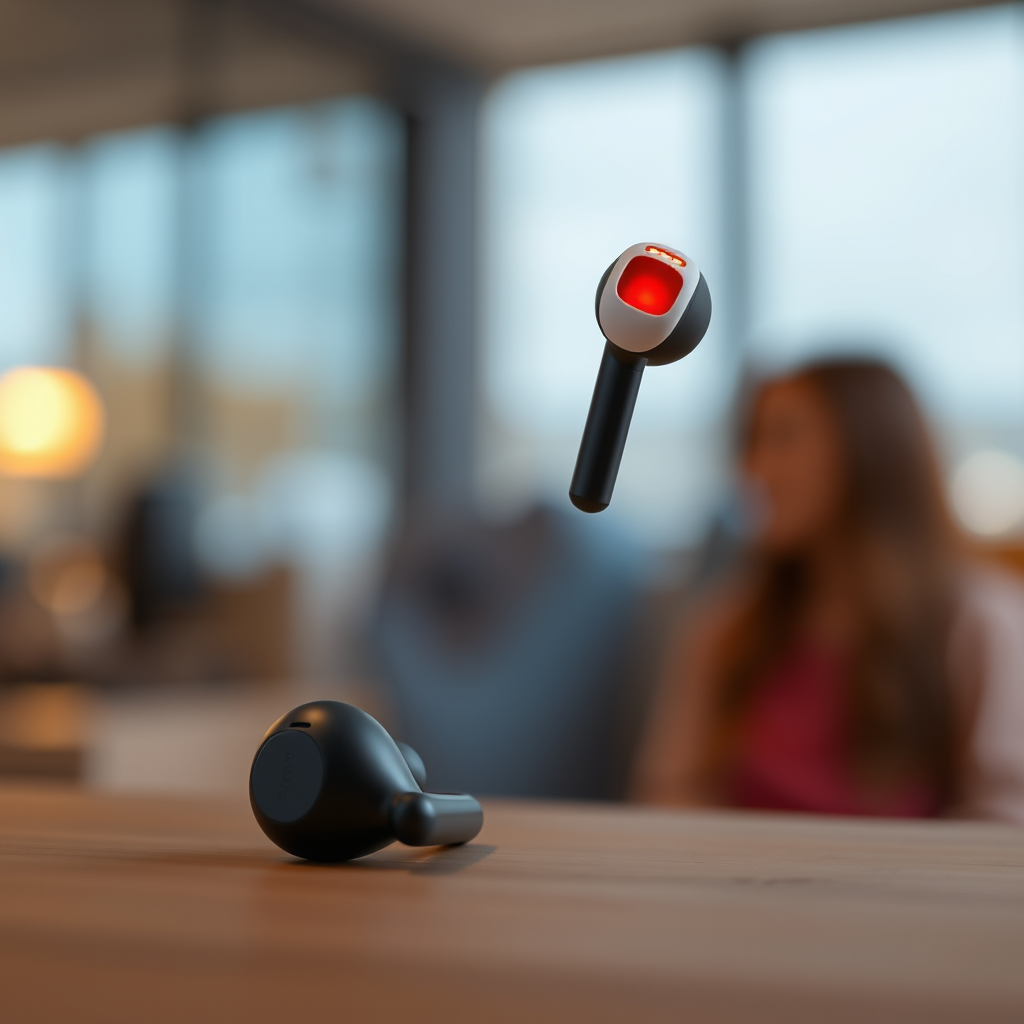

The red and white flashing lights on your Bose earbuds typically indicate a connectivity issue or a low battery. Understanding these signals can help you troubleshoot effectively. In this article, you’ll learn the common reasons behind these flashing lights and how to resolve them. Recognizing what these indicators mean enables you to take appropriate action, ensuring a seamless audio experience.
Understanding the Flashing Lights

The flashing lights on your Bose earbuds serve as vital communication tools, alerting you to their current status. The red light generally signifies a low battery, indicating that your earbuds require charging soon. This signal can be crucial for users who rely on their earbuds for extended periods and may not want to experience unexpected interruptions. On the other hand, the white light often indicates a pairing or connection status. A steady white light suggests that the earbuds are connected to a device, while a flashing white light typically means they are in pairing mode, ready to connect with a new device.
Understanding these visual cues allows you to address issues proactively. For instance, if you see a flashing red light, it’s essential to charge your earbuds to avoid complete battery depletion. Conversely, if you’re trying to connect to a new device and see a flashing white light, you can be assured that they are in pairing mode.
Battery Status: What You Need to Know
Monitoring your earbuds’ battery status is crucial for uninterrupted use. A solid red light means your earbuds need charging soon, typically indicating that the battery level is low but not critically depleted. If the light is flashing red, it’s a sign that your earbuds are nearly out of battery and require immediate charging. Ignoring this warning could result in your earbuds shutting down unexpectedly, which can be frustrating, especially during important calls or listening sessions.
To maintain optimal performance, it’s advisable to charge your Bose earbuds regularly, ideally whenever you notice the solid red light. Utilizing the charging case efficiently can also extend the lifespan of your earbuds’ battery, ensuring that you are always prepared for use.
Connection Issues and Troubleshooting
Flashing white lights can mean your earbuds are in pairing mode, which is a common scenario when first connecting to a device or switching between multiple devices. However, if the earbuds don’t connect successfully, it can lead to frustration. To troubleshoot connection issues effectively, consider the following steps:
1. Check Device Compatibility: Ensure that the device you are attempting to connect with supports Bluetooth and is compatible with your Bose earbuds.
2. Reset Your Earbuds: If connection problems persist, resetting your earbuds may resolve any glitches affecting their performance. This process typically involves turning off the earbuds, then turning them back on to restart the Bluetooth pairing process.
3. Clear Previous Connections: Sometimes, earbuds may attempt to connect to previously paired devices. To rectify this, you can clear the Bluetooth settings on your device or forget the connection and attempt to reconnect.
By following these troubleshooting steps, you can often resolve connection issues and enjoy a seamless audio experience.
Common Battery and Connection Issues in Bose Earbuds
| # | Issue | Description | Solution | Urgency Level |
|---|---|---|---|---|
| 1 | Low Battery | Solid red light | Charge earbuds | High |
| 2 | Critical Low Battery | Flashing red light | Immediate charging needed | Critical |
| 3 | Pairing Mode | Flashing white light | Connect to new device | Moderate |
| 4 | Connection Failure | No connection after pairing | Reset earbuds | High |
| 5 | Previous Device Connection | Connected to a different device | Forget previous device | Moderate |
| 6 | Firmware Issue | Incompatibility issues | Update firmware | Low |
| 7 | Charging Case Issue | Flashing indicator on case | Check charging cables | Moderate |
How to Charge Your Bose Earbuds
Charging your Bose earbuds is a straightforward process, but ensuring you do it correctly is vital for maintaining their functionality. To charge, simply connect your earbuds to the charging case or plug them into a USB charger. The charging indicators should light up, confirming that the earbuds are receiving power.
It’s advisable to use the original charging cables and accessories provided by Bose to avoid any compatibility issues or potential damage to the battery. Additionally, it’s recommended to keep the charging case clean and free of debris to ensure a good connection. Regularly checking the charging status and ensuring the case itself is charged can prevent unexpected downtime.
Resetting Your Bose Earbuds
If you encounter persistent issues despite troubleshooting efforts, resetting your Bose earbuds may be your best option. To reset, turn off the earbuds and then turn them back on. This simple step often resolves minor software glitches.
For more serious problems, performing a factory reset can restore your earbuds to their original settings. To do this, refer to the manufacturer’s instructions specific to your model. Typically, this involves holding down the power button for a few seconds until you see a specific light pattern. Keep in mind that a factory reset will erase all saved connections, so you will need to pair your devices again after this step.
Additional Tips for Maintaining Your Earbuds
Maintaining your Bose earbuds goes beyond just troubleshooting flashing lights. Regularly check battery health to avoid unexpected issues. Keeping your earbuds charged and stored in a clean environment will prolong their lifespan.
Also, consider keeping your earbuds updated with the latest firmware via the Bose app. Firmware updates often include enhancements and fixes that can improve performance and resolve existing issues. Ensure that you periodically check for updates and follow the prompts within the app to keep your earbuds functioning optimally.
In addition, using a protective case can help prevent physical damage to your earbuds, while also keeping them clean and safe when not in use.
The red and white flashing lights on your Bose earbuds can be concerning, but understanding what they mean helps you take the right action. Charge your earbuds when the red light appears, and follow the troubleshooting steps if you’re having connection problems. By maintaining your earbuds and keeping them updated, you can enjoy a seamless audio experience. For further assistance, consult Bose’s customer support or user manual for more information.
Frequently Asked Questions
Why are my Bose earbuds flashing red and white?
When your Bose earbuds are flashing red and white, it typically indicates that they are in pairing mode or that there is a problem with the Bluetooth connection. This flashing light can also signify low battery levels. Ensure that your earbuds are charged and attempt to reconnect them to your device.
How can I stop my Bose earbuds from flashing red and white?
To stop the flashing red and white light on your Bose earbuds, first ensure that they are fully charged. If they are charged and still flashing, try resetting the earbuds by holding the power button for 10 seconds. This can resolve connection issues and allow you to pair them successfully.
What does it mean if my Bose earbuds are flashing red?
A red flashing light on your Bose earbuds usually means that the battery is critically low and needs to be recharged. If the red light persists even after charging, it may indicate a malfunction, in which case you should consult the user manual or contact Bose support for assistance.
Which troubleshooting steps should I follow if my Bose earbuds are stuck flashing red and white?
If your Bose earbuds are stuck flashing red and white, first try resetting the earbuds by holding the power button for 10 seconds. If that doesn’t work, ensure they are not connected to any devices, and then try pairing them again. If the issue persists, consider updating the firmware through the Bose Connect app or reaching out to customer support.
Why do my Bose earbuds keep disconnecting and flashing red and white?
Frequent disconnections and a flashing red and white light on your Bose earbuds often indicate issues with Bluetooth connectivity or battery life. Ensure your earbuds are close to the device and that there are no obstructions. Additionally, check if your earbuds need a firmware update or reset to improve their performance.
References
- Customer Support
https://www.bose.com/en_us/support/article/earbuds-led-light-blinking-red-white.html - https://www.cdc.gov/niosh/topics/noise/default.html
https://www.cdc.gov/niosh/topics/noise/default.html - Page Not Found – Site Help – Mayo Clinic
https://www.mayoclinic.org/diseases-conditions/tinnitus/symptoms-causes/syc-20340084 - Google Scholar Google Scholar
https://scholar.google.com/scholar?q=Bose+earbuds+flashing+red+and+white - Google Scholar Google Scholar
https://scholar.google.com/scholar?q=Bluetooth+earbuds+troubleshooting - Google Scholar Google Scholar
https://scholar.google.com/scholar?q=wireless+earbuds+LED+indicator+lights - https://www.who.int/news-room/fact-sheets/detail/hearing-loss
https://www.who.int/news-room/fact-sheets/detail/hearing-loss - https://www.reuters.com/technology/bose-recalls-soundlink-bluetooth-speakers-2020-03-13/
https://www.reuters.com/technology/bose-recalls-soundlink-bluetooth-speakers-2020-03-13/ - Bluetooth | Definition, Uses, History, & Facts | Britannica
https://www.britannica.com/technology/Bluetooth - https://pubmed.ncbi.nlm.nih.gov/30378919/
https://pubmed.ncbi.nlm.nih.gov/30378919/
