
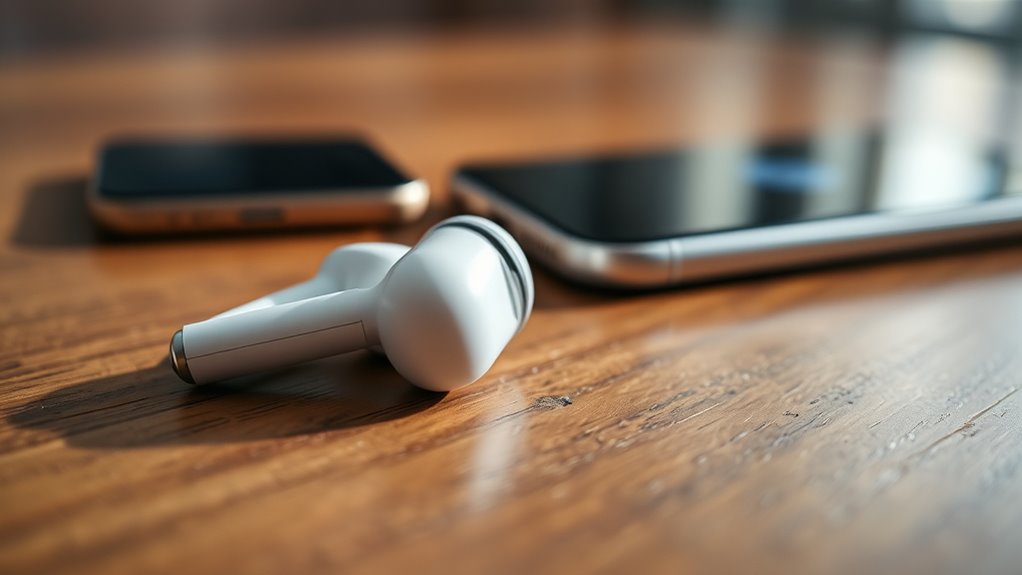

If your earbuds keep disconnecting, it could be due to weak signal strength, low battery, or interference from other devices. Distance from your connected device and obstacles can also disrupt connectivity. Make sure your earbuds and device are compatible and frequently check for software updates. Physical wear and tear can impact performance too. Addressing these issues can enhance your listening experience, and there are tips that can help you maintain a stable connection even further.
Common Connectivity Issues
When it comes to earbuds, you might find that connectivity issues can be frustrating, especially if you rely on them for music or calls. One common problem is weak signal strength, which can lead to frequent disconnections. This often occurs when your earbuds are too far from the connected device or when obstacles, like walls or other electronics, interfere with the signal.
Additionally, connection stability can be compromised by interference from other Bluetooth devices or networks. If you’re in a crowded area, your earbuds may struggle to maintain a solid connection. To enhance your experience, try minimizing distance to your device and reducing interference. Understanding these common connectivity issues can help you enjoy uninterrupted listening and communication.
Battery Life and Charging Problems
Many users experience frustrating battery life and charging problems with their earbuds, which can greatly impact the overall listening experience. If you’re facing disconnections, it’s important to examine your charging habits and the battery lifespan of your earbuds. Consider the following points:
- Charge Regularly: Avoid letting your earbuds drain completely; it’s better for battery health.
- Use the Right Charger: Make sure you’re using the manufacturer’s recommended charger for peak performance.
- Store Properly: Keep your earbuds in a cool, dry place to prevent overheating, which can shorten battery lifespan.
Bluetooth Interference
Although Bluetooth technology offers convenience, it can also be susceptible to interference that disrupts your listening experience. Various devices, like microwaves, Wi-Fi routers, and even other Bluetooth gadgets, can interfere with your earbuds’ signal strength. When you’re within a limited bluetooth range, these interferences can cause your connection to drop unexpectedly. If you’re in a crowded area with many electronic devices, your earbuds may struggle to maintain a stable connection. To improve performance, try to minimize obstacles between your earbuds and the connected device, and avoid areas with high electronic activity. Keeping your device close can enhance signal strength and reduce the likelihood of disconnections, allowing you the freedom to enjoy your music uninterrupted.
Device Compatibility
When using earbuds, device compatibility plays an essential role in ensuring a stable connection. A mismatch in Bluetooth versions between your earbuds and device can lead to frequent disconnections. Additionally, operating system updates may affect how well your earbuds function, so it’s important to keep both your device and earbuds updated.
Bluetooth Version Mismatch
If your earbuds keep disconnecting, a likely culprit could be a Bluetooth version mismatch between your earbuds and the device they’re paired with. Different Bluetooth standards can lead to compatibility issues, resulting in frustrating disconnections. Here are a few things to take into account:
- Check Bluetooth versions: Verify both your earbuds and device support the same or compatible Bluetooth versions.
- Update devices: Sometimes, updating your device’s software can resolve compatibility problems.
- Evaluate range: Bluetooth performance can diminish with distance; make sure you’re within range for peak connectivity.
Operating System Updates
Keeping your earbuds connected often hinges on the operating system of your device, as outdated software can create compatibility issues. If your device’s operating system isn’t aligned with your earbuds’ requirements, you’re likely to experience disconnections. Regular updates are essential for maintaining peak operating system compatibility. Check your device’s update frequency and verify you’re not missing critical patches that enhance performance and connectivity. Sometimes, a simple update can resolve lingering issues, allowing you to enjoy uninterrupted audio. Ignoring these updates can leave you frustrated, constantly battling disconnections. So, make it a habit to keep your device up-to-date, guaranteeing your earbuds function seamlessly and giving you the freedom to enjoy your music without interruptions.
Firmware and Software Updates
Although it might seem minor, staying on top of firmware and software updates can greatly impact your earbuds’ performance and connectivity. Regular updates can enhance your listening experience and guarantee your earbuds run smoothly. Here are some key firmware benefits to reflect on:
- Improved Connectivity: Updates often fix bugs that cause disconnections, providing a more stable connection.
- Enhanced Features: New software can access features or improve existing ones, making your earbuds even more enjoyable.
- Software Compatibility: Keeping your firmware up-to-date guarantees your earbuds work seamlessly with the latest devices.
Physical Damage or Wear
Physical damage or wear can greatly impact your earbuds’ performance. You might notice frayed wires, broken connectors, or general wear and tear on the earpieces, all of which can lead to disconnections. Identifying these issues early can help you troubleshoot and maintain a better listening experience.
Frayed Wires Issues
As you use your earbuds over time, it’s common for wear and tear to lead to frayed wires, which can significantly affect sound quality and connectivity. Frayed connections can disrupt the flow of audio, resulting in intermittent sound or complete disconnection. The wire insulation can also wear down, exposing the wires and increasing the risk of further damage.
Here are a few signs of frayed wires to watch for:
- Visible wear or breaks in the wire insulation
- Crackling or inconsistent sound during use
- Difficulty maintaining a stable connection
Addressing these issues early can save you from further frustration. If you notice any of these signs, consider replacing your earbuds or seeking professional repairs to restore your listening experience.
Broken Connectors Problems
Have you ever noticed your earbuds disconnecting unexpectedly? One common culprit could be broken connectors. These connectors come in various types, such as 3.5mm jacks or USB-C, and their quality greatly impacts your listening experience. Over time, repeated plugging and unplugging can wear down these connectors, leading to poor connections. If you feel resistance or hear crackling sounds, it’s a sign of physical damage. Low-quality connectors are more susceptible to wear and may not maintain a secure connection, causing frustration during your favorite tunes or podcasts. To prevent these issues, consider investing in higher-quality earbuds with durable connectors. This simple choice can enhance your audio experience and keep you connected to your music, free from interruptions.
Earpiece Wear and Tear
While you might enjoy using your earbuds daily, constant exposure to sweat, moisture, and physical handling can lead to considerable wear and tear on the earpieces. This degradation can affect not just the earbud longevity but also the sound quality you expect.
To help you identify potential issues, consider these factors:
- Earwax and Debris: Accumulation can block sound and damage drivers.
- Frayed Wires: Bending or pulling can wear down internal wiring.
- Cracked Housing: Dropping or mishandling can lead to physical damage.
Taking care of your earbuds is essential for maintaining their performance. Regular cleaning and mindful handling can considerably extend their lifespan while ensuring you enjoy the best sound quality possible.
Tips for Maintaining a Stable Connection
To maintain a stable connection with your earbuds, it’s important to be mindful of your surroundings and device settings. Regular earbud maintenance can greatly enhance connection stability. Keep your earbuds charged, as low battery can lead to disconnections. Also, avoid physical obstructions between your earbuds and device.
| Tip | Description |
|---|---|
| Keep it Charged | Make sure your earbuds remain fully charged. |
| Check for Interference | Stay away from Wi-Fi routers and microwaves. |
| Update Firmware | Regularly check for updates to improve performance. |
Frequently Asked Questions
Can Earwax Affect My Earbuds’ Connectivity?
Yes, earwax buildup can affect your earbuds’ connectivity. Picture audio interference creeping in like static on a radio, muffling your music as gunk clogs the speakers. Regular cleaning helps maintain a crisp, uninterrupted sound experience.
How Can I Reset My Earbuds?
To reset your earbuds, try earbud troubleshooting like holding the power button for 10 seconds or removing them from your Bluetooth settings. Different models have specific reset methods, so check the manual for precise instructions.
Do Different Audio Codecs Impact Connectivity?
Different audio codecs can greatly impact connectivity. When codec compatibility’s off, you might experience drops. Higher-quality codecs enhance audio quality, but if they’re not compatible, your earbuds may disconnect, leaving you yearning for seamless listening freedom.
Are Certain Earbud Brands More Reliable Than Others?
Yes, certain earbud brands tend to show more reliability. You should check user reviews for insights on performance and connectivity. Popular brands often have better quality control, leading to fewer disconnections and overall satisfaction.
Can Environmental Factors Cause Disconnections?
Yes, environmental factors can cause disconnections. Temperature fluctuations may affect battery performance, while wireless interference from other devices can disrupt signals. Keeping your earbuds away from such influences can enhance their connection stability.
