
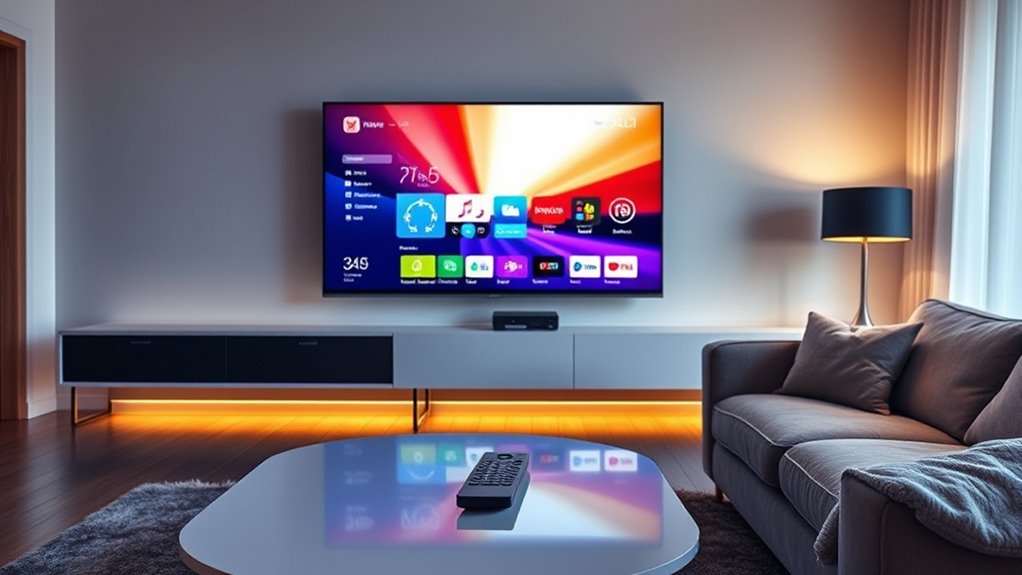

To tell if a TV is a smart TV, check for built-in apps like Netflix or Hulu, which indicate streaming capabilities. Guarantee it has internet connectivity options, like Wi-Fi or Ethernet. You should also look for voice control features and compatibility with smart assistants. If the TV receives regular software updates, that signals smart functionality. Want to know more about the unique features that smart TVs offer? You might find it interesting to explore further.
Understanding Smart TV Features
How can you tell if a TV is truly smart? Start by examining its smart features. A genuine smart TV should offer a user-friendly interface, allowing you to easily navigate various apps and streaming services. Look for built-in applications like Netflix, Hulu, or YouTube, which indicate its capability. Additionally, check for connectivity options: Wi-Fi and Bluetooth are essential for seamless integration with other devices. If the TV supports screen mirroring or voice control, it’s likely a smart choice. Also, consider whether it receives software updates, as this guarantees access to the latest features. Ultimately, the combination of versatile smart features and robust connectivity options will define a TV’s intelligence, granting you the freedom to enjoy diverse content effortlessly.
Checking for Internet Connectivity
Is your TV ready to connect to the internet? You can easily check this by exploring its network settings. Here’s how:
Is your TV equipped for internet connectivity? Check its network settings to find out!
- Access Network Settings: Navigate to your TV’s settings menu. Look for “Network” or “Internet” options.
- Check Connection Type: Determine if your TV uses Wi-Fi or an Ethernet connection. Ethernet is typically more stable.
- Test Connectivity: If available, select “Test Connection” to verify your TV can access the internet.
If your TV allows internet connectivity, it’s likely a smart TV. Remember, a smart TV enhances your viewing freedom by connecting you to streaming services and apps, so verifying a reliable connection is key to enjoying that freedom.
Identifying Pre-installed Streaming Apps
Ever wondered if your TV comes with pre-installed streaming apps? To find out, take a closer look at your TV’s home screen. If you see streaming app icons like Netflix, Hulu, or Amazon Prime Video readily available, you’re likely dealing with a smart TV. These icons indicate that the TV can connect to the internet and stream content without needing additional devices.
Next, explore the app store navigation. Most smart TVs offer an app store where you can browse and download more streaming apps. If your TV supports this feature, it confirms its smart capabilities. By checking for these elements, you can easily identify whether your TV is designed for a seamless streaming experience.
Exploring Voice Control and Smart Assistants
While many people enjoy the convenience of streaming services, the integration of voice control and smart assistants can enhance your experience even further. With voice activation, you can seamlessly navigate your smart TV and control your smart home devices. Here are three key features to look for:
- Voice Commands: Check if your TV responds to voice commands for launching apps or searching content.
- Smart Assistant Compatibility: Verify your TV works with popular assistants like Alexa, Google Assistant, or Siri for a unified experience.
- Home Integration: Look for features that allow you to control other smart home devices directly through your TV.
These elements not only boost convenience but also elevate your overall viewing experience by making interaction more intuitive and engaging.
Recognizing Software Updates and App Stores
To guarantee your TV stays up-to-date and compatible with the latest streaming services, recognizing the presence of software updates and app stores is essential. Smart TVs typically feature built-in app stores that allow you to download and install popular applications, enhancing their software capabilities. Check for update notifications in the settings menu; these alerts indicate that your TV can receive the latest enhancements and security fixes. If your TV prompts you to install updates regularly, it’s a strong sign of its smart functionality. Additionally, a wide selection of apps signifies a robust smart platform, giving you the freedom to customize your viewing experience. By staying informed about updates and app options, you can maximize your TV’s potential.
Frequently Asked Questions
Can a Smart TV Be Used Without an Internet Connection?
Absolutely, you can use a smart TV without an internet connection! Just think of offline streaming like a magical portal to your favorite shows, though you’ll miss out on wireless connections and online features. Enjoy!
Do Smart TVS Come With Built-In Browsers?
Yes, most smart TVs come with built-in browsers as part of their built-in features, offering you browsing capabilities. This lets you access websites directly on your TV, enhancing your viewing experience without extra devices.
Are Smart TVS Compatible With Gaming Consoles?
Yes, smart TVs generally offer excellent console compatibility, enhancing your gaming performance. Most modern smart TVs support popular gaming consoles, letting you enjoy seamless gameplay with stunning visuals and responsive controls, ensuring a great gaming experience.
How Do Smart TVS Handle Software Updates?
Smart TVs gracefully manage software updates, like a gardener tending to blooms. They typically receive regular updates to enhance performance and security, with update frequency varying by brand, ensuring your viewing experience stays fresh and secure.
Can I Connect a Smart TV to a VPN?
Yes, you can connect a smart TV to a VPN for enhanced security and privacy. Just guarantee your TV supports VPN compatibility, or consider using a router-based VPN for seamless protection across your devices.
