
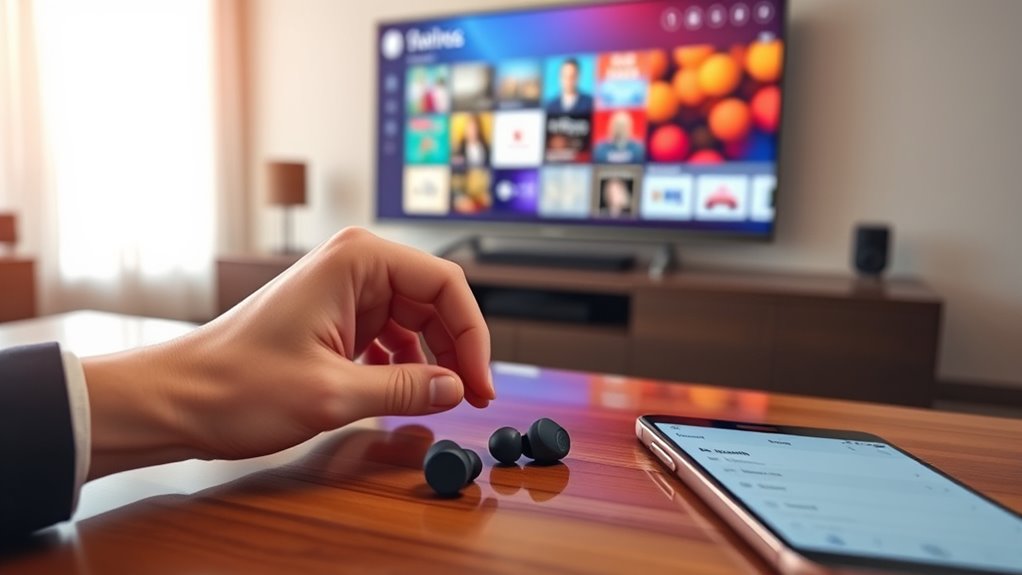

To connect earbuds to your TV, first check the audio output options. For wired earbuds, plug them into the headphone jack. If you prefer wireless, make sure your TV supports Bluetooth, then pair your earbuds by following the pairing process in the TV settings. Adjust the audio settings for best sound quality, like balancing left and right speakers. If you’re facing issues, don’t worry—there’s more to discover about troubleshooting connection problems.
Understanding the Different Types of Earbuds
When it comes to choosing earbuds, understanding the various types available can make a big difference in your listening experience. You’ll find several earbud types, each offering unique benefits. In-ear earbuds provide a snug fit, enhancing sound quality by blocking external noise. On-ear options rest on your ears, delivering a more comfortable feel while still offering decent sound quality. Wireless earbuds eliminate the hassle of cords, giving you freedom of movement, but you might sacrifice some audio fidelity. Noise-canceling earbuds are perfect for immersing yourself in sound, blocking out distractions. By evaluating your preferences and how you’ll use them, you can select the right type that suits your lifestyle while enjoying the audio experience you crave.
Checking Your TV’s Audio Output Options
To enjoy your earbuds with your TV, it is essential to check the audio output options available on your device. Most TVs offer multiple connection types, such as HDMI, optical, and 3.5mm headphone jacks. Understanding these options can help you determine how to connect your earbuds effectively. If your TV has Bluetooth capabilities, you might even be able to pair your wireless earbuds for a more convenient experience. On the other hand, if you’re using wired earbuds, look for a suitable audio output port. Take a moment to explore your TV’s settings menu as well; this can reveal additional audio output configurations that could enhance your listening experience. Freedom lies in knowing what your TV can offer!
Connecting Wired Earbuds to Your TV
Connecting wired earbuds to your TV can be a straightforward process. With a direct connection, you’ll enjoy several advantages that enhance your viewing experience:
Connecting wired earbuds to your TV offers a simple way to enhance your viewing experience with superior sound quality and no lag.
- Wired connection benefits: Forget about battery life—just plug in and enjoy uninterrupted audio.
- Audio quality comparison: Wired connections often deliver superior sound quality, ensuring you catch every detail in your favorite shows.
- No lag: Experience audio in perfect sync with the video, making for an immersive entertainment experience.
To connect your wired earbuds, locate the headphone jack on your TV, plug them in, and adjust the volume. Enjoy the freedom of sound without the hassle of wireless pairing. It’s that simple!
Pairing Bluetooth Earbuds With Your TV
Before you can enjoy your favorite shows with Bluetooth earbuds, you need to check if your TV supports Bluetooth connectivity. Once you’ve confirmed compatibility, the pairing process is straightforward and can typically be completed in just a few steps. Let’s walk through how to get your earbuds connected to your TV.
Check TV Bluetooth Compatibility
Checking your TV’s Bluetooth compatibility is essential before attempting to pair your Bluetooth earbuds. Not all TV models support Bluetooth, and understanding this can save you time and frustration. Here are three important factors to take into account:
- Bluetooth Standards: Check if your TV adheres to recent Bluetooth standards, as older versions may not support modern earbuds.
- TV Models: Research your specific TV model to confirm if it has built-in Bluetooth capabilities.
- Firmware Updates: Verify your TV’s firmware is updated, as updates can enhance Bluetooth performance.
Pairing Process Steps
Once you’ve confirmed that your TV supports Bluetooth, you can easily pair your Bluetooth earbuds. Start by putting your earbuds in pairing mode—usually, this involves holding down a button until you see a flashing light. Next, navigate to your TV’s settings menu and find the Bluetooth option. Depending on your TV model, you may have different pairing methods, so follow the on-screen instructions. Once your earbuds appear on the list, select them to complete the connection. After pairing, test the audio quality by playing something on your TV. If the sound isn’t clear, recheck the settings or try reconnecting. Enjoy the freedom of wireless audio without disturbing others around you!
Adjusting Audio Settings for Optimal Sound
While connecting your earbuds to the TV is the first step, adjusting the audio settings is crucial for achieving ideal sound quality. Follow these audio enhancement techniques to elevate your experience:
- Sound Balance Adjustments: Tweak the left and right speaker balance to guarantee you hear every detail clearly.
- Equalizer Settings: Experiment with preset options or create custom adjustments to enhance bass, midrange, and treble.
- Volume Levels: Keep the TV volume at a moderate level while adjusting your earbuds’ volume to avoid distortion and maintain clarity.
Troubleshooting Common Connection Issues
When you’re trying to connect your earbuds to the TV, you might run into a few common issues that can disrupt your experience. First, check if your earbuds are fully charged and in pairing mode. If you’re facing connection problems, verify your TV’s Bluetooth is enabled and visible. Sometimes, interference from other devices can affect the connection, so try turning off nearby Bluetooth devices. If the sound quality isn’t up to par, confirm the earbuds are properly connected and that the audio settings on your TV are adjusted correctly. If you’re still having trouble, restarting both your TV and earbuds often resolves lingering issues and gets you back to enjoying your favorite shows in no time.
Frequently Asked Questions
Can I Use Earbuds With a Smart TV?
Yes, you can use earbuds with a smart TV if it has Bluetooth compatibility. Just be aware of potential audio latency, which might affect your viewing experience. Enjoy your shows wirelessly and comfortably!
Will Connecting Earbuds Affect TV Speakers?
Yes, connecting earbuds typically mutes TV speakers. Curiously, around 20% of viewers experience audio delay with Bluetooth earbuds, which can impact sound quality. So, consider wired options if you want seamless audio without interruptions.
Are There Specific Earbuds for Gaming?
Yes, there are specific earbuds designed for gaming. Look for ones that prioritize gaming performance and minimize audio latency, ensuring you experience immersive sound without delays—perfect for competitive gaming and enjoying your favorite titles fully.
Do I Need a Special Adapter for My Earbuds?
Think of your earbuds as a key to a treasure chest. You won’t need a special adapter if your TV has Bluetooth compatibility; just guarantee it supports high audio quality for the best listening experience.
Can I Connect Multiple Earbuds to One TV?
Yes, you can connect multiple earbuds to one TV if it has Bluetooth compatibility. However, be aware that audio synchronization might be an issue, potentially causing delays in sound between devices.
