
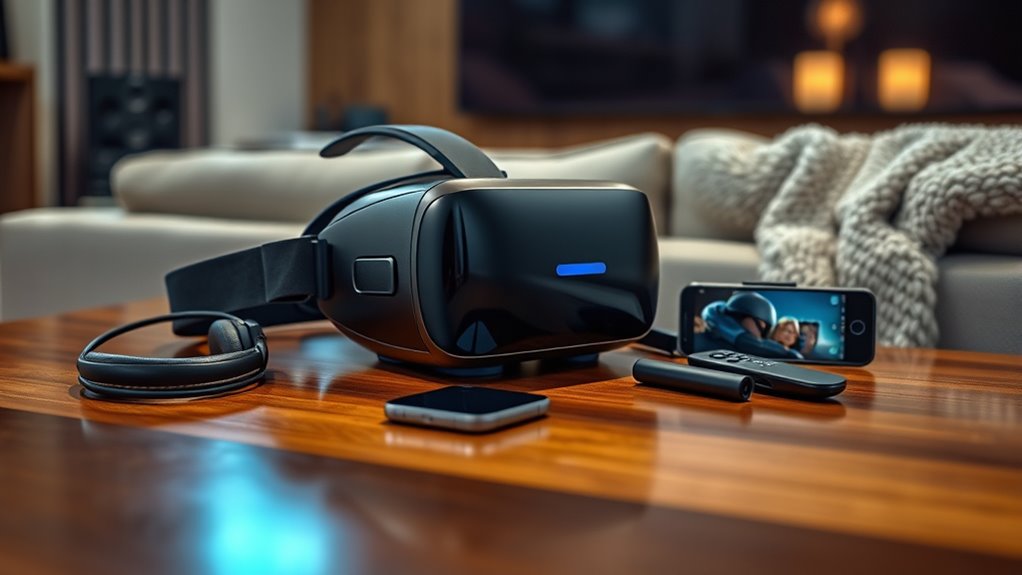

To watch regular movies on a VR headset, you’ll need a compatible device, such as a smartphone, gaming console, or PC. Choose a quality VR headset with a comfortable fit and good resolution for an immersive experience. Don’t forget essential accessories like high-quality headphones and a comfy chair. Additionally, setting up your VR environment properly can enhance your viewing. If you want to learn about maximizing your experience, keep exploring the details.
Choosing the Right VR Headset
When it comes to choosing the right VR headset, what factors should you consider? First, resolution considerations are key. Higher resolution means a sharper, more immersive experience, allowing you to enjoy movies with greater detail. Look at VR headset comparison reviews to see how different models stack up in this area. Next, comfort and fit matter; you want a headset that’s easy to wear for long periods. Weight distribution and padding can enhance your viewing experience. Additionally, consider the software ecosystem and content availability; a headset with a robust library can offer more freedom in your movie choices. Finally, budget is essential—find a balance between features and price to suit your needs without sacrificing quality.
Compatible Devices for Streaming
Several devices can enhance your VR movie-watching experience, and knowing which ones are compatible is crucial. Most VR headsets work seamlessly with popular streaming platforms like Netflix, Hulu, and YouTube. Verify your device has the necessary specifications to support these applications. For instance, smartphones with VR support, gaming consoles, and PCs often provide the best performance. Additionally, check for device compatibility with your headset—some might require specific software or updates. If you’re using a standalone VR headset, confirm that it can connect to your preferred streaming platforms without needing external hardware. Understanding these factors can greatly improve your viewing experience, giving you the freedom to enjoy movies in immersive environments.
Essential Accessories for an Enhanced Experience
Enhancing your VR movie-watching experience goes beyond just having a compatible headset; essential accessories can greatly elevate your enjoyment. First, investing in high-quality headphones is vital for immersive sound quality. A good pair will allow you to fully appreciate the film’s audio, making every scene more engaging. Additionally, consider comfortable seating options like a bean bag or a reclining chair. This will not only support prolonged viewing sessions but also help you relax and lose yourself in the cinematic world. Finally, a VR headset stand can keep your device organized and ready for use. By incorporating these accessories, you’ll create a more enjoyable and immersive environment for your virtual movie nights.
Setting Up Your VR Environment
To fully immerse yourself in the world of virtual reality movies, setting up your VR environment is essential. Start by making sure your VR space configuration is clear of obstacles. Measure your play area to give yourself enough room to move without bumping into furniture or walls. Next, position your headset for ideal headset placement; it should sit comfortably on your head, with lenses aligned to your eyes for the best visuals. If your system allows, calibrate the tracking sensors to improve accuracy. Adjust the lighting in your space as well, as good lighting can enhance tracking performance. Finally, make certain your audio setup complements the visuals, as sound plays a key role in immersion. Now you’re ready to enjoy your virtual movie experience!
Tips for Optimizing Your Viewing Experience
With your VR environment set up, the next step is enhancing your viewing experience for maximum immersion. Prioritize your viewing comfort by adjusting headset straps for a snug fit, reducing fatigue during long sessions. Also, consider the lighting—dimmer surroundings can improve your focus on the screen.
Here’s a quick table to help you optimize your setup:
| Tip | Benefit | How to Implement |
|---|---|---|
| Adjust headset fit | Reduces discomfort | Tighten straps properly |
| Control lighting | Enhances focus | Dim the room |
| Use quality headphones | Improves audio quality | Invest in good headphones |
| Take breaks | Prevents fatigue | Set a viewing timer |
| Experiment with settings | Tailors experience | Try different VR modes |
Implementing these tips will elevate your movie-watching experience in VR.
Frequently Asked Questions
Can I Watch 2D Movies in VR, or Only 3D Content?
You can definitely watch 2D movies in VR, not just 3D content. It offers an immersive viewing experience, enhancing your enjoyment and allowing you to feel like you’re part of the action, even in 2D.
Do VR Headsets Support All Streaming Platforms?
Most VR headsets support popular streaming platforms, but there’re some limitations. You might find certain services unavailable or requiring specific apps. Always check compatibility to guarantee a seamless streaming experience tailored to your preferences.
How Do I Connect My VR Headset to My Audio System?
About 70% of VR users prefer immersive audio experiences. To connect your VR headset to your audio system, use an audio cable for wired connections, or opt for a wireless connection for seamless sound enjoyment.
Is There a Minimum Internet Speed Required for Streaming in VR?
For ideal streaming quality in VR, you’ll need at least 25 Mbps for smooth playback. Higher bandwidth requirements can enhance your experience, reducing latency and buffering, allowing you to fully enjoy immersive content without interruptions.
Can I Use My Smartphone as a VR Headset for Movies?
Yes, you can use your smartphone as a VR headset for movies. Just verify smartphone compatibility with VR apps, and download mobile apps designed for immersive viewing to enhance your cinematic experience. Enjoy the freedom of virtual storytelling!
