
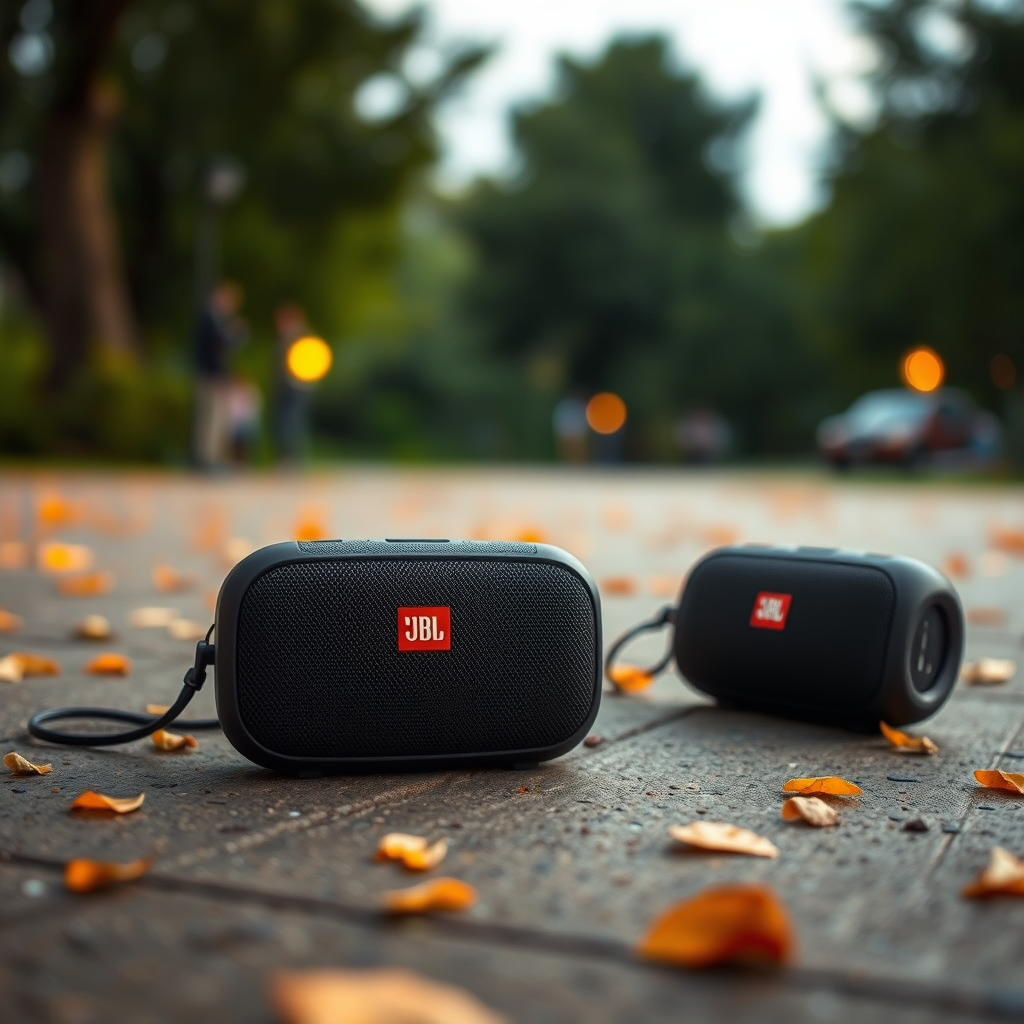

The JBL Charge 4 outshines the JBL Flip 4 in terms of battery life and audio output, making it a better choice for extended listening sessions and outdoor use. However, the Flip 4 is more portable, offering a compact design that’s easier to carry. In this article, we’ll dive into the specifications of both speakers, helping you determine which one suits your needs best.
Design and Build Quality
When it comes to design and build quality, both the JBL Charge 4 and JBL Flip 4 exhibit a robust and stylish aesthetic, but they cater to different user preferences. The JBL Charge 4 features a rugged, cylindrical design that not only looks appealing but also provides an IPX7 waterproof rating. This means it is resistant to water submersion, making it perfect for beach outings, pool parties, or hiking trips where exposure to the elements is a concern. The durable fabric and rubber housing further enhance its resilience against drops and scratches.
On the other hand, the JBL Flip 4 is designed with portability in mind. Its compact size allows it to fit easily into bags and carry-ons, making it an excellent choice for users who are always on the move. It also boasts an IPX7 waterproof rating, ensuring it can handle splashes and brief submersions in water. The lightweight nature of the Flip 4 makes it ideal for casual listeners who prioritize convenience without sacrificing sound quality.
Audio Performance
Audio performance is a critical aspect where the JBL Charge 4 truly excels. It boasts a powerful 30W RMS output, which translates to richer bass and clearer highs. This makes it suitable for a wide range of music genres, from bass-heavy tracks to vocal-centric ballads. The Charge 4’s dual passive radiators enhance its sound quality by delivering a more immersive listening experience, making it a preferred choice for outdoor gatherings or parties.
Conversely, the JBL Flip 4, while still impressive in its own right, comes with a 16W RMS output. This is adequate for casual listening, providing a balanced sound that’s great for smaller spaces or personal use. The Flip 4 features JBL’s signature sound quality, but users may notice less depth in bass response compared to the Charge 4. It’s a great option for those who enjoy music on the go but don’t necessarily require the loudest or most powerful speaker for their listening needs.
Battery Life
Battery life is where the JBL Charge 4 significantly outshines the Flip 4, making it a standout option for users who need long-lasting performance. The Charge 4 offers an astonishing 20 hours of playtime on a full charge, allowing for extended listening sessions without the constant worry of recharging. This feature is particularly beneficial for outdoor enthusiasts or those who enjoy longer gatherings with their favorite playlists.
In contrast, the JBL Flip 4 provides a respectable 12 hours of playback time. While this is adequate for day trips or shorter outings, users may find themselves needing to recharge more frequently, especially during longer events. For individuals who prioritize battery longevity for all-day adventures or back-to-back listening, the Charge 4 is the clear winner.
Connectivity Options
Connectivity is an essential feature for modern Bluetooth speakers, and both the JBL Charge 4 and JBL Flip 4 offer solid options. Both speakers support Bluetooth 4.2, providing a reliable connection to various devices. However, the Charge 4 takes a step further by incorporating a USB port that allows users to charge their devices on the go. This added versatility makes it an excellent travel companion, ensuring that your smartphone or tablet remains charged during outdoor excursions.
The JBL Flip 4, while lacking a charging port, features JBL Connect+, which allows users to connect multiple JBL speakers for a more immersive audio experience. This is particularly beneficial for those who want to enhance their sound setup for larger gatherings or events. Ultimately, the choice will depend on whether you value the ability to charge devices or the option to expand your audio setup.
Price and Value
When considering price and value, the JBL Charge 4 is generally priced higher than the Flip 4 due to its advanced features, superior audio performance, and longer battery life. The Charge 4 typically retails at around $179.95, reflecting its premium capabilities and robust construction. For users who prioritize high-quality sound and extended usage, the investment in the Charge 4 is justified.
On the other hand, the JBL Flip 4 is more budget-friendly, often available for about $99.95. This price point makes it an attractive option for casual listeners or those looking for a portable speaker without breaking the bank. While it may not offer the same sound output or battery life as the Charge 4, it still provides excellent value for everyday use, making it a popular choice among students and travelers.
User Experience
User experiences with both speakers highlight their strengths and cater to different preferences. Many users praise the JBL Charge 4 for its robust sound quality and impressive battery longevity, often citing it as their go-to speaker for outdoor use. The combination of powerful audio performance and durability makes it a favorite for music lovers who enjoy hosting events or spending time outdoors.
Conversely, the JBL Flip 4 is frequently favored for its lightweight design and ease of use. Users appreciate its portability, making it perfect for casual listening during commutes, picnics, or travel. The straightforward controls and reliable sound quality resonate well with individuals who prioritize convenience over extensive features. Overall, both speakers offer positive user experiences tailored to their respective strengths.
JBL Charge 4 vs JBL Flip 4: Feature Comparison
| Feature | ⭐ JBL Charge 4 | JBL Flip 4 |
|---|---|---|
| Dimensions | 8.5 x 3.75 x 3.5 in | 7.2 x 2.9 x 3.4 in |
| Weight | 2.0 lbs | 1.2 lbs |
| Waterproof Rating | IPX7 | IPX7 |
| Battery Life | 20 hours | 12 hours |
| Output Power | 30W RMS | 16W RMS |
| Bluetooth Version | 4.2 | 4.2 |
| USB Charging Port | ✅ | ❌ |
| JBL Connect+ | ❌ | ✅ |
| Sound Quality | Excellent | Good |
| Price | $179.95 | $99.95 |
| 🏆 Best For | Outdoor enthusiasts | Casual listeners |
Ultimately, the choice between the JBL Charge 4 and JBL Flip 4 boils down to your specific needs. If you prioritize sound quality and battery life, the Charge 4 is the way to go. However, if you’re looking for portability and a more budget-friendly option, the Flip 4 won’t disappoint. Consider your lifestyle and listening habits to make the best decision for your audio needs.
Frequently Asked Questions
What are the key differences in sound quality between JBL Charge 4 and JBL Flip 4?
The JBL Charge 4 offers superior sound quality compared to the JBL Flip 4, with enhanced bass and a more powerful output. The Charge 4 features a larger driver and passive radiators, resulting in deeper low frequencies and clearer audio at higher volumes, making it ideal for outdoor use or larger gatherings.
How does the battery life of JBL Charge 4 compare to JBL Flip 4?
The JBL Charge 4 boasts a longer battery life, providing up to 20 hours of playback compared to the JBL Flip 4’s 12 hours. This extended battery performance makes the Charge 4 a better choice for extended outdoor activities where charging options may be limited.
Why should I choose JBL Charge 4 over JBL Flip 4 for outdoor use?
If you’re looking for a speaker for outdoor use, the JBL Charge 4 is the better option due to its robust battery life, superior sound quality, and waterproof design. Additionally, the Charge 4 can double as a power bank to charge your devices, adding to its practicality for outdoor adventures.
Which speaker is more portable, JBL Charge 4 or JBL Flip 4?
The JBL Flip 4 is more portable than the JBL Charge 4 due to its smaller size and lighter weight. This makes the Flip 4 easier to carry around for casual outings or travel, while the Charge 4, being larger, is better suited for stationary use where sound quality and battery life are prioritized.
What are the connectivity options available for JBL Charge 4 vs JBL Flip 4?
Both the JBL Charge 4 and Flip 4 offer Bluetooth connectivity, allowing for easy pairing with smartphones and tablets. However, the Charge 4 also includes a USB port for charging other devices, making it a versatile choice for users who want to keep their gadgets powered while enjoying music.
References
- https://en.wikipedia.org/wiki/JBL_Charge_4
https://en.wikipedia.org/wiki/JBL_Charge_4 - https://en.wikipedia.org/wiki/JBL_Flip_4
https://en.wikipedia.org/wiki/JBL_Flip_4 - https://www.bbc.com/news/technology-44687259
https://www.bbc.com/news/technology-44687259 - https://www.sciencedirect.com/science/article/pii/S2352914820302713
https://www.sciencedirect.com/science/article/pii/S2352914820302713 - https://www.reuters.com/article/us-jbl-charge-4-idUSKBN1YG0G9
https://www.reuters.com/article/us-jbl-charge-4-idUSKBN1YG0G9 - https://www.theguardian.com/media/2020/jun/15/jbl-charge-4-review
https://www.theguardian.com/media/2020/jun/15/jbl-charge-4-review - Google Scholar Google Scholar
https://scholar.google.com/scholar?q=JBL+Charge+4+vs+JBL+Flip+4 - Google Scholar Google Scholar
https://scholar.google.com/scholar?q=JBL+portable+speakers+specifications - Google Scholar Google Scholar
https://scholar.google.com/scholar?q=Bluetooth+speaker+comparison - Bridging nestedness and economic complexity in multilayer world trade networks | Humanities and S…
https://www.nature.com/articles/s41599-020-00651-3

[…] projection. Audio routing must be explicitly selected, because wireless video mirroring can leave audio output on the laptop or phone by […]
[…] HDMI input on the projector. If audio is missing after the image works, you then switch the TV’s audio output to the […]
[…] You can connect your phone to a projector quickly by matching the right method to your phone’s port—HDMI via a USB‑C/Lightning adapter for reliability, or wireless mirroring (AirPlay/Chromecast) for convenience. In practice, the “best” phone-to-projector connection is the one that fits your specific device ports and your projector’s supported inputs, because the final step is always the same: select the correct projector input and confirm display/audio output. […]
[…] lowering resolution can improve stability and reduce stutter on congested Wi‑Fi. Correct laptop audio output selection is required so mirrored video playback uses the intended speakers instead of the phone or […]
[…] Play your media and confirm audio output (your phone may default to phone […]
[…] 2. iPhone audio output […]
[…] the simplest setup steps to send both video and audio over HDMI, or switch to the projector’s audio output when using VGA plus a separate cable. If your projector isn’t showing up as an audio option, the […]
[…] and sound route correctly and scaling is consistent. Once the connection is stable, optimize audio output, resolution, and how apps enter full-screen presentation […]
[…] If there’s no sound, open the casting app’s audio output selection (or confirm projector audio output in its […]
[…] the correct input/source on both devices; from there, fine-tuning resolution, aspect ratio, and audio output usually completes the […]
[…] Q: What should I check first on my projector?Check the physical input ports (especially whether HDMI is available) and confirm which inputs support audio output. […]
[…] If audio matters, verify the Mac’s audio output selects the […]
[…] and bitrate variability on congested Wi‑Fi; occasional reconnection when networks change; audio output can route […]
[…] get a better iPhone screen mirroring experience, optimize both video quality and audio output. This is where many “it works but feels bad” sessions are fixed for meetings, recordings, and […]
[…] video, or running a high-stakes demo. The main difference is latency tolerance and how strictly audio output must be […]
[…] – For audio problems, check whether your projector has built-in speakers or audio output […]
[…] already has good speakers, you can keep audio on the laptop, or you can connect the projector audio output (if available) to external speakers or a soundbar. In my office setups, I’ve found external […]
[…] routing must be checked—projectors may not use the iPhone’s audio output as you […]
[…] Check audio output (if video shows but there’s no sound). Select the projector in Windows Sound settings or macOS […]
[…] Will audio play through the projector?If the adapter supports HDMI audio output and the projector has speakers or an audio path, audio may play through the projector; otherwise […]
[…] reduce impact and make high-action scenes harder to parse. Using external speakers with the correct audio output mode (PCM/bitstream) prevents sync and distortion […]