

While Roku TVs do not have a built-in alarm feature, you can utilize various workarounds to set reminders or notifications. This article will guide you through alternative methods to achieve similar results, ensuring you never miss your favorite shows or important events.
Understanding Roku TV Features
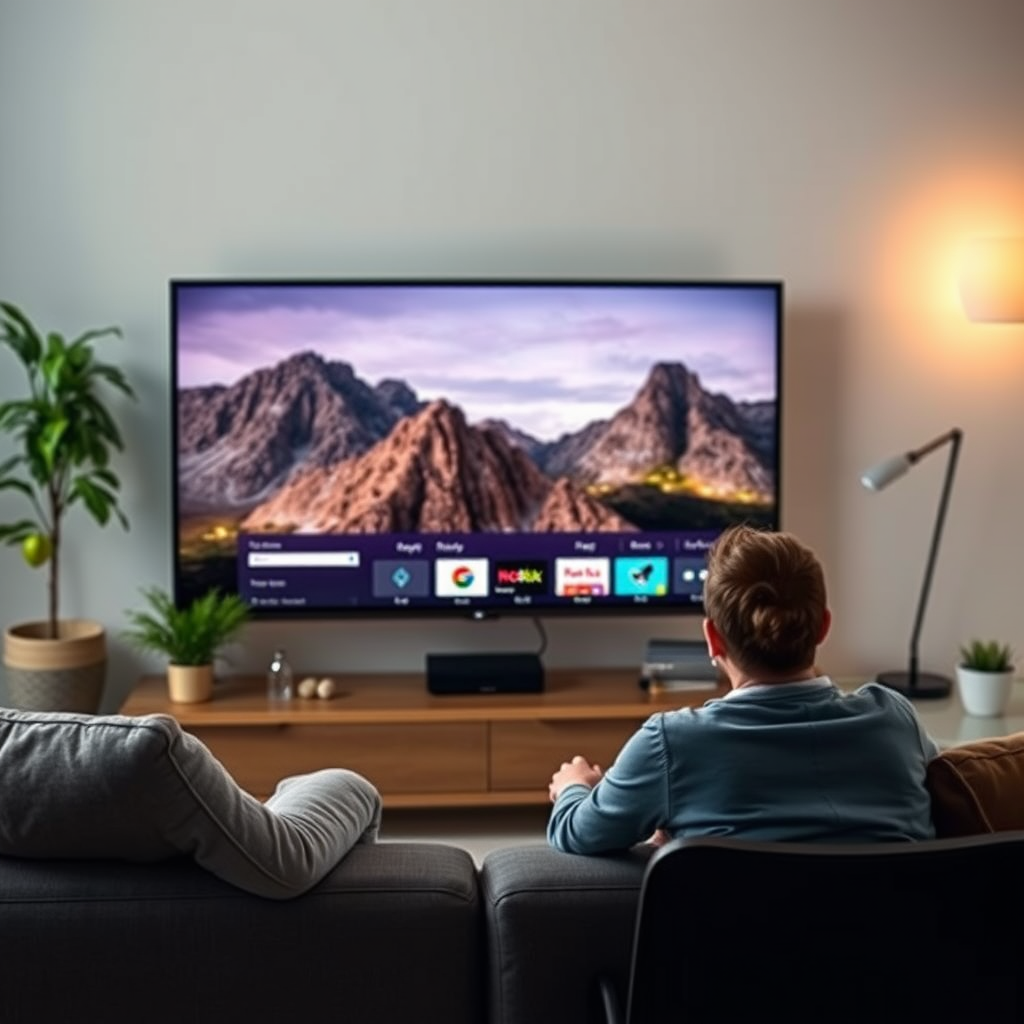
Roku TVs are designed primarily for streaming, providing access to a wide range of content from various channels and services. Unlike traditional televisions, they lack a built-in alarm or timer function that one might find in other smart devices. However, it is essential to explore the settings menu to familiarize yourself with the features that Roku offers, which can enhance your viewing experience.
In the settings menu, you can adjust various preferences related to your account, manage connected devices, and customize your streaming experience. Although you won’t find an alarm feature here, understanding these options will help you maximize your Roku TV’s capabilities and discover potential alternatives for managing your time.
Using the Roku Mobile App
One of the most effective ways to set reminders related to your Roku TV is through the Roku mobile app, which is available for both iOS and Android devices. The app provides a user-friendly interface that allows you to send notifications directly to your Roku TV.
To set reminders, follow these steps:
1. Download the Roku Mobile App: Ensure you have the latest version of the Roku app installed on your smartphone.
2. Connect to Your Roku TV: Open the app and connect it to your Roku TV by selecting your device from the list.
3. Use the “Reminders” Feature: Within the app, you can browse your favorite shows or movies and set reminders for upcoming episodes or events. This feature sends a notification to your Roku TV when it’s time to tune in.
While this method does not serve as a traditional alarm, it effectively functions as a reminder system that can help keep you on track with your viewing schedule.
Setting Timers with Streaming Apps
Another alternative to setting alarms on your Roku TV comes from the streaming services themselves. Certain platforms, such as YouTube, Hulu, and Netflix, offer built-in reminder features for upcoming videos or live streams. Here’s how you might utilize these features:
1. YouTube: Subscribe to channels and turn on notifications for new uploads. You can also set reminders for live streams.
2. Netflix: By adding shows to your “My List,” you can receive notifications for new episodes or seasons.
3. Hulu: Similar to Netflix, Hulu allows you to set reminders for new episodes of your favorite series.
By leveraging the notification systems within these streaming apps, you can effectively manage your viewing schedule without needing a dedicated alarm feature.
Utilizing External Devices
For those looking for a more integrated solution, consider using smart home devices like Amazon Echo or Google Home to set alarms that can work in conjunction with your Roku TV. These devices offer voice-activated functionality, allowing you to set alarms and reminders hands-free.
Here’s how you can set this up:
1. Connect Your Smart Device: Ensure your smart home device is connected to the same network as your Roku TV.
2. Voice Commands: Use voice commands like “Set an alarm for 8 PM” or “Remind me to watch [Show Name] at 9 PM.” This will trigger an alert on your smart device, ensuring you don’t miss your scheduled viewing.
3. Visual Notifications: Some smart devices also allow you to set visual notifications, which can be displayed while you’re watching TV.
By incorporating these external devices, you enhance your media consumption experience while ensuring you stay organized.
Exploring Third-Party Solutions
If you’re seeking a more tailored solution, various third-party apps and services can integrate with your Roku to provide alarm functionalities. Some popular options include:
– IFTTT (If This Then That): This service allows you to create customized workflows that can trigger notifications on your Roku based on specific conditions.
– Zapier: Similar to IFTTT, Zapier can connect various apps and services, enabling you to set reminders that sync with your Roku TV.
Before committing to any third-party app, it’s crucial to research and choose reputable options that offer the features you need. User reviews and app ratings can provide valuable insight into their effectiveness.
Top 5 Streaming Apps with Reminder Features (2024)
| # | App | Reminder Feature | Platforms | User Rating |
|---|---|---|---|---|
| 1 | YouTube | Live Stream Alerts | iOS, Android | ★★★★☆ |
| 2 | Netflix | New Episode Notifications | iOS, Android | ★★★★☆ |
| 3 | Hulu | Upcoming Episode Alerts | iOS, Android | ★★★☆☆ |
| 4 | Disney+ | New Releases Notifications | iOS, Android | ★★★★☆ |
| 5 | Amazon Prime Video | New Content Alerts | iOS, Android | ★★★☆☆ |
Tips for Staying Organized with Roku
To effectively manage your viewing schedule, consider creating a viewing calendar using a digital calendar app. This can help you keep track of upcoming episodes, live events, or even personal appointments related to your viewing habits. Here are some tips for staying organized:
1. Use Calendar Apps: Google Calendar or Apple Calendar can be excellent tools for setting reminders for your favorite shows. You can share these calendars with family members to coordinate viewing parties or shared interests.
2. Set Phone Reminders: Utilize your smartphone’s built-in reminder app to alert you about specific showtimes or events. Sync these reminders with your Roku app to ensure you receive notifications across devices.
3. Engage with Social Media: Follow your favorite shows on social media platforms. Many programs post reminders about upcoming episodes, which can serve as informal alerts.
By incorporating these organizational strategies, you can better manage your schedule and ensure you never miss out on your favorite content.
Troubleshooting Common Issues
If you find that notifications or reminders are not appearing on your Roku TV, there are several troubleshooting steps you can take to resolve the issue:
1. Check Notifications Settings: Navigate to the settings menu on your Roku TV and ensure that notifications are enabled.
2. Update the Roku App: Make sure you have the latest version of the Roku mobile app installed. Regular updates can improve performance and fix bugs that may affect notifications.
3. Restart Your Device: If notifications are still not functioning as expected, try restarting your Roku TV and the mobile app. This can refresh the connection and resolve any glitches.
By addressing these common issues, you can enhance your overall experience and ensure that your reminders function as intended.
By understanding the limitations and exploring the available alternatives, you can effectively set reminders and stay organized while using your Roku TV. Consider incorporating external devices or apps to enhance your viewing experience and never miss out on your favorite content. Embracing these strategies will provide you with the tools necessary to manage your time effectively in a world dominated by streaming.
Frequently Asked Questions
Can you set an alarm on a Roku TV?
No, Roku TVs do not have a built-in alarm feature like some smart devices. However, you can use third-party apps available on the Roku Channel Store that may offer reminder or notification features, but these are not traditional alarm clocks.
How can I set reminders on my Roku TV?
While Roku TVs do not support direct alarm functionalities, you can use apps like “Roku Reminders” or similar applications that allow you to set reminders for shows or events. Simply install the app, create a reminder, and it will notify you when it’s time to watch your favorite content.
Why doesn’t my Roku TV have an alarm feature?
Roku TVs are primarily designed for streaming content and do not include features typical of smart home devices, such as alarms. Their focus is on providing an optimal viewing experience, so functionalities like alarms are not integrated into their system.
What are the best apps for setting reminders on Roku TV?
Some of the best apps for setting reminders on Roku TV include “Roku Reminders” and “Watchlist.” These apps allow you to track your favorite shows and set notifications, helping you stay updated on when to watch without traditional alarm features.
Which Roku devices support alarm functionalities?
Currently, no Roku devices, including Roku TVs and streaming players, support alarm functionalities natively. If you need alarm capabilities, consider using a smartphone or smart speaker in conjunction with your Roku TV for reminders and alerts.
References
- Roku
https://www.roku.com/products/roku-tv - Roku
https://support.roku.com/article/208754188-how-to-use-the-roku-mobile-app - Google Scholar Google Scholar
https://scholar.google.com/scholar?q=Roku+TV+alarm+feature - https://scholar.google.com/scholar?q=smart+TV+alarm+clock Google Scholar
https://scholar.google.com/scholar?q=smart+TV+alarm+clock - Google Scholar Google Scholar
https://scholar.google.com/scholar?q=Roku+TV+user+guide - Google Scholar Google Scholar
https://scholar.google.com/scholar?q=can+you+set+an+alarm+on+a+roku+tv - can you set an alarm on a roku tv – Search results
https://en.wikipedia.org/wiki/Special:Search?search=can+you+set+an+alarm+on+a+roku+tv - https://www.ncbi.nlm.nih.gov/search/research-articles/?term=can+you+set+an+alarm+on+a+roku+tv
https://www.ncbi.nlm.nih.gov/search/research-articles/?term=can+you+set+an+alarm+on+a+roku+tv

[…] is “high power,” focus on the projector’s rated lamp/LED/laser wattage and your daily viewing schedule, then convert that usage into kWh for a realistic monthly […]
[…] Deep Heat projectors typically last for several years, but the real timetable depends on the light source (lamp vs. LED/laser), total operating hours, and how clean/cool the unit stays. The most reliable way to plan replacement timing is to check the manufacturer’s rated lamp/laser hours in the spec sheet (often separated by eco/standard modes) and then compare that to your weekly viewing schedule. […]