


Yes, you can watch TV on a NordicTrack screen, but your ability to do so will depend on the specific model and its software capabilities. Many NordicTrack machines are equipped with touchscreen displays that provide access to a variety of entertainment apps, including popular streaming services. This article will delve into how you can utilize your NordicTrack device for TV viewing, the types of content available, and tips for optimizing your overall experience while working out.
Understanding NordicTrack Screen Capabilities
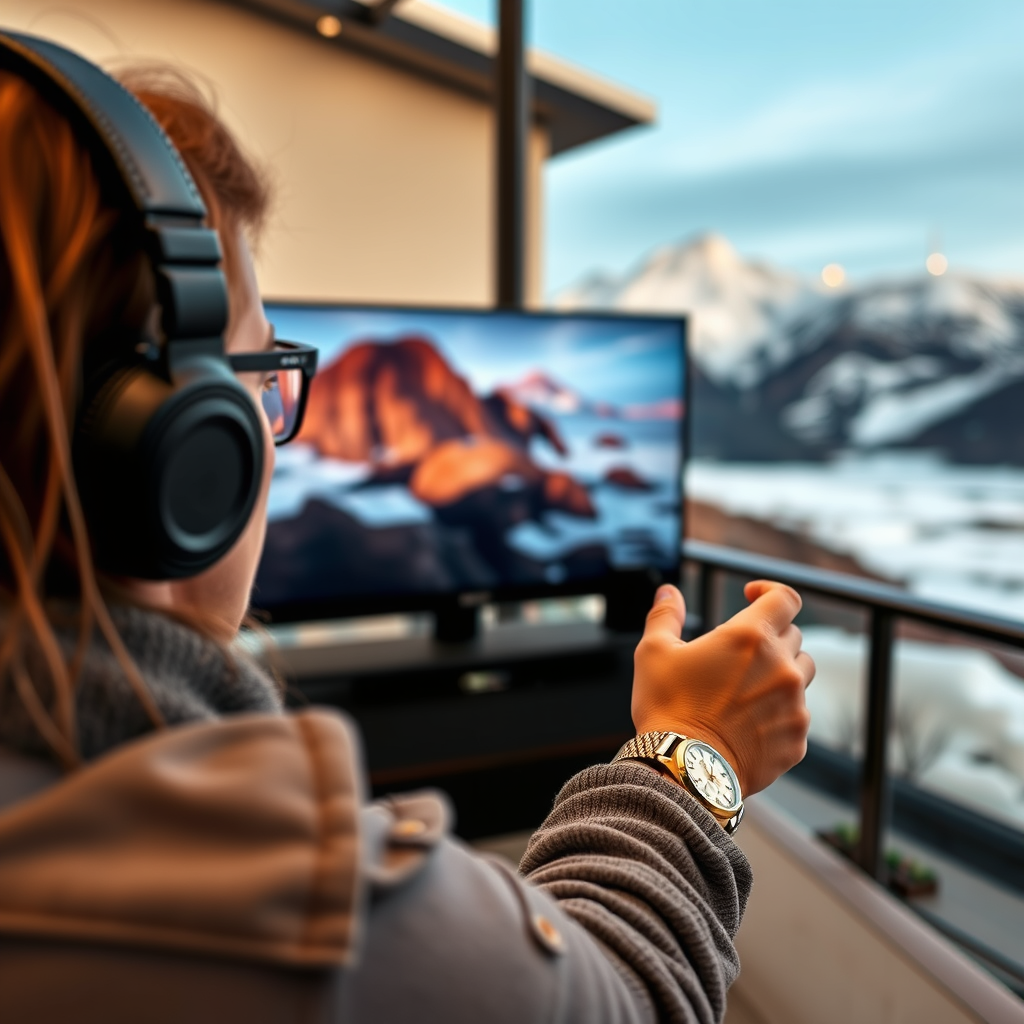
NordicTrack has a range of fitness machines, including treadmills, ellipticals, and bikes, each with varying screen capabilities. Generally, newer models come with larger touchscreens that support app downloads, allowing users to access streaming platforms directly. Models like the NordicTrack Commercial Series often feature high-definition screens that enhance the viewing experience, making it easier to follow workout videos or stream shows. However, it’s essential to note that some machines may require a subscription to access specific streaming services or to utilize certain features, such as live classes and on-demand workouts.
Key Features of NordicTrack Screens:
– Touchscreen Display: Most models have a responsive touchscreen for easy navigation.
– App Access: Many newer models come pre-installed with popular apps, while others allow downloads from the NordicTrack app store.
– High Definition: The screens are typically HD, providing a clear viewing experience.
Available Streaming Services
When it comes to streaming content, NordicTrack machines typically support several popular platforms. Depending on the model, users can access services like Netflix, Hulu, Amazon Prime Video, and more. It is crucial to verify whether your specific machine supports the streaming service you wish to use, as some older or budget models may have limited capabilities. Accessing these services usually requires an active subscription and a reliable internet connection.
Popular Streaming Services Supported:
– Netflix: Watch your favorite series and movies.
– Hulu: Access a variety of current TV shows and films.
– Amazon Prime Video: Enjoy a wide range of films and exclusive content.
– YouTube: Stream workout videos or other content directly.
Setting Up Your NordicTrack for TV Viewing
To set up your NordicTrack for TV viewing, start by ensuring your machine is connected to a stable Wi-Fi network. This connection is essential for accessing streaming services and downloading apps. After establishing your connection, navigate to the NordicTrack app store and download any necessary applications. Once downloaded, log in to your streaming accounts, and you’ll be ready to enjoy your favorite shows while exercising.
Setup Checklist:
1. Connect to Wi-Fi: Ensure a strong and stable internet connection.
2. Download Streaming Apps: Access the NordicTrack app store to get your desired apps.
3. Log Into Your Accounts: Enter your credentials for any streaming services you wish to use.
Streaming Services Compatibility Across NordicTrack Models
| # | Model | Screen Size | Streaming Apps Supported | Subscription Required |
|---|---|---|---|---|
| 1 | NordicTrack Commercial 2950 | 22 inches | Netflix, Hulu, YouTube | Yes |
| 2 | NordicTrack Commercial X22i | 22 inches | Netflix, Amazon Prime Video | Yes |
| 3 | NordicTrack S22i Studio Cycle | 22 inches | Hulu, YouTube | No |
| 4 | NordicTrack C 700 | 10 inches | Limited (YouTube) | No |
| 5 | NordicTrack T Series Treadmills | 10 inches | None | No |
| 6 | NordicTrack Elite 10 | 10 inches | YouTube only | No |
| 7 | NordicTrack Commercial 1750 | 14 inches | Netflix, Hulu | Yes |
Tips for an Enhanced Viewing Experience
To maximize your TV viewing experience on your NordicTrack machine, consider the following tips:
– Positioning: Arrange your equipment so that the screen is at eye level. This positioning helps reduce neck strain and allows for a more comfortable viewing experience.
– Lighting: Ensure you have adequate lighting in your workout area. A well-lit space can reduce glare on the screen, making it easier to see.
– Audio: If you want an immersive experience without disturbing others, consider using wireless headphones. Many streaming services support Bluetooth audio, allowing you to listen without external distractions.
– Workout Variety: Mix your workout routines to keep things fresh. Alternating between streaming shows, workout videos, and guided exercises can help maintain motivation and enhance your experience.
Potential Limitations
While watching TV on a NordicTrack screen can be enjoyable, there are some limitations to be aware of:
– App Restrictions: Some models may have restrictions on app usage or may not support certain streaming services.
– Screen Size: Smaller screens may not provide the best viewing experience, particularly for detailed content.
– Battery Life and Performance: Streaming can consume more power, potentially affecting your workout metrics or machine performance. Ensure your machine is plugged in to avoid interruptions during use.
Alternatives to Watching TV on NordicTrack
If your NordicTrack model has limited streaming capabilities or you prefer a different setup, there are alternatives:
– Mobile Devices: Use a tablet or smartphone to stream your content while working out. This option allows for greater flexibility in terms of screen size and content choice.
– Interactive Fitness Apps: Explore fitness apps that offer interactive workouts alongside entertainment, combining physical activity with engaging content.
– Offline Content: Download shows or movies to your device before your workout to avoid buffering issues during streaming.
Watching TV on your NordicTrack screen is indeed possible and can enrich your workout experience. By following the outlined steps to set up your machine for entertainment, and by being mindful of the specific capabilities of your model, you can enjoy your favorite shows while staying active. Additionally, considering alternative viewing options can further enhance your fitness journey. Stay engaged and motivated as you work towards your health and fitness goals!
Frequently Asked Questions
Can you watch TV on a NordicTrack screen while working out?
Yes, you can watch TV on a NordicTrack screen while working out, but it typically requires a connection to an external device. Most NordicTrack machines come with a built-in tablet or screen that allows you to access streaming services or mirror content from your smartphone or tablet. However, you’ll need to ensure that your NordicTrack model has these capabilities and is connected to Wi-Fi.
How do you connect your device to a NordicTrack screen for watching TV?
To connect your device to a NordicTrack screen for watching TV, you can use the built-in browser or download compatible apps if your model supports it. Alternatively, you can use screen mirroring options available on your smartphone or tablet to display content directly on the NordicTrack screen. Make sure your NordicTrack is connected to the same Wi-Fi network as your device for seamless streaming.
Why can’t I find streaming apps on my NordicTrack screen?
If you can’t find streaming apps on your NordicTrack screen, it may be because your specific model doesn’t support app downloads or has limited functionality. Some older models may only allow web browsing rather than app usage. To enhance your experience, consider checking for firmware updates or using an external device like a Chromecast or Roku to access your favorite streaming services.
What are the best streaming options for using with NordicTrack screens?
The best streaming options for using with NordicTrack screens include popular services like Netflix, Hulu, and YouTube, provided your model supports app installations or web browsing. Additionally, using a streaming device can expand your options, allowing you to access thousands of channels and shows easily. Always ensure your NordicTrack machine has a stable internet connection for optimal streaming performance.
Which NordicTrack models allow you to watch TV or stream content directly?
Models like the NordicTrack Commercial Series and the NordicTrack S22i Studio Cycle are designed with advanced screens that support streaming content directly. These models come with larger touchscreens and built-in apps, making it easy to watch TV or follow workout videos while exercising. Check the specifications of each model to confirm streaming capabilities before purchasing.
References
- https://www.wikiwand.com/en/NordicTrack
https://www.wikiwand.com/en/NordicTrack - https://www.ncbi.nlm.nih.gov/pmc/articles/PMC6500204/
https://www.ncbi.nlm.nih.gov/pmc/articles/PMC6500204/ - https://www.bbc.com/news/technology-55695057
https://www.bbc.com/news/technology-55695057 - https://www.nytimes.com/2021/01/14/technology/nordictrack-screen-workout.html
https://www.nytimes.com/2021/01/14/technology/nordictrack-screen-workout.html - https://www.cdc.gov/physicalactivity/basics/adding-activity.html
https://www.cdc.gov/physicalactivity/basics/adding-activity.html - https://www.sciencedirect.com/science/article/pii/S2211135518300632
https://www.sciencedirect.com/science/article/pii/S2211135518300632 - Google Scholar Google Scholar
https://scholar.google.com/scholar?q=nordictrack+screen+tv+watch - Google Scholar Google Scholar
https://scholar.google.com/scholar?q=nordictrack+entertainment+options - https://www.nature.com/articles/s41598-019-55320-1
https://www.nature.com/articles/s41598-019-55320-1 - https://www.mayoclinic.org/healthy-lifestyle/fitness/expert-answers/exercise-and-entertainment/faq-20058369
https://www.mayoclinic.org/healthy-lifestyle/fitness/expert-answers/exercise-and-entertainment/faq-20058369
