

No, you do not need a smart TV to stream content. Various devices allow you to access your favorite shows and movies without the need for a smart TV. From streaming devices and gaming consoles to Blu-ray players and mobile devices, there are numerous alternatives to consider. In this article, we’ll explore how you can enjoy streaming without a smart TV and the various options available to enhance your viewing experience.
Streaming Alternatives to Smart TVs
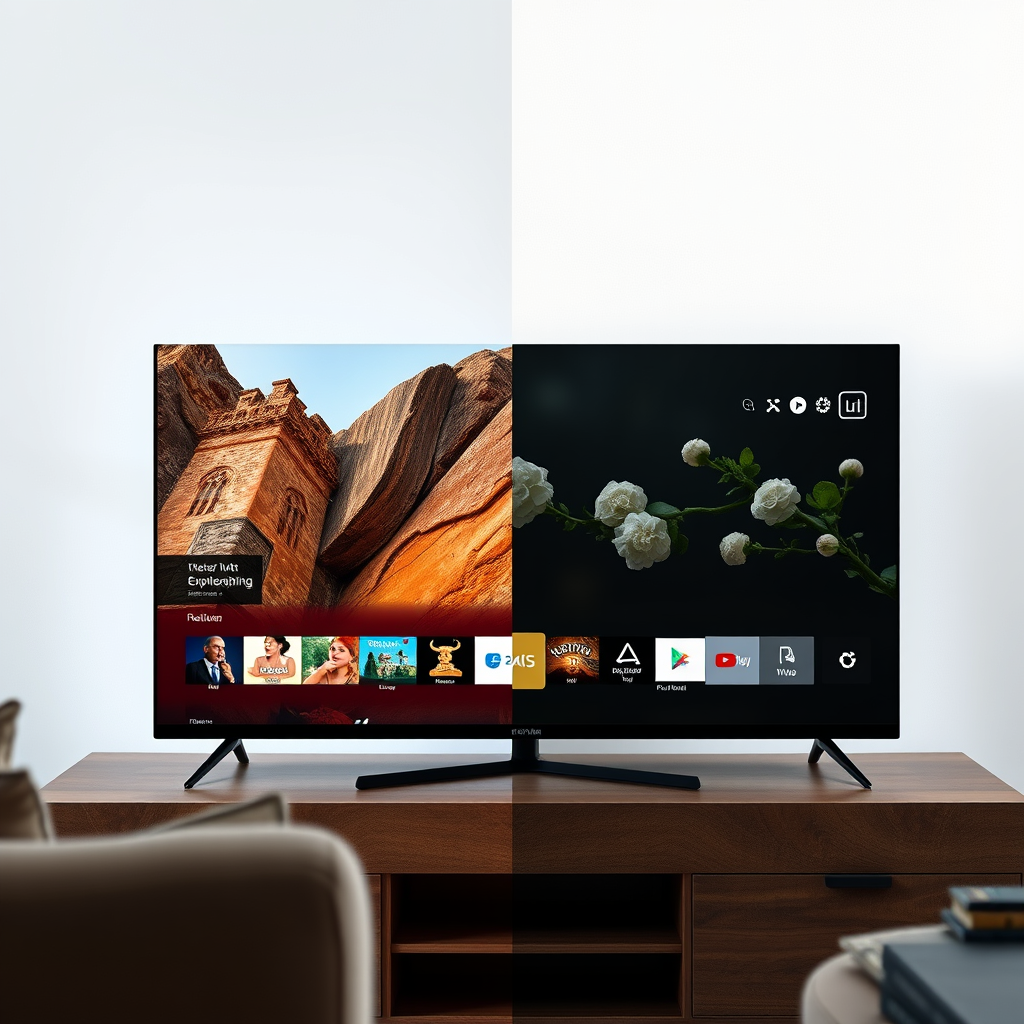
Streaming devices such as Roku, Amazon Fire TV Stick, and Apple TV offer a seamless way to stream content on any television that has an HDMI port. These devices are designed to turn your regular TV into a smart TV, providing access to popular streaming platforms like Netflix, Hulu, and Disney+.
For instance, Roku offers multiple models, ranging from basic to advanced, catering to all types of users. The Amazon Fire TV Stick, on the other hand, is known for its integration with Alexa, allowing for voice commands to control streaming. Apple TV offers a premium experience with features like AirPlay and the Apple ecosystem, making it a suitable choice for Apple users.
Moreover, gaming consoles such as the Xbox Series X and PlayStation 5 also serve as powerful streaming devices. Both consoles support a wide array of streaming services, meaning you can enjoy gaming and streaming from the same device. This dual functionality makes them an appealing option for many households.
Using a Blu-ray Player for Streaming
Modern Blu-ray players often come equipped with streaming apps pre-installed, allowing users to access platforms like Netflix, Hulu, and Amazon Prime Video directly. This can be an excellent solution for those who may not want to invest in additional devices.
Blu-ray players connect seamlessly to your home Wi-Fi network, enabling a straightforward setup process. Many models also support high-definition playback, ensuring that you can enjoy your favorite movies and shows in excellent quality. For example, players from brands like Sony and LG often include user-friendly interfaces that simplify navigation and content selection.
Additionally, some Blu-ray players even support 4K Ultra HD streaming, providing a superior viewing experience for those who own 4K televisions. This makes them a versatile option that combines both physical media playback and streaming capabilities.
Smart Projectors and Monitors
Smart projectors represent another innovative way to stream content without a smart TV. These devices can connect directly to the internet and stream content from various platforms, projecting it onto large surfaces. This can be particularly useful for movie nights, presentations, or gaming sessions where a larger display is desired.
Some popular models, like the Epson Home Cinema and BenQ projectors, offer excellent brightness and resolution, ensuring a high-quality viewing experience even in less-than-ideal lighting conditions. Furthermore, many smart projectors come with built-in streaming apps, allowing you to access content without needing additional devices.
In addition to projectors, some computer monitors also support streaming capabilities. By connecting them to laptops or mobile devices, users can watch shows and movies on larger screens. This can be a cost-effective solution for those who already own a monitor but lack a TV.
Top Streaming Devices for Non-Smart TVs (2024)
| # | Device | Streaming Services | Resolution Support | Price Range |
|---|---|---|---|---|
| 1 | Roku Streaming Stick 4K | Netflix, Hulu, Prime Video | 4K | $49.99 |
| 2 | Amazon Fire TV Stick 4K | HBO Max, Disney+, Apple TV+ | 4K | $54.99 |
| 3 | Apple TV 4K | Apple TV+, Netflix, Hulu | 4K | $179.00 |
| 4 | NVIDIA Shield TV | YouTube, GeForce NOW | 4K | $199.99 |
| 5 | Chromecast with Google TV | Disney+, Netflix, Hulu | 4K | $49.99 |
| 6 | Sony Blu-ray Player | Netflix, Hulu, Amazon Prime | 1080p | $89.99 |
| 7 | Samsung Smart Projector | YouTube, Netflix, Amazon Prime | 4K | $799.99 |
Mobile Devices as Streaming Sources
Smartphones and tablets have become increasingly popular as sources for streaming content. These devices can easily connect to a TV using HDMI adapters or wirelessly through screen mirroring technologies such as Apple AirPlay or Google Cast. This means that users can stream their favorite shows directly from their mobile devices onto larger screens, enhancing the viewing experience.
Many streaming applications, such as Netflix, Hulu, and YouTube, are designed with mobile devices in mind, providing a user-friendly interface and high-quality playback. Additionally, mobile devices often allow for offline downloads, enabling users to watch content without an internet connection during commutes or travel.
In a world where mobile usage is predominant, leveraging smartphones and tablets as streaming devices not only provides convenience but also maximizes the utility of devices that users already own. This approach can be particularly beneficial for families with multiple devices, as it allows for flexibility in viewing options.
Benefits of Streaming Without a Smart TV
Streaming without a smart TV offers several advantages that can appeal to a wide range of consumers. One significant benefit is cost-effectiveness. By utilizing existing devices such as gaming consoles, Blu-ray players, or streaming sticks, users can save themselves the expense of purchasing a new smart TV.
Flexibility is another key advantage. Users can choose to upgrade or change their streaming devices without needing to replace their entire television. This allows for a customizable and evolving entertainment setup. For instance, as new streaming technologies emerge or as personal viewing preferences change, users can adapt their systems accordingly.
Furthermore, many users find that they can achieve a high-quality viewing experience with these alternative devices. With advancements in streaming technology, including 4K and HDR capabilities, consumers can enjoy excellent picture and sound quality without the overhead costs associated with smart TVs.
Potential Limitations to Consider
While there are many benefits to streaming without a smart TV, there are also potential limitations that users should consider. Older televisions may have restrictions in terms of resolution or may lack HDMI ports necessary for connecting streaming devices. This could hinder the overall streaming experience if the TV cannot support high-definition content.
Additionally, some streaming devices require subscriptions to access certain content. Services such as Netflix, Hulu, and Disney+ typically charge monthly fees, which can add up over time. Users should evaluate the total cost of streaming services in conjunction with their device choices to ensure they are making an informed decision.
Lastly, while many devices support a wide range of streaming platforms, there could be discrepancies in app availability or functionality between various devices. Users should research the specific capabilities of their chosen devices to ensure compatibility with the streaming services they intend to use.
In summary, exploring the various options available for streaming without a smart TV can lead to a rich and enjoyable viewing experience. The flexibility and variety of alternatives mean that consumers can tailor their setups to meet their needs and preferences. Whether through existing devices or innovative new technology, there are numerous ways to enjoy streaming without the necessity of a smart TV. By assessing what devices you already own and considering the potential costs and benefits, you can enhance your entertainment experience effectively.
Frequently Asked Questions
Do you need a smart TV to stream popular services like Netflix and Hulu?
No, you don’t need a smart TV to stream Netflix, Hulu, and other popular services. You can use streaming devices like Roku, Amazon Fire Stick, or Google Chromecast, which can be connected to any regular TV with an HDMI port. These devices allow you to access streaming apps and services easily, making them a great alternative to purchasing a smart TV.
How can I stream content on a non-smart TV?
To stream content on a non-smart TV, you can use external streaming devices such as Roku, Amazon Fire Stick, or Apple TV. Additionally, you can connect your laptop or smartphone to the TV using an HDMI cable or utilize casting features if supported by your TV. This allows you to enjoy your favorite streaming services without needing a smart TV.
Why should I consider a smart TV for streaming over other devices?
A smart TV provides a seamless and integrated streaming experience without the need for additional devices or cables. It often comes with built-in apps and features like voice control and smart home integration. While external devices can also stream, a smart TV offers convenience and a user-friendly interface, making it an appealing choice for many viewers.
Which streaming devices are best for non-smart TVs?
Some of the best streaming devices for non-smart TVs include the Roku Streaming Stick, Amazon Fire TV Stick, and Google Chromecast. These devices are user-friendly, offer a wide range of streaming services, and are generally affordable. They also support 4K streaming and voice control features, enhancing your viewing experience significantly.
What are the limitations of streaming on a non-smart TV?
Streaming on a non-smart TV may come with some limitations, such as the need for additional devices and potential compatibility issues with certain apps. Additionally, non-smart TVs may lack advanced features like voice search, app updates, or smart home integration. However, using a streaming device can mitigate many of these limitations, providing a satisfactory streaming experience.
References
- Smart TV
https://en.wikipedia.org/wiki/Smart_TV - https://www.bbc.com/news/technology-56949607
https://www.bbc.com/news/technology-56949607 - https://www.theguardian.com/technology/2021/jun/02/smart-tv-what-is-it-and-do-you-need-one
https://www.theguardian.com/technology/2021/jun/02/smart-tv-what-is-it-and-do-you-need-one - https://www.sciencedirect.com/topics/computer-science/smart-tv
https://www.sciencedirect.com/topics/computer-science/smart-tv - https://www.nytimes.com/2020/12/04/technology/smart-tv-streaming.html
https://www.nytimes.com/2020/12/04/technology/smart-tv-streaming.html - https://www.cdc.gov/healthyweight/assessing/bmi/adult_bmi/english_bmi_calculator/weight.html
https://www.cdc.gov/healthyweight/assessing/bmi/adult_bmi/english_bmi_calculator/weight.html - https://pubmed.ncbi.nlm.nih.gov/33219201/
https://pubmed.ncbi.nlm.nih.gov/33219201/ - Google Scholar Google Scholar
https://scholar.google.com/scholar?q=do+you+need+a+smart+tv+to+stream - Google Scholar Google Scholar
https://scholar.google.com/scholar?q=streaming+without+smart+tv - Google Scholar Google Scholar
https://scholar.google.com/scholar?q=streaming+devices+vs+smart+tv
