

Smart TVs can be easily identified by a few key features that differentiate them from traditional televisions. If your TV has internet connectivity, streaming capabilities, and built-in applications, it’s likely a smart TV. In this article, you will learn how to confirm whether your television falls into this category and what features to look for.
Understanding Smart TV Basics
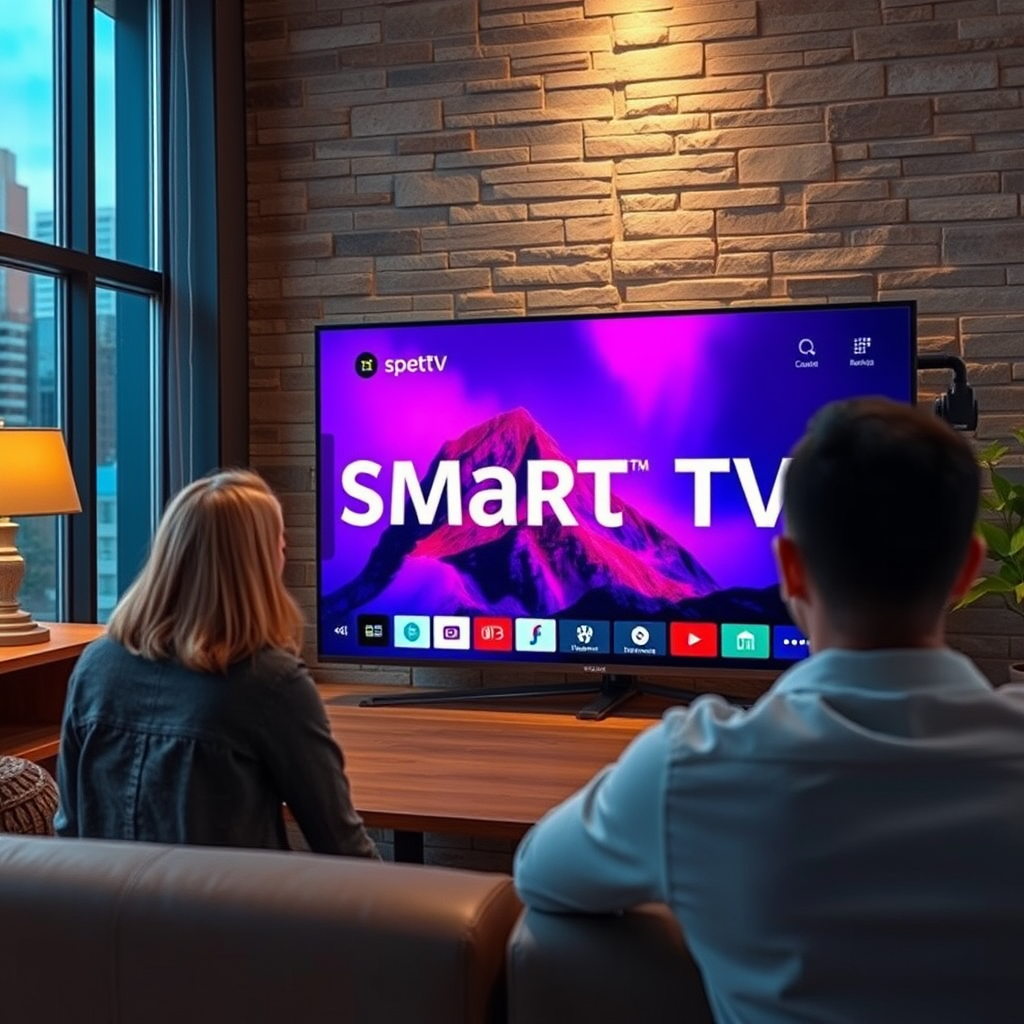
Smart TVs represent a significant advancement in television technology, merging traditional viewing with internet connectivity. These devices allow users to access streaming services such as Netflix, Hulu, and Amazon Prime Video directly from their TV screens without needing an external device like a streaming box or DVD player. The integration of an operating system enables users to navigate through a user-friendly interface, making it easy to find and manage content.
Additionally, smart TVs can receive software updates and new applications, continuously enhancing their functionality. This capability means that you can enjoy the latest apps and features without needing to purchase a new device, making smart TVs a more future-proof option for entertainment.
Checking Your TV’s Specifications
To determine if your TV is a smart model, the first step is to check its specifications. Start by locating the model number, usually found on the back of the TV or in the user manual. Once you have this number, you can search online or visit the manufacturer’s website to confirm its capabilities. Look for terms such as “smart TV,” “internet-connected,” or “streaming capabilities.”
If you have access to the user manual, it can provide valuable information about your TV’s features, including whether it supports Wi-Fi connections or has built-in apps. Understanding the specifications can also help you compare your TV with current models to see how it measures up.
Identifying Smart Features
Identifying specific smart features can further confirm whether your TV is a smart model. Look for the following characteristics:
1. Voice Control: Many smart TVs come equipped with voice recognition, allowing you to control the TV with simple voice commands.
2. App Store Access: Check if your TV has an app store where you can download additional applications, such as games or specialized streaming services.
3. Screen Mirroring: This feature enables you to mirror content from your smartphone or tablet onto the TV screen, enhancing the viewing experience.
4. HDMI Ports: Smart TVs typically have multiple HDMI ports for connecting external devices, which is also a characteristic of many traditional TVs.
5. Wi-Fi Capability: A key feature of smart TVs is their ability to connect to the internet via Wi-Fi, allowing seamless streaming and browsing.
These smart features are significant indicators that your TV falls under the smart category.
Smart TV Features Comparison (2024)
| # | Feature | Smart TV | Non-Smart TV |
|---|---|---|---|
| 1 | Internet Connectivity | Yes | No |
| 2 | Built-in Apps | Yes | No |
| 3 | Voice Control | Yes | No |
| 4 | App Store Access | Yes | No |
| 5 | Screen Mirroring | Yes | No |
| 6 | HDMI Ports | Multiple | Limited |
| 7 | Software Updates | Yes | No |
| 8 | Streaming Services | Yes | Limited |
| 9 | Smart Assistants | Yes | No |
| 10 | Gaming Mode | Yes | No |
Navigating the TV Interface
The interface of a smart TV is designed for intuitive navigation, typically featuring a home screen that consolidates all your apps and settings. Upon turning on the TV, users are usually greeted with a dashboard where they can access streaming services, live TV, and other applications.
To explore the TV interface, use the remote control to navigate through various menu options. Look for sections that highlight installed applications, settings, and internet connectivity options. The layout is often customizable, allowing users to prioritize their favorite apps for easier access. Familiarizing yourself with these features will enhance your overall viewing experience and make it easier to find your preferred content.
Testing Internet Connectivity
One of the definitive ways to confirm if your TV is a smart model is to test its internet connectivity. First, ensure that your TV is connected to Wi-Fi or an Ethernet cable. You can usually find network settings in the TV’s menu under “Network” or “Settings.” Once connected, attempt to open a streaming service or browse the web.
If your TV successfully connects to the internet and allows you to stream content, it is a clear indication that you have a smart TV. Look for any restrictions or limitations on the streaming quality, as some older models may not support HD or 4K streaming.
Comparing with Non-Smart TVs
To further solidify your understanding of whether your TV is a smart model, consider the defining characteristics of non-smart TVs. These traditional televisions typically lack internet connectivity and primarily offer access to standard broadcast channels via an antenna or cable service.
In contrast, smart TVs often feature advanced functionalities such as smart assistants (like Alexa or Google Assistant), screen casting abilities, and integration with other smart home devices. If your television lacks these features, it is likely classified as a non-smart model.
Seeking Professional Help
If you are still uncertain about the classification of your TV, seeking professional help is a wise choice. Consider consulting a tech expert or reaching out to customer service for your specific TV brand. Many manufacturers provide detailed support resources online, including FAQs and troubleshooting guides.
Additionally, online forums and tech communities can be invaluable resources. Many enthusiasts and experts are willing to share insights based on your TV model, helping you better understand its features and capabilities.
In summary, determining whether your television is a smart TV involves checking specifications, identifying smart features, and testing connectivity. If your TV does not meet the criteria of a smart model, consider the potential benefits of upgrading to a smart TV, enhancing your viewing experience with the latest technology and content options.
Frequently Asked Questions
How can I tell if my TV is a smart TV or not?
To determine if your TV is a smart TV, look for an internet connection option in the settings menu. Smart TVs typically have built-in Wi-Fi or Ethernet connectivity and come pre-installed with apps like Netflix, Hulu, or YouTube. You can also check the model number online to see its specifications.
What features should I look for in a smart TV?
When choosing a smart TV, consider features like 4K resolution for better picture quality, a user-friendly operating system for easy navigation, and support for popular streaming services. Additionally, look for voice control capabilities and compatibility with smart home devices to enhance your viewing experience.
Why is it important to have a smart TV in today’s market?
Having a smart TV is important because it allows you to access a wide variety of streaming content without needing additional devices, making it more convenient for viewers. Moreover, smart TVs often receive software updates that improve functionality and introduce new features, keeping your entertainment options fresh.
Which brands are known for the best smart TVs?
Some of the best brands known for quality smart TVs include Samsung, LG, Sony, and TCL. These brands offer a range of models with advanced features, excellent picture quality, and reliable performance. Researching customer reviews and expert ratings can also help you choose the right smart TV for your needs.
How do I connect my smart TV to the internet?
To connect your smart TV to the internet, navigate to the settings menu and find the network or Wi-Fi option. From there, select your home network and enter your Wi-Fi password. Most smart TVs also support Ethernet connections if you prefer a wired setup for a more stable connection.
References
- Smart TV
https://en.wikipedia.org/wiki/Smart_TV - https://www.bbc.com/news/technology-42387449
https://www.bbc.com/news/technology-42387449 - https://www.theguardian.com/technology/2020/dec/02/smart-tv-privacy-concerns
https://www.theguardian.com/technology/2020/dec/02/smart-tv-privacy-concerns - https://www.nytimes.com/2021/02/23/business/smart-tv-privacy.html
https://www.nytimes.com/2021/02/23/business/smart-tv-privacy.html - https://www.sciencedirect.com/topics/computer-science/smart-tv
https://www.sciencedirect.com/topics/computer-science/smart-tv - https://www.pubmed.ncbi.nlm.nih.gov/30720396/
https://www.pubmed.ncbi.nlm.nih.gov/30720396/ - https://www.nature.com/articles/s41598-020-73612-w
https://www.nature.com/articles/s41598-020-73612-w - Google Scholar Google Scholar
https://scholar.google.com/scholar?q=how+to+know+if+smart+tv - Google Scholar Google Scholar
https://scholar.google.com/scholar?q=smart+tv+features+comparison - Google Scholar Google Scholar
https://scholar.google.com/scholar?q=smart+tv+privacy+concerns
