


To get HBO Max on your smart TV, simply download the HBO Max app from your TV’s app store and log in with your credentials. This straightforward process allows you to access an extensive library of movies, TV shows, and original content available on HBO Max. In this article, we’ll walk you through the specific steps required for installation on various smart TV brands, including Samsung, LG, and others, ensuring that you can enjoy your favorite shows with ease.
Check Smart TV Compatibility
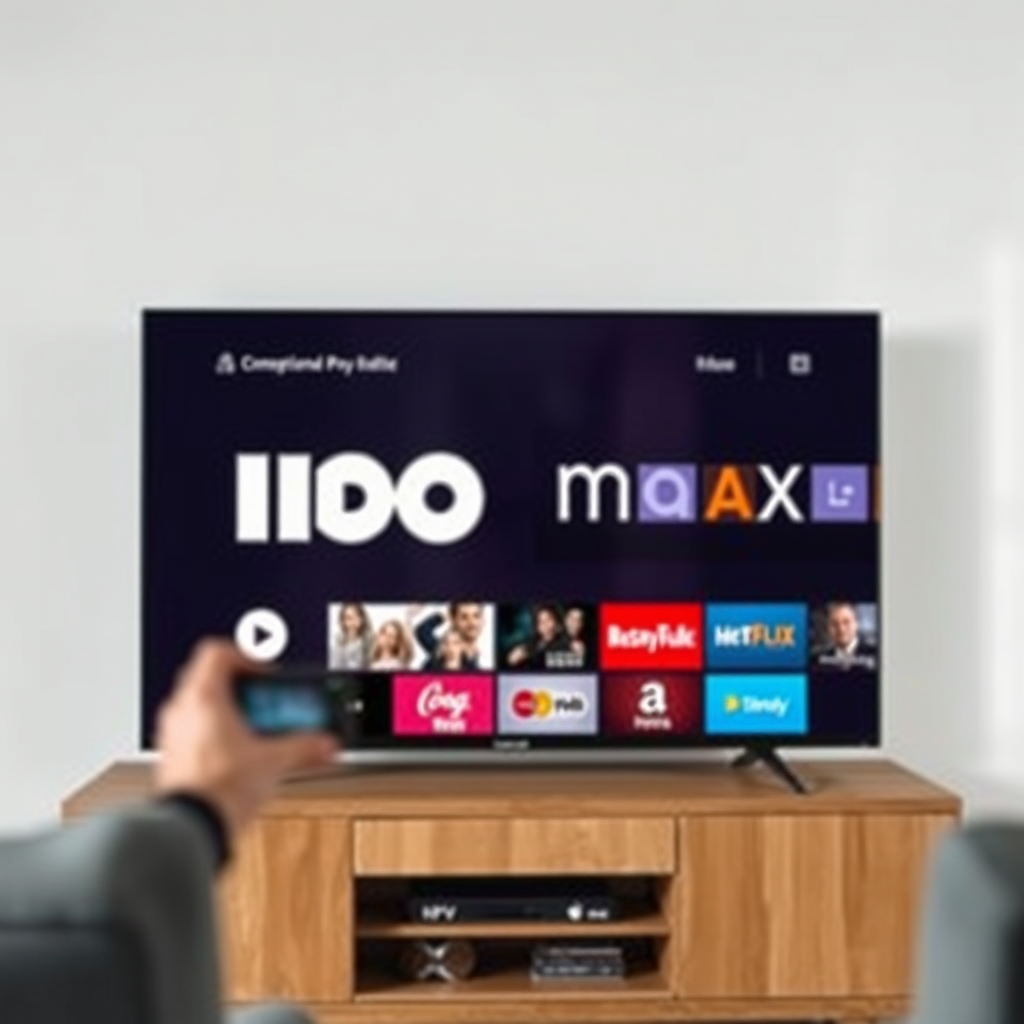
Before proceeding with the installation, it’s essential to verify that your smart TV model is compatible with HBO Max. Most major brands, including Samsung, LG, Sony, and Vizio, support the app, but it’s prudent to consult the manufacturer’s website for the most accurate and up-to-date information on compatibility.
Additionally, ensuring that your TV’s software is updated to the latest version is crucial for optimal performance. Outdated software can lead to issues with app functionality or even prevent the installation of new applications entirely. Check for updates in your TV’s settings menu, and install any available updates before attempting to download HBO Max.
Downloading the HBO Max App
Once you’ve confirmed compatibility and updated your TV’s software, the next step is downloading the HBO Max app.
1. Navigate to your smart TV’s app store. For Samsung TVs, this will be the Samsung Smart Hub; for LG, it will be the LG Content Store.
2. Use the search function to locate the HBO Max app. Simply type “HBO Max” into the search bar.
3. Select the HBO Max app from the search results and click on the “Download” or “Install” button.
The installation process should only take a few moments. Once the app is downloaded, it will typically appear on your home screen or app library for easy access.
Setting Up Your HBO Max Account
If you don’t already have an HBO Max account, you can sign up directly through the app or via the HBO Max website. The process is straightforward:
1. Open the HBO Max app.
2. Select “Sign Up” and follow the on-screen prompts to create your account. You will need to provide an email address and create a password.
3. After signing up, you can select a subscription plan that best suits your viewing needs.
If you already have an HBO Max account, simply launch the app and enter your login credentials (email and password) to access your content library. Once logged in, you’ll be able to browse and enjoy all available shows and movies.
Popular Smart TVs Supporting HBO Max (2024)
| # | Brand | Model | Year Released | Resolution | Streaming Quality |
|---|---|---|---|---|---|
| 1 | Samsung | Q80T | 2020 | 4K UHD | Excellent |
| 2 | LG | CX OLED | 2020 | 4K UHD | Exceptional |
| 3 | Sony | X900H | 2020 | 4K UHD | Outstanding |
| 4 | Vizio | P-Series Quantum | 2020 | 4K UHD | Impressive |
| 5 | TCL | 6-Series | 2020 | 4K UHD | Great |
| 6 | Philips | PUS8505 | 2021 | 4K UHD | Good |
| 7 | Sharp | AQUOS | 2020 | 4K UHD | Decent |
Troubleshooting Installation Issues
While the installation process is generally straightforward, you may encounter issues along the way. If you find yourself unable to download the HBO Max app, consider the following troubleshooting steps:
1. Restart Your Smart TV: A simple restart can resolve many issues. Unplug your TV from the power source for a few seconds, then plug it back in and try downloading the app again.
2. Check Your Internet Connection: A stable and sufficiently fast internet connection is essential for downloading apps and streaming content. Run a speed test to ensure your connection is strong.
3. Clear App Cache (if applicable): Some smart TVs allow you to clear the cache of installed apps, which can help resolve download issues.
4. Revisit the App Store: If the app still doesn’t appear, revisit the app store to confirm that HBO Max is still listed as available for your TV model.
5. Contact Customer Support: If you’re still having trouble, reaching out to HBO Max support or your TV manufacturer’s customer service can provide additional solutions.
Using HBO Max on Your Smart TV
Once you have successfully installed and set up HBO Max, you can begin exploring the app’s interface. The layout is user-friendly, with categories such as “Home,” “Series,” “Movies,” and “My List” prominently displayed.
– Navigating the App: Use your remote control to scroll through the various content categories. You can also utilize the search function to quickly find specific titles.
– Creating a Watchlist: HBO Max allows users to add titles to a personalized watchlist. Simply select the title you wish to add and click on the “Add to My List” option. This feature makes it easy to keep track of shows and movies you want to watch later.
– Using Parental Controls: For families, HBO Max provides parental control features that allow you to restrict content based on ratings, ensuring a safe viewing experience for children.
Streaming Quality and Settings
To ensure that you enjoy the best streaming experience possible, it’s essential to adjust your streaming quality settings based on your internet speed. HBO Max automatically adjusts the quality based on your connection but allows manual settings adjustments if necessary.
1. Adjust Streaming Quality: Navigate to the app settings and choose your preferred streaming quality. Higher quality settings require more bandwidth, so ensure your internet connection can handle it.
2. Optimize TV Settings: Check your TV’s audio and video settings to ensure they are optimized for streaming. Adjust settings such as brightness, contrast, and sound modes to achieve the best viewing experience.
3. Network Stability: For uninterrupted streaming, consider using a wired connection if possible, as this can provide a more stable signal than Wi-Fi.
Now that you know how to get HBO Max on your smart TV, follow the outlined steps to enjoy your favorite shows and movies. If you encounter any issues, refer back to the troubleshooting section or consult HBO Max support for further assistance. Happy streaming!
Frequently Asked Questions
How do I download HBO Max on my smart TV?
To download HBO Max on your smart TV, first, ensure that your TV is connected to the internet. Navigate to your TV’s app store, search for “HBO Max,” and select the option to download or install the app. Once installed, open the app and log in with your HBO Max credentials to start streaming.
Why can’t I find HBO Max on my smart TV?
If you can’t find HBO Max on your smart TV, it may be due to compatibility issues or outdated software. Check if your smart TV model supports the HBO Max app and ensure your TV’s firmware is updated to the latest version. If the app is not available, consider using an external streaming device that supports HBO Max.
Which smart TVs support HBO Max?
HBO Max is supported on a wide range of smart TVs including Samsung, LG, Roku, Amazon Fire TV, and Android TV devices. For specific models, refer to the HBO Max website for a complete list of compatible devices to ensure your smart TV can access the streaming service.
How do I troubleshoot HBO Max not working on my smart TV?
If HBO Max isn’t working on your smart TV, start by checking your internet connection to ensure it is stable. Restart both your TV and the HBO Max app. If the issue persists, try uninstalling and reinstalling the app or resetting your smart TV to factory settings, keeping in mind to back up any important data.
What is the best way to access HBO Max on a non-smart TV?
The best way to access HBO Max on a non-smart TV is by using a streaming device such as Roku, Amazon Fire Stick, or Chromecast. Connect the device to your TV’s HDMI port, download the HBO Max app on the device, and log in to start enjoying your favorite shows and movies on HBO Max.
References
- HBO Max
https://en.wikipedia.org/wiki/HBO_Max - https://support.hbomax.com/
https://support.hbomax.com/ - https://www.bbc.com/news/technology-55018303
https://www.bbc.com/news/technology-55018303 - https://www.theguardian.com/technology/2020/may/27/hbo-max-how-to-get-it
https://www.theguardian.com/technology/2020/may/27/hbo-max-how-to-get-it - Google Scholar Google Scholar
https://scholar.google.com/scholar?q=HBO+Max+smart+tv - Google Scholar Google Scholar
https://scholar.google.com/scholar?q=streaming+services+HBO+Max+smart+tv - Google Scholar Google Scholar
https://scholar.google.com/scholar?q=how+do+i+get+hbo+max+on+my+smart+tv - how do i get hbo max on my smart tv – Search results
https://en.wikipedia.org/wiki/Special:Search?search=how+do+i+get+hbo+max+on+my+smart+tv - https://www.ncbi.nlm.nih.gov/search/research-articles/?term=how+do+i+get+hbo+max+on+my+smart+tv
https://www.ncbi.nlm.nih.gov/search/research-articles/?term=how+do+i+get+hbo+max+on+my+smart+tv

[…] out of HBO Max on your smart TV by opening the HBO Max app, selecting your Profile/Account (or going into Settings), and choosing Sign Out—then confirming. […]