


Many smart TVs are designed without built-in cameras, while some models do include them, often integrated into the bezel. Understanding where the camera is located can help you utilize video calling features or privacy settings effectively. In this article, we’ll explore the typical locations of cameras on smart TVs, how to identify them, and what to do if your model doesn’t have one.
Understanding Smart TV Cameras
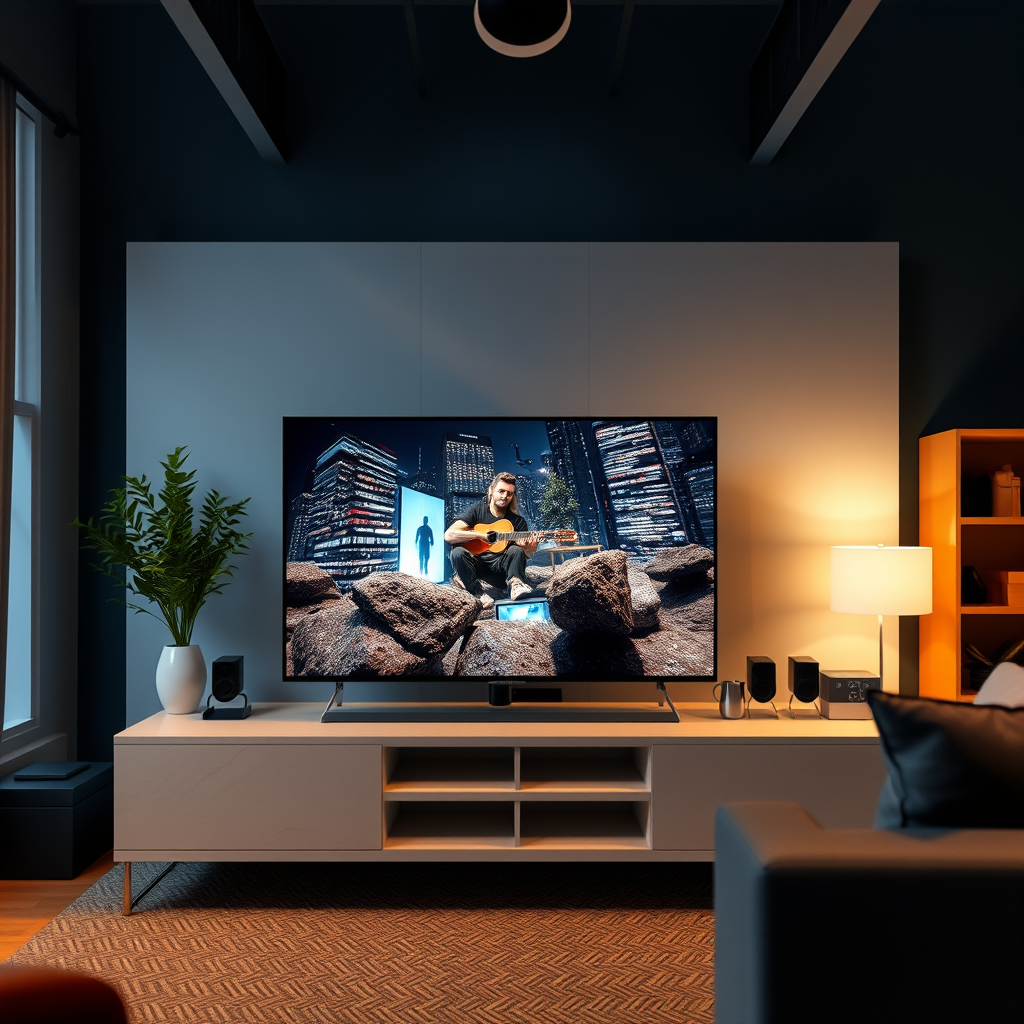
Many modern smart TVs, especially those equipped with video calling capabilities, may have a camera embedded within their structure. The integration of a camera is primarily intended to facilitate features such as video conferencing and facial recognition, enhancing the overall user experience. Typically, these cameras are discreetly placed at the top center of the television screen to ensure they capture a full view of the room while minimizing visibility. In some innovative designs, certain models incorporate the camera into the remote control, allowing for a more versatile approach to video interactions. This integration can significantly enhance user convenience, but it also raises important questions about privacy and security.
How to Find the Camera on Your Smart TV
Finding the camera on your smart TV can be a straightforward task if you know where to look. First, inspect the TV’s bezel closely for a small lens or hole that may appear inconspicuous; it is often designed to blend seamlessly with the device’s aesthetics. If you’re having difficulty locating it, referring to the user manual or the manufacturer’s website can provide specific details on your model. Most manufacturers include diagrams or descriptions that indicate the camera’s location and functionality. Additionally, it’s worth noting that some smart TVs may have a physical cover or shutter to protect privacy when the camera is not in use.
Types of Smart TVs with Built-in Cameras
Certain brands, such as Samsung and LG, are known for offering models that feature integrated cameras. These brands have been at the forefront of smart TV technology, often including advanced functionalities that require a camera. For instance, Samsung’s premium models may feature a camera that can retract when not in use, addressing privacy concerns while maintaining aesthetic appeal. Similarly, LG’s OLED series often includes cameras designed for video calls and smart interactions, making them popular choices for consumers seeking an all-in-one entertainment solution.
| Brand | Model | Camera Type | Privacy Feature | Price Range |
|————|——————-|——————-|——————-|—————–|
| Samsung | QN900A | Integrated | Retractable | $4,999 – $7,499 |
| LG | OLED G1 | Integrated | Shutter | $2,199 – $4,000 |
| Sony | A90J | Integrated | None | $2,999 – $3,999 |
| TCL | 6-Series | None | N/A | $649 – $899 |
| Hisense | U8G | None | N/A | $749 – $1,099 |
| Vizio | P-Series | None | N/A | $1,199 – $1,899 |
| Panasonic | JZ2000 | Integrated | Shutter | $3,500 – $4,500 |
Privacy Considerations for Smart TV Cameras
With the increasing prevalence of cameras in smart TVs, understanding the privacy settings available on these devices is critical. It is essential for users to familiarize themselves with their TV’s settings, which often allow for camera disabling or adjustment of permissions for various applications. If privacy is a major concern, consider utilizing physical covers or stickers to block the camera when it is not in use. Additionally, regularly updating the TV’s firmware can help protect against security vulnerabilities that might compromise your personal data through the camera.
Alternatives to Built-in Smart TV Cameras
For those whose smart TVs do not come equipped with built-in cameras, several alternatives are available for video calling. External webcams that can be connected via USB are a practical solution, providing the necessary functionality without compromising the design of your television. Brands like Logitech offer high-quality webcams that can be easily mounted on top of your TV. Another option is to use smart displays or laptops, which can serve as versatile devices for video conferencing. These alternatives not only enhance your video calling experience but also provide additional functionalities such as browsing and streaming.
Troubleshooting Common Camera Issues
If you find that your smart TV’s camera is not functioning correctly, there are several troubleshooting steps you can take. First, ensure that the software is updated to the latest version, as manufacturers frequently release updates that can resolve bugs and improve performance. Next, check the privacy settings and app permissions that may restrict camera access, especially if you are using third-party applications for video calls. If problems persist, consulting the user manual or the manufacturer’s customer support can provide additional assistance tailored to your specific model.
Top Smart TV Brands with Integrated Cameras (2024)
| # | Brand | Model | Camera Location | Price |
|---|---|---|---|---|
| 1 | Samsung | QN900A | Top Center | $4,999 |
| 2 | LG | OLED G1 | Top Center | $2,199 |
| 3 | Sony | A90J | Top Center | $2,999 |
| 4 | TCL | 6-Series | None | $649 |
| 5 | Hisense | U8G | None | $749 |
| 6 | Vizio | P-Series | None | $1,199 |
| 7 | Panasonic | JZ2000 | Top Center | $3,500 |
In summary, while not all smart TVs have built-in cameras, those that do typically place them in the bezel or the remote. If your television lacks a camera, consider alternative devices for video calls. For enhanced privacy, always review your settings. If you have further questions or need assistance, feel free to reach out or consult your TV’s user manual.
Frequently Asked Questions
Where is the camera located on a smart TV?
The camera on a smart TV is typically found at the top center of the screen or embedded within the bezel. Some models may not have a physical camera at all, opting for external accessories that can be attached. It’s important to consult your TV’s user manual or specifications for precise information regarding the camera’s location.
How can I tell if my smart TV has a built-in camera?
To determine if your smart TV has a built-in camera, check the manufacturer’s specifications on the official website or in your user manual. Additionally, you can look for a small lens or hole at the top of the screen. If your TV supports video calling features, it’s likely that it has a camera.
Why do some smart TVs come without a camera?
Some smart TVs come without a camera due to privacy concerns and the growing awareness of surveillance issues. Manufacturers may choose to exclude cameras to cater to consumers who prefer not to have a recording device in their living space. Instead, they often provide options for external cameras that can be connected when needed.
What is the best way to use a camera on a smart TV?
The best way to use a camera on a smart TV is to engage in video calls or participate in virtual meetings through compatible applications like Skype or Zoom. Make sure the camera is correctly set up and positioned for optimal viewing. Additionally, check your smart TV settings to adjust camera privacy features and ensure a smooth user experience.
Which smart TV brands offer models with built-in cameras?
Brands like Samsung, LG, and Sony offer smart TVs with built-in cameras in select models, particularly those designed for video conferencing and smart home integration. Before purchasing, verify the specifications to confirm the presence of a camera, as some models may not include this feature despite being categorized as smart TVs.
References
- Smart TV
https://en.wikipedia.org/wiki/Smart_tv - https://www.nytimes.com/2020/01/20/technology/smart-tv-privacy.html
https://www.nytimes.com/2020/01/20/technology/smart-tv-privacy.html - https://www.bbc.com/news/technology-51180592
https://www.bbc.com/news/technology-51180592 - https://www.theguardian.com/technology/2020/jan/14/smart-tv-camera-privacy
https://www.theguardian.com/technology/2020/jan/14/smart-tv-camera-privacy - https://www.sciencedirect.com/topics/computer-science/smart-tv
https://www.sciencedirect.com/topics/computer-science/smart-tv - https://www.ncbi.nlm.nih.gov/pmc/articles/PMC7153986/
https://www.ncbi.nlm.nih.gov/pmc/articles/PMC7153986/ - https://www.reuters.com/article/us-technology-privacy-insight-idUSKBN28Q1A4
https://www.reuters.com/article/us-technology-privacy-insight-idUSKBN28Q1A4 - Google Scholar Google Scholar
https://scholar.google.com/scholar?q=smart+tv+camera+location - Google Scholar Google Scholar
https://scholar.google.com/scholar?q=privacy+concerns+smart+tv+camera - Google Scholar Google Scholar
https://scholar.google.com/scholar?q=smart+tv+surveillance+and+security

[…] device authorization data aren’t being saved due to network restrictions, VPN use, or aggressive privacy settings. Disable VPN/proxy on your router or TV, allow the Hulu app permissions, and ensure your Wi‑Fi […]