


To determine if your TV is a smart TV, look for features such as internet connectivity, built-in apps, or an operating system. Smart TVs allow you to stream content, browse the internet, and access various online services. This article will guide you through the key signs and specifications to help you identify if your television qualifies as a smart TV, enhancing your viewing experience and providing access to a plethora of digital entertainment options.
Check for Internet Connectivity
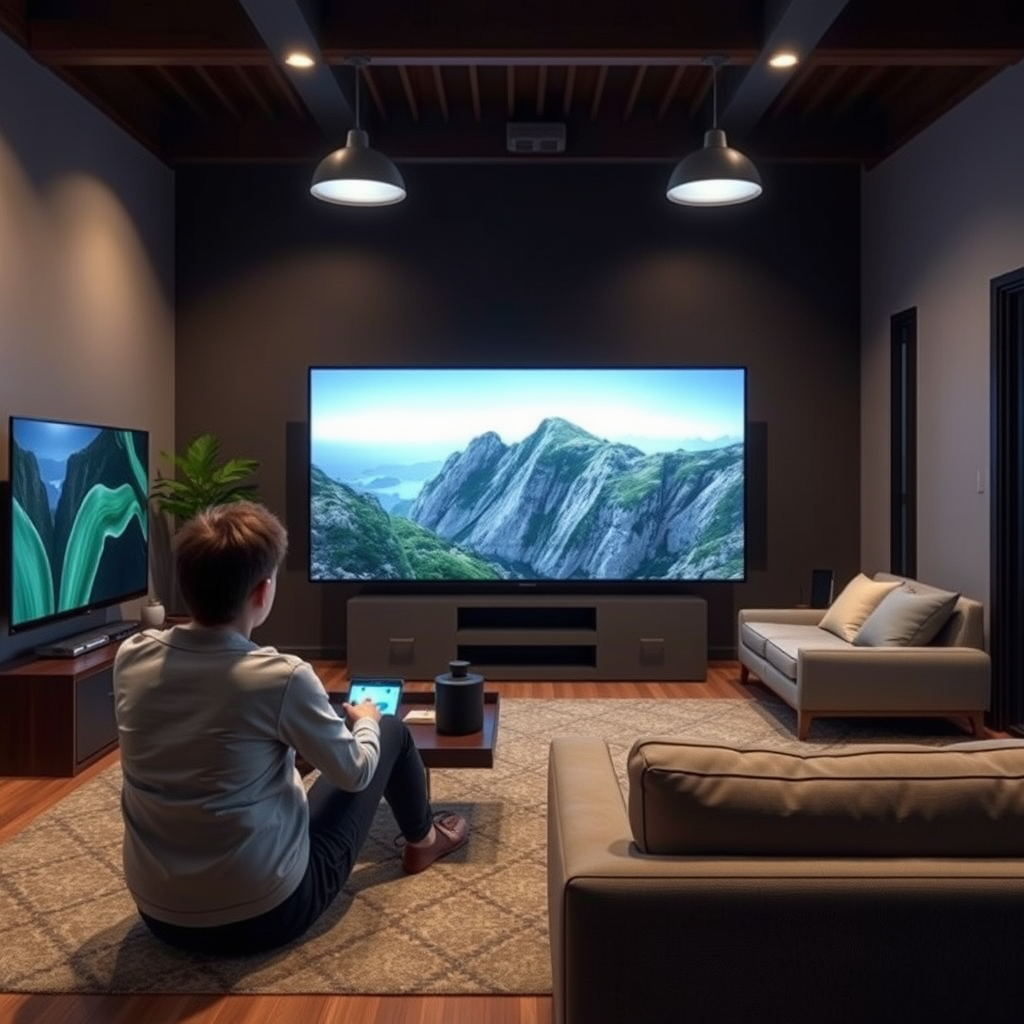
One of the most definitive characteristics of a smart TV is its ability to connect to the internet. This connectivity enables you to access streaming services, browse the web, and utilize various online applications directly from your television.
– Look for Wi-Fi Settings in the Menu: Most smart TVs feature a dedicated section in their settings menu for Wi-Fi. If you can find Wi-Fi options, including the ability to connect to your home network or any available networks, your TV is likely a smart TV.
– Ethernet Port Presence: Another telltale sign is the existence of an Ethernet port on the back of the television. If you can plug in an Ethernet cable, it further supports the idea that your TV can connect to the internet, a key feature of smart TVs.
Examine the Remote Control
The remote control that comes with your TV can provide additional clues about whether it’s a smart TV.
– Presence of Smart Buttons: Check for dedicated buttons on the remote for popular streaming services like Netflix, Hulu, or Amazon Prime Video. These buttons are commonly indicative of a smart TV, as they allow quick access to these platforms.
– Voice Control Features: Many modern smart TVs come with remotes that support voice commands. If your remote has a microphone button or a voice assistant feature, this is a strong indication that your TV is a smart model designed to enhance user experience.
Look for Built-in Applications
Another critical aspect of smart TVs is their ability to host built-in applications.
– Pre-installed Apps: Open the main menu of your TV and check for pre-installed apps like YouTube, Netflix, or Hulu. If these apps are already available without needing to be downloaded, your television is likely smart.
– App Store Access: Smart TVs typically provide access to an app store, similar to those found on smartphones. If you can browse or download additional applications from your TV, this is another indicator of its smart capabilities.
Top Smart TV Brands and Their Features (2024)
| # | Brand | Operating System | Voice Control | App Store Access |
|---|---|---|---|---|
| 1 | Samsung | Tizen | Yes | Yes |
| 2 | LG | webOS | Yes | Yes |
| 3 | Sony | Android TV | Yes | Yes |
| 4 | Roku | Roku OS | Yes | Yes |
| 5 | Vizio | Smartcast | Yes | Yes |
| 6 | TCL | Roku OS | Yes | Yes |
| 7 | Panasonic | My Home Screen | No | Limited |
Identify the Operating System
The operating system (OS) of your TV can also indicate its status as a smart TV. The OS dictates how the user interacts with the television and what functionalities are available.
– Operating System Interface: If your TV has a user interface that resembles that of a smartphone or tablet, it is likely a smart TV. Look for organized app layouts, easy navigation, and intuitive settings menus.
– Common Systems: Popular operating systems found in smart TVs include Android TV, Roku, Tizen, and webOS. If your TV is running one of these systems, it confirms its smart capabilities.
Check for Screen Mirroring Capabilities
Screen mirroring is a technology that allows you to project content from your mobile devices onto your television screen.
– Compatibility with Devices: Smart TVs often support screen mirroring protocols, making it easy to share content from your smartphone or tablet. If you can cast videos or images to your TV without the need for additional hardware, you likely have a smart TV.
– Supported Protocols: Look for features like Chromecast, AirPlay, or Miracast. The ability to utilize these protocols indicates that your TV is equipped with smart capabilities.
Review the Product Specifications
To get a definitive answer about your TV’s smart capabilities, consulting the product specifications can provide clarity.
– Model Number Search: Use your TV’s model number to search online for its specifications. Manufacturer websites often detail whether the TV is a smart model and outline its features.
– Manuals and Packaging: If you have the original packaging or manual, check for any mention of smart features or connectivity options. This can provide direct confirmation of your TV’s capabilities.
Test Streaming Functionality
The ultimate test for a smart TV is its ability to stream content from services like Netflix, Hulu, or Amazon Prime.
– Attempt to Connect to Streaming Services: Try logging into your streaming accounts. If you can access these platforms directly from your TV without needing an external device like a streaming stick, your TV is definitely a smart model.
– Explore Browsing Options: Check for web browsing capabilities. Many smart TVs allow users to navigate the internet directly, which is a strong indicator of its smart functionality.
In conclusion, identifying whether your television is a smart TV involves checking for internet connectivity, examining the remote control for smart features, looking for built-in applications, and exploring the operating system. Additionally, testing screen mirroring capabilities and reviewing product specifications will provide further clarity. If you discover that your TV does indeed have smart capabilities, take the time to explore all the features available to enhance your viewing experience and connect to a world of entertainment.
Frequently Asked Questions
How can I tell if my TV is a smart TV?
To determine if your TV is a smart TV, check for built-in internet connectivity options, such as Wi-Fi or Ethernet ports. Additionally, look for pre-installed apps like Netflix, Hulu, or YouTube in the menu. If your TV can connect to the internet and access online content, it’s likely a smart TV.
What features distinguish a smart TV from a regular TV?
Smart TVs are equipped with internet connectivity, allowing users to stream content from various online services. They also typically have a user-friendly interface, support for voice commands, and the ability to download additional apps. In contrast, regular TVs lack these features and primarily function as display units for cable or satellite content.
Why should I choose a smart TV over a traditional television?
Choosing a smart TV over a traditional television offers significant advantages, such as access to a wide range of streaming services, web browsing capabilities, and app downloads for enhanced entertainment options. Additionally, smart TVs often come with features like screen mirroring and integration with smart home devices, providing a more versatile viewing experience.
Which brands are known for making reliable smart TVs?
Brands such as Samsung, LG, Sony, and TCL are well-known for producing reliable smart TVs with robust features and user-friendly interfaces. These manufacturers frequently update their software, ensuring compatibility with the latest streaming applications and services, which enhances the longevity and functionality of your smart TV.
How do I check if my TV can be upgraded to smart capabilities?
To check if your TV can be upgraded to smart capabilities, look for available ports such as HDMI or USB, which may allow for external streaming devices like Roku, Amazon Fire Stick, or Chromecast. You can also consult the manufacturer’s website or user manual to see if there are software updates or compatible devices that can enhance your TV’s functionality.
References
- Smart TV
https://en.wikipedia.org/wiki/Smart_TV - https://www.bbc.com/news/technology-56732427
https://www.bbc.com/news/technology-56732427 - https://www.lifewire.com/how-to-know-if-your-tv-is-smart-5078822
https://www.lifewire.com/how-to-know-if-your-tv-is-smart-5078822 - https://www.pcmag.com/how-to/how-to-tell-if-your-tv-is-smart
https://www.pcmag.com/how-to/how-to-tell-if-your-tv-is-smart - Google Scholar Google Scholar
https://scholar.google.com/scholar?q=how+to+know+if+my+tv+is+a+smart+tv - Google Scholar Google Scholar
https://scholar.google.com/scholar?q=smart+TV+features+and+identification - Google Scholar Google Scholar
https://scholar.google.com/scholar?q=smart+TV+technology+overview - how to know if my tv is a smart tv – Search results
https://en.wikipedia.org/wiki/Special:Search?search=how+to+know+if+my+tv+is+a+smart+tv - https://www.ncbi.nlm.nih.gov/search/research-articles/?term=how+to+know+if+my+tv+is+a+smart+tv
https://www.ncbi.nlm.nih.gov/search/research-articles/?term=how+to+know+if+my+tv+is+a+smart+tv
