

To answer your question right away: no, you do not need a smart TV to use an Amazon Fire Stick. The Fire Stick allows you to stream content on any TV with an HDMI port, making it a versatile option for both smart and non-smart televisions. This capability opens up a world of entertainment possibilities for users who may not have upgraded to a smart TV yet. In this article, we will explore how the Fire Stick works, its benefits, and what you need to consider for optimal use.
Understanding the Fire Stick Functionality
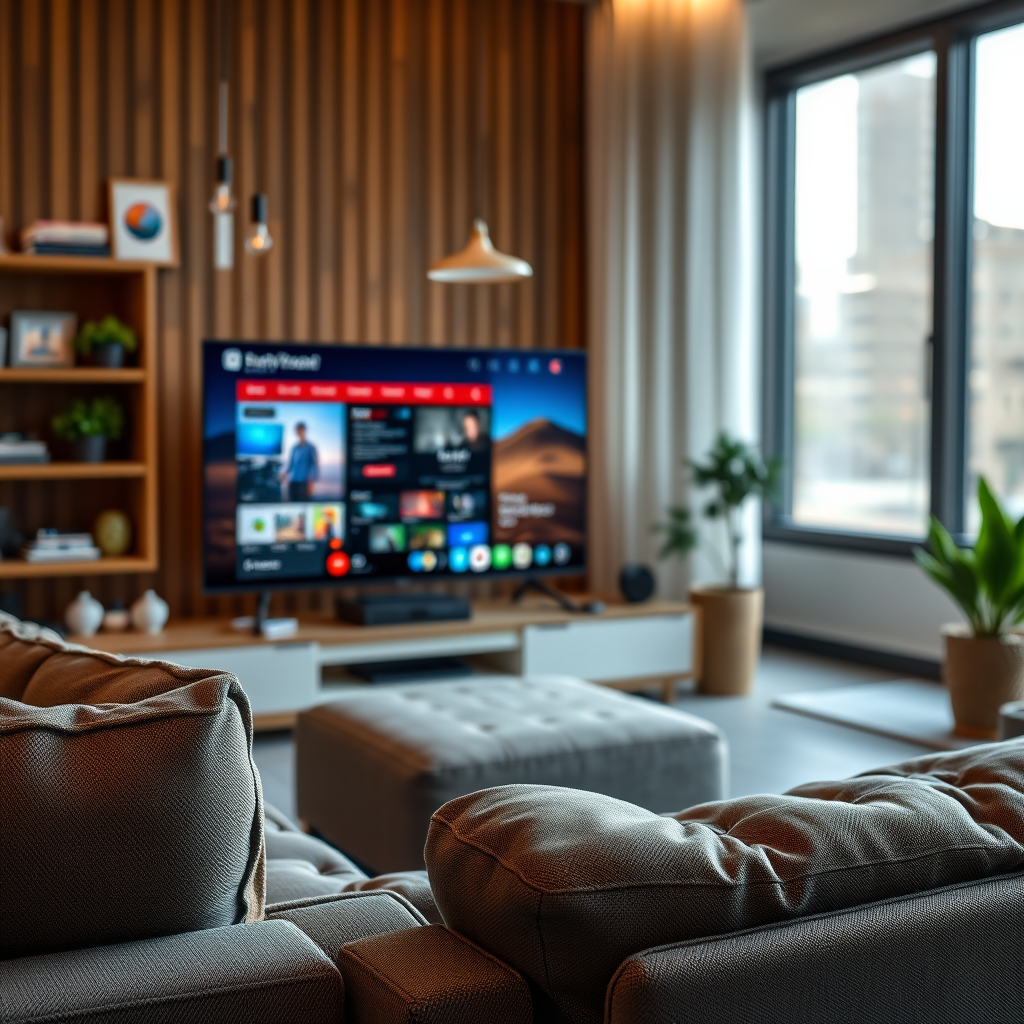
The Amazon Fire Stick is a compact streaming device that plugs directly into the HDMI port of your television. Once connected, it essentially transforms your TV into a portal for streaming content from various platforms, such as Netflix, Hulu, Prime Video, and many more. The Fire Stick operates independently of the TV’s built-in functions, meaning that it can deliver streaming capabilities regardless of whether the TV itself is “smart” or not.
In addition to streaming services, the Fire Stick also supports a range of apps, games, and even Alexa voice controls, providing a comprehensive entertainment experience. This independence is crucial for users with older models or basic TVs, as it allows them to enjoy modern streaming services without needing to invest in a new television.
Compatibility with Non-Smart TVs
One of the standout features of the Fire Stick is its compatibility with non-smart TVs. As long as your television has an HDMI port, you can use the Fire Stick without any problems. For older television models lacking an HDMI port, additional equipment such as an HDMI-to-RCA converter can be utilized. These converters allow users to connect the Fire Stick to their older devices, ensuring that they do not miss out on the streaming revolution.
This compatibility is particularly beneficial for those who wish to upgrade their viewing experience without the hefty price tag of purchasing a new smart TV. By leveraging the Fire Stick, users can access a broader range of entertainment options while making the most of their existing television setup.
Advantages of Using Fire Stick on Any TV
The advantages of using an Amazon Fire Stick are numerous, making it a worthwhile investment for any television owner. One of the most significant benefits is the extensive access to a variety of streaming services. With platforms like Netflix, Prime Video, Hulu, Disney+, and more available at your fingertips, you can enjoy an endless array of movies, series, and documentaries.
Another key advantage is that the Fire Stick receives regular software updates, ensuring that the device remains compatible with new apps and features. This means that as streaming services evolve and introduce new content, your Fire Stick will continue to provide access to the latest offerings. This ongoing support contrasts sharply with many smart TVs, which can become outdated quickly and may not receive updates as frequently.
Comparison of Streaming Services Available on Fire Stick
Top Streaming Services Available on Fire Stick (2024)
| # | Service | Monthly Cost | Content Library Size | User Ratings |
|---|---|---|---|---|
| 1 | Netflix | $15.49 | 15,000+ | ★★★★☆ |
| 2 | Prime Video | $14.99 | 12,000+ | ★★★★☆ |
| 3 | Hulu | $7.99 | 5,000+ | ★★★★☆ |
| 4 | Disney+ | $7.99 | 3,000+ | ★★★★☆ |
| 5 | HBO Max | $14.99 | 3,000+ | ★★★★☆ |
| 6 | Apple TV+ | $9.99 | 1,000+ | ★★★★☆ |
| 7 | Peacock | $4.99 | 20,000+ | ★★★☆☆ |
Setup Process for Fire Stick
Setting up the Amazon Fire Stick is a straightforward process, making it accessible even for those who may not be particularly tech-savvy. The installation involves a simple plug-and-play mechanism: insert the Fire Stick into the HDMI port of your TV and connect the included power adapter to a power outlet.
Once powered on, the device will guide you through a step-by-step setup process on your television screen. This includes connecting to your Wi-Fi network and signing into your Amazon account. If you don’t already have an Amazon account, you can create one directly through the Fire Stick interface. The user-friendly interface ensures that even first-time users can navigate through the setup with ease.
Enhancing Your Viewing Experience
To get the most out of your Fire Stick, consider enhancing your viewing experience with additional equipment. One effective way to improve audio quality is by connecting external speakers or a soundbar. Many Fire Stick users find that the built-in TV speakers do not do justice to the rich soundscapes of movies and shows, so investing in quality audio equipment can significantly elevate your experience.
Additionally, explore the various settings on the Fire Stick to customize your content recommendations. By adjusting your preferences and viewing habits, the Fire Stick can suggest tailored content that aligns with your interests, making it easier to discover new shows and movies.
Comparing Smart TVs and Fire Stick
When comparing smart TVs to the Fire Stick, several factors come into play. Smart TVs come with built-in streaming apps, but they may lack the flexibility and breadth of options available through a Fire Stick. For instance, while some smart TVs may limit the number of apps you can download or support, the Fire Stick allows for a virtually unlimited selection.
Another critical consideration is portability. The Fire Stick can be easily moved from one TV to another, making it an excellent choice for users who travel or have multiple televisions in different rooms. This portability means you don’t have to invest in multiple smart TVs to enjoy streaming in various locations.
Smart TV vs. Fire Stick Comparison Table
Comparison: Smart TV vs. Fire Stick
| # | Feature | Smart TV | Fire Stick |
|---|---|---|---|
| 1 | Built-in Apps | Limited | Extensive |
| 2 | Portability | No | Yes |
| 3 | Updates | Infrequent | Regular |
| 4 | Cost | High | Low |
| 5 | User Interface | Varies by manufacturer | Consistent |
| 6 | Game Streaming | Limited | Extensive |
| 7 | Voice Control | Limited | Yes |
| 8 | Installation Complexity | Moderate | Easy |
| 9 | Screen Mirroring | Yes | Yes |
| 10 | Content Variety | Limited | Vast |
[FINAL PARAGRAPH]
In summary, a Fire Stick is a fantastic solution for enhancing your TV’s streaming capabilities, regardless of whether it’s a smart model. If you own a non-smart TV, you can easily use the Fire Stick to access a world of content. With its extensive app availability, regular updates, and portability, the Fire Stick is an excellent investment for anyone looking to expand their viewing options. Consider purchasing one today to enjoy seamless streaming and a richer entertainment experience!
Frequently Asked Questions
Do you need a smart TV to use a Fire Stick?
No, you do not need a smart TV to use an Amazon Fire Stick. The Fire Stick can be connected to any TV with an HDMI port, allowing you to stream content even on older television models. As long as your TV has an HDMI input and you can access Wi-Fi, you can enjoy all the features of the Fire Stick.
How does a Fire Stick work with a non-smart TV?
A Fire Stick works with a non-smart TV by connecting to its HDMI port and using your home Wi-Fi network to stream content. Once plugged in, you’ll need to set up the Fire Stick by connecting it to your Wi-Fi and signing into your Amazon account. This setup allows you to access various streaming services like Netflix, Hulu, and Prime Video without needing a smart TV.
Why would I choose a Fire Stick over a smart TV?
Choosing a Fire Stick over a smart TV can be cost-effective and flexible, as it allows you to upgrade your existing TV without purchasing a new one. Fire Sticks often receive software updates and new features, providing access to the latest streaming apps and services. Additionally, you can easily move the Fire Stick between different TVs in your home or take it with you while traveling.
What features does the Fire Stick offer that a smart TV might not have?
The Fire Stick offers features such as Alexa voice control, a wide range of apps, and the ability to play games, which may not be available on all smart TVs. Additionally, Fire Sticks often have regular updates that introduce new functionalities and improve user experience, ensuring you always have access to the latest streaming options. This versatility makes it a great choice for enhancing any TV setup.
Which Fire Stick model is best for my non-smart TV?
The Fire Stick 4K is the best choice for a non-smart TV if you want high-definition streaming and access to 4K content, assuming your TV supports it. If you’re looking for a more budget-friendly option, the standard Fire Stick offers excellent performance for HD streaming. Both models provide an affordable way to upgrade your viewing experience without needing a smart TV.
References
- https://www.wikiwand.com/en/Fire_TV
https://www.wikiwand.com/en/Fire_TV - https://www.lifewire.com/do-you-need-a-smart-tv-for-amazon-fire-stick-5071268
https://www.lifewire.com/do-you-need-a-smart-tv-for-amazon-fire-stick-5071268 - Google Scholar Google Scholar
https://scholar.google.com/scholar?q=do+you+need+smart+tv+for+fire+stick - Google Scholar Google Scholar
https://scholar.google.com/scholar?q=Fire+stick+and+smart+TV+compatibility - Google Scholar Google Scholar
https://scholar.google.com/scholar?q=Amazon+Fire+stick+usage+guide - do you need smart tv for fire stick – Search results
https://en.wikipedia.org/wiki/Special:Search?search=do+you+need+smart+tv+for+fire+stick - https://www.ncbi.nlm.nih.gov/search/research-articles/?term=do+you+need+smart+tv+for+fire+stick
https://www.ncbi.nlm.nih.gov/search/research-articles/?term=do+you+need+smart+tv+for+fire+stick
