


To get Fubo on your older Samsung Smart TV, you may need to utilize the Samsung Smart Hub or download the app from the TV’s app store. This guide will walk you through the necessary steps to access Fubo TV, ensuring you can enjoy your favorite shows and sports in no time. With the increasing popularity of streaming services, knowing how to access Fubo on older models can enhance your viewing experience significantly.
Check Compatibility with Your Samsung Smart TV
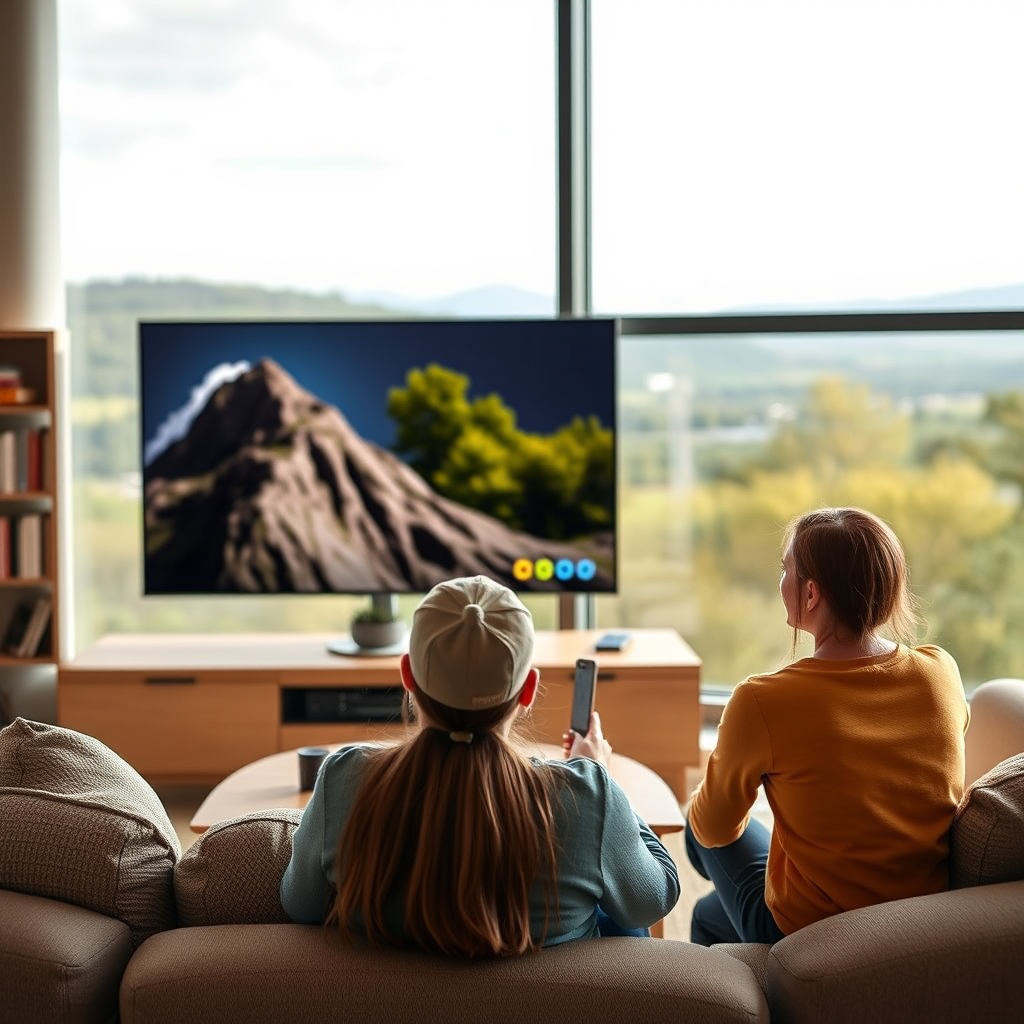
Before attempting to install the Fubo TV app, it is crucial to check whether your Samsung Smart TV is compatible. Most Samsung Smart TVs produced after 2012 support app downloads, but older models might have limitations. To verify your TV’s model year, you can typically find the model number on the back of the TV or in the settings menu under “About This TV.”
Additionally, ensure your TV’s software is up to date. Samsung regularly releases software updates that can improve functionality and app compatibility. To check for updates, navigate to the “Settings” menu, select “Support,” and choose “Software Update.” Keeping your TV updated will not only aid in downloading new apps but also enhance overall performance.
Accessing the Samsung Smart Hub
Once you’ve confirmed compatibility, the next step is to access the Samsung Smart Hub. This is a central hub for all your applications and settings on your Smart TV. To open the Smart Hub, simply press the Smart Hub button on your remote control.
After the interface loads, you will find various options available, including featured apps, recommended content, and categories for games, music, and more. Navigate to the apps section to search for the Fubo TV app. You can either scroll through the list or utilize the search function, which will allow you to type in “Fubo” for a more straightforward approach.
Downloading the Fubo TV App
To install the Fubo TV app, simply search for “Fubo” in the app store within Smart Hub. Once you locate the app, select it to view more details. You will see options for “Download” or “Install.” Click on this option, and the app will begin downloading to your TV.
The download process may take a few minutes depending on your internet speed. Once completed, you’ll receive a notification that the app has been successfully installed. You can now find the app in your Smart Hub under “My Apps” or “Apps.”
Fubo TV App Features Comparison (2024)
| # | Feature | FuboTV | Competitor A | Competitor B |
|---|---|---|---|---|
| 1 | Live Sports | ✔️ | ✔️ | ❌ |
| 2 | Cloud DVR | ✔️ | ✔️ | ✔️ |
| 3 | Number of Channels | 100+ | 75+ | 50+ |
| 4 | Simultaneous Streams | 10 | 3 | 2 |
| 5 | On-Demand Content | ✔️ | ✔️ | ✔️ |
| 6 | User Interface | Intuitive | Standard | Basic |
| 7 | Monthly Cost | $69.99 | $54.99 | $49.99 |
Setting Up Your Fubo Account
After successfully downloading the Fubo TV app, the next step is to set up your account. Open the app, and you will be prompted to either “Sign In” or “Create Account.” If you are new to Fubo, select the “Create Account” option.
Follow the on-screen prompts to enter your personal details, including your email address and desired password. You may also need to select a subscription plan that fits your viewing needs, as Fubo offers various packages catering to different preferences, including sports and entertainment. Once you have completed the setup, you can log in with your credentials and start enjoying content.
Troubleshooting Common Issues
While the installation process is generally smooth, you may encounter issues along the way. If the Fubo app fails to download, first check your internet connection, as a weak or unstable connection can hinder downloads. Restarting your TV can also resolve temporary glitches associated with app installations.
If you experience performance issues after installation, consider clearing the cache of the Smart Hub. To do this, navigate to the “Settings” menu, select “Support,” and then choose “Self Diagnosis.” From there, select “Reset Smart Hub,” which can often resolve any lingering performance issues.
Alternative Ways to Access Fubo
If you find that your older Samsung Smart TV does not support the Fubo app or if you encounter persistent issues, there are alternative methods for accessing Fubo. One effective method is to cast content from a mobile device. Most smartphones and tablets support screen mirroring, allowing you to stream Fubo directly to your TV.
Alternatively, consider using external streaming devices like Roku, Chromecast, or Amazon Fire Stick. These devices can easily connect to your TV and provide access to various streaming apps, including Fubo TV. This can be an effective solution if your TV’s built-in capabilities are limited.
Enjoying Fubo on Your TV
Once you have successfully installed and set up the Fubo TV app, it’s time to explore its offerings. The app features a user-friendly interface that allows you to browse through live sports, on-demand shows, and exclusive content. Take the time to customize your viewing preferences, such as favorite channels and genres, to enhance your overall experience.
Fubo TV is particularly known for its extensive sports coverage, including NFL, NBA, MLB, and various international sports events. You can also access a wide range of entertainment options, including movies and TV shows from popular networks.
In summary, Fubo offers a rich streaming experience that can cater to various viewing preferences.
Getting Fubo on your older Samsung Smart TV can be straightforward if you follow these steps. By checking compatibility, downloading the app, and setting up your account, you’ll be ready to enjoy a wide range of content. If you face any challenges, consider alternative methods like screen mirroring or using streaming devices. Start streaming today!
Frequently Asked Questions
How can I install the Fubo TV app on my older Samsung Smart TV?
To install the Fubo TV app on your older Samsung Smart TV, first, ensure your TV is connected to the internet. Navigate to the Smart Hub, select the Apps section, and search for “Fubo TV.” If the app is available, click “Install.” If not, you may need to consider alternative methods, such as screen mirroring from a mobile device.
Why can’t I find the Fubo TV app in the Samsung Smart Hub on my older TV?
The Fubo TV app may not be available on older Samsung Smart TV models due to compatibility issues or limitations in the app store. Samsung regularly updates its app offerings, so if your TV is outdated, it might not support newer apps. Consider checking for software updates or using alternative streaming methods like casting from a mobile device.
What are the best alternatives to stream Fubo TV on an older Samsung Smart TV?
If you can’t access the Fubo TV app directly, the best alternatives include using a streaming device like Roku, Amazon Fire Stick, or Chromecast. These devices connect to your TV’s HDMI port and allow you to download the Fubo TV app easily. Additionally, you can use screen mirroring from your smartphone or tablet to watch Fubo TV on your older Samsung Smart TV.
How do I troubleshoot Fubo TV streaming issues on my older Samsung Smart TV?
To troubleshoot streaming issues with Fubo TV on your older Samsung Smart TV, first check your internet connection to ensure it is stable. Restart your TV and router, then try clearing the app cache if the app is installed. If problems persist, consider uninstalling and reinstalling the app or using an external streaming device for improved performance.
Which Samsung Smart TV models support the Fubo TV app?
The Fubo TV app is generally available on Samsung Smart TVs released from 2017 onwards. If you own an older model, it may not support the app directly. To confirm compatibility, visit the Samsung support website or check the app store on your TV for availability. If your model is not supported, consider alternative streaming methods.
References
- https://www.fubo.tv/welcome/how-to-watch
https://www.fubo.tv/welcome/how-to-watch - https://support.fubo.tv/hc/en-us/articles/360000227836-How-to-activate-FuboTV-on-Samsung-Smart-TV
https://support.fubo.tv/hc/en-us/articles/360000227836-How-to-activate-FuboTV-on-Samsung-Smart-TV - Reddit – The heart of the internet
https://www.reddit.com/r/FuboTV/comments/9v4z5p/how_to_install_fubo_tv_on_old_samsung_smart_tv/ - https://www.bbc.com/news/technology-58926951
https://www.bbc.com/news/technology-58926951 - Google Scholar Google Scholar
https://scholar.google.com/scholar?q=how+to+get+fubo+on+older+samsung+smart+tv - Google Scholar Google Scholar
https://scholar.google.com/scholar?q=Samsung+Smart+TV+app+installation - Google Scholar Google Scholar
https://scholar.google.com/scholar?q=FuboTV+streaming+on+Smart+TVs - how to get fubo on older samsung smart tv – Search results
https://en.wikipedia.org/wiki/Special:Search?search=how+to+get+fubo+on+older+samsung+smart+tv - https://www.ncbi.nlm.nih.gov/search/research-articles/?term=how+to+get+fubo+on+older+samsung+smart+tv
https://www.ncbi.nlm.nih.gov/search/research-articles/?term=how+to+get+fubo+on+older+samsung+smart+tv

[…] Samsung Smart Hub is the home interface that launches built-in apps like “Internet (Web Browser).” On most […]
[…] by turning on your smart TV and opening the app store (such as Roku Channel Store, Samsung Smart Hub, or Google Play Store). Search for “Spectrum” or “Spectrum TV” and select the official app […]