
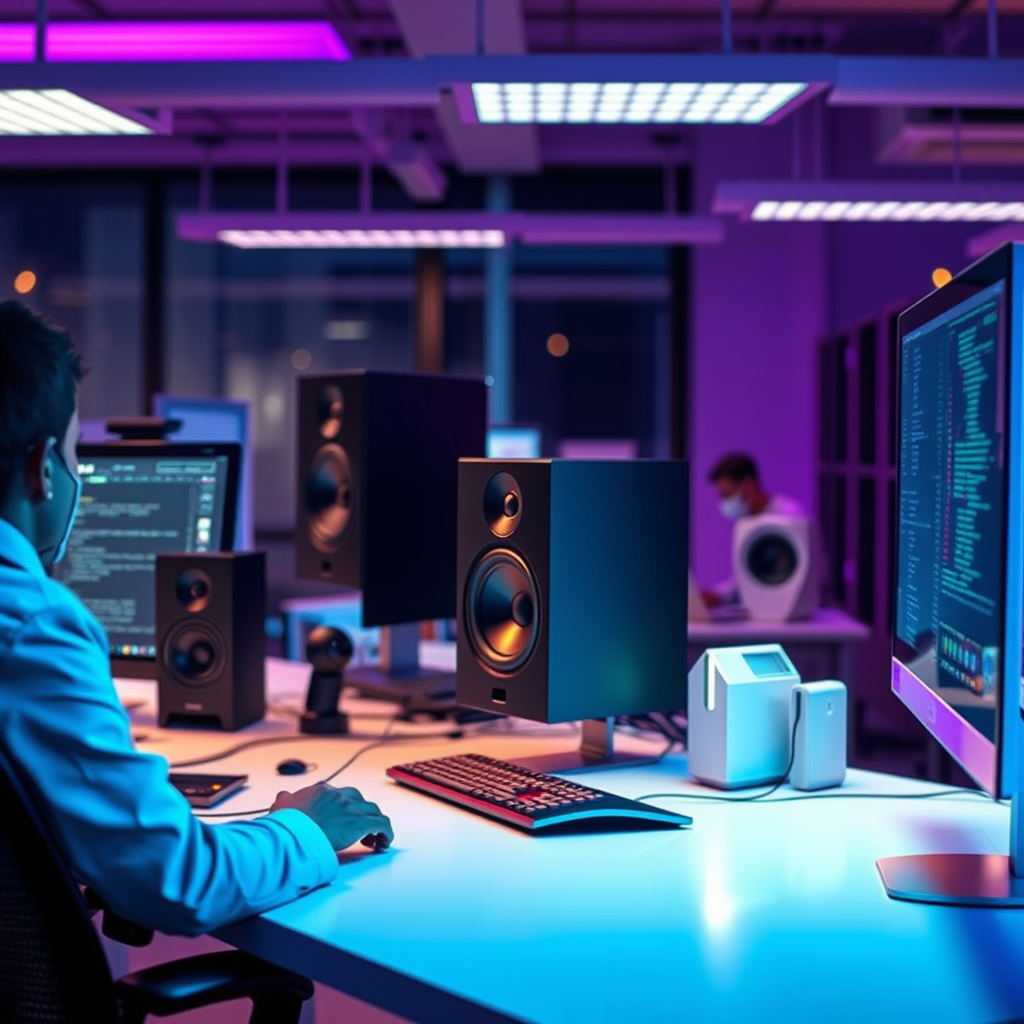

Computer speakers are audio output devices designed to amplify sound from a computer or other devices. They enhance the listening experience by delivering high-quality audio for music, movies, and games. In this article, you’ll learn about the different types of computer speakers, their features, and how to choose the right ones for your setup.
Types of Computer Speakers
Understanding the various types of computer speakers is essential for selecting the right audio solution that fits your needs. Here are the primary categories:
– Stereo Speakers: These are the most common type of computer speakers, typically consisting of two speakers. They are ideal for general use, such as listening to music, watching videos, or engaging in casual gaming. Stereo speakers can deliver reasonable sound quality and are often more affordable than multi-speaker systems.
– Surround Sound Systems: For those looking for an immersive audio experience, surround sound systems are the way to go. These setups involve multiple speakers placed around the room, including a subwoofer for deep bass. They are particularly beneficial for gamers and movie enthusiasts, as they create a three-dimensional sound environment that makes the experience much more engaging.
Key Features to Consider
When selecting computer speakers, understanding their features can significantly impact your audio experience. Here are some vital aspects to consider:
– Sound Quality: This is arguably the most critical feature. Look for speakers that provide clarity, a robust bass response, and overall audio fidelity. Pay attention to specifications such as frequency response and total harmonic distortion, which can indicate sound quality.
– Connectivity Options: Ensure that the speakers you choose have the necessary connectivity options for your setup. Common options include USB, Bluetooth, and the traditional 3.5mm audio jack. Bluetooth speakers offer wireless convenience, while wired connections may provide better sound quality and stability.
How to Choose the Right Computer Speakers
Selecting the right speakers goes beyond just preferences; it involves a thorough understanding of your needs. Here are two critical considerations:
– Usage Purpose: Consider what you will primarily use the speakers for. If you are a gamer, you might want a surround sound system for an immersive experience. If you are primarily listening to music or watching videos casually, a decent pair of stereo speakers may suffice.
– Space Considerations: Assess your desk and room size. A larger room may benefit from a surround sound system, while a smaller desk might be better suited for compact stereo speakers. Additionally, think about the placement of the speakers to optimize sound quality.
Top 7 Computer Speakers of 2023
| # | Model | Type | Price | Rating |
|---|---|---|---|---|
| 1 | Logitech Z623 | 2.1 | $149.99 | ★★★★☆ |
| 2 | Bose Companion 2 | Stereo | $129.00 | ★★★★★ |
| 3 | Creative Pebble 2.0 | Stereo | $49.99 | ★★★★☆ |
| 4 | Razer Nommo Chroma | 2.0 | $149.99 | ★★★★☆ |
| 5 | Edifier R980T | Stereo | $99.99 | ★★★★☆ |
| 6 | Logitech G560 | 2.1 | $199.99 | ★★★★★ |
| 7 | Harman Kardon Soundsticks 4 | 2.1 | $169.99 | ★★★★★ |
Setting Up Your Computer Speakers
Proper speaker setup is crucial for maximizing audio quality. Here’s how to set them up effectively:
– Placement: Position your speakers at ear level for optimal sound. If using stereo speakers, they should be equidistant from your listening position to create a balanced soundstage. For surround sound systems, place the speakers at appropriate angles to encapsulate the listener, ideally forming a semi-circle.
– Configuration: After physical placement, configure the audio settings on your computer. Adjust the sound settings, including equalizer options and volume levels, to suit your personal preferences. Don’t forget to test different audio sources to ensure everything sounds as intended.
Maintenance Tips for Longevity
To ensure your speakers last and continue to perform well, consider these maintenance tips:
– Cleaning: Regularly dust your speakers to prevent debris from accumulating on the surfaces and inside the speaker grills. Use a soft cloth or microfiber cloth to gently clean them without scratching the finish.
– Volume Management: Avoid consistently playing audio at maximum volume, as this can lead to speaker distortion and damage over time. Keeping volume levels moderate will help maintain sound quality and extend the life of your speakers.
Common Issues and Troubleshooting
Even the best speakers may face issues from time to time. Here’s how to troubleshoot common problems:
– No Sound Output: If you encounter a lack of sound, check all connections first, including power and audio cables. Ensure your computer recognizes the speakers and that the correct output device is selected in the sound settings.
– Distorted Audio: Distortion can be caused by a variety of factors, including improper placement, excessive volume, or faulty cables. Lower the volume and reposition the speakers if necessary. If distortion persists, consider testing with different audio sources or cables.
In conclusion, understanding computer speakers involves recognizing their types, features, and proper usage. By evaluating your needs and considering factors such as sound quality and connectivity options, you can make an informed decision. Proper setup and maintenance will further enhance your audio experience, ensuring your speakers provide high-quality sound for years to come.
Frequently Asked Questions
What are computer speakers and how do they work?
Computer speakers are external audio output devices that connect to a computer to enhance sound quality for music, videos, and gaming. They work by converting electrical signals from the computer into audible sound waves through drivers, which vibrate to produce sound. This results in a more immersive audio experience compared to built-in speaker systems.
How do I choose the best computer speakers for gaming?
To choose the best computer speakers for gaming, consider factors like sound quality, power output, and surround sound capabilities. Look for speakers with a good frequency range and low distortion to ensure clear audio, as well as features like subwoofers for enhanced bass. Additionally, wireless options may provide convenience for a clutter-free gaming setup.
Why are my computer speakers not producing sound?
If your computer speakers are not producing sound, first check the volume settings on both the speakers and your computer. Ensure that the speakers are properly connected to the audio output port and that they are powered on. If the issue persists, test the speakers with another device to rule out hardware problems.
Which type of computer speakers are best for music production?
The best computer speakers for music production are studio monitors, which offer flat frequency response and accurate sound reproduction. Brands like KRK, Yamaha, and JBL are popular choices among professionals for their clarity and detail. Investing in good quality studio monitors can significantly improve your mixing and audio editing experience.
How can I connect Bluetooth speakers to my computer?
To connect Bluetooth speakers to your computer, first ensure that the speakers are in pairing mode. On your computer, navigate to the Bluetooth settings, typically found in the control panel or system preferences, and search for available devices. Select your speakers from the list to establish a connection and enjoy wireless audio streaming.
References
- Loudspeaker
https://en.wikipedia.org/wiki/Loudspeaker - Loudspeaker | Definition, Types, & Facts | Britannica
https://www.britannica.com/technology/loudspeaker - https://www.sciencedirect.com/topics/engineering/loudspeaker
https://www.sciencedirect.com/topics/engineering/loudspeaker - Google Scholar Google Scholar
https://scholar.google.com/scholar?q=computer+speakers - Google Scholar Google Scholar
https://scholar.google.com/scholar?q=loudspeakers+technology - https://www.nature.com/articles/s41598-020-65719-7
https://www.nature.com/articles/s41598-020-65719-7 - https://www.ncbi.nlm.nih.gov/pmc/articles/PMC7151015/
https://www.ncbi.nlm.nih.gov/pmc/articles/PMC7151015/ - https://www.hindawi.com/journals/jece/2020/6587359/
https://www.hindawi.com/journals/jece/2020/6587359/ - https://www.cdc.gov/nceh/lead/faq.htm
https://www.cdc.gov/nceh/lead/faq.htm - https://www.reuters.com/article/technology-idUSKBN2A10YI
https://www.reuters.com/article/technology-idUSKBN2A10YI

[…] to Dolby Laboratories, proper speaker setup includes correct channel level alignment and timing (delays) relative to the listening position, […]