

Connecting two JBL speakers is straightforward and can significantly enhance your audio experience. By following a few simple steps, you can effortlessly pair your speakers for a more immersive sound. This guide will walk you through the process, ensuring you can enjoy your music or podcasts in stereo or party mode.
Understanding JBL Speaker Models
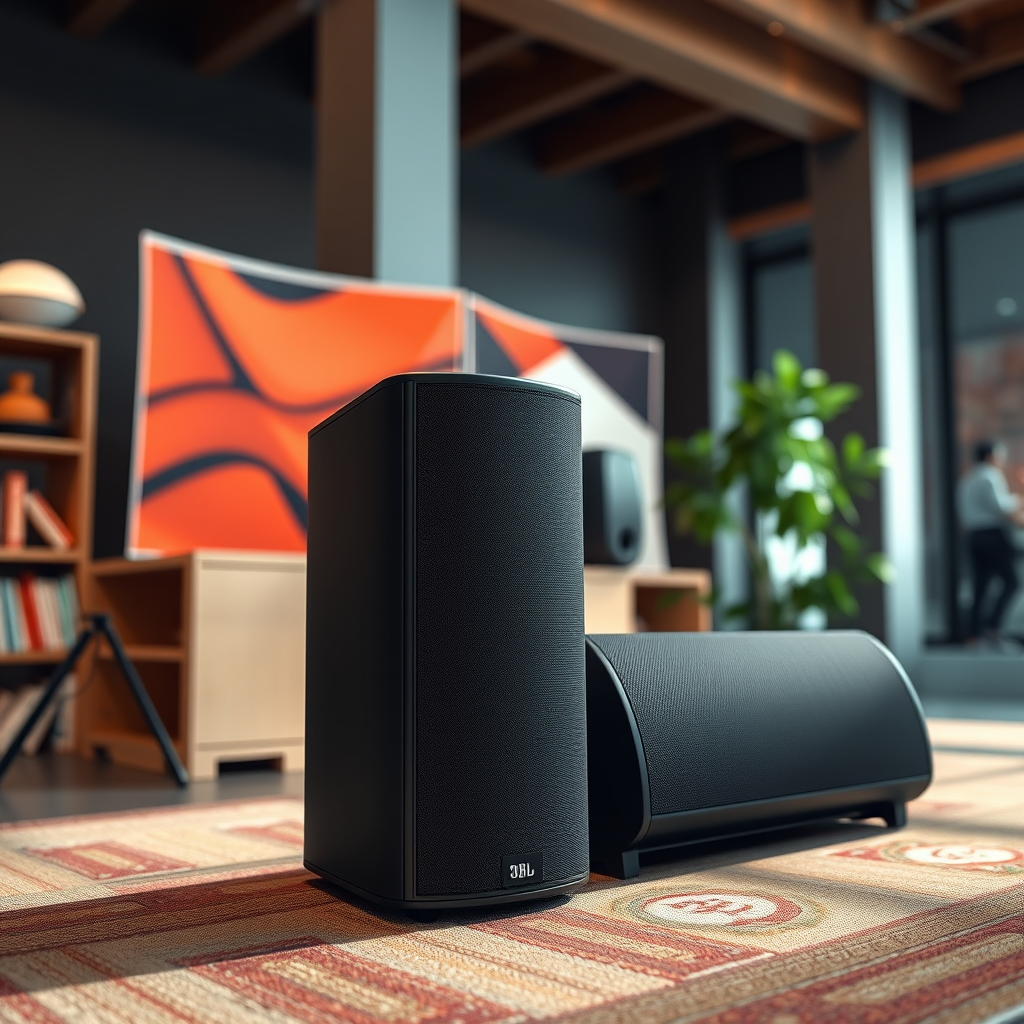
Not all JBL speakers are created equal when it comes to connectivity. Different models such as the JBL Flip, Charge, and Xtreme come with varying specifications and capabilities for linking multiple devices. It is crucial to check if your particular JBL speakers support either the JBL Connect or JBL Connect+ features.
JBL Connect allows you to connect up to three speakers together, while JBL Connect+ can link more than 100 compatible speakers. This can significantly enhance your audio experience, allowing for a broader soundstage and improved overall volume. Understanding your specific model’s capabilities is the first step in maximizing your audio setup.
Preparing Your Speakers
Before diving into the connection process, it’s essential to ensure both speakers are adequately prepared for pairing. Start by making sure both units are fully charged or plugged into a power source to avoid interruptions during the connection process.
Next, turn on the Bluetooth setting on your smartphone or device that will be used to connect to the JBL speakers. This will set the stage for a seamless pairing experience. It is advisable to keep the speakers within a close range during this initial setup to mitigate potential connectivity issues.
Pairing the First JBL Speaker
To initiate the pairing process, enable Bluetooth on your device and search for available devices. You should see the name of your first JBL speaker appear in the list of Bluetooth devices. Select this speaker to establish a connection.
Confirm that the connection has been successful by noting any audio cue or visual indicator on the speaker, such as a light that changes from blinking to solid. A successful connection is typically indicated by a sound cue or a stable LED light, which assures you that the speaker is ready for the next phase of the pairing process.
Pairing the Second JBL Speaker
With the first JBL speaker successfully connected, the next step is to pair the second speaker. Locate the ‘Connect’ button on the first JBL speaker and press it. This action puts the speaker into pairing mode, allowing it to search for other JBL Connect-compatible devices in the vicinity.
Now, press the ‘Connect’ button on the second JBL speaker as well. Make sure that this second speaker is within range of the first. You should hear a confirmation sound or see a visual cue indicating that the second speaker has joined the connection. This step is crucial for ensuring both speakers work in tandem to deliver a superior sound experience.
Comparison of JBL Speaker Models for Pairing
| # | Model | Bluetooth Version | Connect Features | Battery Life |
|---|---|---|---|---|
| 1 | JBL Flip 5 | 4.2 | JBL Connect+ | 12 hours |
| 2 | JBL Charge 4 | 4.2 | JBL Connect+ | 20 hours |
| 3 | JBL Xtreme 3 | 5.1 | JBL Connect+ | 15 hours |
| 4 | JBL Pulse 4 | 4.2 | JBL Connect+ | 12 hours |
| 5 | JBL Go 3 | 5.1 | None | 5 hours |
| 6 | JBL Xtreme 2 | 4.2 | JBL Connect+ | 15 hours |
| 7 | JBL Endurance Peak | 4.2 | None | 6 hours |
Adjusting Sound Settings
Once both speakers are connected successfully, the next step is to optimize your audio settings. Access the audio settings on your device to adjust the volume levels and any sound preferences that may enhance your listening experience.
You can also explore the equalizer settings on your device or any accompanying apps that may allow for further customization. Testing the audio output is critical to ensure both speakers are indeed working in sync and delivering a balanced sound. Play a variety of audio tracks to verify that the sound quality meets your expectations and makes the most of your speakers’ capabilities.
Troubleshooting Connection Issues
While connecting two JBL speakers is generally a smooth process, issues can arise. If you encounter difficulties, one of the first steps is to reset both speakers by turning them off and then back on again. This can often resolve any temporary glitches that may have occurred.
Additionally, ensure that the speakers are within the recommended Bluetooth range, typically around 30 feet, and ensure that no other devices are attempting to connect simultaneously. If the issue persists, refer to the manuals for specific troubleshooting tips related to your models.
Enjoying Your Music
With your JBL speakers now paired, you are ready to enjoy your favorite music in either stereo or party mode, depending on the settings you selected. Stereo mode will allow for a more traditional left-right audio experience, while party mode amplifies sound across both speakers for a more immersive experience.
Experiment with playlists from various genres to fully appreciate the enhanced audio quality. Whether it’s a quiet evening of jazz or an energetic dance playlist, your newly connected speakers will elevate your listening experience to new heights.
Summarizing the steps to connect two JBL speakers, it’s crucial to ensure compatibility, prepare your devices, and follow the pairing process accurately. If you encounter issues, refer to the troubleshooting tips provided. Now, get ready to elevate your audio experience—grab your two JBL speakers and enjoy!
Frequently Asked Questions
How do you connect two JBL speakers using Bluetooth?
To connect two JBL speakers via Bluetooth, first, ensure both speakers are powered on and within range. On one of the speakers, press the Bluetooth button to enter pairing mode, then go to your device’s Bluetooth settings and select the speaker. Once connected, repeat the process for the second speaker, and use the JBL Connect or PartyBoost feature, depending on your speaker model, to sync them together for a stereo sound experience.
What is JBL Connect and how does it help in connecting speakers?
JBL Connect is a feature that allows compatible JBL speakers to link together wirelessly for enhanced audio performance. By using the JBL Connect app or the Connect button on the speakers, you can easily pair multiple JBL devices to play the same audio simultaneously or create a stereo setup, enhancing your listening experience with richer sound.
Why won’t my JBL speakers connect to each other?
If your JBL speakers won’t connect to each other, ensure they are both compatible models that support the same connectivity feature like JBL Connect or PartyBoost. Additionally, check that both speakers are updated to the latest firmware, are within range, and not connected to any other devices, as this can prevent them from pairing successfully.
Which JBL speakers can be connected together for the best audio experience?
For the best audio experience when connecting JBL speakers, look for models that support JBL PartyBoost, such as the JBL Flip 5, Charge 4, and Pulse 4. These models allow for seamless connectivity and can be paired to create a powerful sound system, providing a richer audio landscape for parties or outdoor gatherings.
What steps should I follow to troubleshoot my JBL speaker connection issues?
To troubleshoot JBL speaker connection issues, first ensure both speakers are charged and turned on. Reset the Bluetooth connection by turning off Bluetooth on your device and re-enabling it, or try forgetting the speakers in your device’s Bluetooth settings and reconnecting. If issues persist, consider resetting the speakers to factory settings, as this can resolve persistent connectivity problems.
References
- https://en.wikipedia.org/wiki/JBL_(company
https://en.wikipedia.org/wiki/JBL_(company - https://www.jbl.com/faq/how-do-i-connect-my-jbl-speakers.html
https://www.jbl.com/faq/how-do-i-connect-my-jbl-speakers.html - https://www.jbl.com/bluetooth-speakers/faq.html
https://www.jbl.com/bluetooth-speakers/faq.html - Google Scholar Google Scholar
https://scholar.google.com/scholar?q=connecting+JBL+speakers - Google Scholar Google Scholar
https://scholar.google.com/scholar?q=Bluetooth+speaker+connection - https://www.lifewire.com/how-to-pair-jbl-speakers-4780959
https://www.lifewire.com/how-to-pair-jbl-speakers-4780959 - Google Scholar Google Scholar
https://scholar.google.com/scholar?q=how+do+you+connect+two+jbl+speakers - how do you connect two jbl speakers – Search results
https://en.wikipedia.org/wiki/Special:Search?search=how+do+you+connect+two+jbl+speakers - https://www.ncbi.nlm.nih.gov/search/research-articles/?term=how+do+you+connect+two+jbl+speakers
https://www.ncbi.nlm.nih.gov/search/research-articles/?term=how+do+you+connect+two+jbl+speakers
