

If water has gotten into your iPhone speakers, the good news is there are effective methods to help remove it. Start by gently shaking your phone and letting it dry in a safe, dry place. This article will guide you through several techniques to help clear the water from your speakers and restore sound quality. Quick action is essential to mitigate damage and maintain the performance of your device.
When your iPhone comes into contact with water, especially if it has permeated the speaker vents, it can lead to muffled audio, distortion, or complete sound failure. The iPhone’s design includes some water resistance, but that does not guarantee it is waterproof. Thus, knowing how to respond quickly can save your device from future problems. Below, we will explore various methods to effectively remove water from iPhone speakers, along with tips to prevent further complications.
Shake It Out
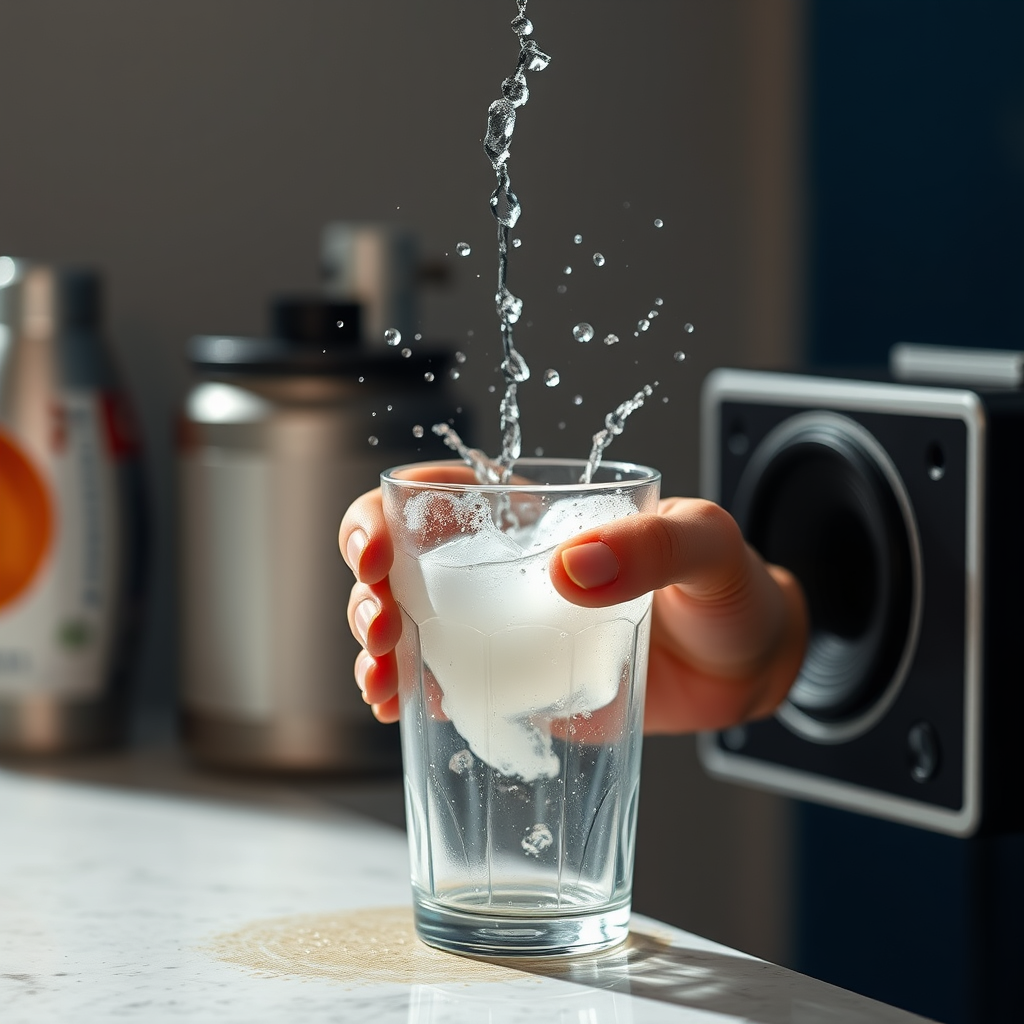
One of the simplest methods to remove water from your iPhone speakers is to shake it out. To do this effectively, gently hold your iPhone at a 45-degree angle and give it a few light shakes. By angling the phone, gravity aids in dislodging any trapped water within the speaker grilles. It is crucial to be cautious during this process; vigorous shaking may cause internal components to shift or sustain damage. This method is a quick first step that can help achieve noticeable results without requiring additional tools or materials.
Use a Soft Cloth
After shaking, the next step is to wipe down the exterior of the speakers with a lint-free, soft cloth. This action helps absorb any surface moisture that may have accumulated. When using the cloth, be sure to avoid inserting anything into the speaker grilles, as this could push water deeper into the device, exacerbating the problem. Instead, focus on gently dabbing and wiping the surrounding areas to enhance the drying process. A microfiber cloth is particularly effective as it can pick up moisture without leaving fibers behind.
Utilize Low-Pressure Air
Using low-pressure air is another effective technique to remove water from your iPhone speakers. You can utilize a can of compressed air for this purpose. Hold the can at a safe distance to avoid damaging the delicate components of your device. Direct the air into the speaker openings, ensuring you maintain a distance of at least a few inches. This method helps to push out any remaining water trapped inside without causing harm. However, it’s important to use this method sparingly to prevent any accidental damage from overly forceful air blasts.
Let It Dry
After employing the above methods, it is essential to let your iPhone dry in a safe environment. Placing the device in a dry area with good airflow is ideal—consider positioning it near a fan or alongside silica gel packets, which can help absorb residual moisture. Avoid placing your iPhone near heat sources like hairdryers or radiators, as excessive heat can cause irreversible damage to the internal components and battery of your device. Allowing adequate time for your iPhone to dry is crucial; it may take several hours to a day depending on the severity of the water exposure.
Use a Sound App
An innovative yet effective way to assist in dislodging water from your speakers is by utilizing a sound frequency app. Various applications can generate low-frequency sound vibrations, which can help shake the water out of the speaker grilles. Playing a sound at the right frequency can enhance the drying process by creating vibrations that push out any remaining moisture. This method is particularly helpful if your iPhone continues to sound muffled after trying the previous techniques.
Avoid Submerging in Rice
While it may be a common belief that placing a wet phone in rice can help absorb moisture, this method is not recommended for iPhones. Rice can introduce dust and starch particles into the device, potentially leading to further complications. Instead of relying on rice, focus on air-drying methods and the techniques outlined above. The effectiveness of air drying far surpasses that of rice, and it avoids the risks associated with debris entering your device.
Test the Speakers
Once you have followed the recommended drying methods, it is time to test your iPhone’s speaker functionality. Play music or a sound clip to assess the audio quality. If the sound is clear and free of distortion, congratulations! Your efforts have worked. However, if you still experience issues, it may indicate that water has caused more extensive damage, and you may need to seek professional assistance or inspection. Ignoring persistent sound problems could lead to more severe issues down the line.
Effectiveness of Water Removal Methods for iPhone Speakers
| # | Method | Effectiveness (%) | Time Required (minutes) | Risk Level |
|---|---|---|---|---|
| 1 | Shake It Out | 60% | 5 | Low |
| 2 | Use a Soft Cloth | 50% | 2 | Low |
| 3 | Utilize Low-Pressure Air | 70% | 3 | Medium |
| 4 | Let It Dry | 80% | 120 | Low |
| 5 | Use a Sound App | 75% | 10 | Low |
| 6 | Avoid Submerging in Rice | N/A | N/A | High |
| 7 | Test the Speakers | N/A | 5 | Low |
By following these steps, you can effectively remove water from your iPhone speakers and restore their functionality. Quick action is paramount—acting promptly can prevent long-term damage and costly repairs. If the problem continues after trying these methods, consider reaching out to a professional technician for assistance. Your iPhone is an essential tool, and ensuring its proper operation is crucial for seamless communication and efficient work.
Frequently Asked Questions
How can I safely remove water from my iPhone speakers?
To safely remove water from your iPhone speakers, start by turning off your device to prevent any short circuits. Next, gently shake the phone to help dislodge any trapped water, and use a soft, absorbent cloth to dab around the speaker openings. You can also place your iPhone in a bowl of uncooked rice or silica gel packets for 24-48 hours to help absorb moisture.
What are the signs that water has damaged my iPhone speakers?
Signs that water has damaged your iPhone speakers include distorted sound, muffled audio, or complete silence when playing sound. Additionally, you may notice that the speakers sound crackly or produce static. If you see moisture inside the speaker grill or hear popping sounds, it’s crucial to address the issue immediately to prevent further damage.
Why does water affect the sound quality of my iPhone speakers?
Water affects the sound quality of your iPhone speakers because it interferes with the delicate components that produce sound. When water enters the speaker cavity, it can cause components to become sluggish or rust over time, leading to decreased audio clarity and volume. This dampening effect can ultimately compromise your overall listening experience.
What is the best method to prevent water damage to my iPhone speakers?
The best method to prevent water damage to your iPhone speakers is to use a waterproof case or pouch when exposing your device to moisture, such as near a pool or during rain. Additionally, avoid using your iPhone in wet conditions, and consider investing in a phone with a higher water resistance rating, such as IP67 or IP68, which can withstand splashes and submersion to some extent.
Which tools can help in drying out my iPhone speakers effectively?
Effective tools for drying out your iPhone speakers include a soft microfiber cloth for gentle dab-drying, a can of compressed air to blow out moisture without damaging components, and a vacuum cleaner with a hose attachment to create suction around the speaker areas. Each of these tools can help remove trapped water while minimizing the risk of damage to your iPhone.
References
- Use a Freedom Scientific Classic Focus 40 Blue braille display with VoiceOver – Apple Support
https://support.apple.com/en-us/HT202123 - iPhone – Apple
https://www.apple.com/iphone/ - https://www.lifewire.com/how-to-remove-water-from-iphone-speakers-4770750
https://www.lifewire.com/how-to-remove-water-from-iphone-speakers-4770750 - https://www.pcmag.com/how-to/how-to-remove-water-from-iphone-speakers
https://www.pcmag.com/how-to/how-to-remove-water-from-iphone-speakers - Google Scholar Google Scholar
https://scholar.google.com/scholar?q=how+to+get+water+out+of+iphone+speakers - Google Scholar Google Scholar
https://scholar.google.com/scholar?q=iPhone+speaker+water+removal - Google Scholar Google Scholar
https://scholar.google.com/scholar?q=smartphone+water+damage+repair - how to get water out of iphone speakers – Search results
https://en.wikipedia.org/wiki/Special:Search?search=how+to+get+water+out+of+iphone+speakers - https://www.ncbi.nlm.nih.gov/search/research-articles/?term=how+to+get+water+out+of+iphone+speakers
https://www.ncbi.nlm.nih.gov/search/research-articles/?term=how+to+get+water+out+of+iphone+speakers

[…] If needed, clean gently with a cotton swab lightly dampened with isopropyl alcohol, then let it dry completely before […]
[…] the remote regularly because oils and grime transfer to buttons; use a slightly damp cloth and let it dry fully before use. To care for speakers and bezels, use a dry microfiber cloth and avoid getting […]