


Yes, you can connect two Bluetooth speakers to enhance your audio experience, but the method varies depending on the devices you have. In this article, you’ll learn various ways to pair two Bluetooth speakers, the advantages of doing so, and tips to ensure a seamless connection. Whether you’re looking to fill a large room with sound or create a more immersive listening environment, understanding how to pair your Bluetooth speakers effectively can make a significant difference.
Understanding Bluetooth Pairing
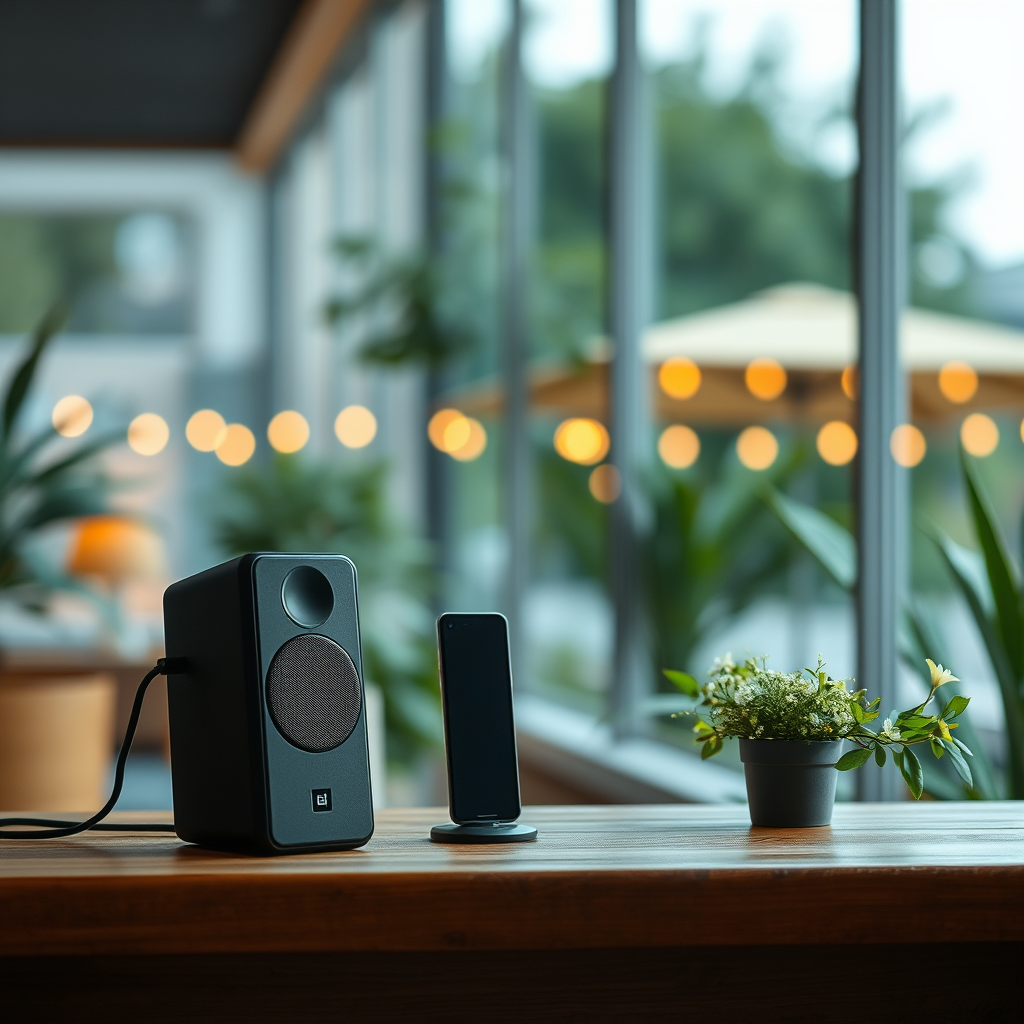
Bluetooth speakers can typically be paired with multiple devices but may only play audio from one at a time. This means that while you can connect several devices to a single Bluetooth speaker, you’ll need to choose which one you want to play audio. However, some speakers offer a “Party Mode” or “Stereo Mode” feature, enabling simultaneous audio playback from multiple speakers. This feature can significantly enhance your listening experience, particularly for parties, outdoor events, or home cinema setups.
To utilize these features effectively, it’s crucial to understand the different modes your speakers may offer. For instance, “Stereo Mode” allows two speakers to work together, with one acting as the left channel and the other as the right, creating a fuller, richer sound. “Party Mode,” on the other hand, allows multiple speakers to amplify the same audio source, ensuring that music can be enjoyed throughout a larger area.
Methods to Connect Two Bluetooth Speakers
There are several methods to connect two Bluetooth speakers, each with varying levels of complexity and effectiveness:
– Using Manufacturer Apps: Many brands, such as JBL, Bose, and Sony, provide dedicated apps that allow users to easily pair multiple speakers. These apps often come with additional features, such as EQ settings and firmware updates, ensuring that your speakers perform at their best. For example, JBL’s “JBL Connect” app allows users to connect several JBL speakers for a synchronized sound experience.
– Bluetooth 5.0 Technology: If your devices support Bluetooth 5.0, they may allow for dual audio streaming. This technology allows two Bluetooth devices to connect to a single audio source simultaneously, facilitating a seamless listening experience without the need for additional apps. With Bluetooth 5.0, you can enjoy music on two speakers at once, without compromising on audio quality.
Limitations and Compatibility
While connecting two Bluetooth speakers is possible, there are limitations and compatibility issues to consider. Not all Bluetooth speakers can connect with each other; therefore, it is essential to check compatibility before attempting to pair. Some brands only allow their own devices to connect with one another, limiting cross-brand pairing.
Moreover, audio lag can occur if the speakers are not designed for simultaneous use, which can significantly impact the listening experience, especially when watching videos or playing games. In this case, it may be beneficial to look for speakers specifically designed for dual connection, as they often come with technology to minimize latency.
Comparison of Bluetooth Speaker Features
Top Bluetooth Speakers for Dual Connection (2024)
| # | Speaker Brand | Dual Connection | Battery Life | Water Resistance |
|---|---|---|---|---|
| 1 | JBL Charge 5 | Yes | 20 hours | IP67 |
| 2 | Bose SoundLink Flex | Yes | 12 hours | IP67 |
| 3 | Sony SRS-XB33 | Yes | 14 hours | IP67 |
| 4 | Ultimate Ears MEGABOOM 3 | Yes | 20 hours | IP67 |
| 5 | Anker Soundcore Motion+ | No | 15 hours | IPX7 |
| 6 | JBL Flip 5 | Yes | 12 hours | IPX7 |
| 7 | Bang & Olufsen Beoplay P2 | No | 10 hours | IP54 |
Setting Up Your Speakers
To set up your Bluetooth speakers for dual playback, ensure both speakers are in pairing mode and within range of each other and your source device. The distance between the speakers should generally not exceed 30 feet for optimal connection quality.
Follow specific instructions provided in the user manual or mobile app for each speaker. For example, if using JBL speakers, you may need to press the “Connect” button on the first speaker and then repeat the process on the second speaker. Some apps will guide you through the connection process step by step, making it easier for users who may not be familiar with Bluetooth technology.
Additionally, make sure that your source device (smartphone, tablet, or computer) is compatible with the connection method you wish to use. This may involve updating the device’s software or checking Bluetooth settings to ensure it can support dual audio outputs.
Troubleshooting Connection Issues
If you experience connection problems, there are several troubleshooting steps you can take to resolve the issue:
1. Reset the Speakers: Sometimes, resetting the speakers can clear up any bugs or glitches. This can usually be done by holding down specific buttons on the device, as outlined in the user manual.
2. Check Device Connections: Ensure the speakers are not connected to other devices. Disconnect any previous connections to allow the speakers to pair with your desired source.
3. Battery Levels: Verify that both speakers are adequately charged. Low battery levels can lead to unstable connections and audio quality issues.
4. Interference: Keep in mind that other electronic devices can interfere with Bluetooth signals. Ensure the speakers are positioned away from microwaves, Wi-Fi routers, and other devices that may disrupt the connection.
5. Firmware Updates: Check if your speakers have the latest firmware updates. Manufacturers often release updates to improve performance and connectivity.
Enhancing Your Audio Experience
Consider the layout of your space for optimal sound distribution when using two speakers. Positioning them correctly can create an immersive experience. For instance, placing the speakers at opposite ends of a room can help fill the space with sound more evenly, while a stereo setup can enhance the depth of music, making it sound fuller and more engaging.
Additionally, explore options for creating a stereo sound setup. Many Bluetooth speakers can be set to operate in stereo mode, which separates the audio channels to deliver a more dynamic listening experience. This is particularly beneficial for music genres that rely on intricate sound arrangements, such as classical or electronic music.
Lastly, consider investing in high-quality Bluetooth speakers that support advanced audio codecs like aptX or AAC. These codecs help maintain audio fidelity during transmission, which is crucial when you’re using multiple speakers to ensure that the sound quality remains high.
Connecting two Bluetooth speakers can significantly enhance your audio experience, but it’s essential to know the methods, limitations, and setup procedures. Try connecting your speakers today and enjoy richer sound quality! If you have any issues, refer back to our troubleshooting tips or consult your speaker’s user manual for further assistance. By understanding the capabilities and limitations of your equipment, you can unlock the full potential of your audio setup.
Frequently Asked Questions
Can you connect two Bluetooth speakers to one device?
Yes, you can connect two Bluetooth speakers to one device, but whether this is possible depends on the device and the specific Bluetooth speaker models. Some smartphones and tablets support dual audio features, allowing you to stream audio to two Bluetooth speakers simultaneously. Check your device’s Bluetooth settings or user manual for compatibility.
How do I pair two Bluetooth speakers together?
To pair two Bluetooth speakers together, first, ensure both speakers are in pairing mode. On your device, go to the Bluetooth settings and select the first speaker. After connecting, re-enter Bluetooth settings and connect to the second speaker. Some speakers may require a specific app or feature, such as Party Mode or Stereo Mode, to work together effectively.
Why won’t my Bluetooth speakers connect together?
If your Bluetooth speakers won’t connect together, it could be due to compatibility issues, as not all speakers support multi-connect features. Ensure both speakers are compatible with your device and check if they are within the required range. Additionally, make sure that any previous connections are cleared and that both speakers are in pairing mode.
What is the best way to connect two Bluetooth speakers for a party?
The best way to connect two Bluetooth speakers for a party is to use speakers that support dual pairing or party mode, allowing them to sync audio. Brands like JBL and Bose offer this feature in many of their models. Simply enable the dual pairing feature on your speakers and follow the manufacturer’s instructions for seamless connectivity and enhanced sound.
Which devices can connect to multiple Bluetooth speakers simultaneously?
Devices that can connect to multiple Bluetooth speakers simultaneously typically include newer smartphones, tablets, and laptops with advanced Bluetooth versions, such as Bluetooth 5.0 or higher. Specific brands, like Samsung, offer dual audio options, while Apple devices can use the HomePod stereo pairing feature. Always check your device specifications for multi-device support.
References
- Bluetooth
https://en.wikipedia.org/wiki/Bluetooth - https://www.sciencedirect.com/science/article/pii/S2405452617300019
https://www.sciencedirect.com/science/article/pii/S2405452617300019 - https://pubmed.ncbi.nlm.nih.gov/30520643/
https://pubmed.ncbi.nlm.nih.gov/30520643/ - https://scholar.google.com/scholar?q=connect+two+bluetooth+speakers Google Scholar
https://scholar.google.com/scholar?q=connect+two+bluetooth+speakers - https://www.bbc.com/news/technology-48216688
https://www.bbc.com/news/technology-48216688 - https://www.nytimes.com/2020/12/21/technology/personaltech/bluetooth-speakers.html
https://www.nytimes.com/2020/12/21/technology/personaltech/bluetooth-speakers.html - Google Scholar Google Scholar
https://scholar.google.com/scholar?q=bluetooth+speaker+pairing+techniques - https://www.theguardian.com/technology/2021/jul/01/the-best-bluetooth-speakers-you-can-buy
https://www.theguardian.com/technology/2021/jul/01/the-best-bluetooth-speakers-you-can-buy - Page Not Found – Site Help – Mayo Clinic
https://www.mayoclinic.org/health-information/expert-answers/bluetooth-technology/faq-20058009 - https://www.nature.com/articles/s41598-019-49879-7
https://www.nature.com/articles/s41598-019-49879-7
