

If you can’t find the Roku app on your Samsung TV, don’t worry—there are several steps you can take to resolve the issue. First, ensure your TV model supports the Roku app, as not all Samsung TVs have this feature. If your model is compatible but you still can’t locate the app, this article will guide you through troubleshooting steps and alternative solutions to access Roku content on your Samsung TV.
Check Your TV Model Compatibility
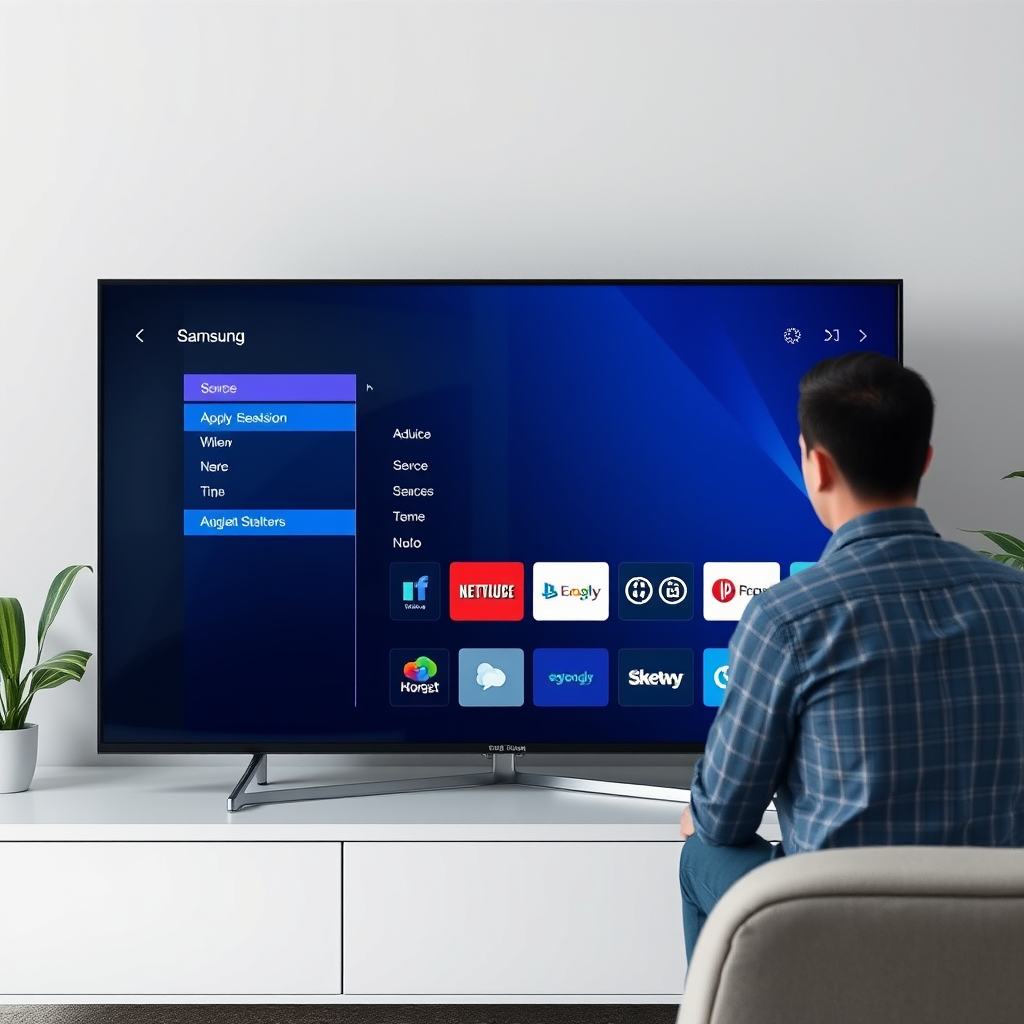
The first step in resolving the issue of the Roku app missing from your Samsung TV is to confirm that your specific model supports it. Not all Samsung TVs are equipped to use the Roku app, especially older models. To check compatibility, you can refer to the official Samsung website or consult your user manual. Generally, Samsung Smart TVs released from 2016 onwards are more likely to have support for the Roku app. If your TV does not support the app, you may need to consider alternative methods to access Roku content.
Update Your TV Software
Keeping your Samsung TV’s software up to date is crucial for optimal performance and access to new features, including apps. To check for software updates, navigate to your TV’s settings menu. From there, select “Support” and then “Software Update.” If an update is available, follow the prompts to install it. Software updates can often resolve bugs and compatibility issues that may be preventing the Roku app from appearing on your TV. Regularly updating your TV not only enhances its functionality but also ensures that you receive the latest security patches and features.
Search for the Roku App
If you’re confident that your TV model supports the Roku app and your software is up to date, the next step is to search for the app using the Smart Hub feature on your Samsung TV. Access the Smart Hub by pressing the Home button on your remote, then navigate to the “Apps” section. You can use the search function to look for “Roku” directly. If the app is available, it should appear in the search results. If it doesn’t show up, it may not be available in your region or on your specific TV model.
Samsung TVs Supporting Roku App (2024)
| # | Model | Year Released | Screen Size | Roku App Available |
|---|---|---|---|---|
| 1 | Samsung QN90A | 2021 | 55″ – 85″ | Yes |
| 2 | Samsung Q80A | 2021 | 50″ – 75″ | Yes |
| 3 | Samsung TU8000 | 2020 | 43″ – 75″ | Yes |
| 4 | Samsung QN85A | 2021 | 65″ – 85″ | Yes |
| 5 | Samsung The Frame (2021) | 2021 | 43″ – 75″ | Yes |
| 6 | Samsung AU8000 | 2021 | 43″ – 85″ | Yes |
| 7 | Samsung QN75A | 2021 | 75″ | Yes |
Restart Your Samsung TV
Sometimes, a simple restart can resolve issues with app visibility. To refresh your Samsung TV’s system, unplug it from the power source for at least one minute, then plug it back in. This action clears temporary settings and can often fix minor glitches that might be interfering with the Roku app’s availability. After rebooting, check the Smart Hub again to see if the Roku app is now accessible.
Consider Alternative Streaming Methods
If you still can’t find the Roku app, consider exploring alternative methods for streaming Roku content. One option is to invest in a Roku streaming device, which can easily connect to any HDMI port on your Samsung TV. This device will provide access to all Roku channels and features, often with added benefits such as improved user interface and performance. Additionally, many streaming services that are available on Roku may also be accessible through other apps on your Samsung TV, such as Netflix, Hulu, or Amazon Prime Video. This can be a viable solution if you primarily want to enjoy specific content available on Roku without needing the dedicated app.
Contact Samsung or Roku Support
If all else fails and you still cannot locate the Roku app, it may be time to reach out for professional assistance. Contact Samsung customer support or Roku support for tailored troubleshooting. They can provide insights specific to your TV model or account issues. Be prepared with your TV model number, the steps you’ve already tried, and any error messages you may have encountered for a smoother experience.
Explore Third-Party Apps
In cases where the Roku app is unavailable or not working, consider exploring third-party apps that provide access to Roku channels. Some apps may allow you to stream content similar to what is offered on Roku. However, it’s crucial to verify the credibility of these apps and read user reviews before downloading. Look for reputable sources and well-rated applications to ensure a safe and enjoyable streaming experience.
If you’ve gone through the troubleshooting steps and still can’t find the Roku app on your Samsung TV, it may be time to consider alternative options like using a Roku device or reaching out to customer support for further assistance. Don’t forget to regularly check for software updates and explore the available apps to enhance your viewing experience. With these steps, you can hopefully resolve the issue and enjoy your favorite Roku content seamlessly.
Frequently Asked Questions
Why can’t I find the Roku app on my Samsung TV?
The Roku app may not be available on your Samsung TV if it is an older model or if your TV’s operating system does not support the app. Samsung TVs typically run on Tizen OS, and not all apps are available on every version. To resolve this, ensure your TV’s software is updated to the latest version, which can sometimes add new app support.
How do I install the Roku app on my Samsung Smart TV?
To install the Roku app on your Samsung Smart TV, first navigate to the Smart Hub and search for the app in the Apps section. If the Roku app is available, simply select it and click “Install.” If you cannot find the app, consider using a streaming device like Roku or casting from your mobile device as an alternative.
What should I do if the Roku app is not appearing in the Samsung TV app store?
If the Roku app is not appearing in the Samsung TV app store, it may be due to regional restrictions or compatibility issues with your specific model. You can check the Samsung website for a list of supported apps for your model or consider using a Roku streaming device to access Roku content easily.
Which Samsung Smart TVs support the Roku app?
The Roku app is typically available on newer Samsung Smart TVs released in the last few years, particularly those running Tizen OS 3.0 or later. To find out if your specific model supports the Roku app, you can visit the Samsung support page or check the app store directly on your TV.
How can I access Roku content on my Samsung TV without the Roku app?
If you cannot find the Roku app on your Samsung TV, you can still access Roku content by using a Roku streaming device connected to your TV via HDMI. Alternatively, you can use screen mirroring or casting from a mobile device with the Roku app installed, allowing you to view your favorite shows directly on your Samsung TV.
References
- Google Scholar Google Scholar
https://scholar.google.com/scholar?q=Roku+app+Samsung+TV - Google Scholar Google Scholar
https://scholar.google.com/scholar?q=streaming+apps+Samsung+TV+Roku - Google Scholar Google Scholar
https://scholar.google.com/scholar?q=Roku+Samsung+TV+compatibility - Google Scholar Google Scholar
https://scholar.google.com/scholar?q=can’t+find+roku+app+on+samsung+tv - can’t find roku app on samsung tv – Search results
https://en.wikipedia.org/wiki/Special:Search?search=can’t+find+roku+app+on+samsung+tv - https://www.ncbi.nlm.nih.gov/search/research-articles/?term=can’t+find+roku+app+on+samsung+tv
https://www.ncbi.nlm.nih.gov/search/research-articles/?term=can’t+find+roku+app+on+samsung+tv

[…] What Samsung TVs are most likely to support installing the Peacock app?Newer Samsung Smart TVs with Tizen app support and up-to-date software are the most likely […]
[…] Check compatibility with Nintendo Switch outputs before […]
[…] only the model year, with most newer LG smart TVs offering access to popular streaming apps. To check compatibility, look in the LG Content Store for “Crunchyroll” on your specific TV. If your model is older and […]