


To pair your Aukey Earbuds EP-T21, start by ensuring both earbuds are charged and within range of your device. Once they are powered on, simply navigate to your device’s Bluetooth settings and select the earbuds from the list of available devices. This guide will walk you through the pairing process step by step, ensuring a smooth connection.
Understanding Your Aukey EP-T21 Earbuds
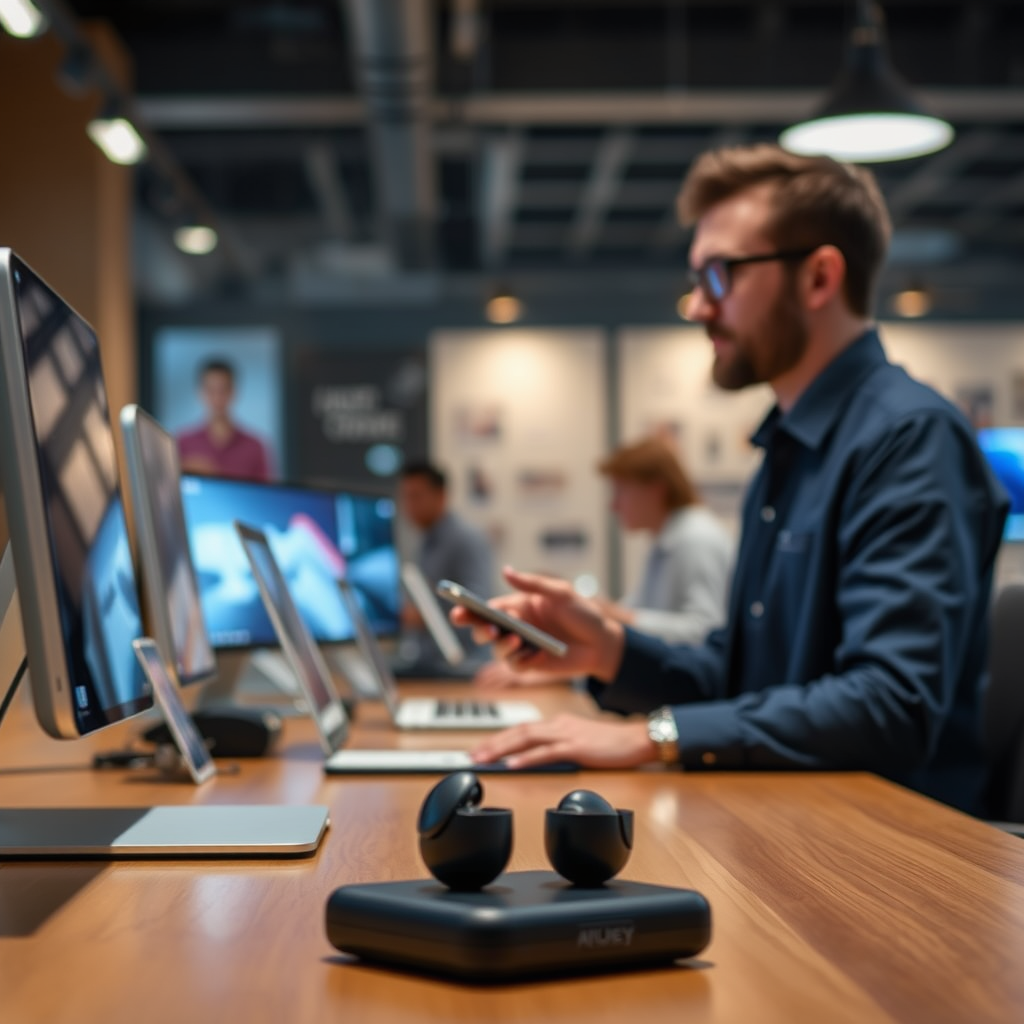
The Aukey EP-T21 earbuds are designed with advanced Bluetooth 5.0 technology, offering a stable and reliable connection that minimizes audio lag and enhances the listening experience. This latest Bluetooth standard not only improves connectivity range but also extends battery life, allowing users to enjoy their music and calls without frequent interruptions.
Additionally, the earbuds come with a sleek and compact charging case that doubles as a power bank. This feature is particularly useful for users on the go, as it allows for multiple recharges without needing to find an outlet. The charging case is lightweight and portable, making it an ideal companion for travel or daily commutes.
Preparing Your Earbuds for Pairing
Before starting the pairing process, it is crucial to ensure that both Aukey EP-T21 earbuds are fully charged. This can be done by placing them in their charging case and allowing them to charge for at least 30 minutes. Once you are confident that the earbuds are adequately charged, proceed by removing them from the charging case to activate them. The earbuds will automatically enter pairing mode, indicated by a blinking LED light.
If you have previously paired the earbuds with another device, it is advisable to reset them to ensure a fresh connection. To reset the Aukey EP-T21, press and hold the multifunction button on both earbuds until the LED lights flash red and blue alternately, indicating they are ready to pair.
Connecting to Your Device
To connect the Aukey EP-T21 earbuds to your device, follow these straightforward steps:
1. Access Bluetooth Settings: On your smartphone or tablet, navigate to the Bluetooth settings. This is usually found in the settings menu under “Connections” or “Wireless & Networks.”
2. Enable Bluetooth: Ensure that Bluetooth is turned on. You might see a toggle switch that you need to activate.
3. Select the Earbuds: After enabling Bluetooth, wait for your device to scan for available devices. Look for “Aukey EP-T21” in the list and tap on it to initiate the connection.
4. Confirmation: Once connected, you will hear a confirmation sound in the earbuds, and the LED light will change to a solid color, usually blue, indicating a successful pairing.
Data Table: Aukey EP-T21 Features
Key Features of Aukey EP-T21 Earbuds
| # | Feature | Specification | Battery Life |
|---|---|---|---|
| 1 | Bluetooth Version | 5.0 | 4 hours |
| 2 | Charging Case | Yes | 20 hours |
| 3 | Water Resistance | IPX5 | N/A |
| 4 | Weight | 5g | N/A |
| 5 | Sound Quality | High Fidelity | N/A |
| 6 | Microphone | Built-in | N/A |
| 7 | Touch Controls | Yes | N/A |
Troubleshooting Common Pairing Issues
While pairing your Aukey EP-T21 earbuds is generally a straightforward process, you may encounter some common issues. If the earbuds do not appear in your device’s Bluetooth settings, ensure they are in pairing mode. This can be activated by pressing and holding the multifunction button on both earbuds until the LED lights flash red and blue alternately.
If you continue to experience issues, consider restarting your device’s Bluetooth. Simply toggle Bluetooth off and then back on again. If the problems persist, resetting the earbuds may be necessary. To do this, repeat the earlier reset steps, which should allow the earbuds to reconnect to any device without difficulty.
Additionally, ensure that your device is not currently connected to another Bluetooth device, as this may prevent it from finding the Aukey EP-T21. If necessary, remove any conflicting devices from your Bluetooth settings and try pairing again.
Tips for Optimal Use
To get the most out of your Aukey EP-T21 earbuds, consider the following tips:
– Storage: Always store the earbuds in their charging case when not in use. This practice not only protects the earbuds but also maintains their battery life, ensuring they are ready for use when needed.
– Software Updates: Regularly update your device’s software. This can enhance compatibility and performance with newer Bluetooth devices, including the Aukey EP-T21.
– Volume Control: Be mindful of the volume levels. Listening to music at high volumes for extended periods can damage your hearing. Use the touch controls to adjust the volume conveniently.
– Cleaning and Care: Clean your earbuds regularly with a soft, dry cloth to remove any buildup of dirt or wax that could impede sound quality. Avoid using harsh chemicals that could damage the materials.
Maintaining Your Earbuds
Proper maintenance of your Aukey EP-T21 earbuds will ensure they last longer and perform optimally. Here are some essential maintenance tips:
– Regular Cleaning: Wipe down the earbuds after each use to prevent dirt accumulation. Pay special attention to the ear tips, as they can collect earwax. Use a soft, dry brush or cloth to clean these areas gently.
– Avoid Exposure: Keep the earbuds away from extreme temperatures and moisture. High humidity can damage the internal components, while excessive heat can compromise battery life.
– Battery Care: Avoid letting the battery drain completely before recharging, as this can shorten the battery’s lifespan over time. Aim to charge them regularly to keep them within an optimal battery range.
The process of pairing your Aukey Earbuds EP-T21 is straightforward, and following these steps will ensure you can enjoy your audio without hassle. Make sure to troubleshoot any issues you encounter and maintain your earbuds for optimal performance. Whether you are using them for casual listening, workouts, or business calls, these earbuds offer a reliable audio experience. For more tips on using your Aukey products, check out related articles on our blog!
Frequently Asked Questions
How do I put my Aukey EP-T21 earbuds in pairing mode?
To put your Aukey EP-T21 earbuds in pairing mode, first ensure they are charged. Remove them from the charging case, and they will automatically turn on. Then, press and hold the touch control on either earbud for about 3 seconds until you hear a prompt indicating they are in pairing mode, allowing them to connect to your device.
What devices are compatible with Aukey EP-T21 earbuds?
The Aukey EP-T21 earbuds are compatible with a wide range of devices that support Bluetooth, including smartphones, tablets, and laptops. They work seamlessly with both iOS and Android operating systems, making them a versatile choice for any user looking to enjoy wireless audio.
Why won’t my Aukey EP-T21 earbuds connect to my phone?
If your Aukey EP-T21 earbuds won’t connect to your phone, ensure that Bluetooth is enabled on your device and that the earbuds are in pairing mode. Additionally, check if they are already connected to another device, as they can only pair with one device at a time. If issues persist, try resetting the earbuds by placing them back in the charging case and removing them again.
How do I reset my Aukey EP-T21 earbuds?
To reset your Aukey EP-T21 earbuds, place both earbuds in the charging case and ensure they are charging. Then, press and hold the touch controls on both earbuds for about 10 seconds until you see the LED indicators flash red and blue. This will clear any previous connections and allow you to pair them fresh with your device.
Which charging method is best for Aukey EP-T21 earbuds?
The best charging method for your Aukey EP-T21 earbuds is to use the included charging case, as it provides optimal power management and protects the earbuds during charging. Ensure the case is connected to a USB power source using the provided cable for the fastest and safest charging experience, keeping your earbuds ready for use anytime.
References
- https://www.lifewire.com/how-to-pair-bluetooth-earbuds-4175662
https://www.lifewire.com/how-to-pair-bluetooth-earbuds-4175662 - https://support.aukey.com/hc/en-us/articles/360027881732-EP-T21-True-Wireless-Earbuds-User-Manual
https://support.aukey.com/hc/en-us/articles/360027881732-EP-T21-True-Wireless-Earbuds-User-Manual - Google Scholar Google Scholar
https://scholar.google.com/scholar?q=how+to+pair+aukey+earbuds+ep-t21 - Google Scholar Google Scholar
https://scholar.google.com/scholar?q=pairing+bluetooth+earbuds - https://scholar.google.com/scholar?q=wireless+earbuds+pairing+guide Google Scholar
https://scholar.google.com/scholar?q=wireless+earbuds+pairing+guide - how to pair aukey earbuds ep-t21 – Search results
https://en.wikipedia.org/wiki/Special:Search?search=how+to+pair+aukey+earbuds+ep-t21 - https://www.ncbi.nlm.nih.gov/search/research-articles/?term=how+to+pair+aukey+earbuds+ep-t21
https://www.ncbi.nlm.nih.gov/search/research-articles/?term=how+to+pair+aukey+earbuds+ep-t21
