

To turn on your Soundcore earbuds, simply press and hold the power button on either earbud until you see the LED light flash. This quick action activates your earbuds, allowing you to connect to your devices seamlessly. In this guide, you’ll learn more about the step-by-step process, troubleshooting tips, and how to maximize your listening experience, ensuring you get the most out of your Soundcore earbuds.
Understanding Your Soundcore Earbuds
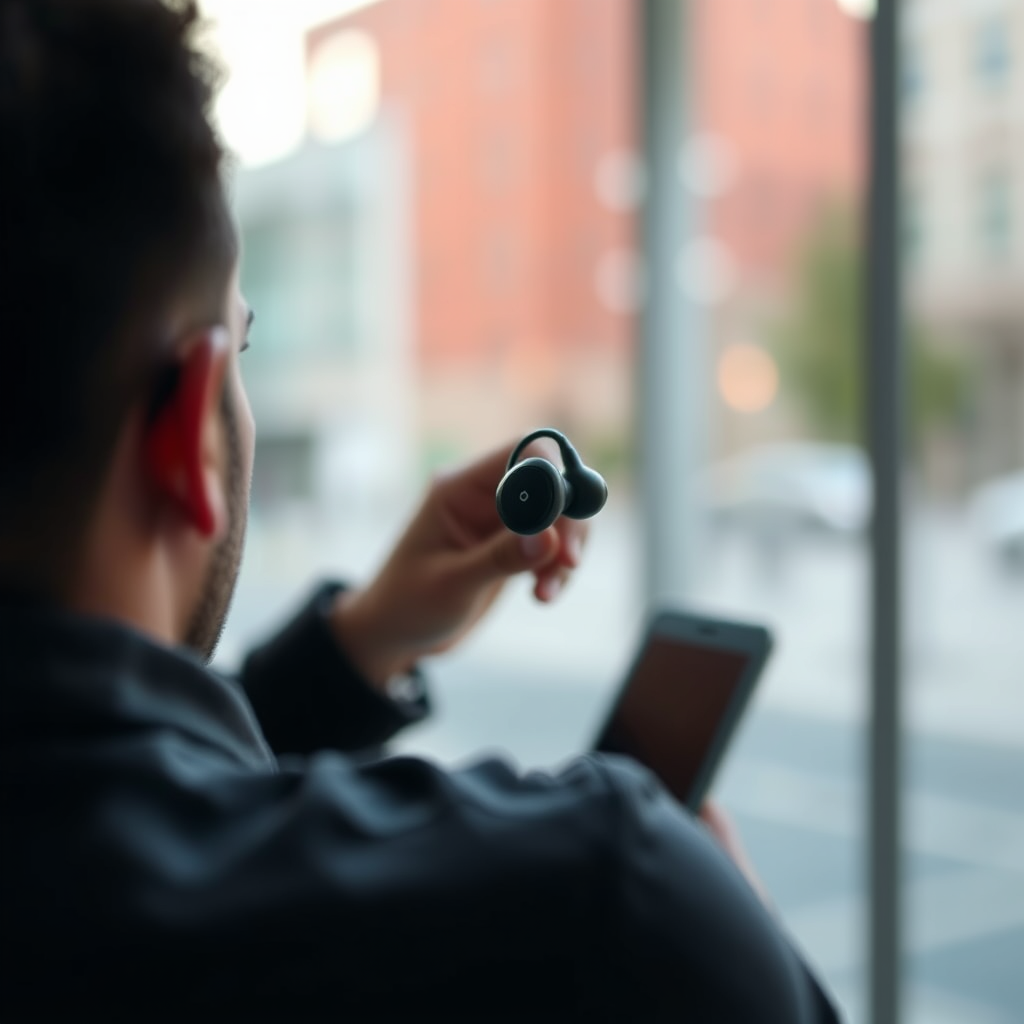
Soundcore, a brand under Anker Innovations, offers a diverse range of earbuds that cater to various audio needs and preferences. Their models, such as the Soundcore Liberty Air 2, Liberty 3 Pro, and Life P3, come equipped with features like active noise cancellation, customizable sound profiles, and long battery life. Understanding the specific features of your earbud model is essential for maximizing its capabilities. Familiarizing yourself with the buttons and functions will also enhance your experience, allowing for smoother navigation between different modes—such as play, pause, volume control, and the ambient sound feature.
Step-by-Step Guide to Powering On
1. Locate the Power Button: The power button is typically located on the outer side of either earbud. For most Soundcore models, it is integrated into the touch-sensitive surface or clearly marked with a physical button.
2. Press and Hold: Firmly press and hold the power button for approximately 3-5 seconds. You will notice the LED light flash, indicating that the earbuds are powered on.
3. Confirmation: Once activated, you may hear an audio cue or see the LED light change color, confirming that your earbuds are ready for use.
Connecting to Your Device
To enjoy your Soundcore earbuds, you need to connect them to your device via Bluetooth. Follow these steps for a successful pairing:
1. Activate Bluetooth: Ensure that Bluetooth is enabled on your device (smartphone, tablet, or computer).
2. Enter Pairing Mode: If your earbuds are newly purchased, they should automatically enter pairing mode after being powered on. If they have been used before, you may need to hold the power button until you see the LED light flash in a specific pattern (usually alternating colors).
3. Select Your Earbuds: On your device, navigate to the Bluetooth settings menu and look for your Soundcore earbuds in the list of available devices. Select them to initiate the connection.
4. Confirmation: Once connected, you may hear an audio cue confirming the successful pairing, and the LED light on the earbuds will stabilize.
Tips for Ensuring a Stable Connection
– Keep Devices Close: Maintain a distance of no more than 30 feet to ensure a strong Bluetooth connection.
– Avoid Interference: Keep your earbuds away from potential sources of interference such as Wi-Fi routers and microwaves.
– Update Firmware: Regularly check for firmware updates via the Soundcore app to improve connectivity and overall performance.
Troubleshooting Common Issues
Despite their robust design, you may encounter issues while using your Soundcore earbuds. Here are solutions to common problems:
1. Earbuds Won’t Turn On: If your earbuds do not power on, ensure they are charged. Connect them to a power source using the provided charging case or cable. If they still don’t respond, try resetting them by following the manufacturer’s instructions.
2. Pairing Issues: If you cannot connect your earbuds to your device, ensure they are not paired with another device. Go to the Bluetooth settings on your device to remove any existing connections and attempt to pair them again.
3. Connectivity Problems: If you experience dropouts or static, check for obstructions between your earbuds and the device. Additionally, ensure the earbuds are charged and try unpairing and then re-pairing them.
Comparison of Popular Soundcore Earbud Models (2024)
| # | Model | Battery Life | Noise Cancellation | Water Resistance | Price |
|---|---|---|---|---|---|
| 1 | Liberty Air 2 | 7 hours | Yes | IPX7 | $99 |
| 2 | Liberty 3 Pro | 8 hours | Yes | IPX4 | $149 |
| 3 | Life P3 | 6 hours | Yes | IPX5 | $79 |
| 4 | Soundcore R100 | 5 hours | No | IPX5 | $49 |
| 5 | Liberty 2 Pro | 6.5 hours | Yes | IPX4 | $129 |
| 6 | Soundcore Life Dot 2 | 8 hours | No | IPX7 | $69 |
| 7 | Anker Soundcore Spirit X2 | 9 hours | Yes | IP68 | $99 |
Maximizing Your Listening Experience
To enhance your audio experience with Soundcore earbuds, consider the following tips:
1. Adjusting Sound Settings: Download the Soundcore app, which allows you to customize sound profiles and equalizer settings. You can tailor the sound to your preferences, whether you prefer bass-heavy tracks or balanced audio.
2. Choosing the Right Ear Tips: The fit of your earbuds significantly impacts sound isolation and comfort. Experiment with different ear tip sizes provided in the packaging to find the perfect fit that blocks external noise while providing a comfortable listening experience.
3. Utilizing Noise Cancellation: For models that support active noise cancellation, ensure this feature is enabled when in noisy environments. This will allow you to immerse yourself fully in your music or podcasts.
Maintaining Your Earbuds
Proper maintenance of your Soundcore earbuds will ensure their longevity and optimal performance. Here are some best practices:
1. Cleaning: Regularly clean the earbuds with a soft, dry cloth. For the ear tips, detach them and clean with mild soap and water, ensuring they dry completely before reattaching.
2. Storage: Always store your earbuds in their charging case when not in use. This protects them from dust and moisture, helping to preserve their functionality.
3. Battery Care: To prolong the battery life, avoid letting the earbuds completely drain before recharging. It is also advisable to keep them charged between 20% and 80% for optimal battery health.
In summary, turning on your Soundcore earbuds is a straightforward process involving a simple press of the power button. By following the detailed guidelines outlined in this article, you can ensure a smooth connection and an enjoyable listening experience. If you encounter any issues, refer to the troubleshooting section for effective solutions, and don’t forget to explore the features available through the Soundcore app for a more personalized audio experience.
Frequently Asked Questions
How do I turn on my Soundcore earbuds?
To turn on your Soundcore earbuds, simply take them out of the charging case. Most models will automatically power on when removed. If they don’t, you can press and hold the multifunction button on each earbud for a few seconds until you see the LED indicator light.
Why won’t my Soundcore earbuds power on?
If your Soundcore earbuds won’t power on, it may be due to low battery. Ensure they are charged by placing them back in the charging case for a few minutes. If they still don’t turn on, try resetting them by following the manufacturer’s instructions for your specific model.
What should I do if my Soundcore earbuds are not connecting after turning them on?
If your Soundcore earbuds are not connecting after powering on, first, make sure Bluetooth is enabled on your device. Then, check if the earbuds are in pairing mode, indicated by a flashing LED light. If they are not, press and hold the multifunction button until you hear a pairing prompt.
Which Soundcore earbuds models have the auto power-on feature?
Most recent Soundcore earbuds models, such as the Soundcore Liberty Air, Liberty 2, and Life P3, have the auto power-on feature. This means they will automatically turn on when you remove them from the charging case, making them convenient for everyday use.
How can I troubleshoot sound issues if my Soundcore earbuds are on but there’s no audio?
If your Soundcore earbuds are powered on but not producing sound, first check the volume levels on both the earbuds and your connected device. Ensure they are not muted and that they are selected as the audio output device in Bluetooth settings. If issues persist, try resetting the earbuds or reconnecting them to your device.
References
- https://support.soundcore.com/en-us/article/how-to-connect-soundcore-earbuds-to-your-device
https://support.soundcore.com/en-us/article/how-to-connect-soundcore-earbuds-to-your-device - https://www.lifewire.com/how-to-connect-soundcore-liberty-air-2-earbuds-5181526
https://www.lifewire.com/how-to-connect-soundcore-liberty-air-2-earbuds-5181526 - Google Scholar Google Scholar
https://scholar.google.com/scholar?q=turn+on+soundcore+earbuds - Google Scholar Google Scholar
https://scholar.google.com/scholar?q=soundcore+earbuds+setup - Google Scholar Google Scholar
https://scholar.google.com/scholar?q=wireless+earbuds+connection+guides - Google Scholar Google Scholar
https://scholar.google.com/scholar?q=how+to+turn+on+soundcore+earbuds - how to turn on soundcore earbuds – Search results
https://en.wikipedia.org/wiki/Special:Search?search=how+to+turn+on+soundcore+earbuds - https://www.ncbi.nlm.nih.gov/search/research-articles/?term=how+to+turn+on+soundcore+earbuds
https://www.ncbi.nlm.nih.gov/search/research-articles/?term=how+to+turn+on+soundcore+earbuds

[…] iPhone-to-projector connection is most dependable because HDMI usually avoids Wi‑Fi latency and pairing issues. To mirror from iPhone, you must select the exact projector source/input (HDMI 1, HDMI 2, VGA, […]
[…] exactly how to change the password of your WiFi in minutes, with a step-by-step process you can follow on your router. This guide walks you through logging into your router, updating the […]
[…] how to change the password of your WiFi with a clear step-by-step process that works whether you use a web browser or the router’s mobile app. This guide walks you through […]
[…] how to put in Beats earbuds correctly with a simple step-by-step process that gets you the right fit fast and prevents them from slipping or cutting out. Follow the guide […]
[…] up your earbuds on iPhone in minutes with a clear step-by-step process that gets audio working the first time. You’ll learn exactly how to pair wired or Bluetooth […]
[…] is to check your saved Wi‑Fi password on the device currently connected to the network. This step-by-step process tells you exactly where to look on Windows, macOS, Android, or iPhone so you can recover it in […]
[…] how to set up a router with a modem the right way, with a step-by-step process that works for most home internet connections. Follow these instructions to connect the modem and […]
[…] exactly how to change projector display settings with a quick, step-by-step process that gets you the right picture fast. If you need to adjust resolution, aspect ratio, keystone, and […]
[…] reading, and that method will tell you whether the unit’s real output matches its spec. This step-by-step process shows exactly how to verify projector lumens accurately, avoid common measurement mistakes, and […]
[…] your router is easiest and most reliable when you follow a step-by-step process that matches your current setup and internet provider. This guide walks you through choosing the […]
[…] Pairing issues (for Bluetooth/Wi‑Fi remotes) can cause the red blink when the remote can’t reconnect to the […]