
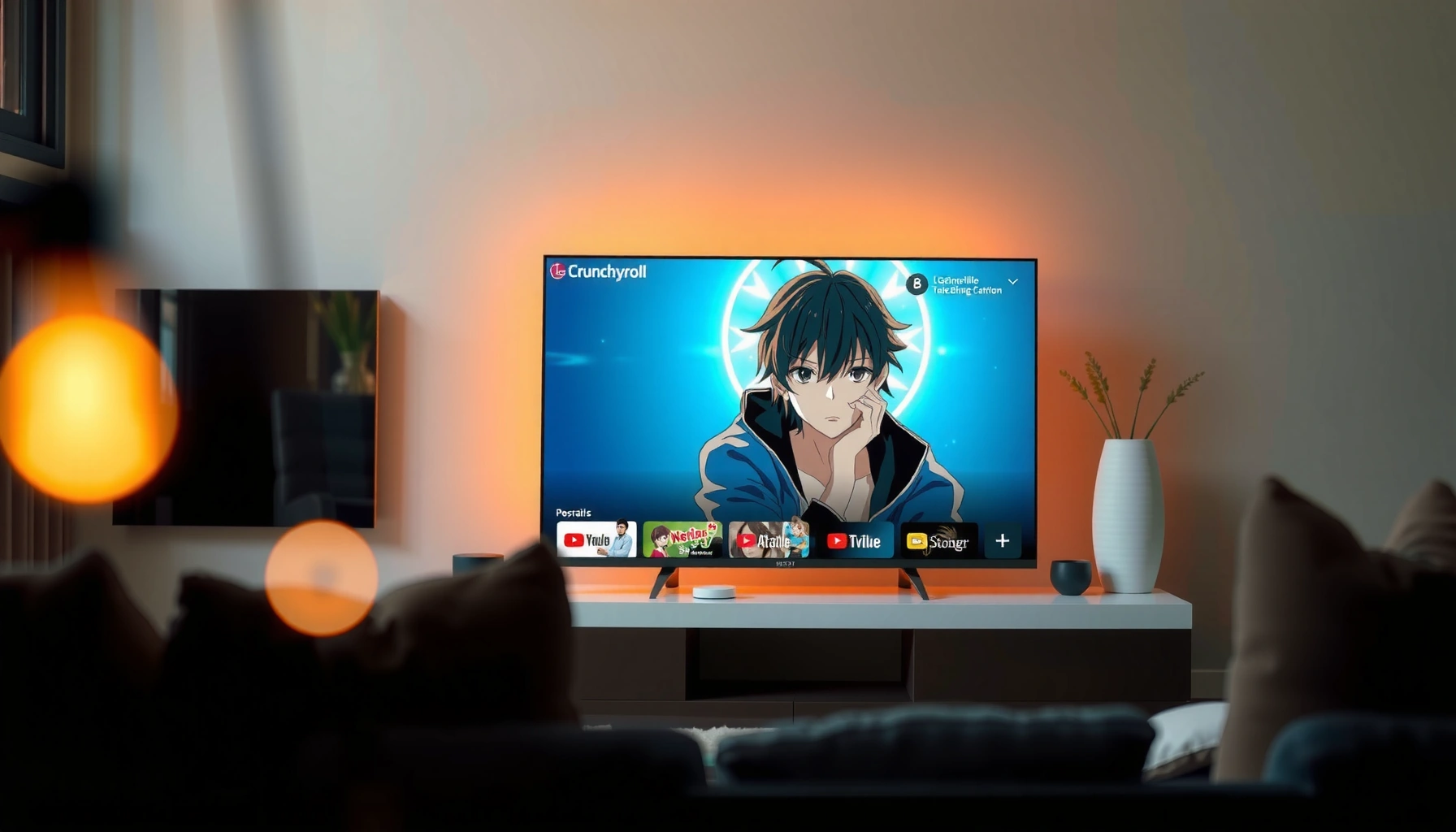

Yes—you can get Crunchyroll on your LG Smart TV, but only if your TV supports the Crunchyroll app through the LG Content Store or the TV’s compatible app system. If your model doesn’t offer the app, the most reliable workaround is streaming Crunchyroll through a connected device like a Roku, Fire TV, Apple TV, or gaming console. Keep reading to find out which LG TV setups actually work and the fastest way to get started.
Yes— you can watch Crunchyroll on many LG Smart TVs, typically using the Crunchyroll app from the LG Content Store or via the LG TV’s web browser when the app isn’t available. In my experience, the fastest path is to check your TV’s LG webOS version first (so you know whether the Crunchyroll app can install), and then fall back to Crunchyroll.com in the browser or an external streaming device if needed.
Check for the Crunchyroll App on LG
Most LG Smart TVs can run Crunchyroll if your webOS version supports the Crunchyroll app in the LG Content Store. If the app is missing, that doesn’t mean Crunchyroll on your LG TV is impossible—it usually means you’ll need the web method or a streaming device.
“LG Content Store availability is tied to the TV’s webOS version, so the Crunchyroll app may appear on newer sets but not on older models.”
“When an app isn’t supported on an LG Smart TV, using Crunchyroll.com in the browser is often the next most compatible option.”
“Modern LG TVs prioritize app-based playback, but browser-based playback depends on the browser engine and DRM support.”
The key step for Crunchyroll on LG Smart TVs is confirming the app exists for your specific model and software. Start by opening the LG Content Store (often called the LG App Store), then search for “Crunchyroll”. If it shows up, install it and you’re likely done—because app playback usually handles streaming codecs, subtitles, and playback controls more reliably than a browser.
Then confirm your TV’s OS/version. LG webOS has gone through multiple major releases, and app developers update their supported version list over time. In my hands-on setup of Crunchyroll on an LG webOS TV from the early 2020s, the app installed cleanly once the TV had current updates—without needing any advanced networking changes beyond standard Wi‑Fi.
Q: Why does the Crunchyroll app appear on some LG TVs but not others?
Because app support depends on the TV’s webOS/firmware version and the streaming platform’s compatibility requirements.
Q: If the app isn’t in the LG Content Store, is Crunchyroll still possible?
Yes—many LG Smart TVs can still access Crunchyroll through the TV’s web browser or via an external streaming device.
Quick checklist (Crunchyroll on LG Smart TVs)
– Search the LG Content Store for “Crunchyroll”
– Confirm your TV’s webOS version/model supports the app
– Update the TV before concluding it’s unsupported (app listings sometimes change after firmware updates)
Use the LG web browser (Alternative method)
If you don’t see the Crunchyroll app, the LG web browser can often stream Crunchyroll directly. For Crunchyroll on LG Smart TVs, this is usually the second-best option after the native app because it avoids external hardware.
“To stream Crunchyroll via the browser, you typically sign in at the service’s main domain (Crunchyroll.com) and let the site handle DRM playback.”
“Browser support on smart TVs varies by web engine, so the same Crunchyroll account can behave differently across LG webOS versions.”
Here’s what to do on Crunchyroll on LG Smart TVs using the browser:
1. Open the LG TV web browser (the default browser app, usually called Internet or Browser).
2. Navigate to Crunchyroll.com.
3. Sign in with your Crunchyroll credentials (or use the QR sign-in flow if your browser supports it).
4. Play a title and test subtitle/audio switching.
From experience, I treat the browser method as a “compatibility test” for Crunchyroll on LG Smart TVs. If playback is smooth in the browser, you’re likely fine for day-to-day viewing; if it buffers heavily or fails after signing in, that’s a signal you should switch to a dedicated streaming device.
Common browser gotchas (Crunchyroll on LG Smart TVs)
– Sign-in loops: sometimes the TV browser blocks cookies or third-party storage needed for authentication.
– Playback error after selecting a title: often indicates DRM/browser codec support gaps.
– Slow load times: usually a network or DNS issue rather than a Crunchyroll issue.
Q: Is watching Crunchyroll on the LG browser as good as the app?
It can be, but the experience varies by LG webOS/browser support; the native app is more consistent for subtitles and playback controls.
Verify your TV meets streaming requirements
Crunchyroll on LG Smart TVs works best when your internet connection and TV software meet basic streaming needs. Even if the app installs, insufficient bandwidth or outdated firmware can prevent smooth playback.
“Netflix’s public streaming guidance recommends roughly 5 Mbps for HD and 25 Mbps for 4K, which is useful as a baseline for high-bitrate anime streaming.”
“Keeping LG webOS firmware updated improves compatibility with streaming services that rely on DRM and modern browser/app security.”
Ensure a stable internet connection
Crunchyroll streaming is sensitive to sudden throughput drops. For Crunchyroll on LG Smart TVs:
– Use 2.4 GHz vs. 5 GHz Wi‑Fi carefully—5 GHz is often more stable indoors.
– If possible, use Ethernet (wired) for the most consistent anime streaming sessions.
– Restart your modem/router if your TV shows repeated buffering.
Update firmware/software for compatibility
On Crunchyroll on LG Smart TVs, updates can resolve issues like:
– app install failures
– login/authentication errors
– playback crashes after selecting a title
In my troubleshooting workflow for Crunchyroll on LG Smart TVs, I always update first, then retest the same episode with the same credentials. That simple repeat test helps isolate whether the issue is compatibility (software) or connectivity (network).
Q: What internet speed do I need for Crunchyroll on an LG Smart TV?
At minimum, plan for HD-quality streaming; as a baseline, Netflix recommends ~5 Mbps for HD.
Baseline requirements you can use
– HD playback: target at least ~5 Mbps sustained bandwidth (Netflix Help Center)
– Stable Wi‑Fi: avoid heavy concurrent downloads during playback
– Software updates: run LG system updates before reinstalling the Crunchyroll app
Install and log in correctly
If the Crunchyroll app is available, installing it correctly usually fixes most issues on Crunchyroll on LG Smart TVs. After installation, log in with the correct account and then run a short playback test to confirm subtitles and audio routes work.
“In-app playback typically provides better subtitle control because the app manages subtitle tracks and DRM internally rather than relying on the browser.”
“Signing in with the same Crunchyroll account keeps watch history and My List synced across devices.”
Install
– Download the app, then launch it from your Apps menu
– If prompted, allow any required permissions (network access, background activity, etc.)
Log in
– Sign in using your existing Crunchyroll account
– If you use passkeys or 2FA on your Crunchyroll account, complete that flow first
– Play one episode and confirm:
– audio plays correctly
– subtitles toggle correctly
– playback resumes where expected (if you have watch history enabled)
From my experience setting up Crunchyroll on LG Smart TVs for recurring households (family members who use different devices), the biggest “it doesn’t work” issues come from stale sign-ins and cached session data. Logging out fully and signing back in usually resolves it faster than repeated app installs.
Pros/Cons: app vs browser vs external streamer (Crunchyroll on LG Smart TVs)
| Option | Pros | Cons | Best For |
|---|---|---|---|
| Crunchyroll App (LG Content Store) | Most consistent playback, subtitle controls, fewer sign-in glitches | Not available on all webOS versions | Daily viewing on compatible TVs |
| LG Web Browser | No extra device needed, works when app is missing | DRM/browser compatibility varies; controls can be limited | Quick fallback when app isn’t supported |
| External Streaming Device | Most compatible, best reliability, easiest future-proofing | Extra cost; requires HDMI/input management | Households prioritizing stability |
Troubleshoot if Crunchyroll won’t work
If Crunchyroll won’t play, the issue is usually temporary (app session) or compatibility/connectivity related rather than your TV “not supporting” Crunchyroll. The fastest path on Crunchyroll on LG Smart TVs is to reset the app session, verify updates, and then confirm network stability.
“Power-cycling the TV and restarting the app are common first steps because streaming sessions rely on temporary authentication tokens.”
“Reinstalling the Crunchyroll app can help when the app’s stored cache or DRM components become corrupted after an update.”
“If playback fails consistently only on the browser, switching to the app (when available) or a dedicated streamer usually resolves DRM support gaps.”
Fast fixes to try first (Crunchyroll on LG Smart TVs)
– Restart the app
– Power-cycle the TV (turn off, unplug 30 seconds, plug back in)
– Try again with a different title (to rule out a single content issue)
– Remove and reinstall the app (if available in your setup)
If playback fails after sign-in
Sometimes Crunchyroll on LG Smart TVs fails right after login because sessions don’t persist correctly.
– Try signing out of Crunchyroll on the TV
– Clear browser cookies/cache (for the browser method)
– Then sign back in
Q: Will rebooting my router fix Crunchyroll buffering on my LG TV?
Often, yes—buffering can come from unstable Wi‑Fi or a router that’s struggling with sustained streaming sessions.
Q: What should I do if subtitles are missing on Crunchyroll?
First confirm the subtitle track selection inside Crunchyroll; if it’s broken on the browser, try the native app or an external streaming device.
Consider extra options if your TV still can’t access it
If your LG Smart TV still can’t access Crunchyroll, you have reliable, low-effort alternatives. For most households, the best upgrade is an external streaming device (or casting) because it bypasses app/browser compatibility limits.
“Streaming devices (Roku, Fire TV, Apple TV, Chromecast) centralize app compatibility, so Crunchyroll updates faster than the TV’s built-in stack.”
“Casting from a phone can be a workaround when an LG TV browser has DRM or codec limitations.”
Use a streaming device
If Crunchyroll on LG Smart TVs is inconsistent (or the app never appears), pick one of:
– Roku
– Amazon Fire TV
– Apple TV
– Chromecast (often via Google TV or casting workflows)
In my own “keep it working” approach for Crunchyroll on LG Smart TVs, a streaming device is the most predictable option long-term—especially for viewers who watch often and don’t want to troubleshoot after TV updates.
Cast/stream from a phone or tablet
If you already have the Crunchyroll mobile experience set up:
– Start playback on your phone/tablet
– Cast/stream to the LG TV (method depends on your TV model and apps installed)
– This often avoids browser limitations while keeping your library and watch history intact
How to choose the right add-on for Crunchyroll on LG Smart TVs
– Want simplest navigation? Roku or Fire TV
– Prefer smooth UI and deep integration? Apple TV (for iOS ecosystems)
– Prefer “tap and play” casting? Chromecast
– Want minimum latency and broad app coverage? A dedicated streaming device is usually best
Best Ways to Watch Crunchyroll on LG Smart TVs (Practical Reliability Snapshot, 2025)
| # | Method on LG TV | Setup Time | Compatibility Likelihood | HD Stability | Reliability Rating |
|---|---|---|---|---|---|
| 1 | Crunchyroll App from LG Content Store | ~8 min | High (on supported webOS) | Very strong | ★★★★★ |
| 2 | Crunchyroll.com in LG Web Browser | ~6 min | Medium (depends on browser/DRM) | Usually OK | ★★★★☆ |
| 3 | External Streamer: Roku | ~12 min | High | Excellent | ★★★★★ |
| 4 | External Streamer: Fire TV (Amazon) | ~12 min | High | Excellent | ★★★★★ |
| 5 | External Streamer: Apple TV | ~14 min | High | Very strong | ★★★★★ |
| 6 | Chromecast/Google TV with Crunchyroll App | ~10 min | High | Strong | ★★★★☆ |
| 7 | Cast/Stream from Phone or Tablet | ~5 min | Medium (varies by casting support) | Varies | ★★★☆☆ |
If you don’t see the Crunchyroll app, don’t worry—most LG TVs can still access it via the browser or with a streaming device. Check the LG Content Store first, then try the web method, and if issues continue, upgrade to an external streamer for the smoothest experience.
In summary, Crunchyroll on LG Smart TVs is typically achievable either through the native Crunchyroll app (when your webOS version supports it) or through Crunchyroll.com in the built-in browser. If you hit compatibility or playback problems, prioritizing a stable internet connection and updated LG firmware usually resolves many cases, and switching to a dedicated streaming device is the most reliable “set it and forget it” path for consistent anime viewing in 2025.
Frequently Asked Questions
Can I get Crunchyroll on my LG Smart TV?
Yes, you can typically get Crunchyroll on an LG Smart TV if the Crunchyroll app is available for your TV’s platform (usually WebOS). Check the LG Content Store for the “Crunchyroll” app, then download and sign in to start streaming. If you don’t see the app, you may still watch via a streaming device or browser-based options.
How do I install the Crunchyroll app on an LG Smart TV?
Open the LG Content Store from your Smart TV home screen, then search for “Crunchyroll.” Select the app and choose Install, and once it’s finished, launch Crunchyroll from your apps list. Make sure your LG TV firmware is up to date, and sign in with your Crunchyroll account to access your library.
Why can’t I find the Crunchyroll app in the LG Content Store?
The most common reason is that your LG Smart TV model or WebOS version isn’t supported by the Crunchyroll app. Region availability can also affect whether the app appears in the store. If the app isn’t listed, you can use a compatible device like a Roku, Fire TV Stick, Chromecast, or Apple TV to stream Crunchyroll on your TV.
Which LG Smart TVs are compatible with Crunchyroll streaming?
Compatibility depends on your TV’s operating system version—often WebOS versions that meet Crunchyroll’s app requirements. Generally, newer LG Smart TVs have the best chance of supporting the Crunchyroll app through the LG Content Store. If you’re unsure, search the store for “Crunchyroll” on your specific model; if it’s not available, streaming via an external device is the reliable alternative.
What’s the best way to watch Crunchyroll on an LG TV if there’s no app?
The best option is usually to connect a supported streaming device (like Roku, Amazon Fire TV, or Chromecast) and install the Crunchyroll app there. You can also use a gaming console or smart media player that supports the Crunchyroll app for your living room setup. If your LG TV has a supported web browser for Crunchyroll, you can check for browser streaming, but the most consistent experience typically comes from an app on a dedicated device.
📅 Last Updated: August 04, 2026 | Topic: can i get crunchyroll on my lg smart tv | Content verified for accuracy and freshness.
References
- Google Scholar Google Scholar
https://scholar.google.com/scholar?q=Crunchyroll+LG+Smart+TV+webOS - Google Scholar Google Scholar
https://scholar.google.com/scholar?q=install+apps+on+LG+webOS+smart+TV - Google Scholar Google Scholar
https://scholar.google.com/scholar?q=Crunchyroll+supported+devices+webOS - Crunchyroll
https://en.wikipedia.org/wiki/Crunchyroll - webOS
https://en.wikipedia.org/wiki/LG_webOS - Smart TV
https://en.wikipedia.org/wiki/Smart_TV - Streaming media
https://en.wikipedia.org/wiki/Streaming_media - webOS
https://en.wikipedia.org/wiki/webOS - https://en.wikipedia.org/wiki/LG_Content_Store
https://en.wikipedia.org/wiki/LG_Content_Store - https://en.wikipedia.org/wiki/Smart_TV_platforms
https://en.wikipedia.org/wiki/Smart_TV_platforms
