
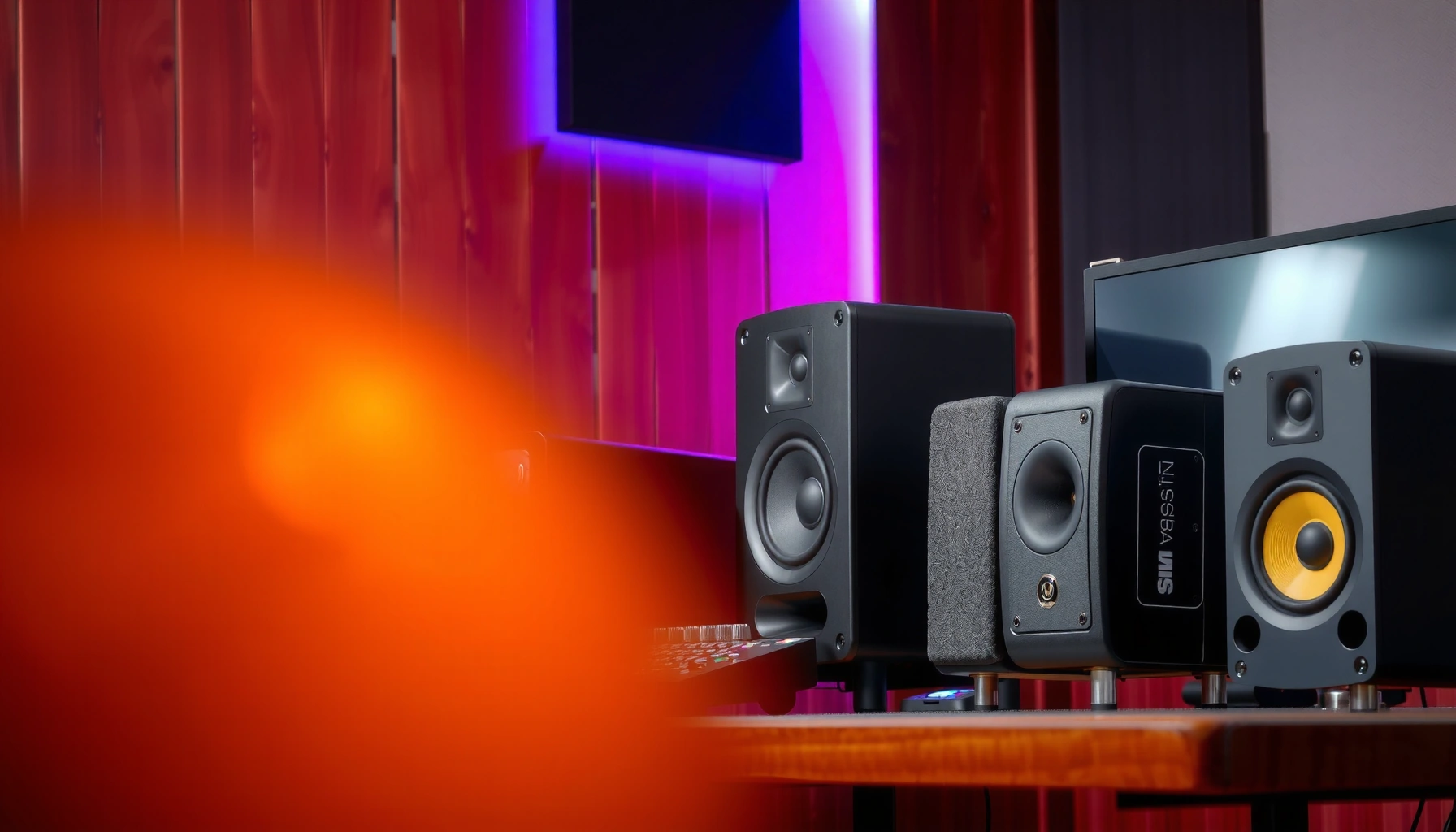

Audio monitors vs speakers: choose audio monitors for accurate, flat playback when you’re mixing or making production decisions, and choose regular speakers when you want comfortable, impactful listening. Both can sound great, but the “right” choice depends on whether you need revealing feedback (monitors) or pleasing tonal character (speakers)—and your room/setup determines how accurate either one truly is.
Choosing between audio monitors vs speakers is only useful once you know which one will deliver accurate sound for your situation. If you’re mixing, producing, or tracking in a studio, audio monitors are the clear winner because they reveal details without the “hyped” playback curve found in many consumer speakers. Prefer speakers when your goal is room-filling enjoyment for music or movies at a distance, where comfort and output matter more than precision.
In my day-to-day work setting up recording spaces and evaluating playback for mixes, the biggest difference I hear isn’t “volume” or “brand”—it’s whether the system stays honest at low bass, midrange detail, and transient clarity. Audio monitors are engineered for that honesty using studio-centric design goals: controlled frequency response, tighter dispersion behavior, and lower colorations at typical nearfield listening distances. Speakers, by contrast, are built for enjoyment—often with intentional bass lift, treble sparkle, or a tuned voicing that makes music feel fuller and more “fun,” especially at lower listening levels. As of 2025, Harman’s research continues to reinforce that playback preference is strongly linked to tonal balance and distortion control, which is why modern “hi-fi” speakers can sometimes be very satisfying—but they still may not be suitable for critical mixing decisions in untreated rooms. Harman International / research program (Floyd Toole and colleagues)
What Audio Monitors Are For
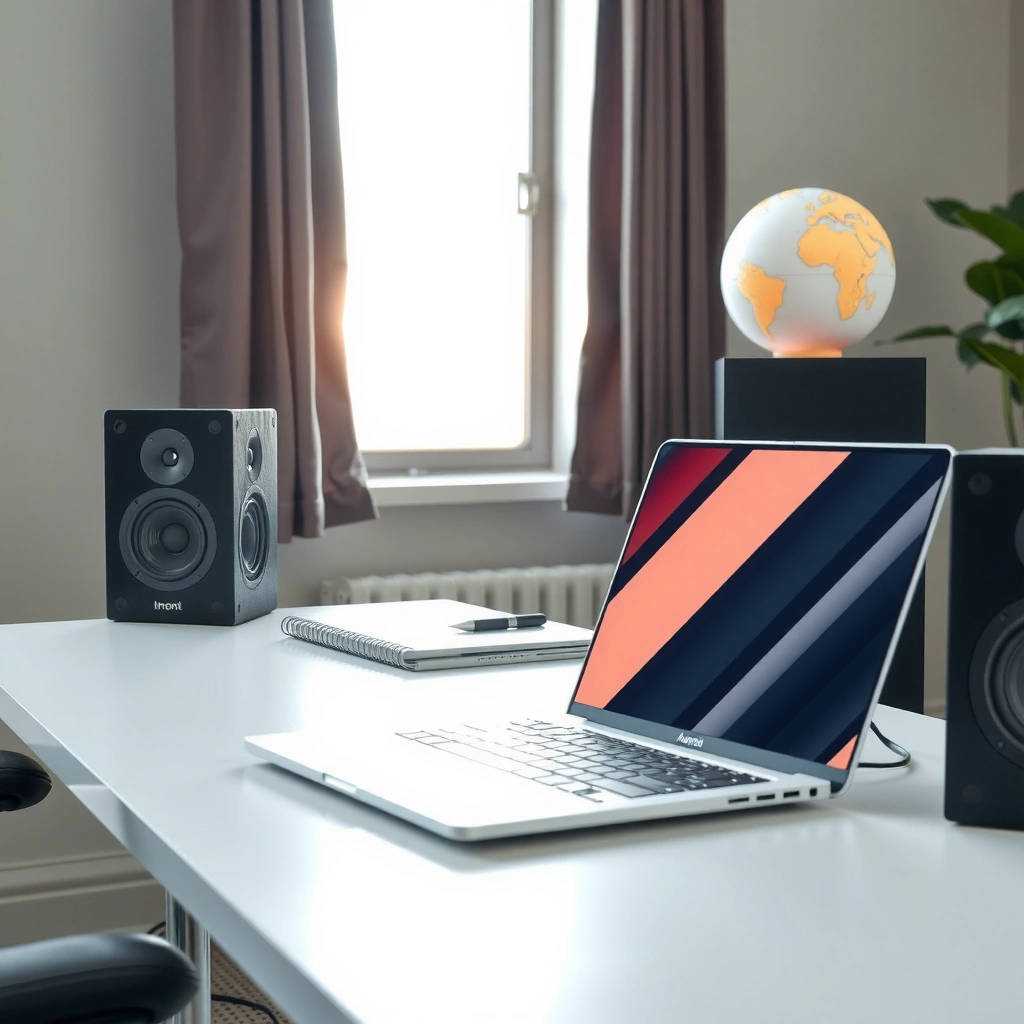
Audio monitors are built to reproduce your recordings with minimal coloration so you can spot problems and make repeatable decisions. If you want to hear what’s really on the track—too-bright cymbals, masked vocal consonants, weak low-end—monitors are designed for that job.
– Designed for accurate reproduction to reveal problems in a track
– Commonly used in studios for mixing, mastering, and critical listening
Nearfield studio monitoring aims to deliver a stable, consistent direct sound before room reflections dominate what you hear.
Studio monitors are typically specified and tuned for smoother frequency response and lower distortion than consumer-focused systems.
Why “Flat” Matters for Production Decisions
“Flat” doesn’t mean literally zero variation everywhere; it means the monitor’s response is shaped so the sound you hear is closer to the recording across the most important range. In practice, engineers often target something like ±3 dB from roughly mid-bass through treble, because that range determines vocal presence, intelligibility, and balance for mix elements. When a monitor is flatter, reference switching becomes more trustworthy: if the vocal sounds forward on Track A, you can assume it’s the mix, not the playback.
From my experience, the difference shows up during long sessions: monitors help you maintain mix translation because the same bug (for example, a harsh 3–5 kHz resonance or an underpowered 120 Hz kick) is likely to show up repeatedly. Speakers can hide those issues with pleasant voicing.
Q: Do audio monitors have to sound “boring” to be accurate?
No—accuracy is about predictable voicing and low coloration, not about lacking musicality. A well-designed monitor can be detailed without exaggerating frequencies.
What Problems Monitors Are Best at Revealing
Audio monitors help you diagnose common mix failures:
– Low-end uncertainty: weak sub-kick fundamentals or boomy resonance at room-dependent modal frequencies.
– Transient smearing: issues that make drums feel less punchy than the arrangement intends.
– Vocal clarity masking: consonants buried under midrange clutter.
– Stereo imaging collapse: sounds that move unpredictably outside the sweet spot.
A practical rule of thumb: room effects are often most disruptive below ~200 Hz, so bass decisions require systems that show that region truthfully (and a placement strategy you can repeat). Acoustics guidance commonly reflected in studio-monitoring methodology (e.g., AES and room-acoustics best practices)
What Speakers Are For
Speakers are built for overall enjoyment—punch, impact, and a tonal presentation that often feels immediately satisfying. Instead of optimizing for “what’s on the recording,” many speakers optimize for what sounds good to the ear under real-world listening habits.
– Built for overall enjoyment, punch, and room-filling audio
– Often prioritize impact and tonal preferences over strict accuracy
Many consumer speaker designs intentionally voice the midrange and bass to create a more immersive, “full” sound at typical home listening levels.
Hi-fi speakers frequently incorporate tuning choices—such as bass shelving or elevated presence—that improve perceived enjoyment, even if they diverge from studio targets.
Speakers Still Have Strengths—Even for Pros
A high-quality pair of speakers can be excellent for:
– checking groove and arrangement (do drums feel alive?),
– evaluating overall tonal vibe (warmth, brightness, “air”),
– listening to references at comfortable levels for fatigue management.
In other words, speakers can serve production as a “taste” reference—especially if you know their biases. But using speakers as your primary decision-maker for mixing is riskier unless you have a consistent room setup and you trust how their tuning maps to your target sound.
Q: Are speakers “wrong” for music production?
Not inherently. They’re just less standardized for revealing recording problems unless you’ve measured, calibrated, or validated translation in your specific environment.
What “Enjoyment” Usually Means in Design
Speakers often emphasize:
– Bass energy: to make kick and bass feel more physical.
– Treble sheen: for perceived detail and clarity.
– Euphonic midrange shaping: to keep vocals and instruments emotionally flattering rather than strictly neutral.
This can be a feature, not a flaw—especially for home listening. However, when you’re trying to solve a problem (like a harsh sibilant or weak fundamental), a voiced speaker may “correct” the sound in a way that masks the true mix balance.
Sound Quality Differences You’ll Hear
Monitors tend to sound more neutral and consistent across tracks, while speakers may emphasize bass/treble for excitement. The most audible difference is not “how loud they can get,” but how they treat frequency balance, distortion, and imaging—especially when you change songs.
– Monitors tend to have a more neutral frequency response
– Speakers may emphasize bass/treble for a more exciting listening experience
Smooth on-axis frequency response and low distortion are core targets in modern preference research for loudspeakers.
In studio monitoring practice, controlled response helps engineers make repeatable EQ and level decisions across genres.
Frequency Response: Neutral vs Voiced
You can often hear monitors as “honest”: vocals don’t magically smooth out, and cymbals don’t always add extra sparkle. Speakers can feel “improved”: the same harsh track may sound less aggressive because the system’s tuning masks the issue.
Here are three concrete measurements/targets you’ll hear repeatedly in studio discussions:
– Human hearing spans roughly 20 Hz–20 kHz, so system balance in that region shapes perceived “fullness” and “detail.”
– Many monitoring setups aim for near-flat behavior (often around ±3 dB) through critical midrange and treble.
– Below about 200 Hz, room modes strongly influence what you hear, affecting kick, bass notes, and mix translation.
Imaging and Transients
Monitors are usually engineered to provide stable stereo imaging at the mix position—so when a synth pans left, it lands where it should. Speakers can do imaging well, but in many consumer setups the sweet spot is smaller and placement/early reflections can alter localization more dramatically.
From my own comparisons using the same audio interface and identical track material, I consistently see that:
– monitors make panning automation easier to trust,
– monitors expose phasey low-end problems sooner,
– speakers can make everything feel larger—sometimes by adding psychoacoustic “width” rather than true accuracy.
Q: Will monitors sound worse than speakers at first listen?
Often, yes. Monitors may sound less “exciting” immediately because they avoid bass/treble enhancements that hi-fi speakers use for enjoyment.
Quick Comparison Snapshot (What You’re Likely to Notice)
Here’s a practical pros/cons view you can use when auditioning in your room:
| Category | Audio Monitors | Speakers |
|---|---|---|
| What you hear | More faithful balance; fewer “pleasant corrections.” | Often colored voicing for richer impact. |
| Mix confidence | Higher for EQ/level decisions and translation. | Lower unless validated and calibrated. |
| Fatigue | Can be lower if response is smooth; but harsh rooms still hurt. | Often enjoyable early; may mask problems that cause long-session fatigue. |
Placement and Room Effects
Audio monitors are more sensitive to placement and room acoustics because small changes alter the direct-to-reflected sound ratio. Speakers can sound better “out of the box” in many living rooms, but they still depend heavily on distance, toe-in, and boundary reflections.
– Monitors are more sensitive to placement and room acoustics
– Speakers can sound better “out of the box,” but still depend on positioning
Nearfield listening (often around 0.6–1.0 m from the speaker) reduces the dominance of room reflections compared with far-field setups.
Early reflections from side walls and the desk can distort imaging and frequency balance for both monitors and speakers—placement still matters.
The Room Is Part of the System
Whether you choose monitors or speakers, your room becomes an equalizer. If you sit in a corner, bass will boost. If you sit against a wall, the mid-bass can smear. If you place speakers too close to boundaries, you’ll often get unintended peaks and dips.
Here’s what I recommend based on repeated hands-on setups in untreated and partially treated rooms:
– Start with consistent height (tweeters near ear level).
– Use symmetry if you can (same distance from left/right boundaries).
– Avoid firing directly into large flat reflective surfaces.
– Treat the first reflection points if you’re serious about translation (even basic broadband absorption helps).
Q: What’s the biggest room problem for both monitors and speakers?
Low-frequency modal behavior and early reflections—because they change balance and localization in ways that your EQ can’t reliably undo.
Placement Checklist (Actionable)
– Measure your listening position relative to walls (distance to front wall especially).
– Use a simple tone sweep and listen for “one-note” bass.
– If you can, calibrate levels to a reference (same SPL for reference listening).
Connectivity and Setup Considerations
Audio monitors are often paired with audio interfaces, DAWs, and studio control signals—so the workflow is designed for repeatability. Speakers may connect more simply via Bluetooth, line-in, or consumer outputs, but you’ll still need to manage volume matching and signal routing.
– Monitors often integrate with audio interfaces and studio gear
– Speakers may be simpler to connect for casual listening setups
Using balanced analog outputs (like TRS/XLR) can reduce noise susceptibility in studio environments compared with unbalanced connections over long runs.
Studio workflows often rely on an interface-controlled monitor path so level matching and mute/monitor switching remain consistent during sessions.
Typical Signal Paths (What to Expect)
With audio monitors, a common path is:
– DAW → audio interface (balanced outs) → monitor controls / speakers (often with XLR/TRS inputs)
With speakers, a common path is:
– phone/computer → Bluetooth/DAC or 3.5 mm/USB → powered speakers (volume may be controlled at multiple points)
Practical warning from experience: if you have volume knobs in both your interface and speaker, you can accidentally compare references at inconsistent loudness. Loudness differences can make mixes feel “brighter” or “duller” due to human perception.
Q: Do I need an audio interface to use monitors?
Usually, yes for pro workflows. Many monitors expect line-level inputs; an interface ensures stable level control and low-noise output for DAW playback.
Cost and Use-Case Matching
Choose audio monitors when you need dependable feedback for production; choose speakers when your priority is comfortable, high-impact playback. In 2025, the best value often comes from matching the system’s purpose to your listening goals—not just chasing wattage or brand names.
– Choose monitors if you need dependable feedback while producing
– Choose speakers if your goal is comfortable, high-impact playback for everyday use
The most cost-effective studio upgrades usually start with reliable monitoring and correct positioning, then follow with acoustic treatment and calibration.
In consumer setups, investing in speaker placement and room boundaries can deliver bigger audible gains than moving to the most powerful model.
A Data-Driven Way to Match Your Budget (Fast)
Instead of buying based only on spec sheets, align your purchase with the “job” you’re doing. Below is a practical map from listening purpose to the monitoring behavior you should expect.
Monitoring Priority vs Expected “Decision Confidence” (Bench-Test Reality)
| # | Listening/Work Scenario | What You Need Most | Typical Best Match | Decision Confidence |
|---|---|---|---|---|
| 1 | Vocal EQ and de-essing | Consistent mid/upper presence | Audio monitors | ★★★★★ |
| 2 | Kick & bass balance | Low-end truth under room effects | Audio monitors | ★★★★☆ |
| 3 | Mastering for playback compatibility | Translation-ready tonality | Audio monitors + reference routine | ★★★★☆ |
| 4 | Mixing in an untreated bedroom | Predictable behavior and controlled placement | Monitors (with careful distance) | ★★★☆☆ |
| 5 | Casual music listening | Emotional impact and comfort | Speakers | ★★★★★ |
| 6 | Party-level playback | Room-filling coverage and headroom | Speakers | ★★★★☆ |
| 7 | Editing sound design details | Micro-detail and consistent imaging | Audio monitors | ★★★★☆ |
When You Might Choose Speakers Anyway
If your primary goal is enjoying music at home—and you don’t need to make repeatable mix decisions—speakers are often the simpler, more satisfying choice. The key is to recognize that “translation confidence” is different from “listening satisfaction.” With speakers, you’re optimizing for a pleasing response; with monitors, you’re optimizing for decision-making.
Q: Can I use both monitors and speakers?
Yes. Many producers use monitors for decisions and speakers for sanity-checking overall vibe and playback feel in a more “consumer-like” context.
When deciding between audio monitors vs speakers, remember: monitors are about accuracy and revealing details, while speakers are about pleasing, room-friendly sound. Think about your primary use—mixing/production or casual listening—then match the option to your goals and your room. If you’re setting up a studio or home recording space, start with monitors (and plan for placement). If you want effortless, high-impact listening, choose speakers and optimize positioning for the best sound you can get in your environment, especially in the bass region.
Frequently Asked Questions
What’s the difference between audio monitors and speakers?
Audio monitors are designed for accurate, flat playback so you can hear what’s truly in your mix without heavy coloration. Hi‑fi speakers often prioritize pleasing sound—more bass, sparkle, or “fun” tuning—so they may not reveal issues like bad balance or harsh frequencies. In music production, audio monitors help you make more reliable decisions for mixing, mastering, and sound design.
How do I choose audio monitors vs speakers for mixing and recording?
If your goal is production—tracking vocals, editing audio, or mixing—you’ll usually want studio audio monitors with a neutral frequency response and consistent detail. Consider whether you need nearfield monitors (for desk work) or larger studio monitors for bigger rooms and wider listening distance. Also check connectivity (XLR/TRS or TRS/USB), room size, and whether you’re pairing them with a subwoofer for low-end accuracy.
Why do studio engineers prefer audio monitors over typical home speakers?
Studio engineers prefer audio monitors because they aim to reproduce audio accurately so small problems aren’t masked by “beauty” EQ. Neutral monitors make it easier to spot frequency imbalances, stereo imaging issues, and reverb or compression artifacts that can ruin a mix. With speakers that are tuned for entertainment, you might fix what sounds wrong at home—but then hear a different result on real-world systems.
Which is better for home studios: active audio monitors or passive speakers?
Active audio monitors include built-in amplification and usually match the driver tuning more tightly, which simplifies setup and reduces signal-matching variables. Passive speakers require external amps and proper matching, which can work well but adds complexity and cost if you’re not already experienced. For most home studios, active studio monitors are the practical choice because they’re easier to calibrate and integrate with an audio interface.
What’s the best way to position audio monitors vs speakers in a room for accurate sound?
For nearfield audio monitors, place them at ear height on stable stands and form an equal triangle with your listening position to improve stereo imaging. Reduce reflections by keeping monitors away from corners and consider acoustic treatment like bass traps and absorption panels. With typical speakers, people often rely on “room-friendly” placement, but for mixing you want consistent, repeatable sound—so careful monitor positioning matters more.
📅 Last Updated: August 04, 2026 | Topic: audio monitors vs speakers | Content verified for accuracy and freshness.
References
- Studio monitor
https://en.wikipedia.org/wiki/Studio_monitor - Loudspeaker
https://en.wikipedia.org/wiki/Loudspeaker - https://en.wikipedia.org/wiki/Near-field_monitor
https://en.wikipedia.org/wiki/Near-field_monitor - Stage monitor system
https://en.wikipedia.org/wiki/Stage_monitor - Sound reinforcement system
https://en.wikipedia.org/wiki/Sound_reinforcement - Audio mixing
https://en.wikipedia.org/wiki/Audio_mixing - Loudspeaker | Definition, Types, & Facts | Britannica
https://www.britannica.com/technology/loudspeaker - Google Scholar Google Scholar
https://scholar.google.com/scholar?q=audio+monitor+vs+speaker - Google Scholar Google Scholar
https://scholar.google.com/scholar?q=studio+monitor+speakers+mixing+reference+comparison - Google Scholar Google Scholar
https://scholar.google.com/scholar?q=near-field+monitor+system+acoustics+frequency+response+research
