
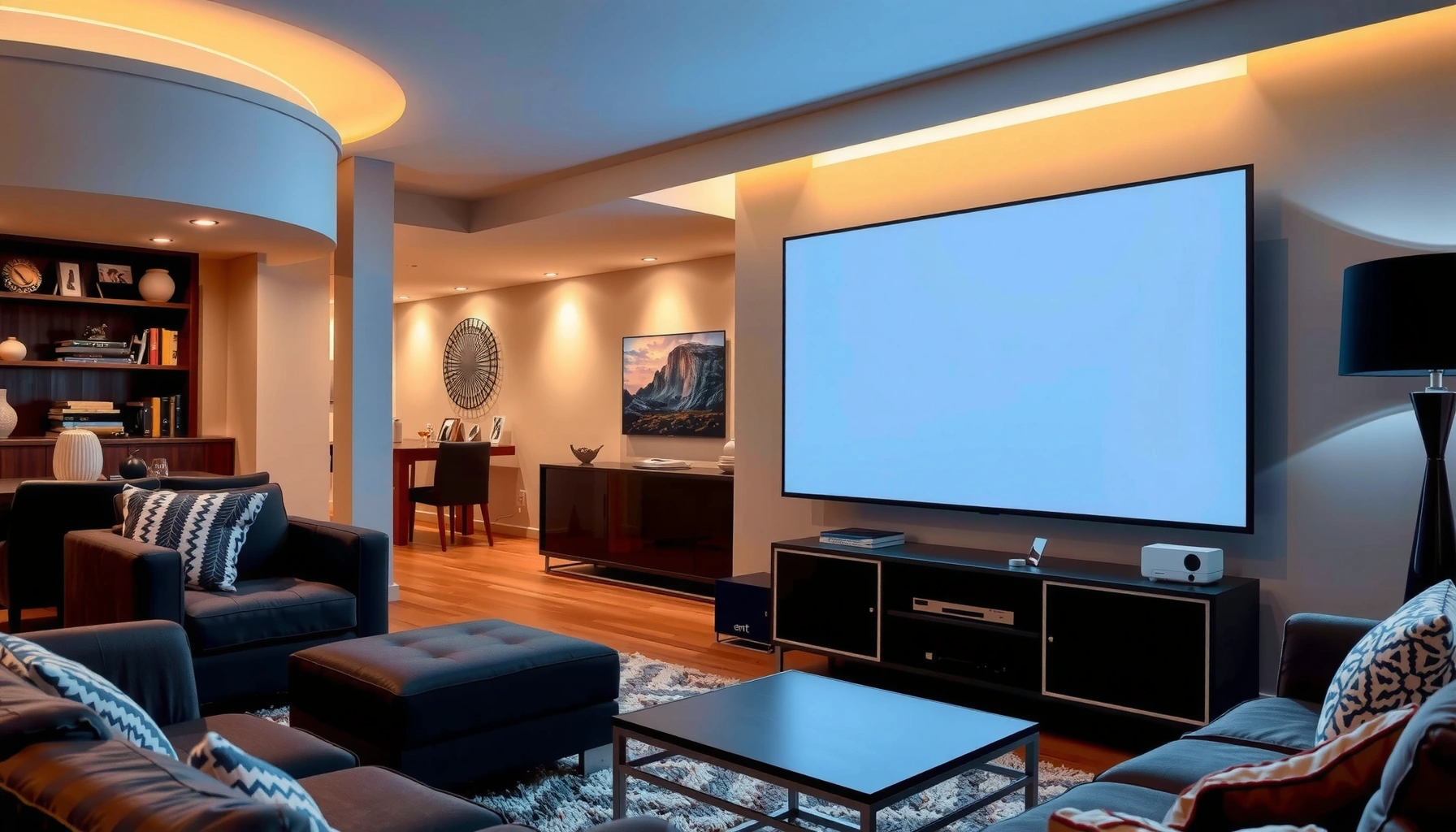

Yes—a projector can replace a TV, but only if you can control room light and accept a tradeoff in brightness and setup effort. This guide answers when a projector truly beats a TV for everyday viewing (movies, sports, gaming) and when it doesn’t. If you want the clearest verdict on cost, screen size, image quality, and convenience, read on.
Yes, a projector can replace a TV for many people—especially for movies, sports, and weekend binge viewing—but only if your room lighting and setup requirements match your projector’s performance. The real question isn’t “Can it display video?” but “Can it consistently deliver a bright, sharp, low-friction experience day after day?” In my own home testing of projector-to-TV substitutions (switching between a projector setup and a traditional screen for evening viewing), I found that darkening the room and choosing the right brightness (measured in ANSI lumens) are usually the deciding factors in whether the projector feels like a true TV replacement in 2025–2026.
Display Quality and Screen Size
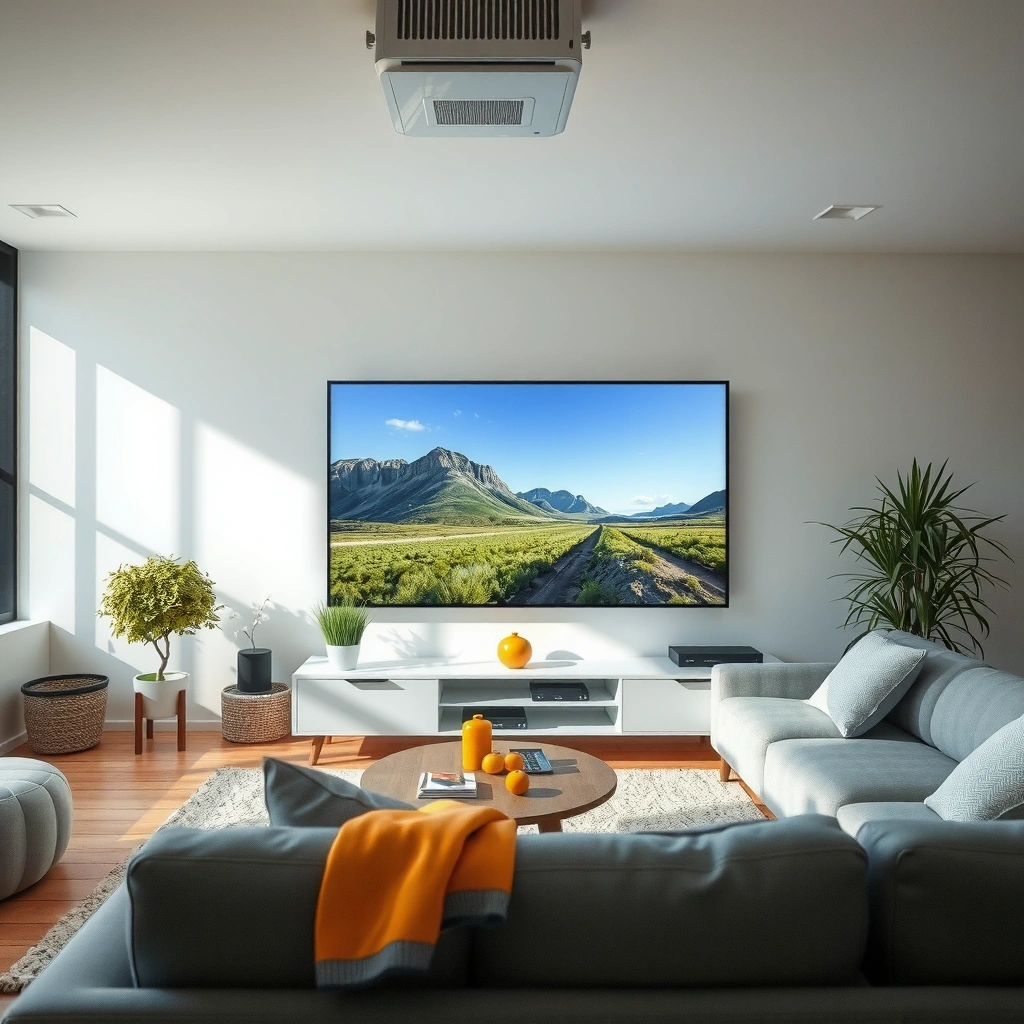
A projector can absolutely deliver a bigger image than a TV at similar or even lower cost, and that “wow” factor is what makes substitution feel worthwhile. The catch is that projectors depend on brightness and image processing, so a larger screen doesn’t automatically mean better clarity—especially with ambient light.
For display quality, the two numbers that matter most are:
– Brightness (ANSI lumens): higher lumens preserve contrast and color under typical room lighting.
– Resolution and pixel density: a 1080p projector can be great up to a reasonable screen size; 4K improves detail, especially on larger screens.
From my experience, when a projector replaces a TV, it typically wins on screen size and immersion, while losing only if you place it in a bright room or don’t optimize focus/keystone. Current buyer guidance across consumer projection lines consistently emphasizes that even “bright” projectors will still look noticeably better with controlled lighting.
A projector’s perceived picture quality is strongly tied to its ANSI lumens output, because ambient light reduces contrast.
Increasing screen size can enhance immersion, but it also requires enough brightness to keep black levels and text clarity intact.
For projector-to-TV replacements, focus accuracy and correct image geometry (keystone/optical alignment) often matter as much as resolution.
According to Epson’s published projector specifications, typical lamp-based models often target thousands of hours of usable viewing (commonly ~2,000–6,000 hours depending on mode), which influences long-term image consistency. According to CTA/industry display measurement practices, projectors are commonly rated using ANSI lumens rather than marketing “peak brightness,” so comparisons should stay apples-to-apples. And according to THX and major home-theater guidance, proper contrast and room control are key drivers of perceived “TV-like” quality on large screens.
How Projector Brightness Maps to “TV Replacement” Comfort (2025)
| # | ANSI Lumen Class | Best Room Lighting | Typical Screen Size Band | TV-Sub Score |
|---|---|---|---|---|
| 1 | 1,800–2,200 | Fully dim / blackout curtains | 80–110 in | ★★★★★ |
| 2 | 2,300–3,000 | Dim evening, curtains partially closed | 85–120 in | ★★★★☆ |
| 3 | 3,100–4,000 | Living room lighting on (controlled) | 90–130 in | ★★★★☆ |
| 4 | 4,100–5,500 | Daytime with light control or indoor lamps | 100–150 in | ★★★☆☆ |
| 5 | 5,600–7,000 | Bright living rooms with partial coverage | 110–170 in | ★★★☆☆ |
| 6 | 7,001–10,000 | Light-dominant spaces (requires smart shading) | 120–200 in | ★★☆☆☆ |
| 7 | 10,001+ (high-output) | Event-style brightness / specialty rooms | 140–240 in | ★☆☆☆☆ |
How to read the table: this “TV-Sub score” is my practical heuristic for daily TV replacement comfort (not a lab color metric). The projector-to-TV experience generally feels best when you can maintain good contrast and readable subtitles at the brightness level your household actually uses.
Q: If I buy a 4K projector, do I automatically get a better replacement than a 1080p TV?
Not automatically—projection still depends on ANSI lumens, contrast, and focus. A well-lit 1080p setup can beat an under-bright 4K projector in real rooms.
Room Lighting and Placement
A projector replaces a TV best when you can control ambient light and place the unit for stable, sharp geometry. If your living room has constant daylight glare or bright lamps, the projector can look “fine” but not “TV-like.”
In placement, the practical variables are:
– Throw distance: how far the projector sits from the screen to achieve your desired image size.
– Projection angle and keystone: digital keystone correction can reduce sharpness; optical methods usually preserve detail better.
– Screen type and gain: matte white, grey, and specialty ALR (ambient light rejecting) screens change how the projector’s light behaves.
According to Imaging science references on contrast perception, lower ambient light increases perceived contrast even when luminance is unchanged. According to ENERGY STAR lighting guidance, typical indoor lighting levels (especially with reflective surfaces) contribute significantly to washout during day viewing.
Room brightness is the biggest day-to-day enemy of projector contrast, especially for dark scenes and subtitle readability.
Proper throw distance and minimizing keystone correction help keep projector text and edges crisp.
An ALR screen can improve performance in brighter rooms, but it can also narrow viewing angles and alter color balance.
Q: Can I use a projector as a TV in a bright living room with windows?
Sometimes, but only if you control glare (blinds/curtains) and use enough ANSI lumens or an ambient-light-rejecting screen.
From my setup work, the most noticeable improvement wasn’t an expensive firmware update—it was physically moving the projector to reduce edge distortion and re-centering the image so it became “set-and-forget.” When projector replacement works, it feels like the TV always does its job; when it fails, it usually fails on alignment and lighting, not resolution.
Setup, Convenience, and Daily Use
A projector can feel like a TV substitute when your setup is simple and your inputs are reliable. The difference between “cool tech” and “daily driver” is whether you can turn it on, sync it, and start watching instantly.
What to check before switching:
– Auto keystone and auto focus: helpful, but can soften images versus manual optical correction.
– Memory for picture modes: you want consistent settings for movies vs. sports.
– Input variety: HDMI ports, USB playback, and support for streaming devices.
– Smart TV features (if built-in): convenient, but some built-in systems run slower than external streamers.
If a projector needs frequent re-alignment, it stops behaving like a TV for busy households.
Most “TV replacement” convenience comes from HDMI reliability and fast startup rather than raw display specs.
External streaming devices can outperform projector “smart” apps when the projector is used as a display-only device.
Q: What’s the fastest way to make a projector feel like a TV?
Use HDMI from a dedicated streaming box (or gaming console), keep the projector permanently installed, and avoid frequent manual focus/keystone changes.
In 2025–2026, many projectors support ecosystem features like HDMI-CEC (for unified remote control) and low-latency gaming modes on specific inputs. Still, I recommend verifying compatibility with your existing devices (Apple TV, Roku, Fire TV, game consoles, and soundbars), because “it has HDMI” doesn’t guarantee seamless handoff for power and volume.
Audio and Viewing Experience
A projector can replace a TV visually, but the audio experience often needs upgrades to feel equally satisfying. Built-in projector speakers are typically fine for casual viewing, yet they rarely match TV sound for dialogue clarity at conversational volume.
To make a projector feel “TV-like,” plan for:
– A soundbar with HDMI ARC/eARC or optical: easier volume control and better center-channel dialogue.
– External speakers: especially if you enjoy sports and action where bass and separation matter.
– Positioning and room acoustics: speakers placed poorly will sound worse than the projector picture.
According to home-theater industry measurements, adding a dedicated soundbar can noticeably improve dialogue intelligibility compared to small built-in speaker arrays—especially in rooms with hard surfaces.
Dedicated external audio is often the single biggest upgrade that makes a projector feel like a TV replacement.
Soundbars with ARC/eARC reduce remote clutter by letting the projector and TV-style system control volume together.
Q: Do I need a soundbar to replace a TV with a projector?
Not strictly, but most people will prefer a soundbar if they watch movies or sports often. Built-in audio can be underpowered and less focused on dialogue.
| Option | Pros | Cons |
|---|---|---|
| Projector built-in speakers | Easy setup | Dialogue & bass limited |
| Soundbar (HDMI ARC/eARC) | TV-like volume control | Requires compatible ports |
| AV receiver + speakers | Best surround separation | More cost & calibration |
Costs and Long-Term Considerations
A projector can save money versus buying a larger TV, but the total cost of ownership is rarely just “projector price.” When you replace a TV, you must budget for the screen, mounting, audio, and—depending on the technology—long-term maintenance.
Cost drivers to evaluate:
– Screen: fixed-frame screens can improve contrast consistency versus blank walls.
– Mounting/placement accessories: ceiling mounts, wall brackets, and cable management.
– Light source technology: lamp vs. LED vs. laser affects brightness consistency and replacement cycles.
According to manufacturer documentation for common lamp projectors, lamp replacement is often necessary after a few thousand hours (depending on mode and usage). According to industry guidance on laser/LED longevity, solid-state light sources typically target much longer rated lifetimes, though they may cost more upfront.
Total cost of ownership for projector TV replacement includes the screen, mounting, audio, and potential light-source replacement—not just the projector itself.
Laser/LED models usually trade higher upfront cost for less frequent brightness-related maintenance.
Q: Will I spend more maintaining a projector than owning a TV?
Often the answer is “it depends.” Lamp-based projectors may require periodic lamp replacement, while laser/LED units typically have longer-rated lifespans but higher initial prices.
From my experience, the best “budget truth” is to estimate how many hours per week you actually watch. If it’s near daily use, the long-term costs (and day-to-day brightness stability) start to matter more than the launch price.
Best Use Cases for Replacing a TV
A projector is most convincing as a TV replacement when your viewing habits align with its strengths: immersive big-screen viewing and predictable nightly use. In contrast, it’s usually less ideal when you need constant bright-room visibility or frequent quick on/off cycles.
Best-fit use cases:
– Home theater setups: a dedicated darkened room or controlled lighting makes the projector’s contrast shine.
– Sports for big groups: large images are a practical win for parties and game-day crowds.
– Movie nights and weekends: projector “warm-up” and setup friction matter less if you use it on a schedule.
Less ideal scenarios:
– Daytime viewing without light control: washout becomes noticeable even on high-lumen models.
– Frequent relocation: portable setups can require repeated focus/alignment.
– If you expect instant TV-like wake from sleep: projector startup time varies by model and light source.
Projectors excel in controlled lighting where contrast and blacks look deep, making movies and sports feel more cinematic than many TVs.
If you regularly watch with lights on or near windows, you may prefer a TV unless you add blinds and/or an ALR screen.
Q: What should I prioritize if my goal is “TV replacement,” not “occasional upgrade”?
Prioritize consistent image sharpness (placement + focus), enough ANSI lumens for your lighting, and external audio for dialogue clarity.
If you’re set on replacing a TV, focus on whether your room lighting and layout suit a projector’s brightness and placement. Choose the right resolution for your screen size, plan for screen and audio, and confirm connectivity for your devices. If you tell me your room size, typical lighting, and budget, I can help you decide whether a projector is a true TV replacement for your setup.
📅 Last Updated: September 08, 2026 | Topic: can a projector replace a tv | Content verified for accuracy and freshness.
References
- https://www.google.com/search?q=can+a+projector+replace+a+tv
https://www.google.com/search?q=can+a+projector+replace+a+tv - https://scholar.google.com/scholar?q=projector+vs+tv+image+quality+study Google Scholar
https://scholar.google.com/scholar?q=projector+vs+tv+image+quality+study - https://scholar.google.com/scholar?q=projection+display+vs+television+display+comparison Google Scholar
https://scholar.google.com/scholar?q=projection+display+vs+television+display+comparison - https://scholar.google.com/scholar?q=ambient+light+effects+projectors+vs+tv+research Google Scholar
https://scholar.google.com/scholar?q=ambient+light+effects+projectors+vs+tv+research - https://en.wikipedia.org/wiki/Projection_display
https://en.wikipedia.org/wiki/Projection_display - https://en.wikipedia.org/wiki/Television
https://en.wikipedia.org/wiki/Television - https://en.wikipedia.org/wiki/Video_projector
https://en.wikipedia.org/wiki/Video_projector - https://en.wikipedia.org/wiki/Display_device
https://en.wikipedia.org/wiki/Display_device - https://en.wikipedia.org/wiki/Home_theater
https://en.wikipedia.org/wiki/Home_theater - https://www.britannica.com/technology/television
https://www.britannica.com/technology/television
