


To get regular TV on your smart TV, you can use an antenna, streaming services, or cable connections, depending on your preferences and available resources. In this article, we will explore various methods to access traditional television channels through your smart TV, ensuring you can enjoy your favorite shows without missing a beat. Understanding these options will allow you to customize your viewing experience and make the most of your smart TV’s capabilities.
Using an Antenna for Over-the-Air Channels
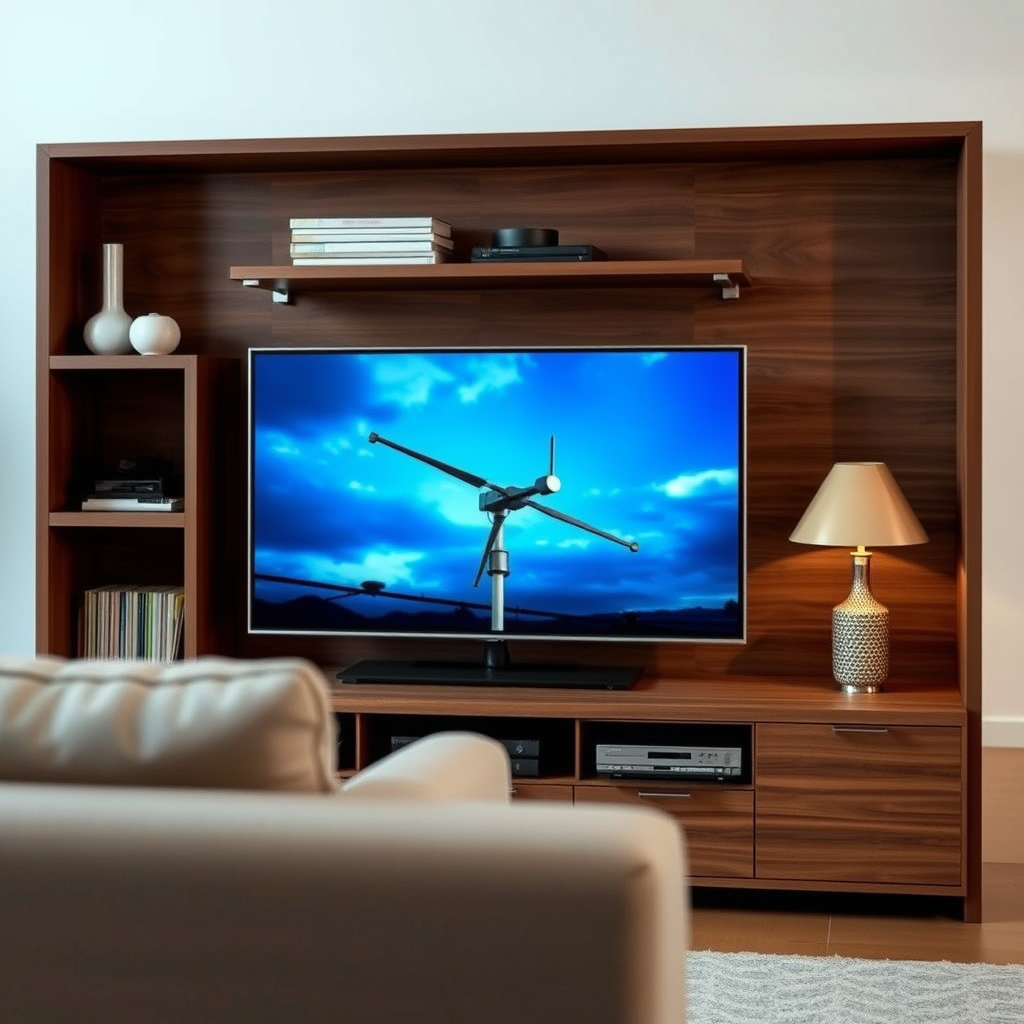
One of the simplest and most cost-effective methods to access regular TV channels is using an antenna. There are two primary types of antennas: indoor and outdoor. Indoor antennas are best for urban areas where signals are strong, while outdoor antennas can capture signals from a greater distance and are ideal for rural locations.
When selecting an antenna, consider its range, which can vary significantly between models. Most indoor antennas range from 30 to 50 miles, while outdoor antennas can reach up to 100 miles or more, depending on the terrain and obstructions.
To connect an antenna to your smart TV, plug the antenna cable into the coaxial input on the back of the TV. Once connected, you will need to scan for available channels. This process typically involves navigating to the settings menu, selecting the ‘Channel Setup’ option, and initiating a channel scan. Once complete, your TV will automatically populate a list of available over-the-air channels, allowing you to enjoy local broadcasts in high definition.
Streaming Services for Live TV
Streaming services have revolutionized how we consume television, offering live options that can replace traditional cable subscriptions. Popular services such as Hulu + Live TV, YouTube TV, and Sling TV provide access to various channels, including local networks, sports, and cable favorites.
When evaluating streaming services, consider factors like channel availability, pricing, and compatibility with your smart TV. Most services have dedicated apps that can be downloaded from the TV’s app store. To set up, simply download the app, create an account, and log in. Some services even offer free trials, allowing you to explore their offerings before committing.
Additionally, many smart TVs come with built-in capabilities to support these services, making setup quick and easy. Ensure your TV is connected to the internet via Wi-Fi or Ethernet for optimal streaming quality.
Cable or Satellite Connection
Using a cable or satellite connection is still a prevalent method for accessing regular TV. To connect your smart TV to a cable or satellite box, you will typically use an HDMI cable. Plug one end into the HDMI output of your cable or satellite box and the other into one of the HDMI inputs on your smart TV.
Once connected, you may need to switch your TV to the corresponding HDMI input to view channels. Many cable and satellite providers offer comprehensive packages that include a wide array of channels, on-demand content, and DVR capabilities.
While cable and satellite connections can be more expensive than streaming options, they often provide superior reliability and a broader selection of channels, especially for sports and premium content.
Accessing TV Apps
Many smart TVs come pre-installed with a variety of TV apps that grant access to live channels and on-demand content. Apps like Pluto TV, Samsung TV Plus, and Tubi offer free streaming options, making it easy to enjoy regular TV without a subscription.
To access these apps, navigate to the app store on your smart TV and download any additional TV apps you may want. Once installed, you can create accounts as needed and start browsing available channels.
Additionally, many major networks have their own apps, allowing you to watch live broadcasts and catch up on recent episodes. This flexibility enhances your viewing experience and provides access to a wealth of content.
Comparison of TV Access Methods (2024)
| # | Method | Cost | Channel Variety | Setup Complexity |
|---|---|---|---|---|
| 1 | Antenna | $20-$100 | Local Channels | Low |
| 2 | Streaming Service | $50-$100/month | Varies | Medium |
| 3 | Cable/Satellite | $70-$150/month | Extensive | High |
| 4 | TV Apps | Free-$10/month | Limited to App | Low |
| 5 | Hybrid | $50-$150/month | Best of Both | Medium |
Utilizing Smart TV Features
Smart TVs are equipped with advanced features that enhance your viewing experience. Many models come with voice control capabilities through built-in smart assistants like Google Assistant or Amazon Alexa. These features allow you to find and navigate channels effortlessly, simply by speaking commands.
Additionally, smart TVs often include customization options such as picture-in-picture, which lets you watch two channels simultaneously, or multi-view modes, which are particularly useful during sports events or news coverage. These features empower you to tailor your viewing setup to meet your preferences, making it easier to multitask while enjoying your favorite content.
Troubleshooting Common Issues
As with any technology, you may encounter some issues while trying to access regular TV on your smart TV. One common problem is poor signal strength, particularly with antennas. If you experience this, try repositioning your antenna to a higher location or closer to a window. You may also want to check for any obstructions that could be blocking the signal.
For streaming services, app errors can occur due to outdated software or connectivity issues. Ensure that your smart TV’s firmware is up-to-date and that your internet connection is stable. A simple reboot of your router can often resolve connectivity problems.
If you continue to experience issues with streaming services, consider checking the service’s status online for any outages, or contact customer support for assistance.
Your path to enjoying regular TV on your smart TV is clearer now. By utilizing antennas, streaming services, or cable connections, you can tailor your viewing experience to suit your preferences. Explore the options we’ve discussed, and get ready to sit back and enjoy your favorite programs!
Frequently Asked Questions
How can I watch regular TV channels on my smart TV?
To watch regular TV channels on your smart TV, you can connect an antenna to receive over-the-air broadcasts. Simply plug the antenna into the TV’s coaxial input, perform a channel scan in the TV’s settings, and you’ll be able to access local channels without a cable subscription.
What are the best apps for streaming live TV on a smart TV?
Some of the best apps for streaming live TV on a smart TV include Hulu + Live TV, YouTube TV, and Sling TV. These platforms offer a variety of channels and on-demand content, making it easy to enjoy a regular TV experience without traditional cable.
Why is my smart TV not receiving regular channels?
If your smart TV is not receiving regular channels, it could be due to several reasons such as poor antenna placement, a lack of signal strength, or an incorrect setup. Ensure that your antenna is properly connected, positioned in an optimal location, and that you have performed a channel scan in the settings.
Which streaming service offers the most local channels on a smart TV?
YouTube TV is known for offering a wide selection of local channels, including major networks like ABC, CBS, NBC, and FOX, depending on your region. This makes it one of the best options for those looking to replace traditional cable with a streaming service while still accessing regular TV programming.
How do I connect my cable box to a smart TV for regular programming?
To connect a cable box to your smart TV, use an HDMI cable to link the two devices. Once connected, switch your TV to the corresponding HDMI input, and you’ll be able to access regular programming through your cable box, enjoying all the channels included in your cable subscription.
References
- Smart TV
https://en.wikipedia.org/wiki/Smart_TV - https://www.bbc.com/news/technology-51107203
https://www.bbc.com/news/technology-51107203 - https://www.nytimes.com/2020/01/23/technology/personaltech/smart-tv-streaming.html
https://www.nytimes.com/2020/01/23/technology/personaltech/smart-tv-streaming.html - https://www.theguardian.com/technology/2021/mar/01/how-to-set-up-a-smart-tv
https://www.theguardian.com/technology/2021/mar/01/how-to-set-up-a-smart-tv - https://www.sciencedirect.com/topics/computer-science/smart-tv
https://www.sciencedirect.com/topics/computer-science/smart-tv - Google Scholar Google Scholar
https://scholar.google.com/scholar?q=how+to+get+regular+tv+on+a+smart+tv - Google Scholar Google Scholar
https://scholar.google.com/scholar?q=smart+tv+accessing+traditional+tv+channels - Google Scholar Google Scholar
https://scholar.google.com/scholar?q=smart+tv+streaming+options - how to get regular tv on a smart tv – Search results
https://en.wikipedia.org/wiki/Special:Search?search=how+to+get+regular+tv+on+a+smart+tv - https://www.ncbi.nlm.nih.gov/search/research-articles/?term=how+to+get+regular+tv+on+a+smart+tv
https://www.ncbi.nlm.nih.gov/search/research-articles/?term=how+to+get+regular+tv+on+a+smart+tv

[…] win with minimal setup, the article guides you through mirroring or casting using the built-in Smart TV features. You’ll get the exact buttons to tap and the common connection fixes so you can start streaming […]
[…] for the exact channel and time slot, and consider whether you need the correct input/source if using an antenna or set-top […]
[…] and using a different HDMI cable, then reboot both the TV and the connected device. If you’re using an antenna or cable connection, rescan channels and check for loose coaxial connections, since signal loss can […]
[…] on-screen terms and privacy prompts is a required gating step before Samsung Smart TV features fully unlock. Signing in is what enables Samsung Smart TV app downloads and account-based syncing. […]
[…] play Netflix? Yes—most modern projectors can stream Netflix directly if they have built-in smart TV features (or the right streaming device via HDMI). If your projector lacks Wi‑Fi, the clear solution is to […]
[…] Use channel controls if you’re using an antenna/cable […]
[…] a Hisense TV a smart TV? Most Hisense models include smart TV features built in, letting you stream from services like Netflix and YouTube without extra hardware—so the […]
[…] a Samsung a smart TV? Yes—most Samsung TVs include smart TV features, including a built-in internet connection and access to streaming apps without needing an external […]
[…] Insignia a smart TV? Yes—most Insignia sets run built-in smart TV features, but the “smart” experience depends on the model’s OS and whether Wi‑Fi/app access is […]
[…] hub. If you want quick streaming with minimal setup, strong built-in connectivity, and Samsung’s Smart TV features like app support and voice search, this is the fastest path to “just works” TV. This guide […]
[…] guided initial setup process that collects language/region and network details before enabling full Smart TV features.” “Once connected to a network during first-time setup, LG TVs can download system updates and […]
[…] out of the box. This guide tells you exactly how to confirm whether your specific TCL TV has Smart TV features, including what to look for in the menu and remote. If your TCL has no app store or smart home […]
[…] Insignia TV a smart TV? The answer is yes—most Insignia sets come with smart TV features built in, including popular streaming apps and an internet connection. This guide breaks down which […]