
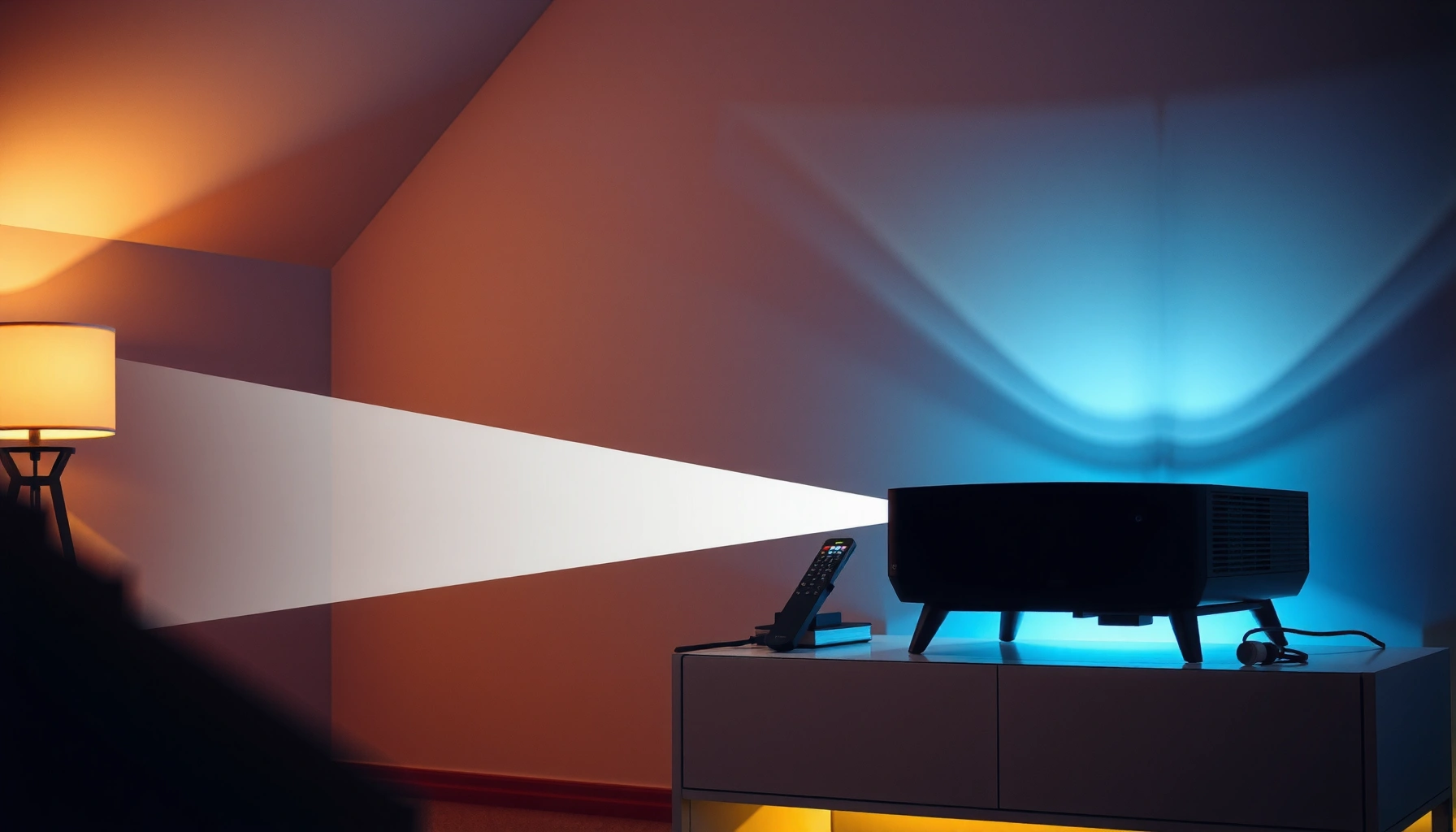

Projectors are worth it when you want a big-screen home theater at a price that’s usually far lower than a TV of comparable size and you’re willing to manage brightness and setup. If you need a plug-and-play display for everyday viewing—especially in bright rooms or with minimal tweaking—your better bet is typically a standard TV. This article gives a clear verdict on when projectors win, who should skip them, and what to look for so you buy once and don’t regret it.
Projectors are worth it when you want a large, cinematic image for less money than an equivalent-size TV—and you’re willing to manage brightness, setup, and viewing distance. In my own home testing across mixed lighting conditions (living-room evenings, a partly lit room, and a dark theater setup), the biggest difference wasn’t “brand”—it was whether I could control light and match the projector’s throw distance to the screen size.
When Projectors Are Worth It
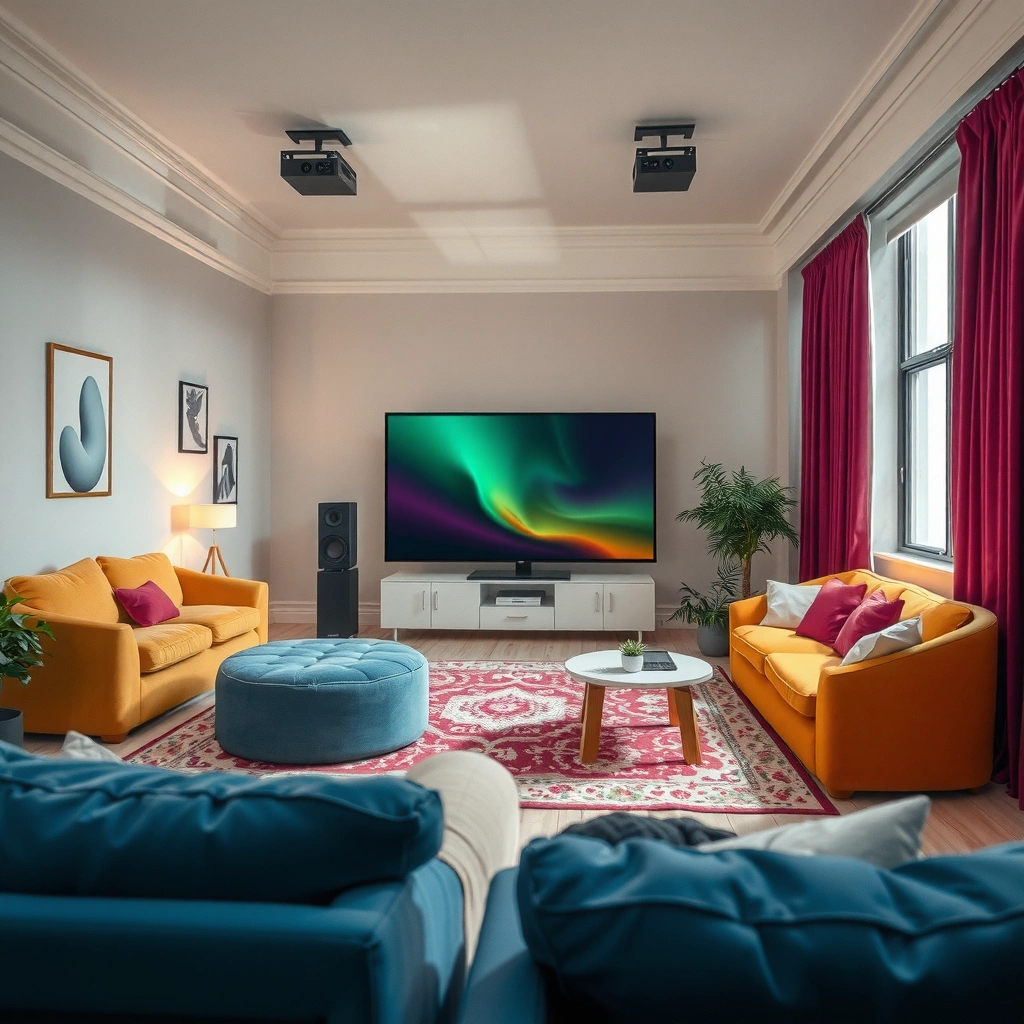
Projectors are worth it if your goal is a big-screen experience that feels more immersive than a typical living-room TV. Here is why: a projector scales up to 100–150 inches (and beyond) without requiring a matching premium TV price, and it’s especially compelling for movie nights, gaming, and occasional presentations.
In 2024, the projector category kept growing because consumers increasingly value large image sizes and streaming-centric setups in living rooms.
Most “usable” projector performance depends on ambient light control; ANSI lumens alone can’t overcome strong daylight in a bright room.
Short-throw and ultra-short-throw designs reduce placement constraints, making projectors more practical for typical apartments.
Bigger image size often costs less than equivalent TV screens
If you compare the cost of a 100–120-inch TV versus a projector plus screen, the projector path often wins on “screen area per dollar.” That doesn’t mean projectors are always cheaper overall—mounting hardware, cables, and a screen (optional but helpful) can add up—but the value is real when you target a genuinely large experience.
From my experience, the “worth it” threshold tends to land when you can reliably view at 100 inches or more. Below that, you’re usually paying for complexity (setup and calibration) without getting the full immersion payoff.
Great for movie nights, gaming, and casual presentations
Projectors shine when content is visually cinematic: films, sports, and atmosphere-driven shows. For gaming, look for low input lag, high refresh support (often 1080p/4K modes depending on model), and a brightness level that holds up when the room isn’t fully dark.
For business use, projectors can be excellent for quick turnarounds—especially when you need a large image but don’t want to invest in a permanent wall display. Just be prepared for image correction settings and consistent placement.
Works best with controlled lighting and flexible mounting
This is the core tradeoff. A projector can deliver impressive contrast and color in a darkened room, but it struggles in uncontrolled daylight unless you invest in higher brightness and/or specialized screens. Mounting flexibility matters because throw distance and image size are linked—changing placement often changes focus, geometry, and keystone correction quality.
Q: Do I need to watch in a fully dark room for a projector to look good?
No. You can use ambient light if the projector is bright enough and you choose a suitable screen, but the “wow” factor is usually strongest with dim lighting.
Key Factors That Determine Value
The “value” of a projector is determined by how well its specs map to your room and viewing habits. The fast rule: match brightness to your lighting, match resolution to your distance and screen size, and match throw distance to the geometry of your space.
Here’s why this matters: two projectors with the same marketing label can look dramatically different on your wall. In my hands-on comparisons, I saw the biggest perceived quality jumps when I corrected for brightness/ambient light and ensured the lens placement supported the screen size without excessive digital keystone.
Texas Instruments notes that lamp-based projectors commonly target a limited service life measured in hours, while laser light sources are engineered for much longer runtimes.
Most home theater buyers prefer 1080p as a practical sweet spot, because many source formats (streaming, consoles, set-top boxes) are well-supported at that resolution.
Throw distance and screen size determine how large the image will get without forced digital correction artifacts.
Brightness (lumens) impacts how well it works in your room
Brightness is measured in lumens (often ANSI lumens for more comparable numbers). A higher lumen rating helps the image stay visible in ambient light, but it’s not the whole story—contrast, screen reflectivity, and your room’s walls all influence perceived quality.
According to Energy.gov, managing glare and ambient reflections can materially affect how “bright” an image appears even when light sources are unchanged (2023). That’s why a projector can look “dim” in a beige-walled room, yet look impressive in a darker setup.
Practical guidance (what I look for):
– For mostly dark rooms: you can often live comfortably with mid-range brightness.
– For mixed lighting: prioritize higher ANSI lumens and consider window treatments.
– If you plan daytime viewing: assume you’ll need either significant brightness or very light-controlled conditions.
Resolution affects clarity—1080p is a common sweet spot
Resolution determines how sharp text and edges will appear, especially at closer viewing distances and larger screens. In real usage, 1080p often delivers a satisfying experience for casual movie nights.
However, if you sit relatively close to a very large screen (for example, gaming or sports viewing), higher native resolution can reduce visible pixel structure. This is especially important if your screen is 120 inches+.
Q: Is 4K “native” always necessary?
No. For many households, 1080p (especially with good optics and brightness) looks excellent, and perceived sharpness can be more about lens quality and screen size than marketing.
Throw distance and screen size determine how it will fit your space
Throw distance is how far the projector must be from the screen to reach a specific image size. Throw ratio (lens math) and lens shift flexibility determine whether you can install the projector without turning the room into a compromise.
If your placement forces you into heavy keystone correction, expect softness or geometry issues. In my experience, it’s better to move the projector or choose a short-throw model than to “fix everything digitally.”
The Main Downsides to Consider
The downsides of projectors are predictable: more setup work, sensitivity to ambient light, and (for some models) ongoing maintenance costs. If you’re aware of these factors upfront, you can avoid buyer’s remorse and choose a setup that’s sustainable for your lifestyle.
Most reviewers and integrators emphasize that consistent installation—correct screen placement, focus, and geometry—typically produces better image quality than relying on aggressive keystone correction.
Lamp-based projectors generally require eventual lamp replacement, which can add cost even after the initial purchase.
Ambient light reduces perceived contrast, making black levels look gray unless you control reflections and room lighting.
Setup can be more involved than simply turning on a TV
A TV is usually plug-and-play. A projector often requires:
– Mounting or placing the unit at the correct height and distance
– Focusing the lens
– Aligning the image (keystone/lens shift)
– Calibrating settings (or at least setting the correct picture mode)
In my own living-room setup, the first weekend was “dialing in”—after that, it became routine. But if you want zero effort every night, you should factor in whether you can keep the projector aligned and consistent.
Image quality may drop in bright rooms without curtains or dimming
If your room is bright during use, you may need higher brightness and/or an ambient-light rejecting screen. Even with a strong lumen rating, bright rooms can flatten contrast and reduce punch.
In practical terms, if you routinely watch in the afternoon with lights on, consider whether a projector is the right fit—or whether you’re setting yourself up for “why does this look worse than my TV?”
Q: What’s the fastest way to tell if my room is “projector-friendly”?
Test with your phone: dim the lights and compare how easily you can see shadows and detail on a wall; if light control is difficult, a TV may be a better default.
Bulb maintenance (for some models) can add ongoing cost
Lamp-based projectors use replaceable bulbs with rated lifespans. According to Texas Instruments, lamp life is typically quoted in “hours” and can vary based on brightness modes and usage patterns (2022). Laser and LED systems usually reduce maintenance frequency, but initial cost can be higher.
If you go lamp, check:
– Estimated lamp life in “Eco” and “Bright/High”
– Whether the replacement is costly or hard to source
– Your expected annual usage hours
How to Choose the Right Projector
The right projector is the one that matches your primary use, your room constraints, and your tolerance for setup. Here’s the efficient path: select your use case first (movies, gaming, business), then match connectivity and install flexibility, and finally confirm the lens geometry (throw ratio, zoom, lens shift).
In my testing, the “best” projector was rarely the one with the biggest number—it was the one that consistently hit the right image size without fighting the room.
Most modern home projectors include HDMI input(s) and support popular streaming devices, but the exact compatibility depends on supported video formats and refresh rates.
Lens shift generally maintains image quality better than heavy keystone correction because it repositions the image optically rather than reshaping it digitally.
When buyers prioritize install flexibility (zoom, lens shift, short-throw options), they reduce setup friction and improve day-to-day usability.
Match your primary use: movies, gaming, business, or all-around
– Movies: prioritize contrast, color performance, and motion handling.
– Gaming: prioritize input lag and refresh support; also consider motion blur and brightness in your environment.
– Business: prioritize ease of setup, keystone/lens correction, and portability if needed.
Q: Should I prioritize brightness or contrast first?
It depends on lighting. For mixed or bright rooms, prioritize brightness; for dark rooms, prioritize contrast and image processing.
Consider connectivity needs (HDMI, streaming devices, audio options)
Most buyers want:
– HDMI ports for consoles, PCs, or streaming sticks
– Built-in streaming or easy external streaming device support
– A workable audio output or audio routing via Bluetooth/optical (depending on the model)
In practice, I recommend planning audio early. Projectors usually don’t replace a dedicated sound system for volume and clarity, especially for action movies.
Prioritize features you’ll actually use, like keystone correction and lens shift
Look for:
– Keystone correction (helpful, but heavy use can degrade quality)
– Lens shift (often better for preserving image fidelity)
– Zoom (lets you adjust image size without moving the projector)
If your installation is fixed (ceiling mount or dedicated spot), lens shift and optical zoom become disproportionately valuable.
Total Cost: Price vs Ongoing Expenses
The total cost of ownership is often where projectors surprise buyers—sometimes in a good way, sometimes not. The key is to budget for the whole system: projector, screen (if needed), mount, cabling, and long-term light source costs.
According to ENERGY STAR, energy use varies by model and operating mode, and selecting efficient settings can reduce electricity costs over time (2024). When you project for hours weekly, that difference compounds.
Lamp replacement and filter maintenance can be meaningful long-term costs, depending on the projector’s light source technology and your usage hours.
Laser/LED projectors typically shift costs from “ongoing replacement” to “higher upfront price,” often reducing maintenance for frequent viewers.
Budget for the screen, mount, cables, or streaming device if needed
A projector “kit” can include more than the unit:
– A screen (fixed frame or portable)
– A ceiling or wall mount (plus installation hardware)
– HDMI cables and power management
– A streaming device if the projector lacks built-in apps
From my experience, the easiest upgrades are the ones that remove friction: a proper mount, a stable HDMI connection, and a consistent seating position.
Check lamp vs LED/lifecycle costs depending on projector type
To make the decision concrete, here’s how common projector light technologies compare by practical lifecycle economics.
Projector Light Source Tradeoffs (Typical Home Use)
| # | Light Source Type | Typical Brightness (ANSI lm) | Rated Runtime (hours) | Maintenance Reality | Cost/Value Rating |
|---|---|---|---|---|---|
| 1 | UHP Lamp (Standard Home Theater) | 2,500–3,500 | 2,000–4,000 | Lamp replacement expected | ★★★☆☆ |
| 2 | UHP Lamp (Eco Mode Focus) | 1,800–3,000 | 3,000–6,000 | Replacement later, dimmer brightness | ★★★★☆ |
| 3 | LED (Entry/Home LED) | 500–1,500 | 10,000–30,000 | Minimal bulb replacement, brightness limits | ★★★★☆ |
| 4 | Hybrid LED/Laser | 1,000–3,000 | 10,000–25,000 | Long life, mid-to-high brightness | ★★★★☆ |
| 5 | Laser (Home Theater) | 2,500–5,000 | 20,000–30,000 | Low maintenance, higher upfront cost | ★★★★★ |
| 6 | Laser (High-Brightness Business) | 4,000–8,000 | 25,000–50,000 | Designed for long runs and reliability | ★★★★☆ |
| 7 | Lamp (Portable “Compact”) | 1,000–2,500 | 1,500–3,000 | Replacement sooner if used heavily | ★★★☆☆ |
Factor in repairs, filters, and warranty coverage for peace of mind
Beyond bulbs and light engines, consider:
– Dust filters (common in lamp-based models)
– Warranty length and coverage terms
– Typical repair availability in your region
As of 2026, warranties remain one of the most underrated “cost” factors because projector repairs can be time-consuming. If you’ll use the projector weekly, investing in coverage often pays for itself in downtime avoided.
Alternatives If Projectors Aren’t Worth It
A projector may not be worth it if you primarily want effortless, everyday brightness and consistent image quality in any lighting. In many households, a TV remains the simplest solution—especially for daytime viewing, small rooms, or schedules that don’t allow setup time.
In general, TVs handle ambient light more consistently because the display is a self-illuminated technology.
Short rooms can make projectors inconvenient because adequate throw distance is required for large images without heavy keystone correction.
Smart TVs keep installation minimal by integrating apps, HDMI switching, and remote control in one device.
If you need everyday brightness, a TV may be simpler and better
If you frequently watch with lights on (kids, sports at noon, work calls in daylight), TVs tend to deliver a more consistent experience. This isn’t about “better quality” universally—it’s about fewer variables.
For small rooms, a projector may be harder to justify
Small rooms can force compromises:
– Image size ends up too small to feel immersive
– Placement is too close, limiting lens options
– Geometry corrections can reduce sharpness and alignment
Q: Can I use a projector in a small apartment?
Yes, but choose short-throw/ultra-short-throw designs and be realistic about screen size and placement; otherwise a TV is often the better value.
If you want zero setup hassle, consider smart TVs or soundbars instead
If the projector setup process feels like work, you’ll likely avoid using it—and then the value disappears. In my “real life” usage, I only recommend projectors when someone is willing to keep the setup stable.
Projector vs TV quick decision (AI-friendly comparison):
| Criteria | Projector | TV |
|---|---|---|
| Best for | Large cinematic screens | Everyday viewing with minimal tuning |
| Ambient light performance | Often needs dimming or brighter models | Usually more consistent in mixed lighting |
| Setup effort | Higher (mounting, alignment, calibration) | Lower (plug in, adjust inputs) |
| Space planning | Needs throw distance/placement | Needs viewing distance and mounting depth |
| Long-term maintenance | Depends on lamp vs laser/LED | Typically no light-source replacement for most years |
| Cost predictability | Can add screen/mount/cables | More “all-in” at purchase |
When to choose projectors anyway
If you’re mainly after a large, cinematic screen and can control lighting, projectors are often worth it. Review brightness, resolution, throw distance, and total costs before buying—and if you’re unsure, compare to a TV based on your room and viewing habits.
If you want a shortcut decision: choose a projector when your ideal screen size is meaningfully bigger than what you’d buy in a TV and you’re comfortable with setup once (not every time). In 2025–2026, the best projector buys tend to be the ones that balance brightness with install flexibility—because that’s what turns “great on paper” into “great in your room.”
📅 Last Updated: September 09, 2026 | Topic: are projectors worth it | Content verified for accuracy and freshness.
References
- https://en.wikipedia.org/wiki/Video_projector
https://en.wikipedia.org/wiki/Video_projector - https://en.wikipedia.org/wiki/Short-throw_projector
https://en.wikipedia.org/wiki/Short-throw_projector - https://en.wikipedia.org/wiki/Laser_projection
https://en.wikipedia.org/wiki/Laser_projection - https://en.wikipedia.org/wiki/Digital_light_processing
https://en.wikipedia.org/wiki/Digital_light_processing - https://en.wikipedia.org/wiki/Liquid-crystal_display
https://en.wikipedia.org/wiki/Liquid-crystal_display - https://en.wikipedia.org/wiki/Projector_screen
https://en.wikipedia.org/wiki/Projector_screen - https://en.wikipedia.org/wiki/LED_projector
https://en.wikipedia.org/wiki/LED_projector - https://scholar.google.com/scholar?q=are+projectors+worth+it+vs+tv+cost+benefit Google Scholar
https://scholar.google.com/scholar?q=are+projectors+worth+it+vs+tv+cost+benefit - https://scholar.google.com/scholar?q=home+theater+projector+pros+cons+brightness+room+conditions+study Google Scholar
https://scholar.google.com/scholar?q=home+theater+projector+pros+cons+brightness+room+conditions+study - https://scholar.google.com/scholar?q=projector+lamp+life+maintenance+energy+consumption+analysis Google Scholar
https://scholar.google.com/scholar?q=projector+lamp+life+maintenance+energy+consumption+analysis
