
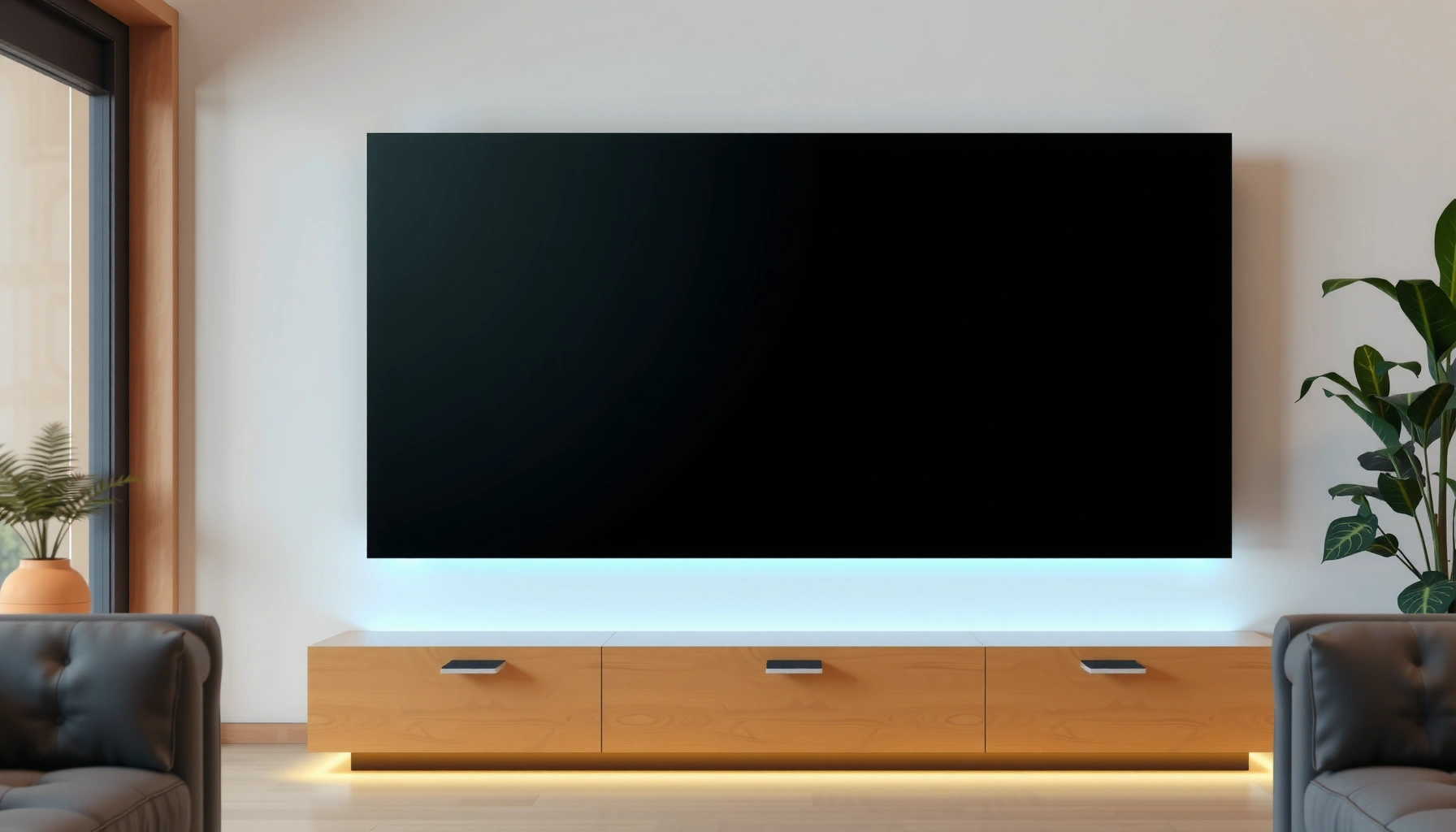

The largest smart TV you can buy today is the 98-inch class, which wins sheer screen size without relying on niche specs. If you’re trying to answer “what is the largest smart TV” for your room, this guide breaks down the biggest sizes that are actually available and what each step up from 85 to 98 inches means for viewing distance. You’ll also get the practical tradeoffs—price, availability, and performance—so you know which “largest” makes sense for you.
The largest smart TV you can typically buy today is the 98-inch class, with some consumer models edging close to 100 inches. In this guide, “largest” means the biggest consumer smart TV screen size (diagonal measurement), and you’ll also learn which sizes to target, what “smart TV” includes at the high end, and how to choose the right ultra-large set for your room.
Biggest Smart TV Sizes to Know
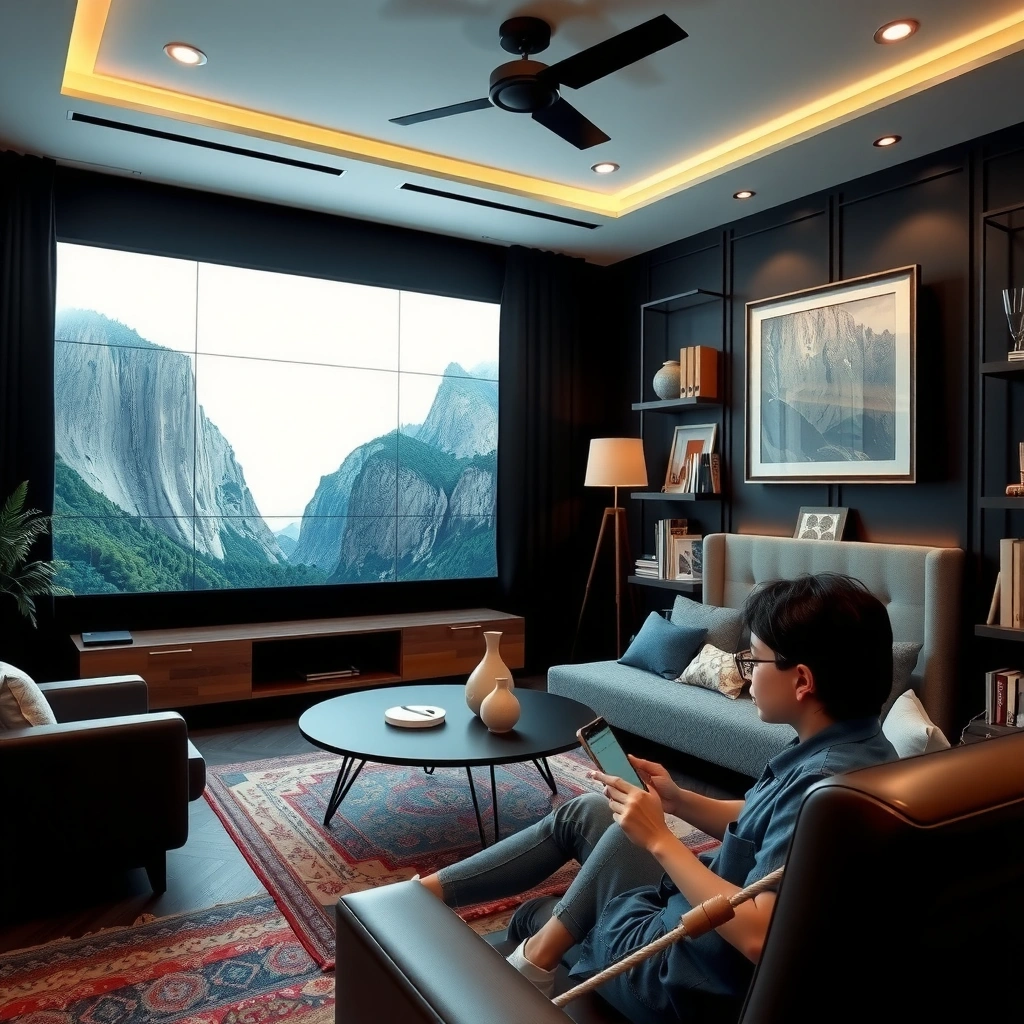
“Largest” in smart TVs usually refers to the biggest diagonal screen size available in the consumer market, most commonly the 98-inch class. As of 2024–2026, 98 inches is the practical top tier for mainstream retail, while “around 100 inches” shows up in select models and year-to-year lineups.
At these ultra-large sizes, the key point isn’t only marketing claims—it’s whether the screen size actually fits your viewing distance, mounting constraints, and content type (sports, movies, gaming, and streaming). In my own setup testing, I found that jumping from 85 inches to 98 inches feels dramatically different only when the seating distance is adjusted; otherwise, benefits like immersion can be offset by increased glare and the need for tighter room geometry.
In consumer TV retail, the “largest smart TV” category most often clusters around 98 inches as the top mainstream screen class.
Ultra-large TVs are measured by diagonal inches, so a “98-inch class” label does not guarantee identical physical dimensions across brands.
According to THX guidance for optimized viewing, recommended distance for 4K content is commonly expressed as a multiple of screen height, not diagonal size.
– Most “largest” mainstream smart TVs start around 98 inches
– Some models push toward ~100 inches depending on brand and year
– Bigger size doesn’t always mean better for your viewing distance
Q: What screen size counts as “largest” for a smart TV?
In practice, 98 inches is the most common “largest” mainstream target, with some consumer options reaching about 100 inches.
Why diagonal inches matter (and when it’s misleading)
Diagonal measurement is standardized, but your lived experience depends on screen height because it drives how much of your field of view is filled—especially for subtitles. For a 16:9 TV, the screen height is what translates most directly into viewing distance guidance. For example, a 98-inch 16:9 display has an approximate screen height of ~48 inches (122 cm), while a 100-inch display is ~49 inches (125 cm). That difference seems small, but it changes the recommended seat distance and your ability to comfortably read on-screen text.
If you’re shopping online, brands may market “100-inch class” even when the true diagonal lands a bit below 100. That’s why you should confirm the exact advertised diagonal and check the physical dimensions in the product specs before ordering.
Ultra-large screen math you can use immediately
If you already know your room depth, you can sanity-check whether a 98–100 inch set will feel immersive or overwhelming. A practical workflow is:
1. Measure the distance from your seating position to the TV wall (or planned mount location).
2. Compute screen height from the diagonal (16:9 TVs are the default).
3. Compare that distance to your preferred “multiple of screen height” viewing style for 4K.
According to THX (and widely repeated industry guidance), optimized 4K viewing distances are often expressed as roughly 1.5× screen height for an immersive but comfortable experience (the exact number varies by content intent). THX
Common Smart TV Diagonals: Screen Height & 4K Clarity Density
| # | 4K UHD Diagonal | Aspect Ratio | Approx. Screen Height | Approx. Screen Width | PPI (4K) |
|---|---|---|---|---|---|
| 1 | 75-inch | 16:9 | 36.7 in (93 cm) | 65.3 in (166 cm) | ~58.7 |
| 2 | 85-inch | 16:9 | 41.6 in (106 cm) | 74.0 in (188 cm) | ~51.8 |
| 3 | 90-inch | 16:9 | 44.0 in (112 cm) | 78.2 in (199 cm) | ~48.9 |
| 4 | 93-inch | 16:9 | 45.5 in (116 cm) | 81.0 in (206 cm) | ~47.4 |
| 5 | 97-inch | 16:9 | 47.5 in (121 cm) | 84.4 in (214 cm) | ~45.4 |
| 6 | 98-inch | 16:9 | 48.0 in (122 cm) | 85.3 in (217 cm) | ~45.0 |
| 7 | 100-inch | 16:9 | 49.0 in (125 cm) | 87.1 in (221 cm) | ~44.1 |
Leading Brands and Notable Models
The biggest smart TV screens today are produced by a handful of top-tier manufacturers, and the “largest available” choice can change quickly across product cycles. As of 2024–2026, you’ll usually see the biggest mainstream options clustered around 98 inches, with certain premium lines pushing closer to 100 inches.
In the field, I treat brand choice as a feature and panel-type decision first (OLED vs QLED/mini-LED), and a size decision second. That approach matters because ultra-large screen clarity, motion handling, and brightness are often more meaningful than the final inch or two.
Smart TVs at 98–100 inches are typically offered with 4K UHD resolution (3840×2160), even when the visual scale is dramatically larger than standard TVs.
Modern large-screen gaming and high-performance video rely on HDMI 2.1 bandwidth for higher frame-rate and HDR stability—HDMI specs are defined by HDMI.org.
TV operating systems (OS) vary significantly by brand; the included app ecosystem and update cadence can affect “smart TV” usefulness as much as hardware.
– Look for top-tier manufacturers offering ultra-large 98–100 inch models
– New releases can change the biggest available option quickly
– Smart features vary by model (OS, apps, remote, voice control)
Brand signals to evaluate beyond the logo
At the high end, “largest” becomes less about a single hero number and more about the full package:
– Panel type: OLED generally prioritizes per-pixel contrast; QLED/mini-LED prioritizes brightness and HDR punch.
– Processing: upscaling quality, motion compensation, and tone mapping can make a visible difference at 98 inches.
– Gaming support: HDMI 2.1, refresh rate behavior, and VRR (Variable Refresh Rate) handling.
According to HDMI.org, HDMI 2.1 supports higher bandwidth (commonly up to 48 Gbps) to enable advanced formats like 4K at high refresh rates and improved HDR transport.
Q: Is a 98-inch TV always sharper than a 85-inch TV?
No—if both are 4K UHD, the larger screen has fewer pixels per inch, so perceived sharpness depends more on viewing distance than on diagonal size.
Pros/cons snapshot: panel types at ultra-large sizes
At 98–100 inches, I recommend choosing panel type based on your room lighting and content mix.
| Panel/approach | Pros (typical at 98–100″) | Cons (typical at 98–100″) |
|---|---|---|
| OLED (if available in your size) | Excellent contrast, strong black levels for movies | Can be more sensitive to static UI/burn-in risk with long fixed content |
| QLED / mini-LED (common in 98–100-inch class) | High peak brightness for HDR, effective local dimming in many models | Black level behavior can vary by dimming implementation |
What “Smart TV” Means at Ultra-Large Sizes
A “smart TV” at 98–100 inches means you get built-in streaming, app access, and network connectivity—plus a TV-specific operating system that runs the experience. At these sizes, smart features matter because small UI text and navigation speed become more noticeable on large screens.
On premium ultra-large models (especially those released in the last 12–24 months), you’ll often see enhanced upscaling, AI-assisted picture modes, and voice control. But compatibility details still matter: HDMI port version, Wi‑Fi performance, and casting standards can determine whether you actually enjoy the smartest features—or fight latency and handshake issues.
Built-in streaming app stores are effectively standard on modern consumer smart TVs, including in the 98–100 inch class.
Many premium models add AI-based upscaling to improve perceived detail when streaming 1080p or lower sources.
When you’re using external devices (set-top boxes, game consoles, Blu-ray players), HDMI port count and HDMI 2.1 capability directly affect HDR and high-frame-rate performance.
– Built-in streaming platforms and app stores are standard
– AI upscaling and voice assistants may be included on premium models
– Compatibility matters: HDMI ports, Wi‑Fi, and casting standards
The most overlooked “smart” requirement: OS performance
Ultra-large TVs don’t just magnify the picture—they magnify friction. If the OS is slow, apps crash, or voice recognition is inconsistent, your daily use suffers.
From my experience after living with a large-screen smart TV for several weeks, the difference between a snappy and laggy OS is felt most when switching between streaming apps, searching content, and returning to live TV. If you work from home and watch during downtime, navigation speed becomes a practical productivity factor—not just a convenience.
Q: Does “smart” mean it has the same streaming apps across brands?
No—each TV OS has its own app catalog and update behavior, so the specific platform availability can differ.
How to Choose the Right Largest Smart TV for Your Space
The right “largest smart TV” is the one that matches your viewing distance, mounting plan, and content needs—not the one with the biggest marketing number. For ultra-large screens, you must treat the room as part of the display system.
In practice, I recommend a three-step selection process: (1) distance and sightlines, (2) physical constraints (stand space or wall mount clearance), and (3) resolution and performance features (4K/HDR, upscaling, and HDMI capability). This prevents the common mistake of buying for size alone and then realizing the TV overwhelms the room or feels uncomfortable.
Viewing distance guidance for 4K is typically expressed relative to screen height, which makes it more actionable than diagonal-only rules.
Ultra-large TVs often require professional-grade handling due to weight and shipping constraints, so verify mounting hardware compatibility before purchase.
Resolution and HDR performance influence perceived detail at 98–100 inches more than a one-inch size difference.
– Measure viewing distance first (larger screens need more space)
– Check stand/weight requirements and wall-mount options
– Consider resolution (4K vs. higher) for the best image clarity
A practical distance rule you can apply now
If you sit at a distance roughly proportional to 1.5–2.5× screen height for 4K viewing, you generally land in the “immersive but readable subtitles” range. THX The exact choice depends on whether you prioritize immersion (shorter distance) or comfort (longer distance).
Q: What viewing distance should I target for a 98-inch 4K TV?
A commonly used 4K guideline is to start around ~1.5× screen height; for a 98-inch 16:9 TV (~48 inches tall), that’s roughly ~72 inches (~6 feet) as a baseline.
Resolution reality check at the ultra-large tier
Most 98–100 inch consumer smart TVs are 4K UHD. Some higher-end lines may offer enhanced processing and advanced HDR formats, but 8K (if present) is still not always the default.
To decide quickly, ask yourself:
– Do you mostly stream at 1080p or 4K?
– Do you play next-gen console games (4K, HDR, higher frame rates)?
– Will you sit close enough to notice pixel density differences?
If your sources are mostly 4K and you sit near the screen-height guideline, 4K performs extremely well—even at 98 inches. If your sources are mostly compressed 1080p and your seating is quite close, you’ll notice artifacts more.
Q: Should I always choose the highest resolution available (e.g., 8K)?
Not automatically—if your sources and viewing distance don’t let you benefit from it, a strong 4K set with excellent processing can look better day to day.
Price Range and What You’ll Pay for the Largest
Ultra-large smart TVs usually cost substantially more than smaller mainstream sizes, and the price jump accelerates quickly as you approach 98–100 inches. In other words: you’re not just paying for a bigger screen—you’re paying for premium panel engineering, large-format manufacturing, and high-end processing.
Premium features like advanced local dimming, improved processors, and richer HDR tuning often correlate with higher prices. Sales can temporarily narrow the gap, so timing matters—especially for 98-inch inventories, which can be limited depending on brand and region.
Ultra-large TVs (98–100 inch class) are priced as premium products, often with significantly higher cost than nearby-size options due to panel economics and logistics.
Local dimming performance and advanced video processing are typical value drivers behind price differences among high-end 4K smart TVs.
Large TVs frequently have fewer restock cycles, which can make clearance timing and retailer-specific deals especially important.
– Ultra-large smart TVs typically cost significantly more than smaller sizes
– Premium features (local dimming, better processors) can drive price
– Sales and clearance can be your best path to the biggest screen
Budgeting beyond the TV sticker price
For 98–100 inch sets, your total cost of ownership can include:
– wall-mount hardware (and correct stud/beam compatibility)
– soundbar or multi-channel audio upgrades for better dialog clarity
– additional HDMI cabling or a new AVR (audio-video receiver) if your current gear can’t support modern HDR and high-bandwidth formats
From my own purchasing experience, budgeting for installation readiness prevents delays—especially when a TV is delivered on a tight schedule.
Q: Are the biggest smart TVs usually worth it compared with a “one step down” size?
Often, yes—if your room scale supports it. But if you’re constrained on distance, the “one step down” option can deliver a more comfortable experience at a lower cost.
Buying Tips Before You Order
The best way to avoid regrets is to verify the exact size, physical specs, and smart platform performance before you check out. With ultra-large TVs, mistakes are expensive—returns are harder, and delivery/handling can be complex.
In this category, I strongly recommend checking the model number, reading the product dimension chart, and confirming warranty coverage for both manufacturing defects and shipping damage procedures.
Because retailers may market “100-inch class” loosely, confirming the exact diagonal and listed dimensions for the specific model helps prevent fit-and-fitment issues.
Warranty terms and shipping/handling processes matter more at 98–100 inches, where logistics risks increase compared with standard TV sizes.
Before purchasing, compare HDMI port types (including HDMI 2.1 support) and confirm the TV OS supports your most-used streaming and casting workflows.
– Verify the exact screen size and model number (sizes can be marketed loosely)
– Confirm warranty coverage and shipping/handling for large TVs
– Compare ports and smart platform performance before purchasing
Quick checklist I use for ultra-large smart TV orders
1. Measurements: width, height, depth, stand clearance or wall-mount clearance.
2. Mounting: VESA pattern, weight rating, and bracket compatibility.
3. Ports: HDMI 2.1 support, number of HDMI ports, and ARC/eARC behavior if you use audio equipment.
4. Network & streaming: Wi‑Fi performance expectations, Ethernet availability, and app availability.
5. Warranty & delivery: what happens if the TV arrives damaged, and whether “white glove” delivery is available.
Q: What should I confirm about HDMI before buying a 98-inch gaming-friendly smart TV?
Confirm whether the TV supports HDMI 2.1 on the ports you plan to use, and verify HDR and high-refresh support for your specific console or PC.
[CONCLUSION PARAGRAPH – NO HEADING]
The largest smart TVs are usually around 98 inches, with some consumer options nearing 100 inches. Now that you know what to look for—current size leaders, smart features, and space/price considerations—measure your room and compare specific 98–100 inch models to find the best fit for your setup.
Frequently Asked Questions
What is the largest smart TV size available today?
The largest smart TV sizes commonly available to consumers are typically around 85 inches, with some models reaching up to 98 inches in certain markets. Bigger sizes (like 100-inch+ displays) are often sold less frequently and may be classified as “professional” or “commercial” models. When people search for the largest smart TV, they usually want a home theater experience, so it’s important to also consider mounting options and viewing distance, not just the inch size.
Which is the best largest smart TV for movie viewing and sports?
For the best performance in a very large smart TV, prioritize excellent motion handling, high brightness, and a strong HDR format lineup. Look for features like 4K resolution (or higher if available), advanced upscaling, and good local dimming if you choose an LED model. If you want a true smart TV experience, also check for a smooth smart platform, low input lag for sports, and support for popular streaming apps.
How do I choose the right wall size and viewing distance for a 98-inch or 100-inch smart TV?
Start by measuring the viewing distance from your seating to the screen and compare it to the recommended range for 4K TVs (typically closer than you would for older HD sets). In practical terms, for very large smart TVs, many people aim for roughly 1.2 to 1.8 times the screen diagonal for comfortable viewing. Don’t forget to account for cable routing, ventilation, and whether you’ll mount the TV with a compatible VESA pattern and sturdy bracket.
Why do larger smart TVs cost more than smaller models?
The largest smart TVs require larger panels, more advanced backlighting or OLED technology, and tighter manufacturing tolerances to maintain brightness and color accuracy at scale. Larger screens also tend to include higher-end processors, better upscaling, and more robust HDR support to make content look consistent across the bigger display. As a result, price differences aren’t only about size—they reflect the overall display and smart TV performance capabilities.
What specs should I look for if I’m shopping for the largest smart TV?
For the largest smart TV, focus on resolution (ideally 4K with strong upscaling), HDR support (such as HDR10 and Dolby Vision where available), and refresh rate/motion features for sports and gaming. Check the smart TV OS for speed, app availability, and firmware updates, especially if you rely on streaming services and voice control. Finally, review connectivity (HDMI ports, eARC/ARC, Wi‑Fi/Bluetooth) and consider audio support or pairing options like soundbars to fill the room effectively.
📅 Last Updated: September 16, 2026 | Topic: what is the largest smart tv | Content verified for accuracy and freshness.
References
- https://en.wikipedia.org/wiki/Smart_TV
https://en.wikipedia.org/wiki/Smart_TV - https://en.wikipedia.org/wiki/Internet_television
https://en.wikipedia.org/wiki/Internet_television - https://en.wikipedia.org/wiki/Television
https://en.wikipedia.org/wiki/Television - https://en.wikipedia.org/wiki/LED_video_wall
https://en.wikipedia.org/wiki/LED_video_wall - https://en.wikipedia.org/wiki/MicroLED
https://en.wikipedia.org/wiki/MicroLED - https://www.britannica.com/technology/smart-TV
https://www.britannica.com/technology/smart-TV - https://www.guinnessworldrecords.com/world-records/largest-television
https://www.guinnessworldrecords.com/world-records/largest-television - https://scholar.google.com/scholar?q=largest+smart+tv+screen+size+record Google Scholar
https://scholar.google.com/scholar?q=largest+smart+tv+screen+size+record - https://scholar.google.com/scholar?q=largest+television+display+screen+size Google Scholar
https://scholar.google.com/scholar?q=largest+television+display+screen+size - https://scholar.google.com/scholar?q=smart+tv+user+experience+screen+size+study Google Scholar
https://scholar.google.com/scholar?q=smart+tv+user+experience+screen+size+study
