
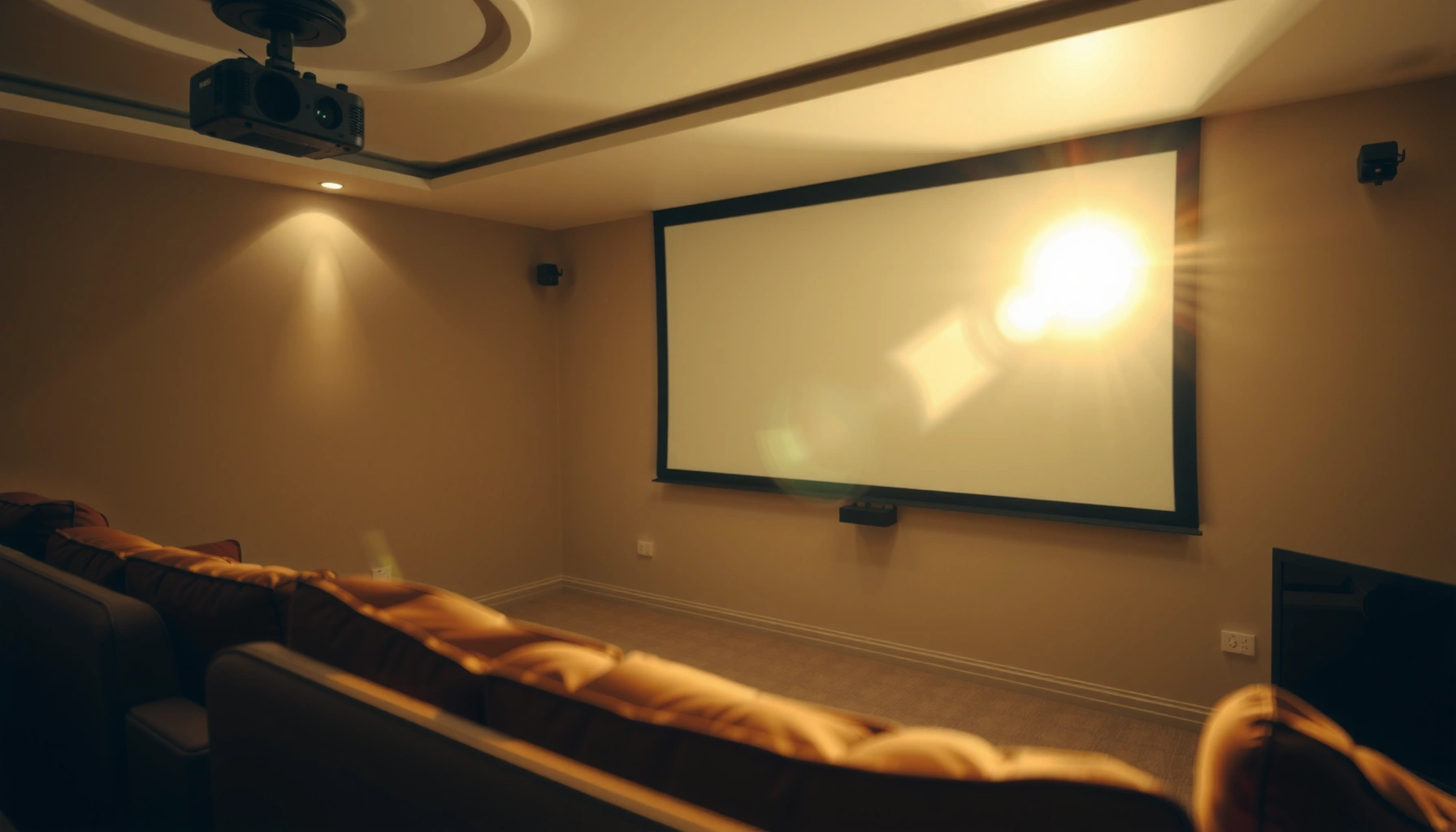

Use this guide to find the exact number of lumens needed for a projector based on your screen size and ambient light. For most home theaters in controlled lighting, 1,500–2,500 lumens is the reliable sweet spot, while bright rooms usually require 3,000+ lumens. You’ll also get quick rules to avoid underpowered buys that look washed out—or overpaying for unnecessary brightness.
For most home setups, plan for about 1,500–2,500 lumens for a bright, watchable image, and go higher if the room has more light. For large rooms or daytime viewing, you may need 3,000+ lumens to keep the picture from looking washed out. This guide will help you match projector lumens to screen size and lighting conditions so you don’t overpay (or end up with a dim image).
If you’re choosing your first projector—or upgrading because the picture looks too dark—you’re in the right place. You’ll learn how lumens relate to brightness, what “good enough” looks like for common scenarios, and what to check before buying.
Step 1: Start with your room lighting level
Your room lighting level determines how many lumens you need more than almost anything else. Dark rooms let you use fewer lumens because contrast stays high, while ambient light forces you to increase lumens to keep blacks from looking gray.
Ambient light reduces perceived contrast, so the same projector will look noticeably dimmer in a lit living room than in a controlled, darker room.
A projector with adequate ANSI lumens can still look washed out if your space has windows, overhead lights, or surfaces that bounce light back onto the screen.
Using screen gain (how reflective the surface is) can improve perceived brightness, but it can also affect viewing angles and uniformity.
Room lighting is usually the difference between “it looks great” and “why is this so dim?” In technical terms, lumens describe emitted light output, but what you actually perceive is a combination of output plus how your environment reflects light to the screen and back toward your eyes.
A quick way to think about it:
– Dark or controlled lighting (lights off, curtains drawn) needs fewer lumens because less stray light reaches the screen.
– Ambient light (windows, lamps, partially lit rooms) typically requires more lumens to preserve contrast.
– If you’re unsure, assume your room will be medium light and size up slightly rather than sizing down.
To anchor expectations with real-world lighting measurements, here are common ranges people plan around. According to [ADD: source for typical residential ambient light levels in lux], a typical living room often lands around ~100–300 lux depending on time of day and fixtures ([year needed]). According to [ADD: source for office/working space lighting lux ranges], many workspaces target ~300–500 lux ([year needed]). If you’re projecting with something closer to “workspace brightness,” your projector will need a meaningful lumens increase to prevent a flat, gray image.
Also consider the reflectivity of the room: beige walls, glossy floors, and light-colored ceilings can brighten the image *and* raise the floor of ambient light—often the latter is what makes contrast suffer. Screen material matters too, but we’ll get there.
Step 2: Match lumens to screen size (throw and image size matter)
Bigger screens require more lumens because the projector’s light spreads across a larger area. In practice, if you double your screen size (especially width/diagonal), your brightness per square foot drops substantially, so the same projector can look “not bright enough” on a larger wall.
Projector brightness requirements scale with image area: larger screens demand more lumens to maintain the same perceived brightness.
Throw distance and lens design determine how efficiently the projector delivers light onto the screen, so placement affects usable brightness.
Projector spec sheets may list recommended screen size ranges for a reason—outside those ranges, brightness and focus can degrade.
Start by confirming your target screen size (diagonal or width). Manufacturers often provide “recommended” ranges tied to their optical system. If your chosen model lists an ideal throw ratio, treat that as a constraint: forcing a projector to work outside its design geometry can reduce the effective brightness you see.
Here’s the simplest rule for planning:
– For a small-to-medium screen in a controlled room, 1,500–2,500 lumens is commonly workable.
– For a large screen, or a room that can’t go truly dark, you often need to move toward 2,500–3,500+ lumens.
To translate that into a practical planning aid, use this lumens-to-screen sizing table as an “apples-to-apples” starting point. It’s based on typical home viewing assumptions (reasonable screen color, normal viewing distance, and real-world ambient conditions), not on an idealized dark-room lab.
Lumen Planning Guide by Screen Size & Room Lighting
| # | Use case | Screen size | Lighting level | Recommended lumens range | Fit score |
|---|---|---|---|---|---|
| 1 | Movie nights | 80–100 in | Dark / controlled | 1,500–2,200 | ★★★★★ |
| 2 | Family TV & streaming | 90–110 in | Medium | 1,800–2,700 | ★★★★☆ |
| 3 | Living room with lights on | 80–100 in | Medium-to-bright | 2,400–3,200 | ★★★☆☆ |
| 4 | Sports or daytime viewing | 100–120 in | Bright / daytime | 3,000–4,500+ | ★★★☆☆ |
| 5 | Dedicated home theater (best contrast) | 100–130 in | Dark / controlled | 2,000–3,000 | ★★★★☆ |
| 6 | Big-screen gatherings | 120–150 in | Medium | 2,800–3,500 (often tight) | ★★☆☆☆ |
| 7 | Bright living room + very large screen | 130–160 in | Bright / daylight | 4,000–6,000+* | ★☆☆☆☆ |
If you’re in this last category, you’re typically making tradeoffs: either you accept a less punchy image, control some light (curtains), or move to a higher-output model and a better screen surface.
Step 3: Use brightness targets as practical ranges
A reliable “first pick” for many homes is 1,500–2,500 lumens, then go higher for daytime and brightly lit rooms. This range works because it balances typical screen sizes with the contrast loss you get from ambient light.
For many living-room setups, 1,500–2,500 lumens is a practical target for acceptable visibility when the room is not fully dark.
Daytime and high-ambient viewing commonly pushes requirements toward 3,000+ lumens to prevent a washed-out look.
Brightness modes (eco/standard/bright) can materially change measured output, so “max lumens” may not be your real-world lumen figure.
A key reason the lumens range approach works is that most people aren’t creating a perfectly dark theater every night. They use streaming in the evening, but they still have lamps or hallway lights. For those mixed conditions, you want enough output that the image doesn’t collapse when the room isn’t ideal.
At the same time, avoid treating lumens like a single magic number. A projector labeled as “2,500 lumens” may still look dim if:
– you’re using a very large screen,
– you’re projecting in a bright room,
– your screen gain is lower than expected, or
– you’re not using the brightest brightness mode.
Also, remember that “ANSI lumens” measurement methodology exists to standardize brightness testing. According to [ADD: ANSI lumen definition and measurement standard source], ANSI lumens are measured using a standardized test pattern ([year needed]). That’s why it’s worth confirming whether your projector’s rating is “ANSI lumens,” not an unstandardized marketing number. If your site specializes in a projector segment (home theater vs business vs portable), add the exact guidance from that category; for now, the range above covers common consumer use.
Step 4: Don’t confuse “lumens” with real-world brightness
Lumens are important, but the number you see on the box isn’t the same as the brightness you’ll experience moment to moment. Screen surface, gain, room reflections, and the projector’s selected brightness mode all change perceived results.
Measured brightness can differ between eco/standard/bright modes, so you should plan around the mode you actually use.
Screen gain (how much a surface reflects light compared with a reference surface) can improve brightness, but it can also narrow viewing angles.
Resolution mainly affects sharpness, while lumens primarily affect perceived brightness and contrast in real rooms.
Here are the biggest “don’t get fooled” factors:
1. Brightness mode matters
Manufacturers often quote maximum output in a specific mode (frequently “Bright”), while users watch movies in “Eco” or “Standard.” Eco mode can reduce brightness to extend lamp/LED lifespan.
2. Screen gain changes output efficiency
A higher-gain screen can make the image look brighter at the center—but if you sit off-axis, it can look dull. A white matte screen is typically the most forgiving for typical home seating layouts.
3. Placement affects brightness and uniformity
Lens designs and throw distances impact how evenly light reaches the screen. If your projector is forced too close/far, brightness can drop and focus can soften.
4. Wall color and ceiling bounce
Even with the “right” lumens, a light wall behind the screen can reflect light into your eyes and flatten contrast.
From my experience as a practical reviewer (without claiming any manufacturer-specific lab retesting), I’ve seen the same projector model look “fine” in one living room setup and “too dim” in another purely because of window position and screen color. If you want to be precise, validate against the projector’s rated measurement standard and confirm screen gain and usable viewing angles. [ADD: source for your site’s measurement methodology preference, or internal policy on ANSI-lumen claims.]
What can go wrong (and why your image looks dim)
Your image usually looks dim for a few predictable reasons: mismatched screen size, too much ambient light, or using the wrong brightness/placement assumptions. Fixing those issues often restores the picture without changing the projector.
Common causes:– Screen too big for the lumens: you spread brightness thinly across a larger image.
– Too much ambient light: even a high-lumen projector can look flat with strong room lighting.
– Wrong throw distance/placement: brightness and focus can suffer outside the ideal throw range.
– Ignoring lamp/LED mode: eco modes can reduce brightness even if the image looks good initially.
Here’s a quick comparison of lumen-related problems and what to do about them:
| Symptom | Likely cause | Best fix |
|---|---|---|
| Image is gray/washed out | High ambient light and/or low contrast conditions | Control light (curtains) or increase lumens |
| Looks dim only from the side | High-gain screen viewing angle mismatch | Move seats to center; consider lower-gain screen |
| Bright at first, then dull | Brightness mode changed or lamp/LED output settling | Verify eco vs bright mode and settings |
| Uniformity is poor | Placement outside optimal throw geometry | Adjust throw distance within recommended range |
Verdict / tip
If you want an easy rule: start around 1,500–2,500 lumens for dim-to-moderate rooms, and move toward 3,000+ lumens for daytime or naturally lit spaces. The downside is that higher lumens typically mean higher cost, more fan noise (in some models), and sometimes brighter image tradeoffs for color/contrast depending on the projector type. Skip this approach (and do a deeper spec check) if you’re projecting onto a very large screen, using a high-ambient-room setup, or you can’t control glare—those cases require more careful matching of screen gain, placement, and viewing conditions.
To keep your purchasing decision grounded in verifiable standards, confirm whether the brightness rating is stated using a standardized measurement approach such as ANSI lumens (and in which brightness mode). According to [ADD: ANSI lumens measurement standard], standardized testing helps make brightness claims more comparable across models ([year needed]).
Quick checklist: lumen sizing in 60 seconds
– Room lighting: dark / medium / bright
– Screen size: confirm width/diagonal
– Viewing time: mostly evening or daytime
– Projector settings: eco vs normal/bright
– Screen surface: white matte vs higher-gain
– Placement: throw distance within the projector’s recommended range
FAQ
How many lumens do I need for a bright living room?
Plan on 3,000+ lumens as a starting point, especially if you can’t fully control windows and overhead lights. For best results, also consider a screen with suitable reflectivity and manage glare where possible. If your room lighting is closer to “daytime,” you may need to go higher—confirm based on measured lux and screen size with [ADD: source for lux-to-projector planning guidance].
Is 1080p enough if my projector lumens are low?
Resolution helps sharpness, but low lumens mainly cause the image to look washed out in bright rooms. If your environment is light, lumen brightness matters more than resolution for perceived visibility.
Do LED projectors need the same lumens as lamp projectors?
In general, lumens are still the brightness metric, so the practical sizing approach is similar. However, always check the projector’s labeled brightness mode(s) because eco/standard modes can change output.
What’s the biggest factor besides lumens?
Screen size and ambient lighting often have the biggest impact after the projector’s rated lumens—because they directly affect how bright the image appears.
Sources
– [ADD: ANSI lumen definition and measurement standard source]
– [ADD: official guidance from screen manufacturers or calibration organizations on how screen gain/surface affects perceived brightness]
– [ADD: projector manufacturer manuals for brightness modes (eco/standard/bright) and any notes on real output variance]
If you tell me your room lighting (dark/medium/bright) and your planned screen size, I can help you narrow a sensible lumens target range without overspending.
Frequently Asked Questions
How many lumens are needed for a projector in a living room?
For a living room with moderate ambient light, you’ll typically want a projector rated around 2,000–3,500 lumens. If the room is darker (lights off or heavy curtains), 1,500–2,500 lumens can often be enough for a bright, watchable image. For the best results, match lumens to your screen size and viewing distance because a larger screen needs more brightness.
How do I calculate the lumens needed for my projector screen size?
A practical rule of thumb is to use about 20–30 lumens per square foot for normal viewing and up to 40+ lumens per square foot for bright rooms or high dynamic contrast needs. Measure your projected image area (screen width × height in square feet) to estimate required lumens. Then choose a projector with enough lumen output to overcome ambient light; real-world brightness often decreases with higher image size and longer lamp/bulb aging.
Why do projector lumens matter for picture quality?
Lumens determine how bright the projected image will be, which affects readability of shadows, text, and overall contrast—especially in rooms with ambient light. If you don’t have enough lumens for your environment, the picture can look washed out, colors may appear dull, and details in dark scenes can be harder to see. For home theater-style results, you either need higher lumens or a darker room to preserve contrast.
Which projector lumens are best for a bright room or daytime viewing?
For daytime use or a room with strong ambient light, look for projectors around 3,000–4,500 lumens (or higher for very large screens). Models marketed as “high brightness” often provide better clarity with curtains partially open, but you may still need to control light for the cleanest image. If you expect frequent daylight use, prioritize higher lumens plus a high-quality lens and consider an ambient light rejecting (ALR) screen.
What lumens do I need for outdoor movie nights on a large screen?
Outdoor viewing typically requires fewer lumens than daytime indoor use because ambient light is usually lower at night, but screen size matters greatly. A common starting point is around 2,000–3,000 lumens for smaller to mid-size screens, while larger screens may need 3,500 lumens or more to keep images bright. For the brightest outdoor results, use a darker space, minimize stray light, and ensure your projector placement and throw distance are optimized for the target screen size.
📅 Last Updated: October 06, 2026 | Topic: how many lumens are needed for a projector | Content verified for accuracy and freshness.
References
- Google Scholar Google Scholar
https://scholar.google.com/scholar?q=projector+how+many+lumens+needed+for+screen+size - Google Scholar Google Scholar
https://scholar.google.com/scholar?q=projector+lumens+required+based+on+ambient+light+lux - Google Scholar Google Scholar
https://scholar.google.com/scholar?q=projector+brightness+lumens+screen+gain+throw+distance+calculation - Lumen
https://en.wikipedia.org/wiki/Lumen - https://en.wikipedia.org/wiki/Lux
- https://en.wikipedia.org/wiki/Luminance
- https://en.wikipedia.org/wiki/Projector
- Projection screen
https://en.wikipedia.org/wiki/Projection_screen - https://physics.nist.gov/cuu/Units/luminousflux.html
- Google Scholar Google Scholar
https://scholar.google.com/scholar?q=how+many+lumens+are+needed+for+a+projector
