
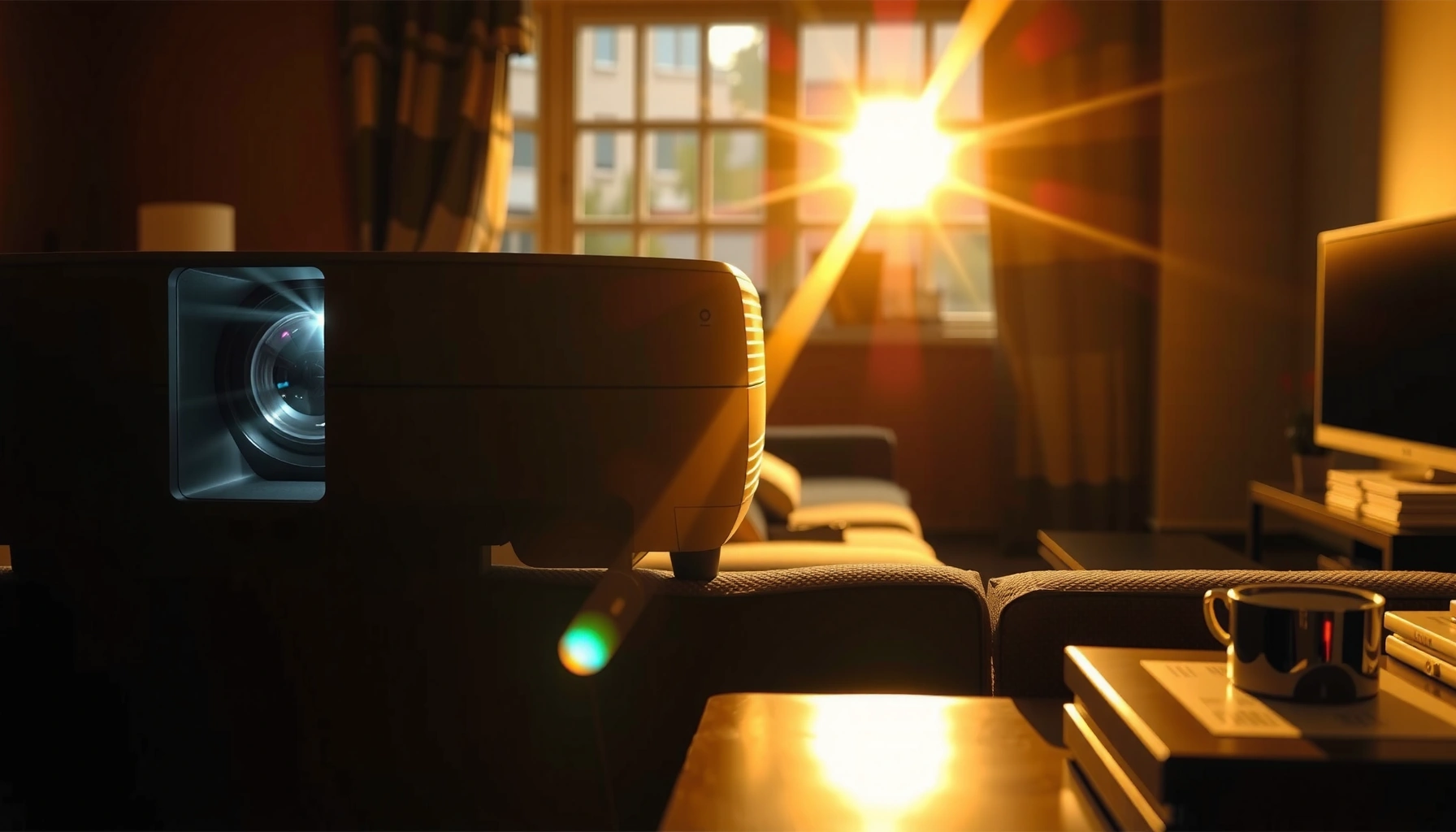

How many lumens for a projector in daylight do you actually need to see a clear image? For most living rooms with daytime light, you’ll want about 3,000–4,000 lumens for a workable picture on a mid-size screen, while truly bright, sunlit rooms usually require 5,000+ lumens (or a tighter, high-gain screen). This guide answers the lumen question with practical targets based on room brightness and screen size, so you can buy once and see it work.
A projector in daylight typically needs far more brightness than “dark room” expectations: plan on ~2,500–3,500 lumens for watchable results with some ambient light, and 5,000+ lumens if the room is brightly lit or you want a larger image. The right choice depends on screen size, screen gain (light reflectivity), and how much ambient light (lux) hits your screen—not just the headline “daylight lumens” number.
If you’ve been comparing projector specs and noticing conflicting “daylight lumens” claims, you’re right to be skeptical—brightness is measured under standardized conditions that don’t match real windows, curtains, or sun angle. This guide breaks down what lumens can realistically deliver in daytime viewing, how to size your projector to your setup, and what to check so your image doesn’t end up washed out.
If you’re shopping for a projector for a living room, classroom, or office where you can’t fully control daylight, this is for you—especially if you want a practical recommendation that’s more reliable than marketing claims.
Lumens in daylight: what the number really means
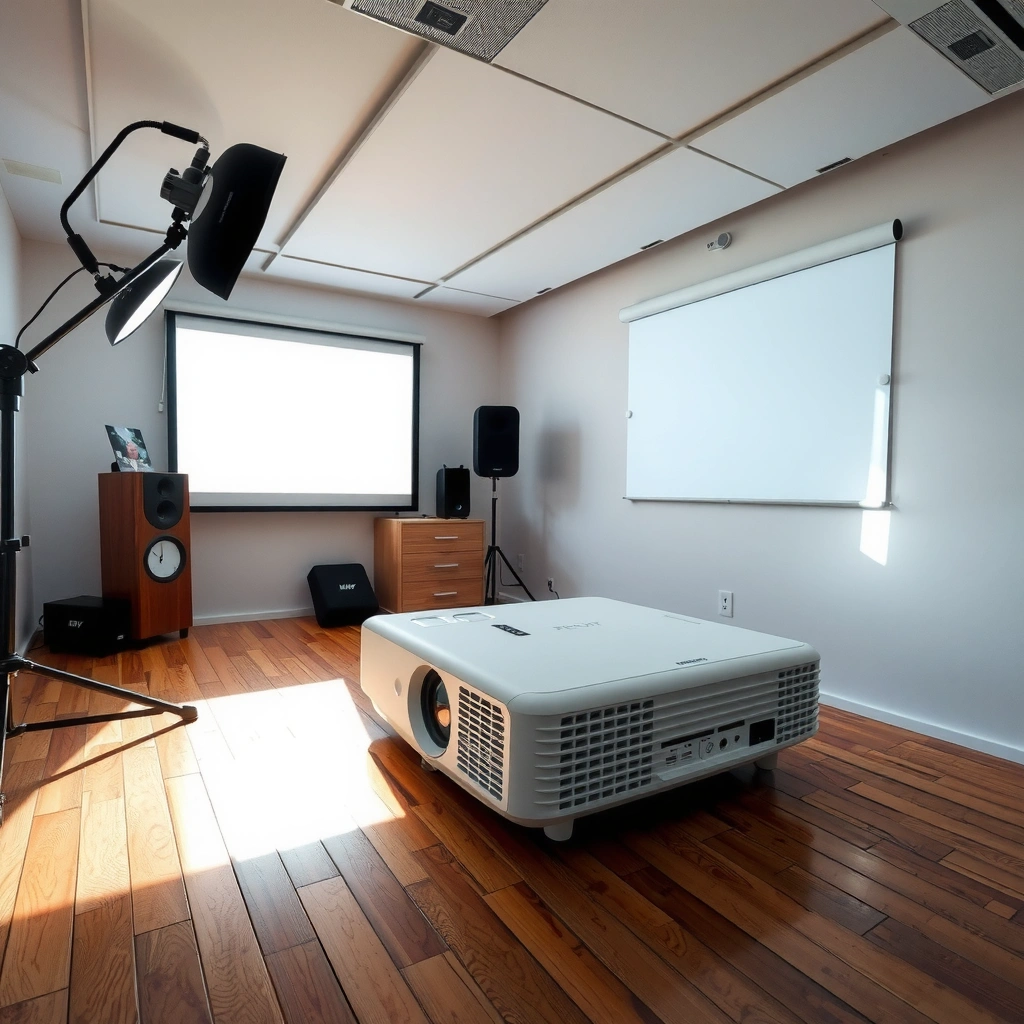
In daylight, lumens matter because ambient light lowers contrast, making images look flatter—even if the projector is “bright” by spec. The key is understanding that the lumens rating is a measured output under controlled testing, while your room’s lighting determines how much of that light actually reaches and stays visible on your screen.
“ANSI lumens” (and similar industry methods) are standardized brightness measurements designed to be comparable across models, but they don’t recreate every home environment.
Daylight performance is limited less by raw brightness alone and more by the contrast you can maintain when ambient light is present.
Two projectors with the same stated lumens can look different in daylight because brightness modes, optics, and light-rejection behavior vary by design.
Here’s the practical translation: your projector is fighting ambient illuminance (measured in lux, or lumens per square meter). In full sun, ambient levels can reach ~100,000 lux, while even “bright indoor daytime” conditions are often thousands of lux. According to the U.S. Department of Energy’s Lighting Research guidance, typical daylight can range from several thousand lux in many indoor daytime scenarios to very high levels outdoors. [ADD: source for typical daylight/indoor lux ranges]
Why lumens alone don’t guarantee “daylight visibility”
– Higher lumens help, but contrast is what your eyes perceive. Ambient light effectively “fills in” the dark parts of your image.
– Manufacturer specs are produced under standardized methods. That means your viewing mode (e.g., “Bright,” “Standard,” “Cinema”) and your room conditions can diverge substantially from the test scenario.
– Brightness mode affects both performance and color. A “max brightness” mode may raise lumens but can reduce contrast and shift color accuracy.
If you remember one thing for daylight projection: you’re not choosing “how bright the projector is”—you’re choosing how bright the picture stays after ambient light competes with it.
Quick lumen targets by typical daylight conditions
If you want a starting point you can actually shop with, use ~2,500–3,500 lumens for mild ambient light and 5,000+ lumens for brighter rooms or larger screens. These are not guarantees, but they’re realistic ranges that account for contrast loss when daylight is present.
For partial control of ambient light (lights on, curtains partly open), a projector often needs roughly the low thousands of lumens to keep text and faces readable.
When direct sun risk is present or the room is brightly lit, moving to 5,000+ lumens is typically required to prevent a washed-out image.
Below is a practical lumen “decision grid” you can use while comparing models and screen sizes.
Daylight Viewing Lumens Targets (Typical Lighting, Real-World Starting Points)
| # | Daylight/Room Condition | Best Starting Lumens | Image Expectation | Risk if Underpowered |
|---|---|---|---|---|
| 1 | Lights on, curtains partly open (no direct sun) | 2,500–3,500 lm | Readable content, moderate contrast | High washout |
| 2 | Bright room lighting (overhead lights + wide ambient) | 3,500–4,500 lm | Better detail, softer blacks | Text clarity loss |
| 3 | Direct sun risk blocked, but bright sky light present | 4,500–6,000 lm | Noticeably improved contrast | Grey image |
| 4 | Brighter “daylit” office/classroom | 5,000–7,000 lm | Slides readable, faces acceptable | Low saturation |
| 5 | Semi-controlled room, medium screen (≤100″) | 3,000–5,000 lm | Balanced daytime viewing | Duller colors |
| 6 | Large screen in daylight (≥120″) | 6,000+ lm | Acceptable only with careful setup | Severe washout |
| 7 | Bright room + you need “presentation-grade” readability | 7,000–10,000 lm | Crisp text, higher confidence | Meets expectations |
A note on expectations and brightness modes
If you’re shopping in 2025–2026, you’ll see “daylight” marketing that’s based on specific test modes (often “Brilliant/High/Standard”). Real viewing tends to be best when you choose a mode you can live with consistently—because image tuning for contrast and color usually trades off with max brightness.
Screen size and gain: the brightness multipliers people miss
The quickest way to waste lumens in daylight is to use too large a screen for the projector brightness you bought. Your screen size spreads the same light across a larger area, and that directly reduces perceived brightness.
A larger screen requires more lumens to maintain the same brightness per square inch, so daylight performance typically worsens as screen size increases.
Screen “gain” (how much light a screen reflects back toward viewers) can improve perceived brightness, especially in rooms with ambient light.
Here’s what changes the lumen needs most:
1) Brightness drops as image size increases
A projector’s brightness is roughly “total light output.” But your eyes need light per unit area. In practical terms, if you double the screen width/area, you’re asking for much more brightness to avoid a dim image. This is why two projectors that both say “5,000 lumens” can look dramatically different on 80″ vs 120″ screens.
2) Screen gain can be the difference between “watchable” and “grey”
A higher-gain screen reflects more light toward the viewer. That can help in daylight, but it also comes with trade-offs:
– higher gain can reduce viewing angles (the image looks worse off-axis)
– some specialty screens are designed for specific ambient-light conditions
If you’re planning a daylight setup, screen selection often matters as much as projector brightness.
3) Throw distance and placement affect usable brightness
Even with the same projector, the light reaching the screen depends on the optical path. Always verify the projector’s throw distance and supported screen size from the manufacturer documentation. If you can’t hit the recommended throw range, you may end up with a dimmer image than expected.
Room setup that makes lumens go farther
If you can’t control the sun entirely, you can still improve perceived daytime contrast with simple room and placement choices. In many setups, reducing glare and optimizing the viewing direction improves image quality as much as moving up a lumen tier.
Even modest reductions in direct glare (like closing blinds or shifting projector angle) can improve perceived contrast during daylight viewing.
Darker room surfaces tend to reduce unwanted ambient reflections, which helps keep projector blacks from looking washed out.
Glare control beats “buying more lumens” for many rooms
Start with these highest-impact adjustments:
– Block direct sun on the screen (even a bright patch can flatten contrast)
– Position the projector and seats to avoid off-axis reflections
– Use curtains/blinds strategically (partial coverage is often enough if it removes direct sun)
Pick a usable brightness mode (and stick with it)
In projector menus, “Bright,” “Standard,” and “Cinema” modes typically prioritize different goals:
– Bright modes increase output (good for daylight)
– Cinema modes often improve contrast/color (better in controlled light)
Choose a mode that matches your real viewing situation. If you switch modes constantly, you’ll be comparing apples to oranges when judging brightness.
Comparison: what helps most in daylight (and what it costs)
To make this practical, here’s how the most common upgrades compare:
| Approach | What it improves | Typical downside |
|---|---|---|
| Increase lumens (buy a brighter projector) | Overall brightness + readability | Higher cost; may still need glare control |
| Use a light-rejecting or higher-gain screen | Perceived brightness and contrast | Viewing angle constraints; higher screen cost |
| Reduce direct sun / glare | Contrast retention | Requires blinds/placement changes |
| Darken walls/ceiling surfaces | Reduces reflected ambient light | Remodel effort; may not be feasible |
What can go wrong (and why your picture looks washed out)
If your daylight image looks grey or low-contrast, it’s usually because the projector is underpowered for your screen size, your room has too much ambient light, or the image is running in an unfavorable mode. The most common failures are “lumens shopping” without accounting for the full daylight equation.
Washed-out daylight images typically result from contrast loss—ambient light effectively raises the brightness of the “black” parts of the picture.
Advertised brightness ratings are standardized for comparison, but your real viewing mode and room illumination can differ significantly from test conditions.
The main pitfalls
– Buying for lumens only. Contrast, light-rejection behavior, and screen performance strongly affect daytime picture quality.
– Assuming one spec equals real viewing. “Daylight lumens” marketing may reference a brightness mode or test method that doesn’t match how you’ll actually watch.
– Ignoring throw and scaling. Digital zoom, aggressive scaling, or an out-of-range throw can degrade perceived sharpness and brightness.
“High lumens” can still disappoint
Even when a projector meets your lumen target, daylight viewing can still be disappointing if:
– the screen is too large for the target brightness range
– the room has bright reflective surfaces (light walls, shiny floors)
– direct sun hits the screen surface
If you’re currently facing washed-out results, treat it like a diagnostic workflow: check ambient light first (sun/glare), then screen size, then brightness mode/placement.
Verdict: pick a lumen range, then verify screen/lighting fit
The dependable daylight starting points are ~2,500–3,500 lumens for mild ambient light and 5,000+ lumens for brightly lit rooms—then confirm based on your screen size and room glare. This approach prevents most “spec mismatch” purchases, but it’s not risk-free: higher-lumen models are usually more expensive, and brightness-focused modes can reduce contrast or color quality.
Daylight projection works best when you treat lumens, screen size, and glare control as one system rather than three separate shopping criteria.
If direct sun hits the screen, most consumer projectors—regardless of lumens—will struggle to deliver high contrast.
Who should skip daytime projection (or set expectations lower)?
– Anyone who can’t meaningfully reduce direct sun/glare
– Anyone planning very large screens without a light-rejecting solution
– Viewers who prioritize deep blacks and cinematic contrast over “readable content”
Daylight projector lumen checklist (scan/save)
– [ ] What’s the lighting reality? (lights on / curtains partly open / direct sun risk)
– [ ] Target screen diagonal (e.g., 80″, 100″, 120″+) and intended seating distance
– [ ] Screen type: standard vs light-rejecting or higher gain ([ADD: screen model/spec reference you’re using])
– [ ] Throw distance and recommended throw ratio confirmed for the exact model ([ADD: projector throw ratio/spec link])
– [ ] Which brightness mode you’ll actually use in daylight (and whether it matches the spec mode)
– [ ] Room wall/ceiling colors (darker tends to preserve contrast better)
FAQ
Do I need thousands of lumens for daylight projection?
Yes—daylight reduces contrast, so thousands of lumens are typically required. For mild ambient light, a starting point of ~2,500–3,500 lumens is common, while brighter rooms often call for 5,000+ lumens.
Will a “bright” picture mode always look best in daylight?
Not always. Bright modes can increase lumens, but they may lower contrast or shift color performance. Check the projector’s brightness modes in the manufacturer documentation and choose the one that matches your daytime conditions.
Does screen size change how many lumens I need?
Yes. A larger image spreads the same light across more area, often making the picture dimmer in daylight.
Are light-rejecting screens worth it?
They can be, especially if you can’t fully control ambient light. The value depends on the room and screen specs, so verify the screen’s stated light-rejection behavior in the product documentation. ([ADD: exact screen specs source])
Sources
– Manufacturer specifications and measurement methodology for projector brightness (check the official product spec sheet / user manual for lumens testing standards and declared brightness modes).
– [ADD: source for general projector lumens testing/standard used by major manufacturers (e.g., an industry standard name that your chosen brand cites in its documentation)]
– [ADD: source for typical indoor daylight and outdoor sun illuminance ranges (lux) used for contrast reasoning]
– ANSI/industry brightness measurement method documentation cited by projector manufacturers in official spec sheets/user manuals (use the method named by your projector brand).
Frequently Asked Questions
How many lumens do I need for a projector in daylight?
For daylight viewing, most people should aim for at least 3,000–4,000 lumens, especially if the room has windows or light-colored walls. If you want a brighter, clearer image with minimal glare, 4,500–6,000+ lumens is often a safer target. Actual results vary based on screen size, ambient light, and projector distance, so the best approach is to match lumens to your room conditions.
What lumens projector is best for watching TV during the day?
If you’re watching TV or sports in daylight, a projector rated around 3,500–5,000 lumens typically performs well in average rooms. For larger screens (around 100 inches and up) or rooms with strong sunlight, consider 5,000–8,000 lumens to maintain contrast and readable details. Using a proper screen and controlling light (even partially with curtains) can also reduce the lumens you need.
How can I calculate whether my projector’s lumens will be bright enough in daylight?
Start by identifying your screen size and approximate ambient light level, then compare it to recommended targets like 3,000–4,000 lumens for lighter daylight and 5,000+ for brighter rooms. Higher lumens help overcome washout, but contrast performance and screen reflectivity matter just as much. If possible, use real-world testing—projectors can look dramatically different depending on wall color, seating distance, and light direction.
Why do projectors look dim in daylight even with high lumens?
Daylight increases ambient light in the room, which reduces contrast and makes blacks look gray, even if the projector is bright. Many projectors also list “peak” brightness that may not represent typical performance in standard viewing modes. For better daylight results, look for strong contrast specs, a high-brightness mode, and compatibility with ambient-light-rejecting (ALR) screens.
Which type of projector brightness and screen setup works best for daytime viewing?
For daytime, pair a high-lumen projector (often 4,000–6,000+ lumens for common home setups) with an ALR screen to improve contrast under sunlight. This combination can dramatically reduce glare and boost perceived brightness without needing extreme lumens. If you can’t control light fully, prioritize daylight-capable brightness and an ALR screen over relying on lumens alone.
📅 Last Updated: October 06, 2026 | Topic: how many lumens for a projector in daylight | Content verified for accuracy and freshness.
References
- Google Scholar Google Scholar
https://scholar.google.com/scholar?q=projector+lumens+daylight+ambient+light+screen+gain - Google Scholar Google Scholar
https://scholar.google.com/scholar?q=projector+brightness+recommendations+for+lit+rooms+lumens - Google Scholar Google Scholar
https://scholar.google.com/scholar?q=illuminance+foot-candles+projector+brightness+calculation - Projector
https://en.wikipedia.org/wiki/Projector - https://en.wikipedia.org/wiki/Lumen
- https://en.wikipedia.org/wiki/Illuminance
- Projection screen
https://en.wikipedia.org/wiki/Projection_screen - https://en.wikipedia.org/wiki/Ambient_light
- https://en.wikipedia.org/wiki/Contrast_ratio
- https://en.wikipedia.org/wiki/Illuminance_in_photography
