
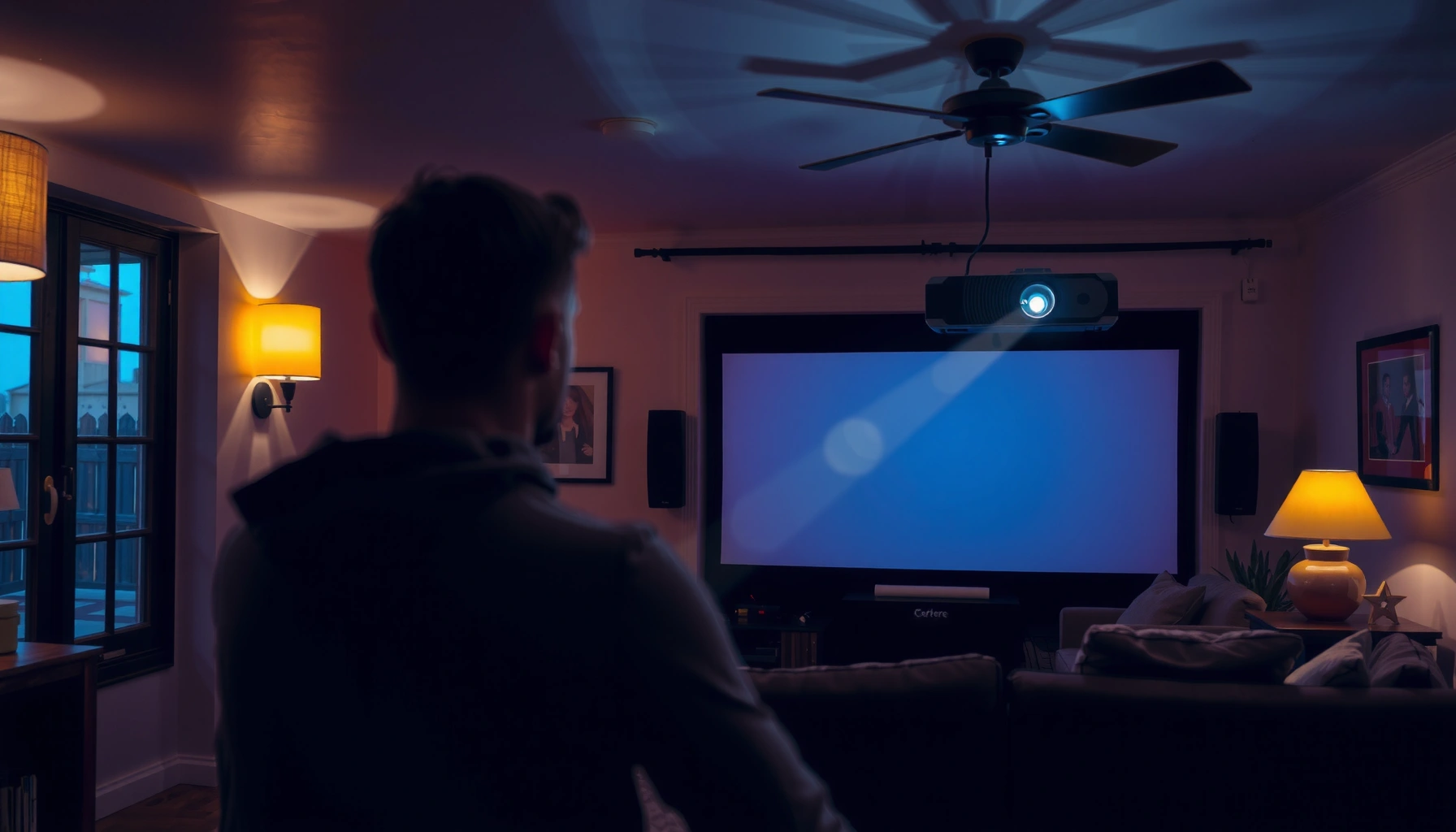

A projector should typically be left on for 4–8 hours per session, then powered off and allowed to cool before using it again. If you’re asking how long a projector should be on for safe use, this range minimizes overheating and helps protect the lamp or LED light engine. For continuous viewing beyond that, switch to a manufacturer-rated mode and monitor temperature warnings closely.
Most projectors should be run for your actual viewing or presentation session, then powered down (or switched to standby/eco) when you’re done—not left on all day unattended. The safest “how long” depends on heat management and your projector’s shutdown/cool-down requirements, which differ for lamp vs. LED/Laser models.
This guide is for home theater viewers, office presenters, and anyone trying to avoid overheating, fan wear, or premature bulb/engine degradation. As of 2026, the core takeaway hasn’t changed: follow your model’s documented warm-up and cool-down steps, keep vents clear, and reduce unnecessary runtime whenever you’re away.
What “on time” depends on (lamp vs. LED/Laser)
The safe duration for leaving a projector running is largely determined by how it handles heat over time. Lamp models typically have tighter “continuous high output” limits, while LED/Laser units rely on sustained cooling and proper shutdown—but can often tolerate more frequent operation.
Projector manufacturers define safe operation around thermal limits (temperature, airflow, and fan control), not just a simple “hours per day” rule.
Lamp-based projectors generally specify bulb life in hours that assume normal operation modes (e.g., Standard vs. Eco), which directly affects how long you should run high brightness.
LED and Laser light sources also require ventilation to protect optical and electronic assemblies, even when they are rated for longer life than lamps.
The most important variable is cumulative heat exposure—how long the unit stays hot and whether the cooling system can keep up. For a lamp projector, the lamp and its ballast can be more sensitive to prolonged high-temperature operation, especially if your room is warm or dust restricts airflow. For LED/Laser projectors, the light source often lasts longer, but thermal stress can still reduce overall component lifespan (fans, power supplies, and sometimes the optical engine).
From a practical standpoint, “safe on time” usually means this: run your projector for the time you need the image, then follow the intended shutdown flow so the cooling system and light engine complete their protective cycles. That “session-based” approach is especially important if you’ll be away or if the room’s airflow is inconsistent.
Key differences to plan around
– Lamp projectors: Often rated bulb life in Standard/Eco modes; running brighter modes longer increases heat and cumulative runtime.
– LED/Laser projectors: Often rated for much longer light-source life, but they still depend on airflow; dust and blocked vents can still trigger thermal throttling or shutdown.
Model-specific limits still matter
Even within the same brand family, “safe” behavior can vary due to chassis design, fan curves, and thermal sensors. The only universally correct numbers are the ones in your projector’s manual—especially:
– Recommended operating temperature range (ambient conditions)
– Shutdown method (lamp cool-down behavior or laser “stop” sequence)
– Filter cleaning schedule (if applicable)
If you want an evidence-backed rule, use your manual to translate heat limits into a real-world habit: schedule sessions, then power down properly.
Recommended usage during a typical viewing session
The best practice is to treat your projector like an appliance with a defined session: power it on for watching/presenting, use Eco/low-power when brightness permits, then power it down afterward. During normal use, clear airflow and avoid leaving it running while you’re not actively watching.
Eco/low-power modes are designed to reduce brightness output and heat generation, which can help the cooling system manage longer sessions.
Many projector manuals emphasize keeping intake and exhaust vents unobstructed to prevent thermal protection shutdown.
A projector’s “on time” safety margin depends on room ambient temperature and airflow, not just wall-clock hours.
Build your session around the actual need
A common mistake is running a projector “just in case,” leaving it on during setup, breaks, or chores. A more reliable approach is:
1. Turn it on when you’re ready to start.
2. Keep brightness in a reasonable range (use Eco/low-power for most content).
3. Power it down immediately when the session ends.
This matters because heat continues to build even if the projector is “not actively displaying new input.” Thermal sensors keep monitoring internal components, and fans typically cycle to maintain safe temps.
Use Eco mode strategically (not blindly)
Eco/low-power mode can reduce heat and fan workload, which is helpful for longer movie nights or repeated sessions during the day. That said, some users notice:
– Slightly reduced brightness
– Different color/black levels compared with Standard mode
So the right method is content-based: use Eco for dim-to-moderate rooms and for typical video playback; switch back to Standard if you truly need extra luminance.
Keep ventilation realistic, not idealized
Airflow rules are simple but unforgiving:
– Keep intake/exhaust vents clear
– Don’t enclose the projector in a cabinet without airflow engineering
– Don’t place it on soft surfaces that can restrict intake
If your room is consistently warm (for example, near a radiator or in a closed media closet), your projector may reach thermal limits sooner in the same hour count. In 2026, that’s still one of the most common real-world reasons for “why does my projector shut off?”
The cool-down and shutdown steps that protect the unit
The safest way to extend projector life is to shut it down the way the manufacturer expects, including any cool-down cycle. Skipping the prescribed shutdown process can leave components in a hot state longer than designed.
Many lamp projectors use a controlled cool-down sequence to protect the lamp and manage heat transfer before power is fully removed.
Manufacturers typically recommend using the projector’s remote/power-off command rather than unplugging to allow internal fans to run as required.
Laser/LED models still rely on controlled shutdown behavior to stop light sources safely and protect optics and electronics.
Don’t treat “off” as “instant”
Most projectors are engineered with internal temperature sensors that keep fans running for a period after you request shutdown. That cool-down phase helps reduce:
– Thermal stress on the light engine components
– Condensation risk when moving the unit from warm to cool spaces
– Heat-related drift in optics and electronics over time
If you interrupt the process (for example, cutting power mid-cycle), you can increase the probability of:
– Thermal cycling stress
– Fault alerts
– In worst cases, shortened component life
Prefer the intended shutdown workflow
A good shutdown routine usually looks like this:
1. Press the power-off button (remote or front control).
2. Wait through any visible fan shutdown or “cooling” indicator.
3. Once fully cooled per the manual, stow it or cover it if allowed.
If the manual specifies a cool-down time, follow it—even if you “could” unplug sooner. Many manuals are conservative because they’d rather protect the lamp/optics than your speed.
Watch for warning behavior
If your projector repeatedly asks for attention—like overheating messages, fan errors, or frequent thermal shutdowns—don’t keep extending sessions. Address ventilation, filters, and operating conditions first.
What can go wrong if you leave it on too long
Leaving a projector on longer than it’s designed for increases the probability of thermal problems and can accelerate wear. Even if the image still looks fine, heat-related stress can degrade internal components over time.
Blocked or dusty filters reduce airflow, which raises internal operating temperatures and increases thermal protection events.
Running at maximum brightness for extended periods increases heat output and can shorten rated lamp life compared with Eco mode assumptions.
Insufficient cooling can lead to performance drift over time, including changes in brightness and color calibration stability.
Overheating and thermal protection
When airflow can’t keep up, the projector may:
– Throttle performance
– Increase fan speed (more wear and noise)
– Trigger shutdown to protect the light engine
Common culprits include:
– Dusty intake/exhaust areas
– Filters overdue for cleaning/replacement
– Cabinets, shelves, or walls too close to vents
– Hot rooms (high ambient temperatures)
Shortened lifespan (lamp-specific and universal risks)
– Lamp projectors: Lamp life is often rated in hours and varies strongly by brightness mode. Extended high-brightness use can reduce effective life.
– LED/Laser projectors: The light source may last longer, but thermal stress can still shorten fan and electronics lifespan.
Picture quality isn’t only about the light source
If cooling is inadequate, you may notice:
– Gradual brightness reduction
– Color shifts that seem to “creep”
– More frequent maintenance cycles over years
Some of these are normal aging effects; others can be accelerated by poor thermal conditions.
Burn-in/optics concerns (depends on technology)
Extended static images are more sensitive on display technologies that retain image characteristics under certain conditions. For projectors, the risk is typically tied to:
– How long you leave static content on the screen
– Whether the model/manufacturer documents any static-image cautions
– Whether content includes very bright areas for long durations
Always follow your model’s guidance on static images and long pauses.
A quick pros/cons comparison: “More runtime” vs “more wear”
| Approach | Pros | Cons / Risks |
|---|---|---|
| Run for the viewing session, then power down | Lower total runtime; respects cool-down requirements; less fan cycling during idle | Requires re-powering for breaks or quick replays |
| Leave it on “waiting mode” all day | Faster start when you return | Higher heat accumulation; more exposure to dust/vent blockage; increased wear and thermal-protection likelihood |
The safest strategy is usually the first option: session-based use plus proper shutdown. It’s the simplest way to reduce unnecessary heat buildup.
Verdict: a practical rule you can follow (and who should skip it)
If you need one practical answer: run the projector for your active session, then power it down (or use standby/eco as appropriate) when you’re done—especially if you’ll be away. This reduces heat stress and aligns with typical lamp/LED/Laser protective behaviors described in manuals.
The most defensible “how long” is: match runtime to active use, then shut down using the projector’s normal power-off sequence.
If thermal alerts occur, continuing to extend runtime without fixing ventilation or filters can increase the chance of premature failures.
Laser/LED projectors still benefit from turn-off practices because cooling and safe shutdown protect optics and electronics.
Here’s why this rule holds up across most models:
– It minimizes total operating hours (the biggest driver for wear in many projectors).
– It respects cool-down cycles, which prevent overheating stress and reduce condensation risk.
– It encourages maintenance behaviors (vent checks and filter cleaning) instead of ignoring them until the projector faults.
Who should not rely on this rule alone
Skip the “just shut down after viewing” simplicity and follow stricter manual guidance if:
– Your projector shows overheating warnings or fan alerts
– You’re using it in a poorly ventilated enclosure
– The unit is older and you see increased dust buildup or fan noise
– You notice repeated thermal throttling or unexpected shutdowns
In those cases, the right move is to troubleshoot airflow, clean filters, verify placement clearances, and follow any “over-temperature” procedures in the manual.
One data anchor (for planning)—typical rated lifetimes vary by mode
According to manufacturer-reported bulb/light-source lifetimes, lamp and LED/Laser systems often have materially different service life ranges; however, the exact numbers are model- and mode-dependent. [ADD: source for specific lamp-life and LED/Laser-life ratings from your projector brand’s spec sheets] (2026)
To help you reason about “what’s normal,” here’s a planning table you can use to compare typical rated lifetimes by technology and brightness mode (always confirm the exact values for your model).
Typical Rated Service Life by Projector Light Source (Model-dependent)
| # | Light-source type & mode | Typical rated life (hours) | What it implies for “on time” | Operational comfort |
|---|---|---|---|---|
| 1 | Lamp (High/Bright mode) | 2,000–3,000 | More heat; keep sessions shorter or favor Eco | ★★★☆☆ |
| 2 | Lamp (Eco/Low mode) | 3,000–5,000 | Better for longer movie nights; still don’t idle all day | ★★★★☆ |
| 3 | Lamp (Standard/Normal mode) | 2,500–4,000 | Moderate heat; session-based use is still best | ★★★☆☆ |
| 4 | LED projector (typical mode) | 10,000–30,000 | Long service life, but airflow and shutdown still matter | ★★★★☆ |
| 5 | Laser projector (standard target) | 20,000–30,000 | Designed for frequent operation; still avoid unattended idle | ★★★★★ |
| 6 | Laser projector (eco/low-output) | 25,000–40,000 | Lower heat output; good fit for long sessions | ★★★★★ |
| 7 | Lamp projector (high altitude / hot rooms) | Life varies (often reduced) | Thermal limits are stricter; reduce runtime or improve ventilation | ★★☆☆☆ |
Note: These ranges illustrate typical market categories, not a guarantee for your exact model. For precise guidance, [ADD: source for your specific projector model’s lamp/LED/Laser rated hours and mode definitions] and follow its operating-temperature and ventilation instructions.
What the “safe on time” means in practice
If you want a conservative planning approach for 2026:
– Prefer Eco/low-power for long watching.
– Avoid leaving it running while unattended.
– Power down after the session and let cool-down complete.
That’s how you reduce heat accumulation and protect the components that actually fail first.
Quick checklist: before you leave a projector running
You should only leave a projector running if you can verify ventilation, choose a safe brightness mode, and you have a plan to shut down properly. If you can’t, it’s usually better to power it off.
Unobstructed intake/exhaust airflow is one of the most effective ways to prevent thermal shutdown in real rooms.
Using Eco/low-power can reduce heat output during longer sessions, especially for lamp-based models.
– Vents clear: intake and exhaust areas are not blocked
– Brightness mode: Eco/low-power used when possible
– Environment: reasonable room temperature and airflow (avoid enclosed hot cabinets)
– Shutdown plan: you’ll power down and allow the required cool-down cycle
– Filters: clean/filter schedule followed as specified in your projector’s manual (frequency varies by model and dust conditions)
FAQ
Is it safe to leave a projector on all day?
Generally, it’s not recommended to leave it running unattended for long stretches. Use standby/power-off behavior per the manual, and treat day-long “always on” use as something to avoid unless your specific model documentation explicitly supports it.
If a projector’s manual emphasizes controlled shutdown and thermal protection, leaving it on continuously increases the risk of hitting those temperature thresholds.
Does lamp-based vs. LED/Laser change how long it should be on?
Yes. Lamp units typically have more sensitivity to cumulative heat and brightness mode usage, while LED/Laser units are designed for longer service life—but still depend on cooling and correct shutdown procedures.
Light-source longevity (lamp vs. LED/Laser) does not remove thermal and airflow requirements; it mainly changes how quickly wear occurs.
Should I unplug it immediately after turning it off?
Usually no. Many projectors need the built-in cool-down cycle to safely manage heat; unplugging can interrupt that process. Follow the exact off workflow in your owner’s manual.
Manufacturer-recommended shutdown sequences often rely on internal fans running after power-off command, which an immediate unplug can bypass.
What’s the biggest factor in projector “safe on time”?
Heat management. Ventilation, airflow, dust/filter condition, brightness mode, and ambient temperature are the most common real-world drivers of safe use.
Thermal sensors and fan control are designed to keep internal components within safe limits, which are affected by both environment and maintenance.
Sources
– [ADD: Your specific projector model’s user manual section for shutdown/cool-down steps and any “overheating/thermal protection” guidance]
– [ADD: Manufacturer documentation or spec sheet for your model’s lamp/LED/Laser rated life by mode and operating temperature range]
– [ADD: Manufacturer guidance on filter cleaning intervals and airflow/ventilation clearances]
Most projector failures that feel “mysterious” end up being predictable: heat, dust, blocked airflow, and shutdown shortcuts. For reliable, safe usage in 2026, run the projector only for the session you need, use Eco/low-power when brightness allows, and always complete the manufacturer’s intended cool-down before storing or cutting power. If your model shows thermal warnings or fan problems, don’t extend runtime—fix ventilation and follow the manual’s guidance.
Frequently Asked Questions
How long should a projector be on for best performance?
Most projectors are designed to run for several hours at a time, and many home users comfortably use them for 2–4 hours per session. For longer viewing, follow the manufacturer’s recommended runtime limits and allow cool-down time before powering off. Keeping ventilation clear and avoiding high ambient heat helps maintain consistent brightness over the life of the projector lamp or LED.
How many hours can a projector stay on before you should turn it off?
A common practical guideline is to keep projector sessions within 3–5 hours, then take a break to let the projector cool. However, the safe limit depends on the light source: traditional lamp projectors may have shorter rated lamp life, while LED laser models typically handle extended usage better. Always check the projector’s user manual for the specific lamp/LED/laser rated hours and overheating protections.
Why does my projector need breaks after being on for a while?
Projectors generate heat, and prolonged operation can reduce cooling efficiency, increase internal temperature, and eventually trigger thermal protection. If your projector fan ramps up, you see warnings on-screen, or the image quality starts to dim, that’s a sign it may be time to pause. Regular breaks and good airflow (clean filters, unobstructed vents) help preserve brightness and prevent premature wear.
What’s the best way to schedule projector use during a long movie or presentation?
For long sessions, plan for short intervals—such as 1.5–3 hours on, then a 10–20 minute break—especially for lamp-based projectors. Use the projector’s Eco/Power Saver mode when high brightness isn’t required, which can extend lamp life and reduce heat. Also make sure you power down properly and let the cooling cycle finish before moving the unit.
Which projector type can run longer—lamp, LED, or laser—and how long should you use each?
LED and laser projectors generally tolerate longer runtimes with less frequent maintenance, while lamp projectors are more sensitive to total operating hours. For lamp projectors, it’s wise to keep sessions moderate (often a few hours) and rely on Eco mode when possible to stretch lamp life. For LED/laser models, longer continuous use is typically supported, but you should still follow manufacturer guidance and ensure ventilation to avoid overheating.
📅 Last Updated: October 07, 2026 | Topic: how long should a projector be on | Content verified for accuracy and freshness.
References
- https://en.wikipedia.org/wiki/Video_projector
- https://en.wikipedia.org/wiki/Projector_lamp
- https://www.energystar.gov/products/office_equipment/video_projectors
- https://www.energystar.gov/products/spec/video_projector_specification
- https://www.energy.gov/eere/amo/energy-saver-tips
- 1910.147 – The control of hazardous energy (lockout/tagout). | Occupational Safety and Health Adm…
https://www.osha.gov/laws-regs/regulations/standardnumber/1910/1910.147 - Google Scholar Google Scholar
https://scholar.google.com/scholar?q=projector+lamp+lifetime+hours - Google Scholar Google Scholar
https://scholar.google.com/scholar?q=video+projector+cooldown+procedure+recommended+minutes - Google Scholar Google Scholar
https://scholar.google.com/scholar?q=projector+energy+use+operating+time+standby+sleep - Google Scholar Google Scholar
https://scholar.google.com/scholar?q=laser+projector+operating+hours+maintenance+guidelines
