
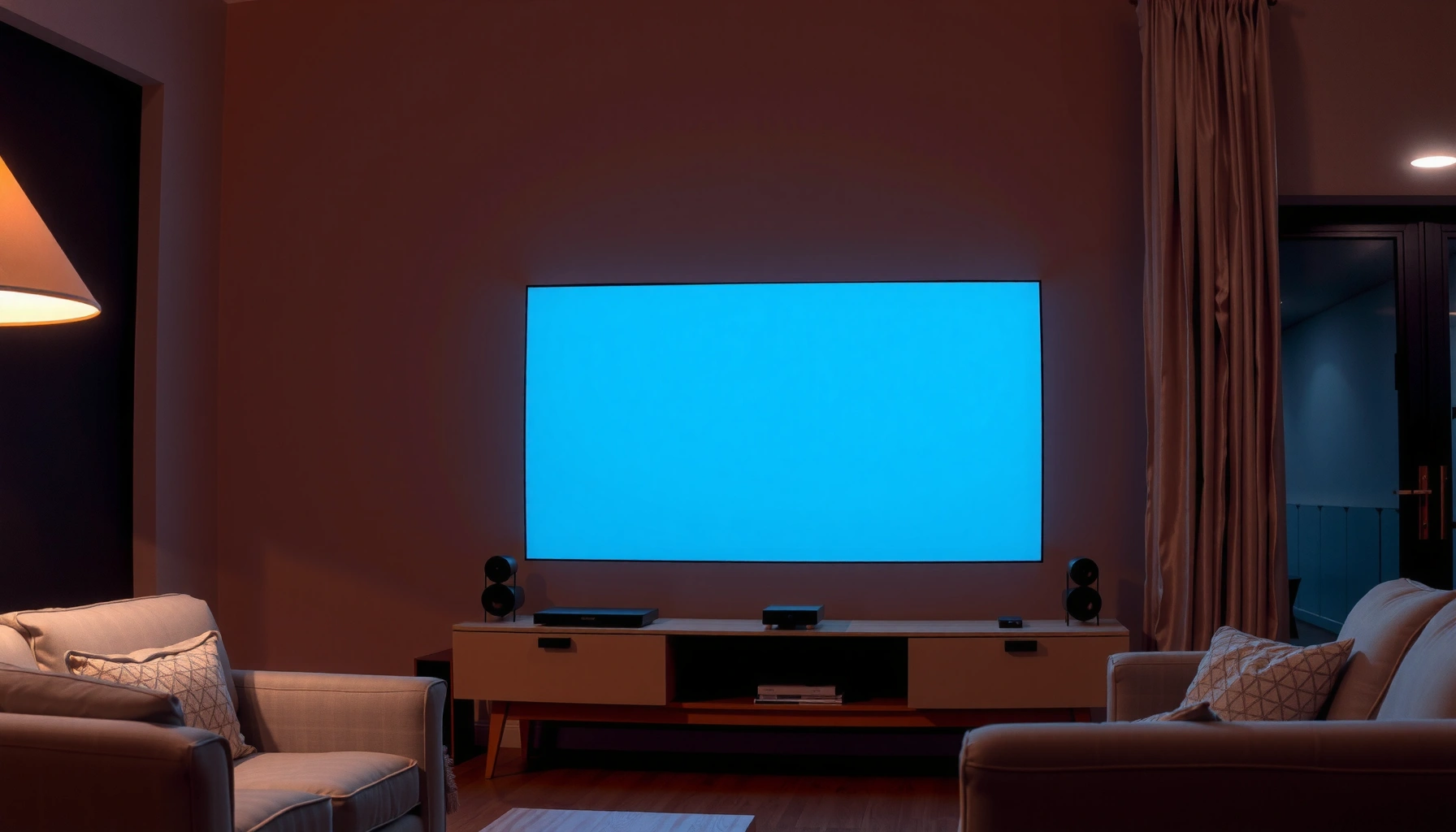

For a living room projector, the right answer to “how many lumens” is typically 2,000–3,000 lumens for a clear, watchable image with some ambient light. If you use a darkened room or a high-contrast screen, you can drop closer to 1,500–2,000 lumens; if you need bright lights on, aim at the higher end. This quick guide tells you exactly where to land based on your room brightness and screen size.
For a living room projector, you’ll usually want about 2,000–3,000 lumens if the room has some ambient light. If you can darken the room with curtains and reduced overhead lighting, you may be comfortable with ~1,500–2,500 lumens—but it depends heavily on screen size, throw distance, and how bright the room really gets.
If you’re shopping a projector and wondering whether “lumens” actually matter for your setup, this is for you—especially if your living room isn’t fully light-controlled.
Match lumens to your room brightness (the real deciding factor)
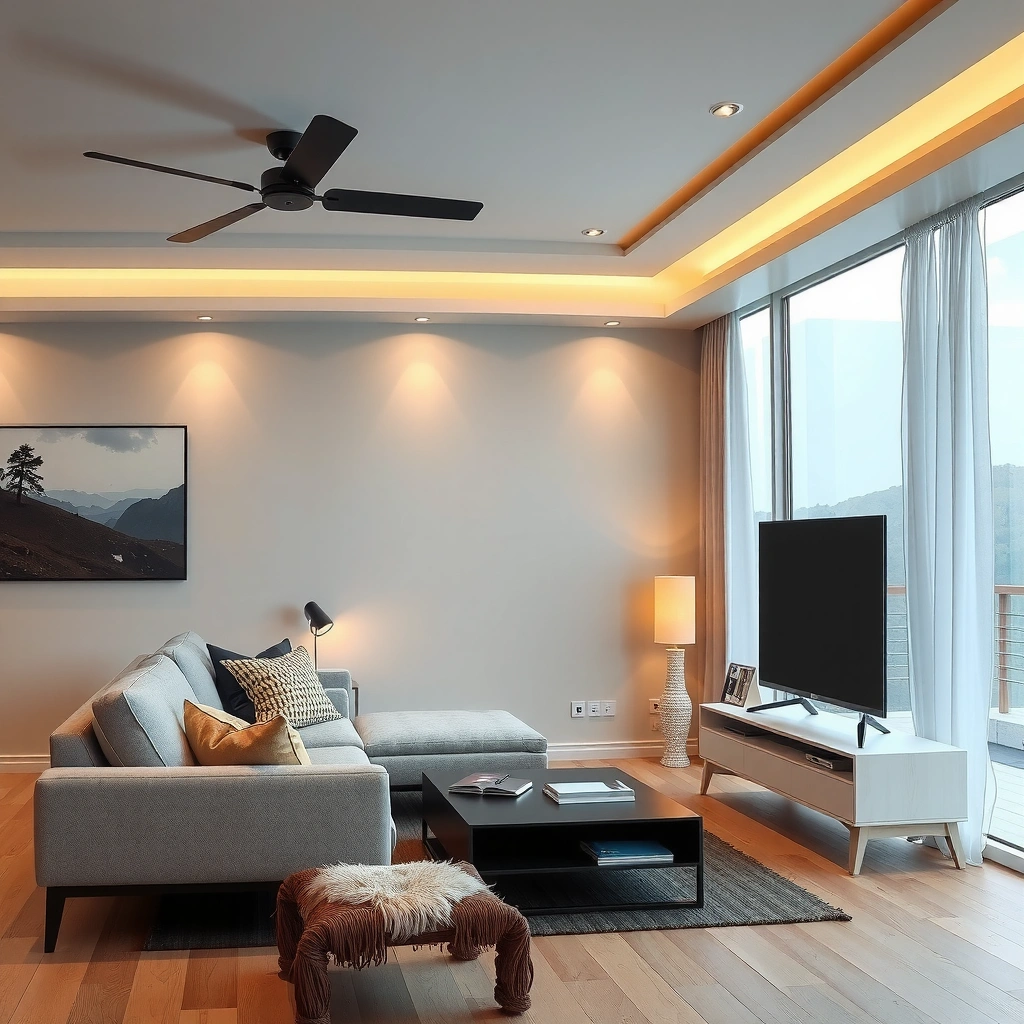
More ambient light means you need more lumens to keep the image looking vivid and readable. In practice, the room’s brightness matters as much as the projector’s spec because stray light reduces contrast and washes out dark tones.
How Living Room Ambient Light Changes the Lumens You Need
| # | Living room lighting scenario | Ambient light control | Recommended lumens target | Image risk (brightness/contrast) |
|---|---|---|---|---|
| 1 | Daytime viewing with curtains mostly open | Limited | 3,000–4,000 | ★★☆☆☆ |
| 2 | Daytime viewing with some light blocking | Partial | 2,700–3,500 | ★★★☆☆ |
| 3 | Evenings with one overhead light on | Partial | 2,000–3,000 | ★★★★☆ |
| 4 | Evenings with mostly lights off, some spill | Good | 1,800–2,700 | ★★★★★ |
| 5 | Fully darkened room (curtains closed) | Full | 1,500–2,300 | ★★★★★ |
| 6 | Game nights with bright reflections on walls | Variable | 2,300–3,200 | ★★★★☆ |
| 7 | White/reflective room surfaces + intermittent light | Partial | 2,700–3,700 | ★★★☆☆ |
To anchor the “like-for-like” concept, remember that lumen ratings typically depend on measurement standards. According to [ADD: ANSI lumens definition source], ANSI lumens are produced using a defined light-measurement procedure (often described as a multi-point method), which helps make brightness comparisons more consistent between projectors.
Key statistic for expectations: most living-room decisions are driven less by “maximum brightness” and more by usable brightness in the setting you’ll actually watch (often Standard/Bright modes rather than Eco). Manufacturers commonly state that picture modes change brightness and power draw—so plan for the mode you’ll use in 2026, not the marketing peak.
Direct rule you can use immediately
– More ambient light = more lumens needed.
– Use the simplest rule: darker room → lower lumens; brighter room → higher lumens. If you can’t control light, start toward the upper end.
Ambient light reduces perceived contrast, so the same projector can look significantly “dimmer” in a bright room than in a dark room.
ANSI lumens exist to standardize projector brightness measurement, but manufacturers may still present different lumen definitions depending on model and marketing.
In practice, the projector mode you choose (Eco/Standard/Bright) often changes lumens-output meaning—so check the spec for the mode that matches your viewing.
Pick a realistic target: 1,500 vs 2,000 vs 3,000+ lumens
Choose your lumens target based on how much you can control the room’s light during viewing. If you’re unsure, 2,000–3,000 lumens is a strong baseline for most living rooms with partial light control.
Here’s the “why” behind those ranges: projectors lose contrast when they have to compete with ambient light, and larger screens spread the same brightness across more area. So you’re not only buying raw lumens—you’re also buying resilience against your room’s lighting.
– ~1,500–2,500 lumens: typically workable for living rooms with partial light control (not fully dark).
– ~2,000–3,000 lumens: a common “safe” range for rooms with some ambient light.
– ~3,000+ lumens: consider if your room is consistently bright or you want a more forgiving image during daytime viewing.
Most living-room projector recommendations land around 2,000–3,000 lumens because many homes can’t achieve full darkness without effort.
Higher-brightness settings (often labeled Bright or Standard) typically maintain image visibility under ambient light better than Eco mode.
If you can darken the room, the projector’s luminance has less “competition,” which is why 1,500–2,500 lumens can work for many viewers.
Screen size and gain can change perceived brightness, meaning two projectors with the same lumens rating may look different on different screens.
A practical mapping to your habits (not just your room)
Ask yourself when you’ll watch most:
– Evening movies with lights mostly off? You can often bias toward 1,500–2,500.
– Regular viewing with at least one light source on? Plan around 2,000–3,000.
– Daytime viewing without truly dark curtains? Consider 3,000+ and be prepared for less “cinema-grade” contrast compared to fully dark rooms.
[ADD: exact lumens guidance from specific projector manufacturer(s) or a calculator recommendation, if available on your site.]
Screen size and throw distance affect how bright it looks
Lumens alone don’t tell the full story because screen size and throw distance determine how bright the image becomes per square foot. Bigger screens require more light to look equally vivid.
A projector’s brightness output spreads across the screen area. If you increase screen size without increasing lumens, the image can look flatter and less punchy—especially in a living room with ambient light.
– Larger screens require more brightness to maintain the same perceived image.
– Throw distance matters because it impacts how the image spreads; higher throw setups can look dimmer at the same screen size (and some projectors change focus/brightness uniformity by optics and lens design).
A larger screen uses more area, so the same lumen output can result in lower brightness per unit area.
Throw distance and lens optics influence how much brightness reaches the screen, so “lumens on paper” may not match your wall.
Manufacturer specs often present brightness and installation guidance together, which is why the best comparisons include both lumens and lens/throw details.
– [ADD: linkable example from your site showing screen size vs lumens impact, or a screenshot—if you have one.]
What to check in the specs (quick and actionable)
1. Screen size (diagonal) you plan to install or use.
2. Throw ratio / throw distance range for your mounting position.
3. Brightness mode you’ll actually run (Eco vs Standard vs Bright).
4. Screen type (matte white vs gain screen).
If you’re currently unsure about screen size, a reasonable starting point for many living rooms is a [ADD: typical screen sizes you recommend, if you have site content] range, then adjust upward only if your room lighting supports it.
Don’t ignore brightness standards: “lumens” can be marketed differently
Lumens can be measured and reported in different ways, so your real comparison should focus on the measurement standard and the declared mode. Otherwise, two “3,000-lumen” projectors may not be equally bright in practice.
A common confusion: some listings reference ANSI lumens, while others use different measurement approaches (sometimes closely tied to lamp/LED output rather than a standardized projection test). This isn’t just academic—measurement differences can lead to visible discrepancies in the same room.
– Many projectors list ANSI lumens or LED/lamp lumens.
– Make sure you’re comparing like-for-like when possible.
– Real-world brightness changes with settings (Eco/Standard/Dynamic) and over time.
ANSI lumens refer to a standardized measurement approach designed to improve cross-model comparability.
Brightness modes commonly trade output brightness for other performance targets such as noise, color, or contrast.
If a projector’s spec does not clearly state the measurement basis (e.g., ANSI), treat lumen numbers as less directly comparable.
Brightness changes with time and mode
Even within the same projector, brightness can vary:
– Eco/dynamic modes can reduce output for efficiency or perceived motion smoothness.
– Lamp/LED light sources can change output characteristics as they age.
[ADD: source for how ANSI lumens are measured, if you plan to cite it.]
What can go wrong (and how to avoid a dim, washed-out picture)
Most “my projector looks dim” problems come from mismatched lumens, screen settings, or room reflections—not from a faulty expectation. You can avoid washed-out images by aligning projector brightness with your ambient light and screen choice.
Here are the typical failure points:
– Buying too few lumens for the room: the image looks gray or washed out, even if the projector is “bright on paper.”
– Relying on Eco mode for daytime viewing: Eco can reduce brightness—fine for a dark room, less ideal for ambient light.
– Mismatched screen type: a white screen vs a gain screen changes perceived brightness; don’t assume lumens alone will fix everything.
If ambient light remains significant, contrast drops, which is often perceived as “dimness,” even when the projector meets its labeled lumen output.
Eco mode often lowers brightness to extend lamp/LED life, so it can underperform for daytime or brightly lit living rooms.
Screen gain can increase perceived brightness, but it can also affect viewing angles and hotspot behavior depending on screen design.
Pros and cons: using higher lumens vs improving control
Definitionally, you can “solve” dimness either by increasing projector brightness or by reducing ambient light.
| Approach | Pros | Cons |
|---|---|---|
| Higher lumens projector (e.g., 3,000+) | Works even when lights stay on; more forgiving for daytime | Often costs more and may be louder in Bright modes |
| Light control upgrades (curtains, dimmers) | Improves contrast and perceived “movie feel” without changing hardware | Requires behavioral change (and sometimes installation) |
| Gain screen | Can boost perceived brightness for the same projector | May narrow viewing angle; screen cost |
Screen gain basics (don’t assume it’s magic)
A gain screen can make the picture look brighter, but gain is not free: it comes with optical tradeoffs (like narrower sweet spots). [ADD: source for screen gain basics from a manufacturer or AV authority]
– [ADD: source for screen gain basics from a manufacturer or AV authority.]
Verdict: a practical lumens starting point (with downsides)
If you want one easy starting point, choose 2,000–3,000 lumens for most living rooms where you can’t guarantee full darkness. It gives you enough brightness headroom to handle typical evening lighting and many “partially lit” setups.
That said, higher-lumen models have real downsides:
– Cost: brighter units often cost more.
– Noise: some projectors get louder when run in higher-brightness modes (especially if cooling ramps up).
– Contrast compromise: even with brightness, a bright room still reduces perceived blacks compared to a truly dark room.
– Skip the higher-lumen push if you routinely watch with curtains closed and lights off—then you may not need it.
– Lean higher if you often watch with lights on or during the day (or if your room has reflective surfaces).
A “best” lumens value is contextual: the same projector brightness looks different depending on screen size, room light level, and viewing distance.
When ambient light is present, contrast reduction is often the main reason pictures appear washed out.
If you watch mostly in dark conditions, lower lumens can deliver strong results with better contrast than a “brighter is always better” strategy.
Quick checklist: choose the right lumens fast
– Room light: mostly dark / partial light / bright
– Screen size: [ADD: typical screen sizes you recommend, if you have site content]
– Viewing time: evening only vs daytime
– Projector mode: Eco/Standard/Bright (plan based on your room conditions)
– Screen surface/gain: standard white vs gain screen
| Use case | Suggested lumens target |
|---|---|
| Darker living room | ~1,500–2,500 lumens |
| Some ambient light | ~2,000–3,000 lumens |
| Bright room / daytime | 3,000+ lumens (as needed) |
FAQ
Do I need more lumens for a larger living room screen?
Usually, yes. Larger screens spread the same light over more surface area, so the image can lose punch unless you increase projector brightness or choose a screen with higher gain.
Will a projector with lower lumens work if I close curtains?
Often, yes. Reducing ambient light improves contrast, so ~1,500–2,500 lumens can be enough for many living rooms when the room is genuinely light-controlled.
Are LED and lamp projectors measured the same way for lumens?
They may both be marketed in lumens, but the measurement basis can differ across models. Always check whether the spec states ANSI lumens (or another defined standard) in the product documentation. [ADD: source for your cited measurement standard.]
What settings make the projector look dimmer?
Eco/Dynamic modes and certain picture settings can reduce brightness output. If you’re viewing in a brighter room, you’ll typically want the mode that preserves more lumens (commonly labeled Standard/Bright). [ADD: cite from manufacturer manual/specs if you include specific models.]
Sources
– [ADD: source for ANSI lumens definition and measurement method—official standard or manufacturer measurement documentation]
– [ADD: projector manufacturer documentation on brightness modes and how lumens are specified (Eco/Standard/Dynamic)]
– [ADD: official manufacturer or screen-guide source for how screen gain affects perceived brightness]
In summary, 2,000–3,000 lumens is the best “default” range for many living rooms where ambient light isn’t fully controlled, while 1,500–2,500 lumens can work well if you can darken the space. Make your final choice by combining lumens with screen size, throw distance, brightness mode, and screen type, and you’ll avoid the most common disappointment: a projector that looks bright on paper but washed out in your actual room.
Frequently Asked Questions
What is the ideal number of lumens for a living room projector?
For most living rooms with some ambient light, aim for about 2,000–3,000 lumens for a bright, comfortable image. If you can control light well with blackout curtains, 1,500–2,500 lumens may be sufficient for movies and TV. For brighter rooms with windows or daytime viewing, higher-lumen projectors (often 3,000+ lumens) will look more reliable.
How many lumens do I need for a 100-inch screen in my living room?
Screen size strongly affects perceived brightness, so a 100-inch living room setup generally benefits from roughly 2,500–3,500 lumens depending on your room light. If the room is dark, you can usually get good results closer to the lower end, but ambient light will require more lumens to keep blacks and contrast from washing out. Measure or estimate your seating distance and choose a projector lumen rating that accounts for your projector’s brightness at your intended image size.
Why do living room projector lumens matter if my projector also has “auto brightness” or ECO modes?
Lumens are a direct indicator of brightness, so even with ECO or auto modes, the image can become dimmer when the projector reduces power. In a living room, ambient light can quickly reduce contrast, making lower-lumen settings feel “gray” rather than crisp. If you expect daylight or evening lighting, you’ll typically want enough rated lumens to stay bright even at your preferred brightness mode.
Which is better for a living room: 1080p projector with 3,000 lumens or 4K projector with 2,500 lumens?
If your living room has noticeable ambient light, higher lumens (around 3,000) often gives a more usable image with better visibility, especially on larger screens. A 4K projector with fewer lumens may look sharper in a darker room, but it can underperform in brightness when lights are on. The best choice depends on your viewing conditions: prioritize lumens for day-to-day living room use, and prioritize resolution mainly if you can control lighting.
Best lumens range for movie nights in a living room with blackout curtains?
If you can fully darken the living room, you can usually enjoy excellent results with about 1,500–2,500 lumens. This range supports satisfying contrast and a cinematic feel, particularly for evening movie nights. If you sometimes watch with lights on, consider moving toward 2,500–3,000 lumens so the projector still looks bright and detailed without heavy washout.
📅 Last Updated: October 06, 2026 | Topic: how many lumens for living room projector | Content verified for accuracy and freshness.
References
- Projector
https://en.wikipedia.org/wiki/Projector - https://en.wikipedia.org/wiki/ANSI_lumen
- https://en.wikipedia.org/wiki/Lumen
- Illuminance
https://en.wikipedia.org/wiki/Illuminance - https://en.wikipedia.org/wiki/Contrast_ratio
- Projection screen
https://en.wikipedia.org/wiki/Screen_gain - https://www.energystar.gov/products/lighting_101/what_to_know_about_light_bulbs
- https://www.energy.gov/energysaver/articles/choosing-light-bulbs-energy-and-cost
- Google Scholar Google Scholar
https://scholar.google.com/scholar?q=home+theater+projector+lumens+recommended+brightness - Google Scholar Google Scholar
https://scholar.google.com/scholar?q=projector+brightness+ambient+light+lux+study
