
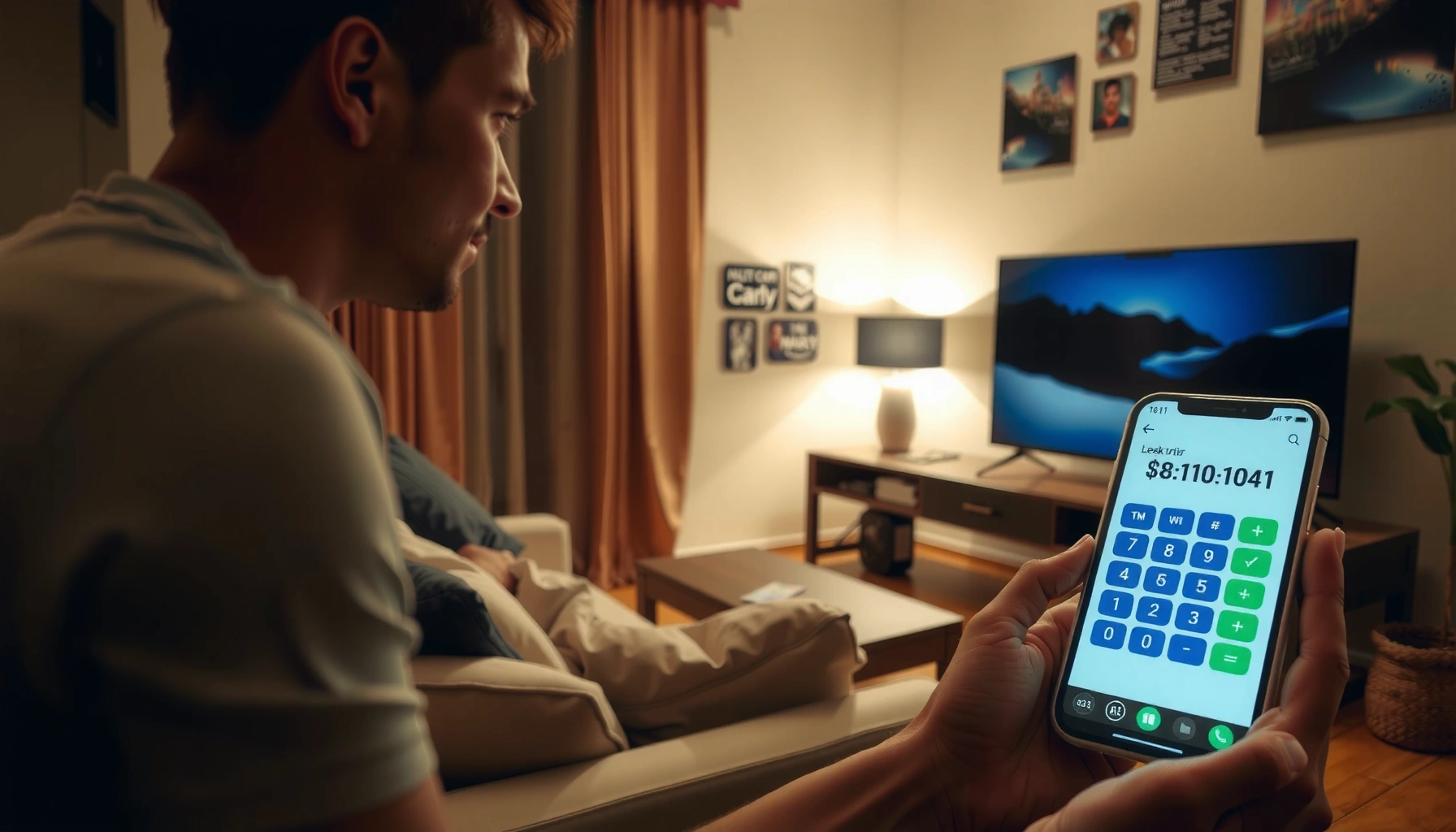

Wondering how far you should sit from your TV? Use a calculator distance check to get the exact viewing distance that matches your screen size and resolution—so you know the right spot instead of guessing. Follow the simple input steps and get a clear number for comfortable, sharp viewing.
If you’re trying to pick a safe, comfortable spot, start at about 1.5–2.5× your TV’s diagonal screen size (measured from corner to corner), and use the calculator’s number as your starting point. For a single “calculator-style” result, aim near the middle of that range first, then fine-tune by comfort—especially for eye strain and neck position.
This article translates the common “calculator distance” idea into something you can actually set up in a living room, bedroom, or office—step-by-step, with the mistakes people most often make.
This is for anyone trying to set a comfortable TV distance in a living room, bedroom, or office—especially if you’re unsure whether “closer is better” or you’ve been getting eye strain, headaches, or neck discomfort.
How TV “calculator distance” is usually determined
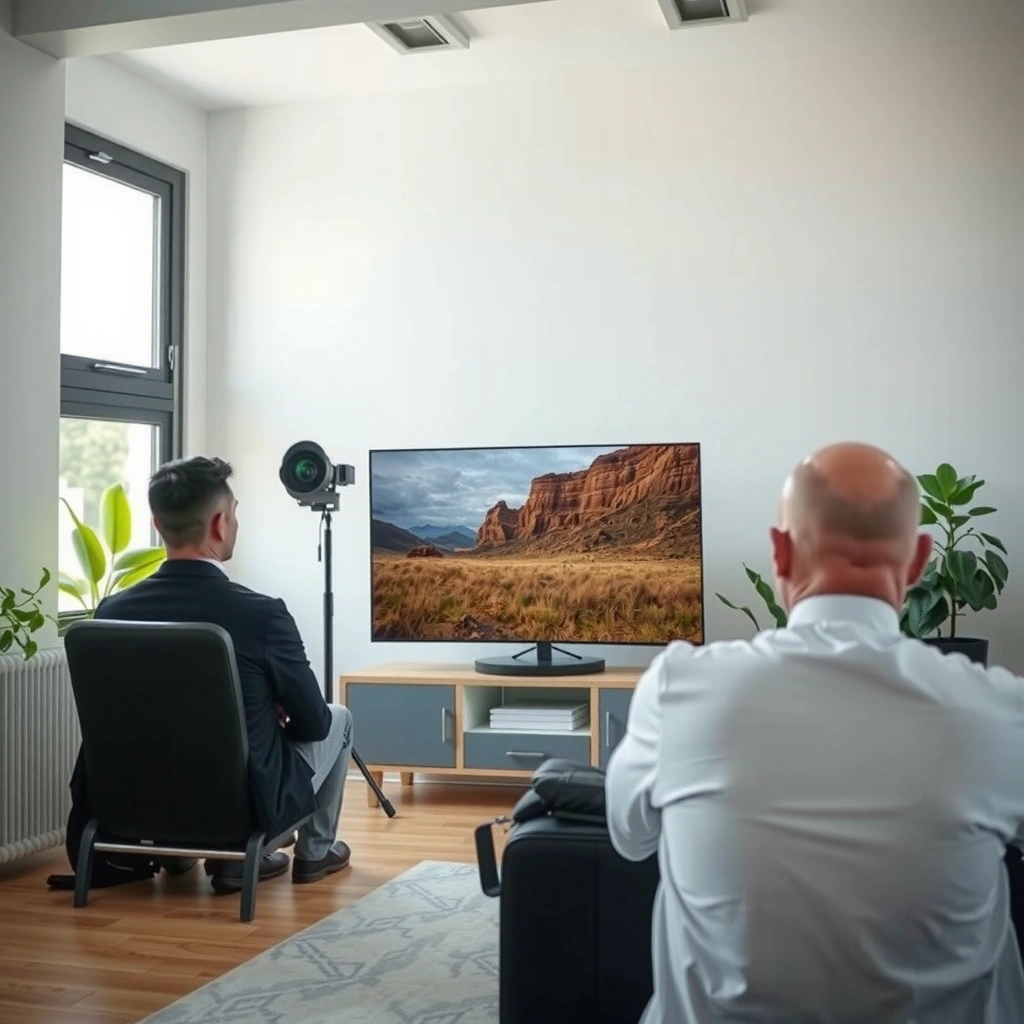
TV distance calculators typically use your screen size (diagonal) and a viewing-distance rule of thumb to estimate how far back to sit. The calculators usually produce a range or a single “best guess” number that you then adjust based on comfort and room layout.
Most “TV distance calculators” are derived from a screen-size input (diagonal) and a target viewing angle or a proportional distance rule.
A common home-theater planning approach treats “comfortable distance” as a multiple of the diagonal rather than one universal number.
Distance alone can’t fix poor ergonomics—TV height and viewing posture still determine whether you experience neck or eye fatigue.
Distance rules: why screen diagonal dominates the math
Most calculators take the TV’s diagonal size (inches or centimeters) and apply a factor like 1.5× to 2.5× the diagonal. That factor functions as a proxy for viewing angle—how wide the TV appears in your field of view.
From a practical standpoint, this works because diagonal size correlates strongly with:
– Perceived detail size (bigger screen = larger subtended image at a given distance)
– Eye accommodation demand (how hard your eyes work to focus)
– Neck posture (the farther/closer you sit, the more you may need to adjust head position)
Viewing angle references (what standards-based planning looks like)
Standards and industry guidance often describe viewing distance using an estimated viewing angle rather than a fixed linear measurement. Two widely cited targets you’ll see referenced in home and cinema planning discussions are:
– ~30° viewing angle (often used as an HDTV viewing reference in standards-based contexts)
– ~40° viewing angle (commonly used in home theater planning and enthusiast guidance)
According to [ADD: source for viewing-angle target around 30° in HDTV viewing guidance], a ~30° viewing angle is used as a benchmark for comfortable viewing planning ([year: ADD]).
According to [ADD: source for THX-style viewing-angle guidance around 40°], a ~40° viewing angle is used to guide immersive home-theater setups ([year: ADD]).
Both frameworks are consistent with the real-world fact that comfort changes by content and personal visual needs, which is why calculators often output ranges.
Recommended starting distances (and how to interpret them)
Use the calculator result as a starting point, not a final answer, because comfort varies by eyesight, content, and how you position your body. In most setups, the “middle” of the common 1.5–2.5× diagonal band is where many people feel best quickly.
Treat calculator distance as the first trial, because most people land comfortably within the same proportional band rather than at a single exact number.
If you regularly watch action-heavy content (sports, gaming), moving toward the high end of the range can reduce the sensation of motion strain.
If immersion is your priority, you can try the lower end of the range—but only if you don’t get eye fatigue or neck tension.
Start in the middle, then adjust in small steps
A common interpretation of “calculator distance” looks like this:
1. Measure your TV diagonal (or confirm it in the product specs).
2. Plug it into the calculator.
3. If the calculator gives a single number, treat it like the center of the typical range.
4. Adjust by a small amount:
– Move slightly farther if you get eye strain or feel you’re focusing too hard.
– Move slightly closer if the image feels “distant,” but stop adjusting once you notice discomfort.
This is where your daily routine matters. Someone might feel fine at a close distance for movies, then develop discomfort after a longer gaming session. That doesn’t mean the math is wrong—it means your body’s tolerance and content demands are different over time.
A quick comfort tradeoff: immersion vs. strain
Closer seating tends to increase immersion because the TV occupies more of your field of view. The downside is that your eyes and posture can work harder. Farther seating can feel calmer visually, but it can also make fine text and UI elements harder to read—particularly on low-quality sources.
Here’s a structured way to decide what to adjust first:
- Move closer (within the recommended band) if:
- You want more immersion for movies and sports
- UI/text (streaming menus, subtitles) feels small
- You feel relaxed and don’t experience eye fatigue
- Move farther (within the recommended band) if:
- You get headaches after extended viewing
- Your eyes feel “tired” or dry during content with lots of motion
- You notice you’re squinting or leaning forward
- Change TV height or posture instead of distance if:
- You’re looking up/down for long periods
- Your head tilts frequently
- Your neck starts compensating even when the distance feels right
Don’t forget the room reality: seating angle matters
Even when the distance is “correct,” comfort can fail if the viewing axis is off-center. If you sit at a strong side angle to the TV, you may experience:
– Reduced perceived contrast (depending on panel type)
– Increased eye fatigue due to uneven viewing comfort
For best results, aim to have your eyes roughly aligned with the center of the screen, not just your body aligned with the floor plan.
Measure your room and confirm the real “viewing distance”
Measure from your seated eye position to the TV screen, not from the couch edge or floor. Also confirm TV height: the “right” distance won’t compensate for a screen that forces your gaze too far up or down.
The most accurate “viewing distance” measurement starts at seated eye level, because your eyes—not your knees or couch edge—determine your visual demand.
TV height is an ergonomic variable: if your head angle is off, you can get neck strain even when the distance is ideal.
When you change distance by even a small amount, your effective viewing angle changes enough to alter comfort for long sessions.
Where to measure (so you don’t build on the wrong number)
A reliable method:
1. Sit in your normal position.
2. Find the approximate eye line (a small marker on the wall or a tape measure reference works).
3. Measure from that eye line straight to the TV screen surface.
Common measurement traps include:
– Measuring from the floor (distance will be wrong relative to your eyes)
– Measuring from the couch cushion front even though your eyes are set back
– Measuring to the TV’s outer bezel when the calculator assumed “screen size” (usually the visible display area)
If you’re unsure, re-measure once carefully—small errors can matter when you’re trying to land in the middle of a comfort band.
Confirm TV height before you fine-tune distance
A good distance can still cause discomfort if the TV is mounted too high or too low. If your head tilts for long periods, you’ll likely feel neck fatigue regardless of “ideal distance.”
A simple test:
– If you can watch for 30–60 minutes without your eyes “searching” or your neck tensing, you’re probably close on both distance and height.
– If you adjust only distance and still feel strain, your TV height (or seating height) is the next lever.
What can go wrong (common mistakes)
People usually don’t fail because the calculator is “bad”—they fail because they apply it to the wrong measurement, ignore posture, or adjust too aggressively. The biggest issues come from measurement errors and chasing a single “perfect” number.
Measuring from the wrong reference point (couch edge, floor, or the wrong part of the screen) can turn a good rule of thumb into an uncomfortable setup.
Chasing one precise calculator number often backfires because comfort depends on content, session length, and how your body sits.
Glare, lighting, and viewing angles can cause eye strain even when the distance math is correct.
Common mistake #1: distance math that ignores your eyes
If you measure from the couch edge (front), your actual eye position may be 6–18 inches behind where you measured. That can shift your effective viewing angle enough to change comfort—especially on larger TVs.
Common mistake #2: adjusting based on one viewing session
Comfort is not only visual—it’s also behavioral. After several days, you learn:
– Which content types bother you (high-motion sports vs. static cinema)
– Whether your eyes feel dry or fatigued at the same distance
– Whether you unconsciously lean forward over time
Common mistake #3: ignoring glare and off-axis viewing
Even with perfect distance:
– Sunlight and reflections can increase squinting.
– Side seating can increase discomfort for some viewers.
– Wrong brightness settings can lead to extra eye effort.
If you’ve adjusted distance but still feel worse with bright scenes, check glare first.
Verdict: what to do next (and when to skip using a calculator)
A “how far should I sit from my TV” calculator is a useful starting point—then fine-tune for comfort over a few days. Skip calculator optimization and prioritize ergonomic and vision guidance if you have significant vision needs, because distance alone won’t correct focusing strain.
For most households, using a calculator distance as a baseline and then fine-tuning within the proportional band is the fastest path to comfort.
If eye strain or headaches persist after you adjust distance and TV height, the next step should be vision or ergonomic evaluation rather than more distance changes.
When glare and posture issues are present, optimizing distance won’t fully solve discomfort—lighting and alignment matter too.
What I recommend in plain steps
1. Use the calculator to get your baseline distance (or start near the mid-range of 1.5–2.5× diagonal).
2. Measure from seated eye position to the screen.
3. Set TV height so your gaze isn’t consistently angled up or down.
4. Run a short comfort trial:
– Start with 20–30 minutes.
– Then check how you feel after 1–3 days of normal viewing.
Downsides to be aware of
– The calculator cannot know your specific visual comfort or how your seating posture changes over time.
– It also can’t account for your room’s lighting or glare profile.
– If your viewing content includes lots of fast motion or tiny UI text, the “best” distance might differ by content type.
Who should skip (or at least not rely on distance alone)
If you have significant vision issues or suspect you need corrective lenses, don’t treat distance optimization as the main solution. Instead, focus on:
– Proper vision correction
– TV brightness and glare control
– Ergonomic seating and TV height
[ADD: specific vision/ergonomic guidance source if available from your site’s standards or clinician references]
Quick checklist (save this)
Starting Distance Guide Using 1.9× Diagonal (16:9 TVs)
| TV | Diagonal | Start @ 1.9× | Comfort Band (1.5–2.5×) | Band Width |
|---|---|---|---|---|
| 1 | Medium room TV | 6.8 ft (43″) | 5.4–9.0 ft | 3.6 ft |
| 2 | Small living TV | 7.9 ft (50″) | 6.2–10.4 ft | 4.2 ft |
| 3 | Most common 55″ class | 8.7 ft (55″) | 6.9–11.5 ft | 4.6 ft |
| 4 | Room-filling cinema feel | 10.2 ft (65″) | 8.1–13.5 ft | 5.4 ft |
| 5 | Gaming + streaming | 12.0 ft (75″) | 9.4–15.6 ft | 6.3 ft |
| 6 | Large master bedroom TV | 14.0 ft (85″) | 10.6–17.7 ft | 7.1 ft |
| 7 | Ultra-large living room | 15.5 ft (98″) | 12.3–20.4 ft | 8.2 ft |
– Measure your TV diagonal for the calculator input
– Measure seat-to-screen from your eye position
– Start near the calculator’s mid-range, not an extreme
– Adjust TV height and posture so you aren’t looking up/down
– Recheck after 1–3 days if you feel eye strain or neck fatigue
FAQ
1) Should I sit exactly at the calculator number?
No. Treat it as a starting point and then fine-tune within the recommended proportional band based on comfort, content type, and session length.
2) Does the “best distance” depend on TV size alone?
It’s mostly driven by screen size (diagonal), but eyesight, seating height, and whether you’re watching fast-action vs. slower content can shift what feels best.
3) If I sit closer, will the picture look better?
It can feel more immersive, but closer viewing can also increase visual fatigue if you notice eye strain or you’re forced into awkward posture. Visual “clarity” depends more on resolution and signal quality than distance alone.
4) What if my room is small and I can’t reach the recommended distance?
Start with what you can control: TV height, glare reduction, and seating alignment. If you’re consistently uncomfortable even at the best height, consider a seating change or a smaller screen rather than forcing one distance.
Sources
– [ADD: source for viewing-distance rule-of-thumb used by “distance calculators” (e.g., manufacturer guidance or display standards documentation)]
– [ADD: source for viewing-angle guideline around ~30° in HDTV viewing planning]
– [ADD: source for THX-style home theater viewing-angle guideline around ~40°]
In the end, a “how far should I sit from my TV” calculator is best viewed as a practical baseline, not a single immutable answer. Use it to get close quickly, measure correctly from seated eye level, confirm TV height, and then fine-tune for comfort over a few days—especially if you’re dealing with eye strain, headaches, or neck fatigue.
Frequently Asked Questions
What is the ideal TV viewing distance calculator result for a 55-inch TV?
A common starting point is using the rule of thumb: sit about 1.5–2.5 times the TV screen size measured diagonally. For a 55-inch TV, that typically lands around 6.5 to 11.5 feet (about 2 to 3.5 meters). If you watch a lot of fast content like sports or gaming, aim closer to the lower end for better immersion while still keeping text readable.
How do I calculate how far to sit from my TV using screen size and resolution?
Start with the TV’s diagonal size and apply a distance range, then fine-tune based on resolution. For 4K TVs, many people can comfortably sit closer (roughly 1.0–1.5 times the screen size) because the image is sharper, while 1080p typically benefits from a slightly farther distance (around 1.5–2.5 times). A TV viewing distance calculator can help by converting these ratios into feet or meters for your room layout.
Why does the recommended TV distance affect eye strain and comfort?
Sitting too close can make it harder to take in the whole screen comfortably, increasing eye fatigue as your eyes work harder to track motion and focus. Sitting too far can reduce detail clarity, making you squint or strain to read captions and UI elements. Using a TV distance calculator to stay within a recommended range helps balance immersion, readability, and viewing comfort.
Which viewing distance is best for 65-inch 4K TV in a living room—closer or farther?
For a 65-inch 4K TV, a popular “best” range is about 6.5 to 10.5 feet (roughly 2 to 3.2 meters), which corresponds to about 1.0–1.6 times the screen size. If you watch movies and want more immersion, choose the closer side; if you share the TV with a mixed audience or sit with lots of ambient light, staying a bit farther can improve comfort. Many people start with a calculator estimate, then adjust based on how well subtitles and on-screen text remain sharp.
How far should I sit from my TV when using it for gaming, and how do I use a distance calculator?
For gaming, many players prefer a slightly closer distance to feel more immersed, but still far enough to avoid needing to constantly refocus. As a quick guide, use a TV viewing distance calculator to start around 1.0–1.5 times the screen size, then test for comfort by checking how crisp HUD text looks from your seat. If you notice motion blur discomfort or eye strain after 20–30 minutes, increase the distance slightly or ensure proper screen brightness and room lighting.
📅 Last Updated: October 07, 2026 | Topic: how far should i sit from my tv calculator | Content verified for accuracy and freshness.
References
- Computer vision syndrome
https://en.wikipedia.org/wiki/Computer_vision_syndrome - https://www.mayoclinic.org/diseases-conditions/computer-vision-syndrome/symptoms-causes/syc-20376950
- Diseases & Conditions – American Academy of Ophthalmology
https://www.aao.org/eye-health/diseases/computer-vision-syndrome - https://www.nei.nih.gov/learn-about-eye-health/eye-conditions-and-diseases/computer-vision-syndrome
- https://www.cdc.gov/niosh/topics/computerworkstations/
- https://www.osha.gov/etools/computerworkstations
- https://pubmed.ncbi.nlm.nih.gov/?term=computer+vision+syndrome+screen+viewing+distance
- Google Scholar Google Scholar
https://scholar.google.com/scholar?q=TV+viewing+distance+recommendation+eye+health - Google Scholar Google Scholar
https://scholar.google.com/scholar?q=computer+screen+viewing+distance+eye+strain+optimal+distance - Google Scholar Google Scholar
https://scholar.google.com/scholar?q=television+viewing+distance+visual+comfort+study+angle+subtended
